If you have ever opened your camera menu, found the Custom Functions tab, and immediately wondered which settings actually matter, you are not alone. Modern cameras offer an incredible amount of control, but not every option improves your photography. Some custom settings save real time in the field, while others are best left alone until you have a specific need.
This camera settings cheat sheet breaks down the most useful camera custom functions for photographers and hybrid shooters, with practical advice on what helps for portraits, sports, weddings, travel, wildlife, and video. At Unique Photo, we regularly help photographers sort through new camera menus, and the good news is simple: a handful of smart changes can make your camera feel faster, more intuitive, and better matched to the way you shoot.
What are camera custom functions?
Camera custom functions are menu settings that let you change how the camera behaves beyond standard exposure controls like shutter speed, aperture, and ISO. These options usually affect workflow, autofocus behavior, dial operation, button layout, display choices, file handling, and shutter response.
Think of them as your camera's personalization layer. Instead of changing image brightness directly, they help you decide how you interact with the camera. That is why the best custom functions are the ones that reduce hesitation and improve consistency.
Common examples include:
- Reassigning autofocus to a back button
- Changing dial directions for shutter or aperture
- Saving custom shooting modes
- Adjusting autofocus tracking sensitivity
- Setting a minimum shutter speed for Auto ISO
- Customizing zebra, peaking, or video assist tools
- Choosing what appears in your viewfinder or LCD
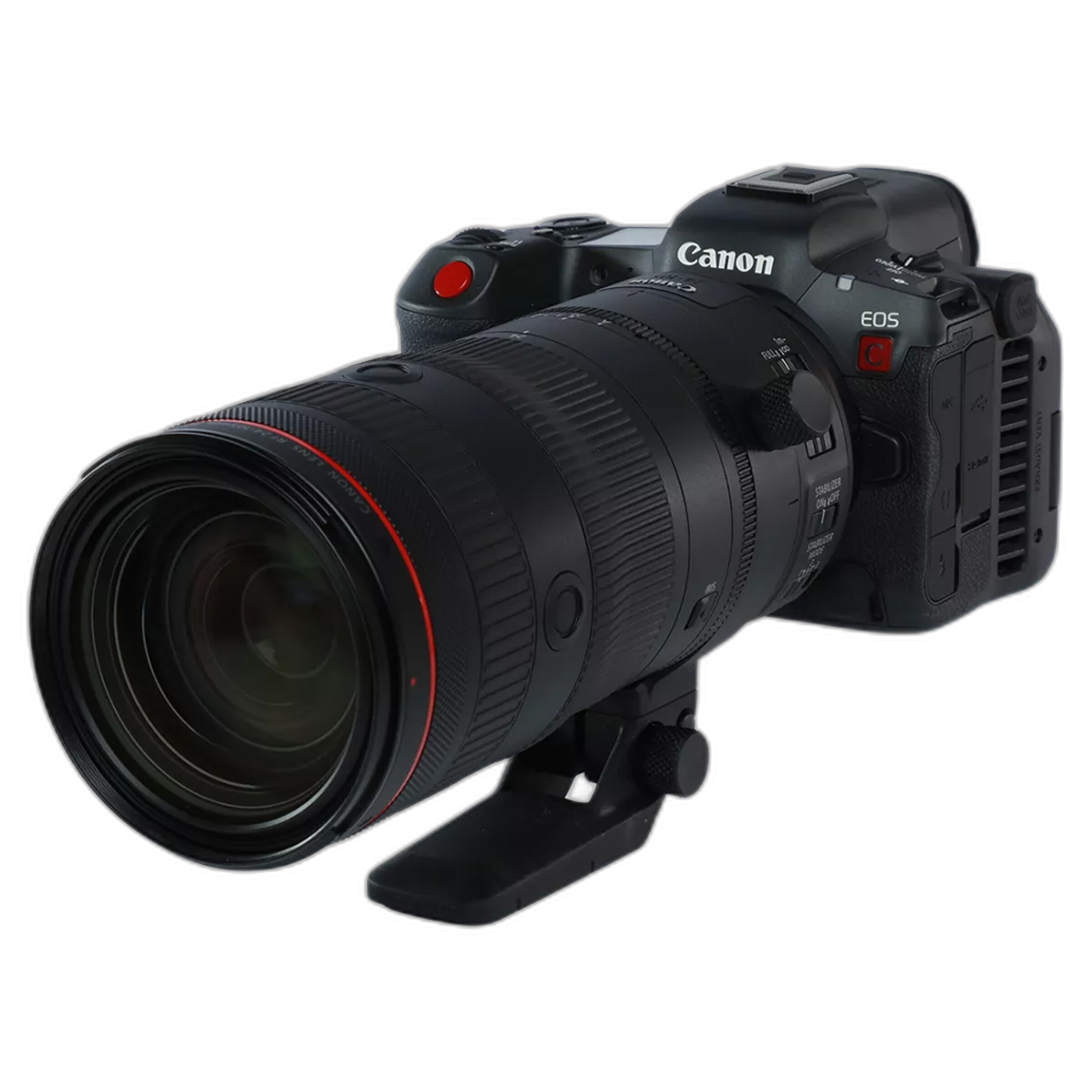
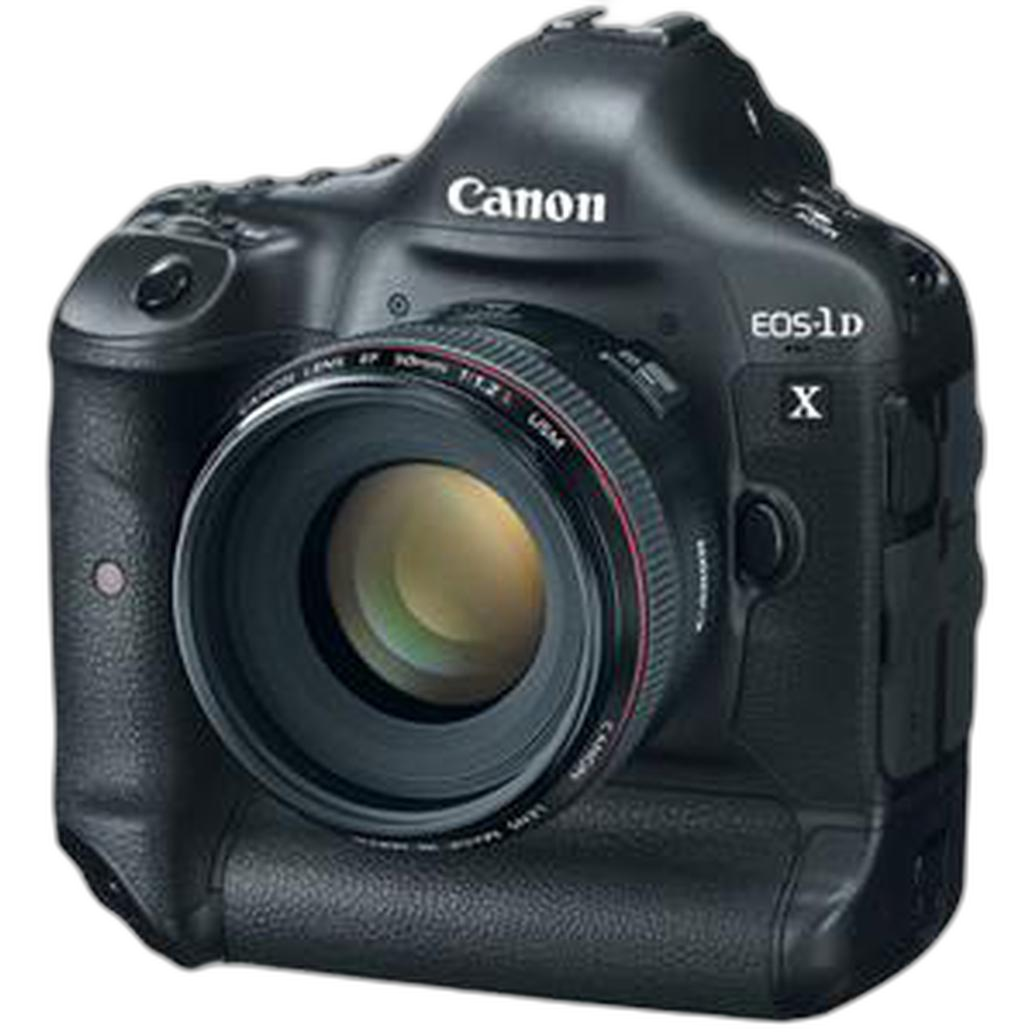
Whether you shoot on a mirrorless body like the Canon EOS R5 C Mirrorless Camera with RF 24-105mm f/2.8 L IS USM Z Lens Kit or prefer a pro DSLR body such as a Used Canon EOS 1D X Digital SLR Camera Body - Excellent, the principle is the same: useful custom functions remove friction.
Best custom camera settings for most photographers
If you want the fastest path to a better setup, start here. These are the custom camera settings that actually help the majority of shooters.
1. Back-button autofocus
This is one of the most recommended custom functions for a reason. By moving autofocus activation away from the shutter button and onto a rear AF-ON or custom button, you separate focusing from exposure capture.
Why it helps:
- Lets you focus once and recompose without refocusing every time
- Makes continuous autofocus easier for moving subjects
- Reduces accidental focus changes
- Improves subject tracking for sports, wildlife, and events
If you have heard photographers ask, should I use back-button focus? the answer is usually yes, especially if you shoot people, action, or fast-changing scenes.
2. Auto ISO with minimum shutter speed
Auto ISO becomes far more useful when paired with a minimum shutter speed setting. This allows your camera to raise ISO before dropping into a shutter speed that risks blur.
Why it helps:
- Keeps handheld images sharper
- Works well in aperture priority mode
- Helps event and travel shooters adapt quickly to changing light
A practical starting point is:
- 1/125 for general portraits
- 1/250 for active kids or casual motion
- 1/500 and above for sports or wildlife
3. Custom shooting modes
Many cameras let you save complete setups to C1, C2, or C3 modes. These are among the most useful camera custom functions available.
Example setup:
- C1: Portraits, eye AF, mechanical shutter, lower burst rate
- C2: Action, tracking AF, high-speed burst, Auto ISO
- C3: Video, manual exposure, zebras, manual audio control
This is especially valuable on hybrid cameras sold by Unique Photo, where users may switch from stills to video in seconds.
4. Highlight alert and histogram display
Customizing playback and live display tools can improve exposure accuracy dramatically. Enable a histogram and highlight warning if your camera offers them.
Why it helps:
- Shows clipped highlights before you get home
- Helps protect detail in wedding dresses, clouds, and bright skin tones
- Creates a more reliable exposure workflow than relying on LCD brightness alone
5. ISO expansion and limit settings
Many cameras let you define the maximum ISO your Auto ISO can reach. This can preserve image quality while still giving you flexibility.
Why it helps:
- Prevents your camera from jumping to extreme ISO unnecessarily
- Keeps your files more consistent for editing
- Makes Auto ISO more predictable in low light
Camera autofocus custom functions that make a real difference
Autofocus customization is where many photographers see the biggest performance gains. If you have searched for best autofocus settings for Canon cameras or camera custom functions for sports photography, these are the settings worth learning.
AF tracking sensitivity
This controls how quickly the camera abandons one subject and shifts to another. A lower sensitivity can help when shooting through obstacles, such as players passing in front of your subject. A higher sensitivity can help if you want the camera to react quickly to a new subject entering the frame.
Use lower sensitivity for:
- Team sports with frequent obstructions
- Wildlife behind branches
- Wedding aisle shots with guests crossing frame
Use higher sensitivity for:
- Fast subject changes
- Unpredictable action
- Dynamic event coverage
Subject detection options
Many mirrorless cameras now allow custom selection between people, animals, vehicles, or automatic detection. This matters more than many users realize.
What actually helps: choose the specific subject type when possible. Auto detection is convenient, but dedicated modes often improve hit rate.
AF area customization
Another smart custom setting is assigning different AF area modes to buttons. For example, one button can trigger a flexible spot for precision, while another activates subject tracking for movement.
This approach is especially useful on advanced hybrid bodies like the Canon EOS R5 C, where you may need fast transitions between controlled framing and active tracking.
Best custom functions for portraits, weddings, and events
For portrait and event shooters, the most useful custom settings are the ones that improve speed without making the camera harder to operate under pressure.
Eye detection AF priority
If your camera supports it, make eye detection easy to access. On compatible mirrorless systems, this can drastically improve keeper rate for portraits and candid moments.
Silent shutter or electronic shutter shortcut
For ceremonies, speeches, or quiet indoor environments, assigning silent mode to a custom button or menu shortcut can be a lifesaver. Just remember that electronic shutter may introduce rolling shutter in some conditions.
Image review off or shortened
Many photographers benefit from reducing image review time after capture. This keeps you engaged with the subject rather than staring at the rear screen after every frame.
Exposure simulation
For mirrorless portrait shooters using flash, exposure simulation may need to be toggled depending on your setup. Knowing where this custom option lives can prevent confusion in dark reception venues.
At Unique Photo, many event photographers upgrading to mirrorless ask why the viewfinder gets too dark when using off-camera flash. This setting is often the answer.
Best custom functions for sports and wildlife photography
Action shooters need speed, reliability, and minimal distractions. Whether you are using a modern mirrorless body or a proven DSLR like a Used Canon 1D X Body Only - Good, the right custom functions can improve timing and consistency.
High-speed continuous burst setup
Save a dedicated action mode with:
- Continuous autofocus
- High-speed burst
- Auto ISO enabled
- Faster minimum shutter speed
- Tracking autofocus area selected
Orientation-linked autofocus points
If your camera supports this, enable separate AF points for horizontal and vertical shooting. It is a small change that feels huge in real-world use, especially for sports, wildlife, and vertical portraits.
Focus priority vs release priority
This custom function determines whether the camera prioritizes focus confirmation or immediate shutter release. For action work, some photographers prefer a balanced setting: prioritize focus for the first frame and release for subsequent frames.
Why it helps:
- Improves initial frame accuracy
- Maintains burst responsiveness once tracking starts
Limit AF area selections
Many cameras let you hide AF modes you never use. This makes it much faster to switch between only the most relevant autofocus patterns.
Useful custom settings for video and hybrid shooters
Hybrid users often gain the most from custom functions because switching between stills and video can create menu overload. A camera like the Canon EOS R5 C Mirrorless Camera with RF 24-105mm f/2.8 L IS USM Z Lens Kit is a great example of a body where tailored setup matters.
Zebras and false color tools
If your camera offers zebras, waveform, or false color, turn them on and learn them. These tools help expose skin tones and highlights more accurately than the screen alone.
Manual focus peaking
Focus peaking is especially helpful for interviews, product shots, and controlled cinematic work. Assign it to a quick-access menu or button.
Separate stills and video controls
Some cameras allow separate custom settings for photo and video modes. Use them. Your shutter button, dials, AF behavior, and display preferences often need to work differently for video.
Custom audio and recording display settings
Video shooters benefit from enabling audio meters, time remaining, frame guides, and recording indicators in a clear display layout.
For filmmakers shopping Unique Photo's new and used gear selection, even a cinema-focused body like the Used Blackmagic Design Pocket Cinema Camera 6K Pro - Good becomes easier to use when assist tools and menu shortcuts are configured intentionally.
Custom functions that are often overhyped
Not every menu item deserves your attention right away. Some settings are useful only in niche cases, and others can complicate your workflow if changed too early.
Complex dial reversals
If your current dial direction makes sense to you, do not change it just because someone online prefers the opposite. Consistency matters more than imitation.
Highly specialized AF micro-adjustment logic
For DSLR users, AF microadjustment can be valuable, but only when you are diagnosing a real focusing issue with a specific lens. It is not a universal image-quality boost.
Obscure shutter lag tweaks
Some cameras offer shutter timing refinements that matter in very technical shooting situations. Most photographers will get more real benefit from mastering AF customization, Auto ISO behavior, and button mapping first.
Easy camera settings cheat sheet by shooting style
Here is a simple camera settings cheat sheet for custom functions that actually help.
For beginners
- Enable Auto ISO with a sensible max ISO
- Turn on histogram and highlight alert
- Customize one button for AF area selection
- Save one custom mode for everyday shooting
For portraits
- Enable eye detection AF
- Use back-button focus
- Create a silent shooting shortcut
- Shorten image review time
For sports and wildlife
- Use continuous AF and tracking
- Set a high minimum shutter speed
- Customize orientation-linked AF points
- Limit AF area options to your favorites
For weddings and events
- Create separate custom modes for ceremony and reception
- Use Auto ISO limits
- Assign silent mode to quick access
- Turn on highlight alert for white clothing
For video
- Turn on zebras and peaking
- Save separate stills and video setups
- Show audio meters
- Customize manual focus assist tools
How to decide which custom functions are worth keeping
A good rule is to keep only the settings that solve a real problem in your shooting. If a custom function saves time, improves hit rate, or reduces missed moments, it is worth using. If it adds confusion without a measurable benefit, skip it.
Ask yourself:
- Do I change this setting often enough to justify customization?
- Does this reduce missed focus or bad exposure?
- Will this make the camera more intuitive under pressure?
- Can I explain why this setting helps my specific work?
If the answer is no, leave it at default for now.
Helpful accessories that support a better shooting workflow
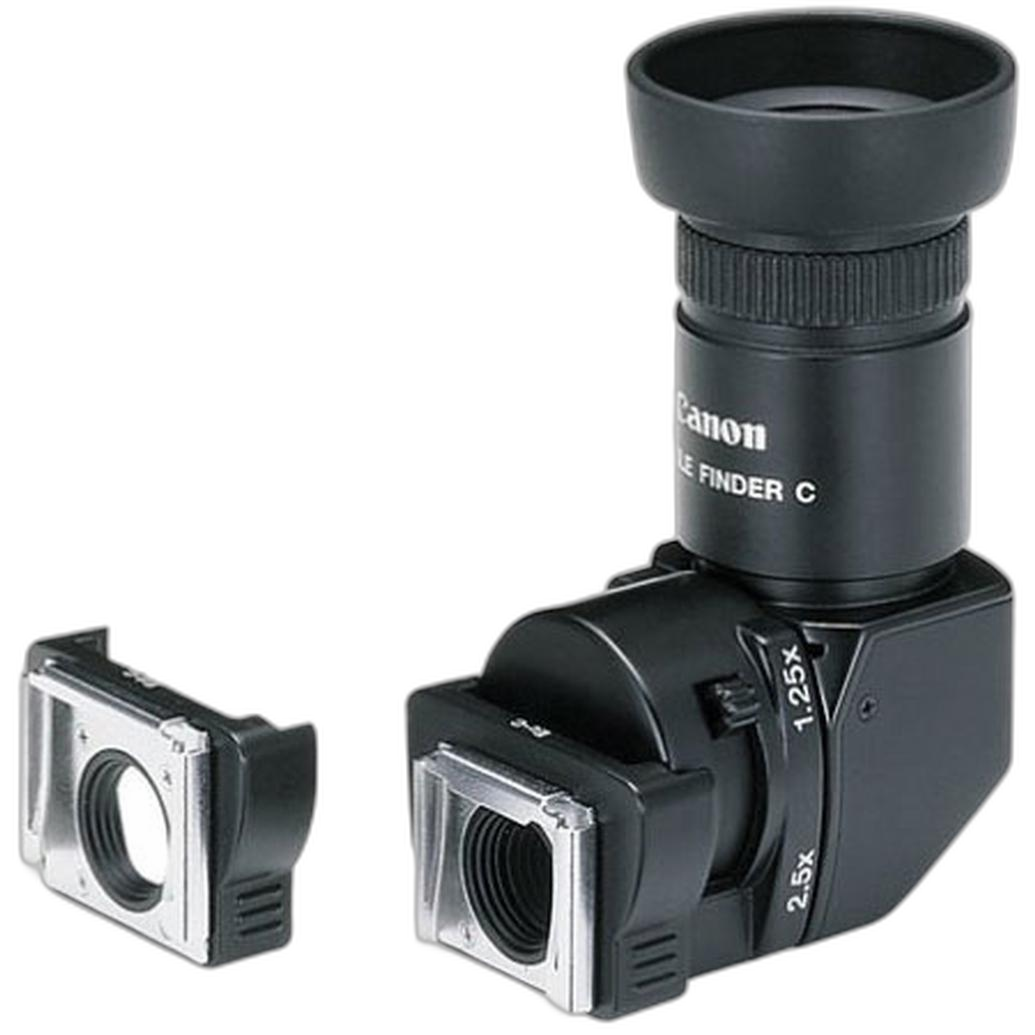
While custom functions live inside the camera, a few accessories can make those choices easier to use in practice. For DSLR shooters working at awkward angles, the Canon Right Angle Finder C can help with low-position or tripod-based compositions. And once your custom settings help you consistently nail exposure and focus, printing your best work on a fine art paper like Hahnemuehle Natural Hemp 290gsm 25 Sheets 17x22 is a great way to see the payoff from cleaner files and better workflow decisions.
Final thoughts on camera custom functions that actually help
The best camera custom functions are not the most complicated ones. They are the settings that help you work faster, focus more accurately, and react more confidently. For most photographers, that means starting with back-button focus, Auto ISO limits, custom shooting modes, AF tracking behavior, and better display tools.
If you are building out your setup, Unique Photo is a great place to explore cameras for every stage of photography, from advanced hybrid options to used pro DSLR bodies and cinema tools. As a next step, consider comparing mirrorless autofocus systems, reading guides on Auto ISO best practices, or browsing lenses and accessories that complement your shooting style. Good internal linking opportunities for this article include pages on mirrorless cameras, used cameras, Canon cameras, cinema cameras, autofocus tips, and photography accessories.
Once your custom functions are dialed in, your camera stops feeling like a menu system and starts feeling like an extension of how you see.