Entering an online photo contest can be exciting, but great images can still get overlooked if the files are poorly prepared, the submission misses the rules, or your presentation feels rushed. A careful workflow helps your work look polished from the first upload to the final judging round. Below are practical tips to help you prepare, organize, refine, and submit your contest photos with confidence.
Start With the Contest Rules
1. Read every guideline before you export
Before you choose a final image, study the contest requirements closely. Check accepted file types, maximum dimensions, color space, size limits, watermark policies, and whether heavy retouching is allowed. Some contests are strict about capture dates, genres, or AI-assisted editing. Building your submission around the rules saves time and prevents disqualification.
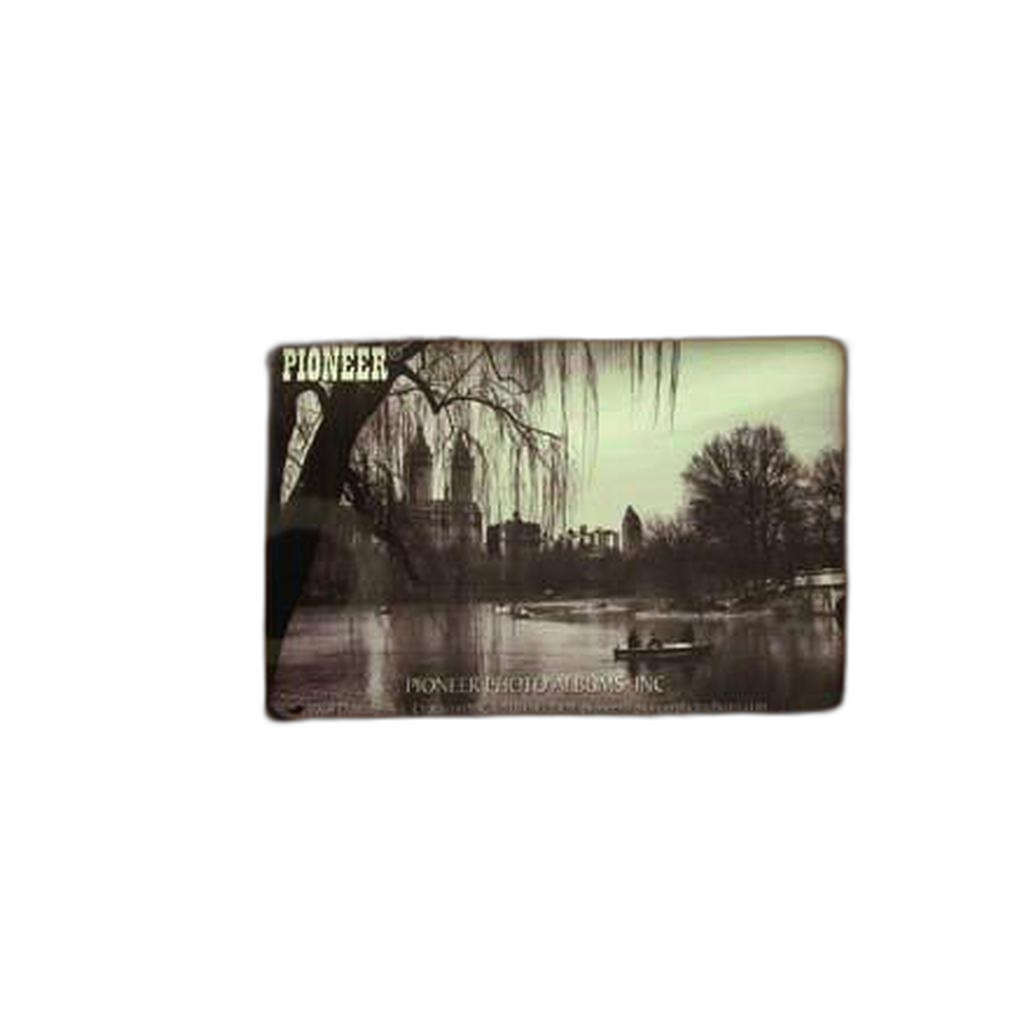
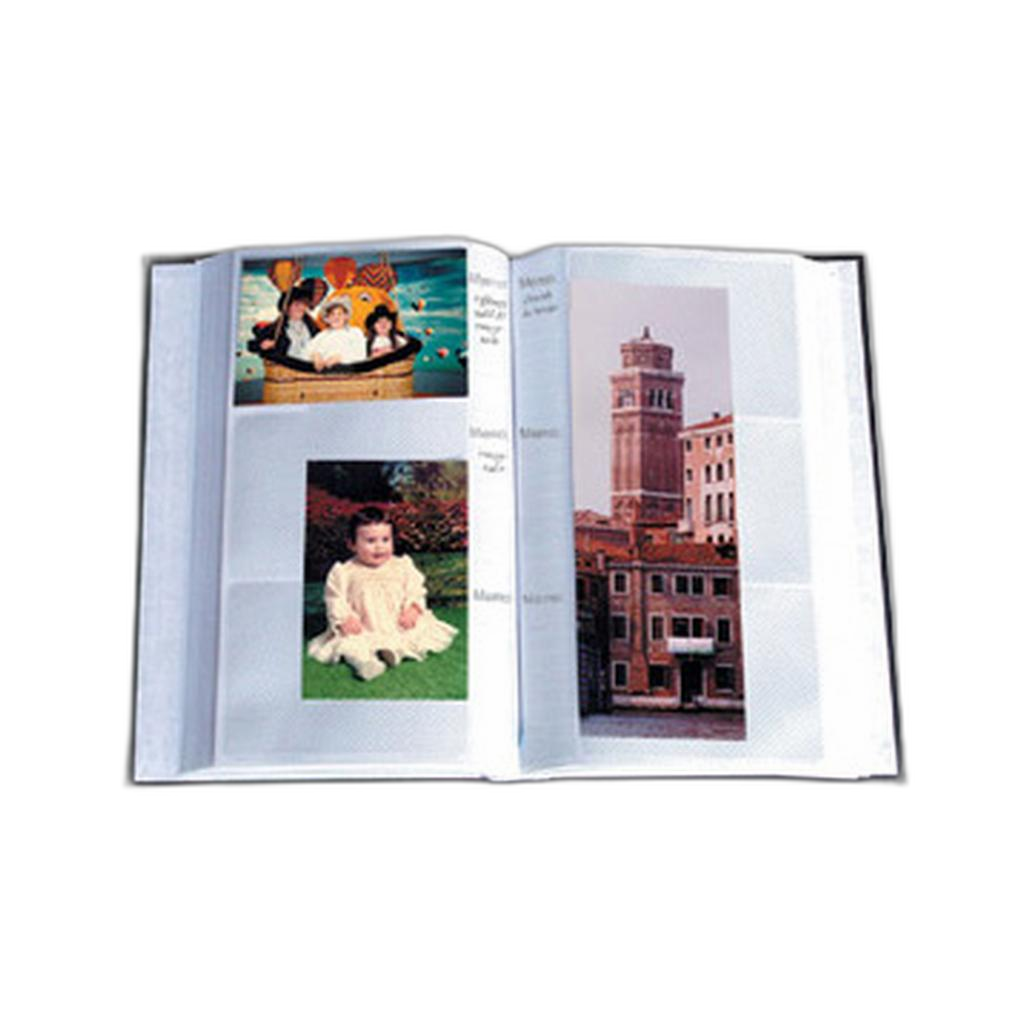
If you like to keep printed references from past shoots while narrowing down contenders, a physical organizer such as the Pioneer 4 x 6 In. Bi-Directional Memo Photo Album (200 Photos) - Black can be a simple way to review sequences and note which frames have contest potential.

Choose Images With Intent
2. Submit your strongest image, not just your favorite memory
A meaningful personal moment is not always the strongest contest entry. Look for images with clear subject placement, strong light, clean composition, and emotional or visual impact. If the contest allows multiple submissions, avoid near-duplicates. Show range only if every image stands on its own.
Creating a shortlist in a memo album can help you compare prints side by side. Products like the Pioneer 4 x 6 In. Embossed Leather Frame Photo Album (200 Photos)-Brown are useful for keeping selects organized when you want to evaluate pacing, consistency, and first impressions away from the screen.
Refine Without Overediting
3. Edit for clarity and realism
Online contests often reward clean, thoughtful post-processing over effects-heavy editing. Correct exposure, fine-tune contrast, remove distractions if permitted, and sharpen carefully for final output. Keep skin tones, skies, foliage, and shadows believable unless the contest specifically welcomes experimental work.
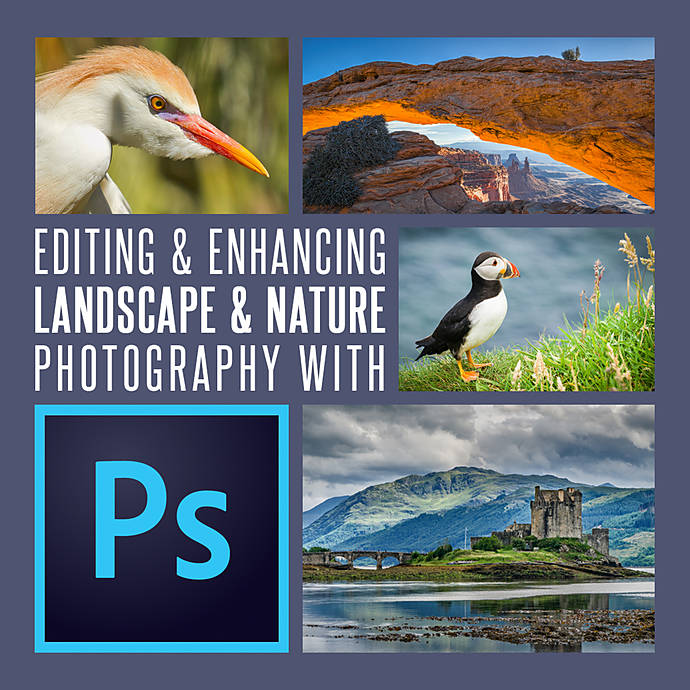
If you want to improve your finishing skills before entering landscape or nature competitions, Editing and Enhancing Landscape and Nature Photography with Photoshop from Unique Photo can be a helpful learning resource for more polished, contest-ready results.
Export for the Platform
4. Match the file specs exactly
Once your image is finalized, export it specifically for the contest platform. Resize to the requested pixel dimensions, use the correct JPEG quality setting, and convert to sRGB if that is required. A well-prepared file helps ensure your colors and tones display as intended on judges' screens.
- Double-check file size limits
- Use clear filenames without special characters
- Keep a master high-resolution version separate from the submission copy
- Review the exported file at 100% before uploading
Organize Captions, Metadata, and Releases
5. Prepare the supporting information ahead of time
Many contests ask for titles, captions, technical details, and sometimes model or property releases. Write these in advance so you are not scrambling at the deadline. Keep your materials together in one place, especially if you are entering several categories or planning future submissions.
For photographers who maintain a physical archive of past entries, the DF Memo Ring-Bound 2up Classic Album and Pioneer Album Refill Pages for BP-200 Album can help store reference prints, caption notes, and alternate selections in an orderly way.
Tailor the Image to the Category
6. Make sure your submission fits the contest theme
A beautiful photo can still miss the mark if it does not fit the category. Read the theme language carefully and ask whether your image clearly communicates it without explanation. For example, event and festival contests often reward timing, gesture, atmosphere, and storytelling. If that is an area you want to strengthen, the Unique Photo seminar How to Capture Great Festival and Event Photos with David Wells can offer useful insight into creating stronger moments for submission.

Review on Multiple Screens
7. Check color, brightness, and cropping before you upload
Judges may view entries on calibrated displays, laptops, or tablets. Review your final image on more than one screen to catch oversaturated color, crushed shadows, clipped highlights, or awkward edge details. A small crop issue can become very noticeable in competition.
This is especially important for genres with delicate tonal transitions, such as night sky work. If you are developing submissions in that niche, the UUOnline: Astrophotography 4-Part Series with Temu Nana can help you better understand how to process and present celestial images cleanly.

Leave Time Before the Deadline
8. Submit early and proof everything once more
Uploading at the last minute increases the chance of mistakes. Give yourself time to confirm the correct file was attached, the category is right, your contact information is accurate, and the preview looks as expected. Some platforms compress uploads or crop thumbnails unexpectedly, so always inspect the final submitted version.
- Upload at least a day early when possible
- Save confirmation emails or screenshots
- Keep copies of your submitted files and descriptions
- Track deadlines and results for future contests
Build a Better Contest Workflow Over Time
9. Keep an archive of entries and feedback
Every contest is a chance to improve. Save your submissions, note what categories you entered, and track any feedback or results. Over time, patterns will emerge in the images that perform best. Keeping prints in albums can make this process more tangible, especially when comparing older work to recent edits and seeing how your visual style has evolved.
If you are actively learning new specialties, individual sessions like UUOnline: Astrophotography 4-Part Series with Temu Nana (Session 2) can also help sharpen technique in focused areas before your next submission.

Conclusion
Preparing photos for online contests is about more than choosing a great shot. It is about following the rules, editing with restraint, exporting carefully, and presenting your work professionally. With a solid workflow, thoughtful organization, and ongoing education, you can submit with more confidence and give your images the best possible chance to stand out. For tools, learning resources, and photo organization essentials, Unique Photo is a great place to keep building your contest-ready process.