Choosing the best photo editing software for beginners can feel surprisingly complicated. New photographers often want something easy to learn, affordable, and powerful enough to improve everyday images without creating a steep learning curve. The best beginner-friendly editing platforms balance intuitive tools with room to grow, helping users move from quick corrections to more polished creative edits over time.
In this review-style guide, we look at the top types of editing software beginners should consider, what features matter most, and how to build a smoother workflow from import to print. While software itself is the star here, the broader photo process matters too—organizing finished images in albums, sharing work through prints, and learning through workshops can all help beginners progress faster. Unique Photo is a great place to buy the gear, printing supplies, albums, and educational experiences that support that journey.

What Makes Photo Editing Software Good for Beginners?
Beginner-friendly software should reduce friction. A clean interface, automatic correction tools, guided editing, and non-destructive workflow features are especially important. The ideal program should also make it easy to organize images, export files for social media or printing, and learn more advanced techniques gradually.
For most first-time users, the best options usually fall into a few categories: subscription-based all-in-one platforms, simpler one-time-purchase editors, mobile-first apps, and software bundled with cameras or devices. The right choice depends on whether you prioritize affordability, simplicity, AI assistance, RAW editing, or long-term growth.
Top Beginner Software Recommendations
Adobe Lightroom
Lightroom remains one of the strongest recommendations for beginners because it combines photo organization with intuitive editing. Exposure, contrast, color, white balance, cropping, and preset-based adjustments are all easy to understand. Its interface is cleaner than full Photoshop, and the cloud-based ecosystem can be especially helpful for users editing across desktop, tablet, and phone.
Best for: beginners who want an easy path into serious photography editing.
Why it stands out: excellent cataloging, non-destructive edits, simple sliders, and strong educational support online.
Adobe Photoshop Elements
Photoshop Elements is a strong fit for users who want guided edits and more creative tools without committing to the complexity of full Photoshop. It offers helpful automation, templates, and tutorial-driven editing modes that can make the learning process less intimidating.
Best for: casual photographers, family photo editors, and scrapbook-minded users.
Why it stands out: one-time purchase model and guided editing workflows.
Affinity Photo
Affinity Photo is often recommended for budget-conscious users who want powerful editing capabilities without a subscription. It is more advanced than some beginner apps, but its value is excellent. As skills grow, users can access more detailed retouching and layer-based tools.
Best for: beginners who want room to grow and prefer a perpetual license.
Why it stands out: strong feature set at a competitive price.
Capture One Express or Pro
Capture One has a reputation for outstanding color tools and professional-level RAW handling. It may not be the easiest first choice for every beginner, but motivated users can benefit from its image quality and tethering strengths. For those starting to take photography more seriously, it can be a worthwhile step up.
Best for: aspiring enthusiasts focused on image quality and camera-specific workflows.
Why it stands out: advanced color control and strong RAW rendering.
Apple Photos / Google Photos / Mobile Apps
For absolute beginners, built-in photo apps and mobile editors should not be overlooked. Apple Photos, Google Photos, and apps like Snapseed offer a fast introduction to essential concepts such as crop, straighten, exposure, and color adjustment. They are limited compared to dedicated desktop software, but they are accessible and often free.
Best for: smartphone photographers and users just starting to edit consistently.
Why it stands out: convenience, simplicity, and low barrier to entry.
Key Features Beginners Should Prioritize
Simple Interface and Guided Tools
A cluttered interface can slow down learning. Software that clearly labels controls and offers tutorials, guided edits, or AI suggestions helps users understand what each adjustment actually does.
Non-Destructive Editing
Beginners benefit enormously from non-destructive software, which preserves the original image while allowing edits to be revised later. This encourages experimentation without fear of ruining files.
RAW File Support
If you shoot with a mirrorless or DSLR camera, RAW support is a major advantage. RAW editing gives you more flexibility in recovering highlights, adjusting white balance, and refining color.
Organization and Search Tools
Editing is only part of the process. Good software should help you sort, rate, keyword, and find images quickly. This becomes more important as your photo library grows.
Easy Export and Print Options
Beginners often want to share online and make prints. Software that includes export presets for social media, web, and printing can make the workflow much more manageable.
Workflow Optimization Tips for Beginners
The best editing software is only as effective as the workflow behind it. Beginners can save time and get better results by following a consistent process.
1. Import and Organize First
Before editing, sort images into folders by date, event, or subject. Delete obvious rejects early. Use star ratings or flags to identify favorites. Good organization reduces overwhelm and makes editing sessions more productive.
2. Start with Global Adjustments
Correct exposure, white balance, contrast, and crop before making local edits. This establishes a clean baseline and prevents over-editing.
3. Use Presets Carefully
Presets can speed up editing, but beginners should use them as starting points rather than one-click solutions. Learn what each slider changes after applying a preset so your edits stay intentional.
4. Keep Color Consistent
Try editing on a consistent display and avoid making dramatic color changes from image to image unless it serves a clear creative purpose. Consistency helps your work look more polished.
5. Export for the Final Use
Export settings should match the destination. Social media uploads, archival files, and prints all benefit from different dimensions and compression settings.
6. Print Your Best Work
Printing is one of the best ways to evaluate editing choices. It reveals issues in exposure, sharpening, and color that may be less obvious on screen. For users ready to move beyond digital-only output, a dedicated printer and quality paper can elevate the experience.
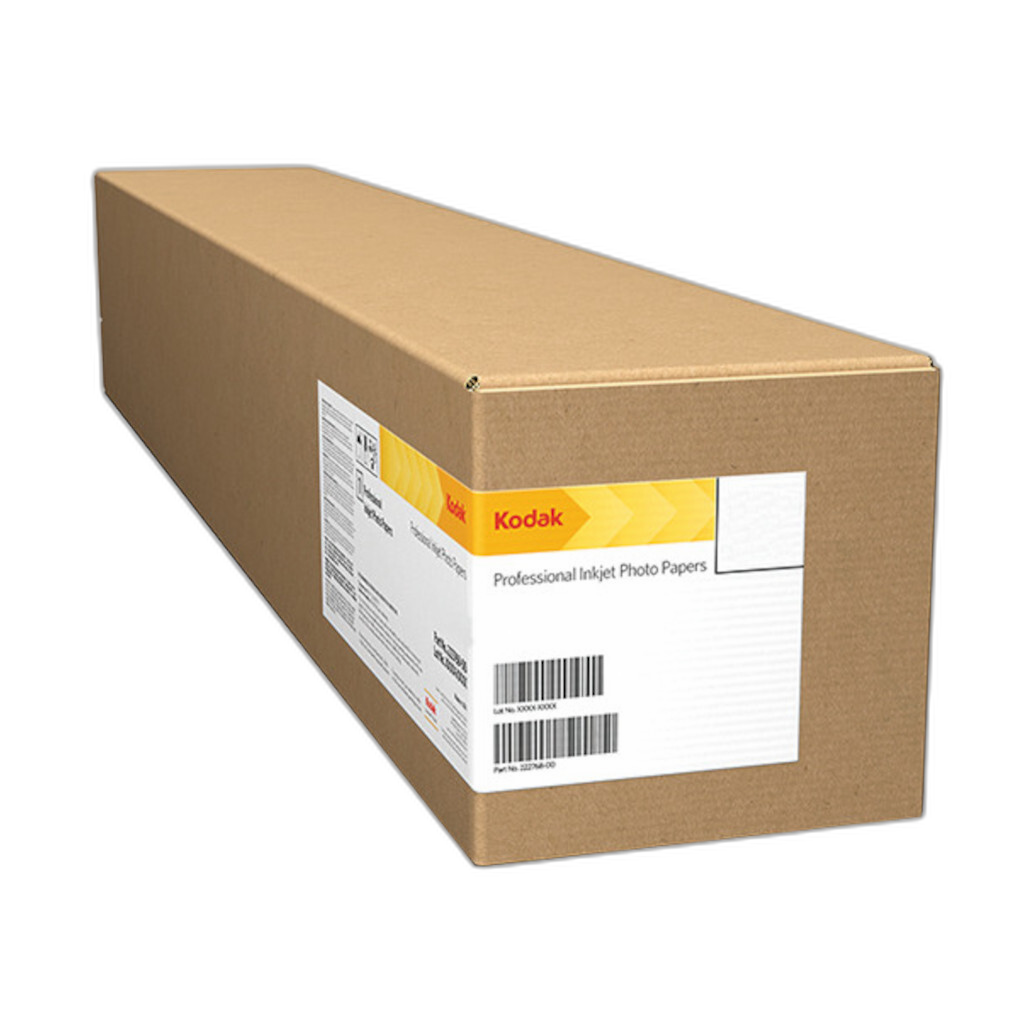
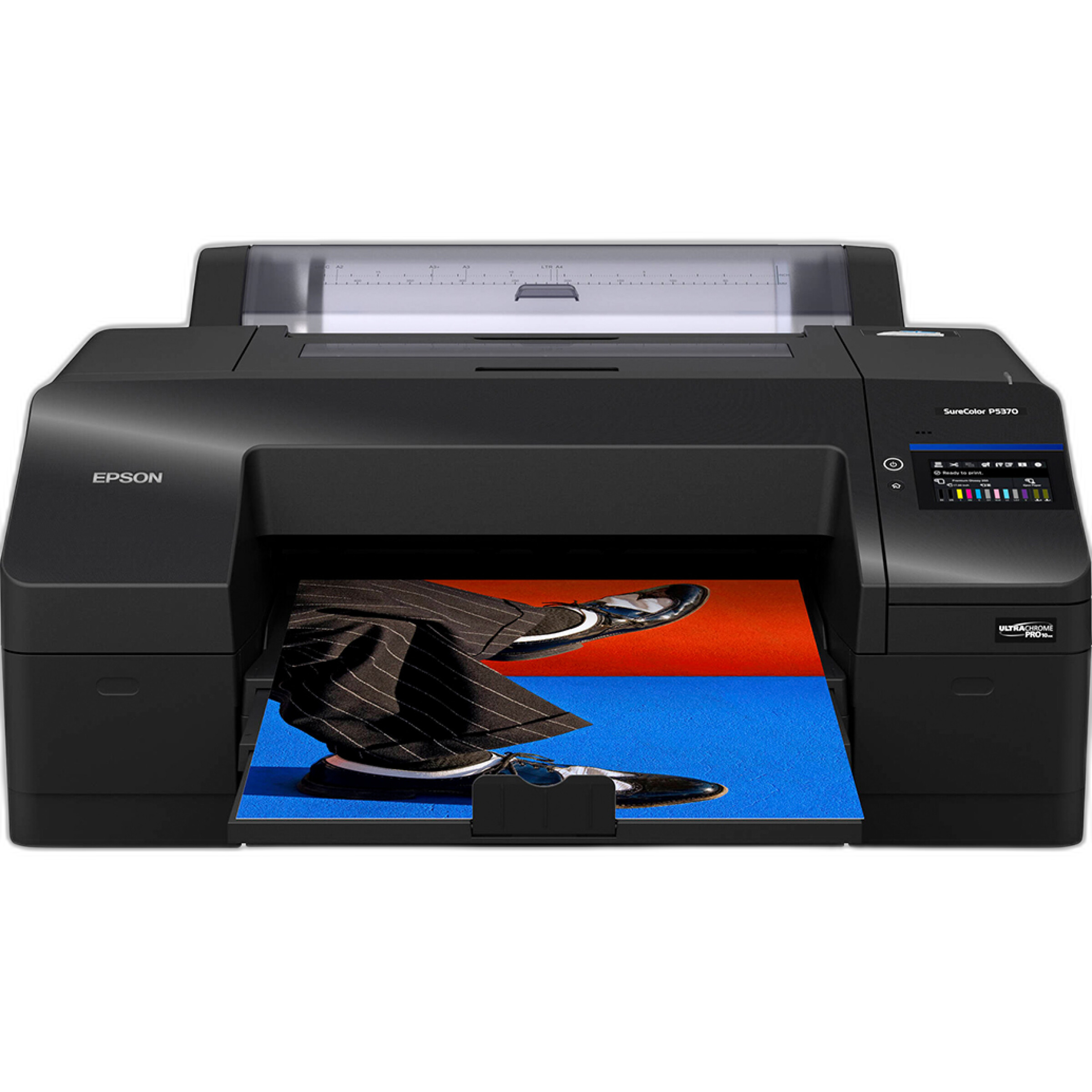
For example, the Epson SureColor P5370 is an excellent professional-grade printer for photographers who want gallery-quality output, while Kodak Professional Metallic Photo Inkjet Paper offers a distinctive finish that can add depth and visual impact to selected images.
Supporting Your Editing Workflow Beyond Software
Beginners improve faster when editing is connected to a larger photographic process. Education, output, and archiving all matter.
Learning opportunities such as workshops can help photographers understand composition, light, and field technique—skills that improve results before editing even begins.
Experiences like Macro and Landscape Photography at Duke Farms with Michael Downey or EXPO: Stories from the Road - Photography Across Worlds w. Matthew Borowick reflect the kind of educational resources available through Unique Photo for those who want to strengthen both capture and post-production skills.
Once images are edited, preserving and presenting them matters too. Physical albums remain a rewarding way to curate favorite photos.

A simple option like the Pioneer 4 x 6 In. Bi-Directional Memo Photo Album gives beginners a practical way to archive printed images, review progress over time, and share photography beyond the screen.
Pros and Cons of Beginner Photo Editing Software
Pros
- Helps new photographers improve image quality quickly
- Introduces essential skills like exposure correction, cropping, and color balancing
- Many platforms offer presets, AI tools, and guided edits
- Cloud syncing and mobile support can make editing more accessible
- Good beginner software can scale with your skills
Cons
- Subscription costs can add up over time
- Some “easy” apps are too limited for long-term growth
- Advanced software may still feel intimidating at first
- Inconsistent workflow habits can reduce the benefits of powerful tools
- Print color and monitor brightness can still be challenging for beginners
Verdict
For most beginners, Adobe Lightroom is the best overall starting point thanks to its balance of ease of use, strong image organization, and professional-quality editing tools. Photoshop Elements is a smart alternative for users who prefer guided edits and a one-time purchase, while Affinity Photo is a compelling value pick for those who want more advanced capabilities without a subscription. Mobile apps and built-in editors remain worthwhile for absolute newcomers who want to learn the basics before committing to a larger platform.
The most important takeaway is that software alone does not create a better workflow—consistency does. Import carefully, cull aggressively, make basic corrections first, and output your work in meaningful ways through prints or albums. For photographers looking to build that complete ecosystem, Unique Photo is an excellent place to buy printers, paper, albums, and educational experiences that support growth from first edit to finished presentation.
Recommendation
If you are just starting out, begin with software that makes organization and basic correction easy, then add more advanced tools only when your needs grow. Pair that software with a simple file management system, occasional printing, and continued education. That approach will deliver faster improvement than chasing the most complex editor right away. For the tools and inspiration to support that process, shop at Unique Photo.