Introduction: Building a Strong Physical Print Submission
When photographers prepare work for physical contest submissions, success depends on more than just a strong image. Judges often respond to the full print experience: tonal control, surface choice, consistency, handling quality, and the professionalism of the final presentation. For photographers trying to elevate their submissions, the right workflow tools can make a measurable difference.
In this review, we look at several products that support the technical and aesthetic side of print competition prep, from output and paper handling to archival storage and inspiration. While some of these items come from different corners of the photographic ecosystem, together they help answer the real questions contest entrants ask: how large should I print, how do I protect the work, what paper or finish best suits the image, and how should I present prints cleanly and professionally?
For photographers who need oversized output and dependable consistency, Epson large-format printers are the headline products here. For those focused on storage, delivery, and professional handling, Print File products are equally important. And for photographers still refining their aesthetic voice, a strong photo book can be every bit as valuable as a technical accessory. All of these are available from Unique Photo, making it easy to build a complete contest-print workflow in one place.
Epson SureColor T7770DM 44in Large-Format Multifunction Printer Review
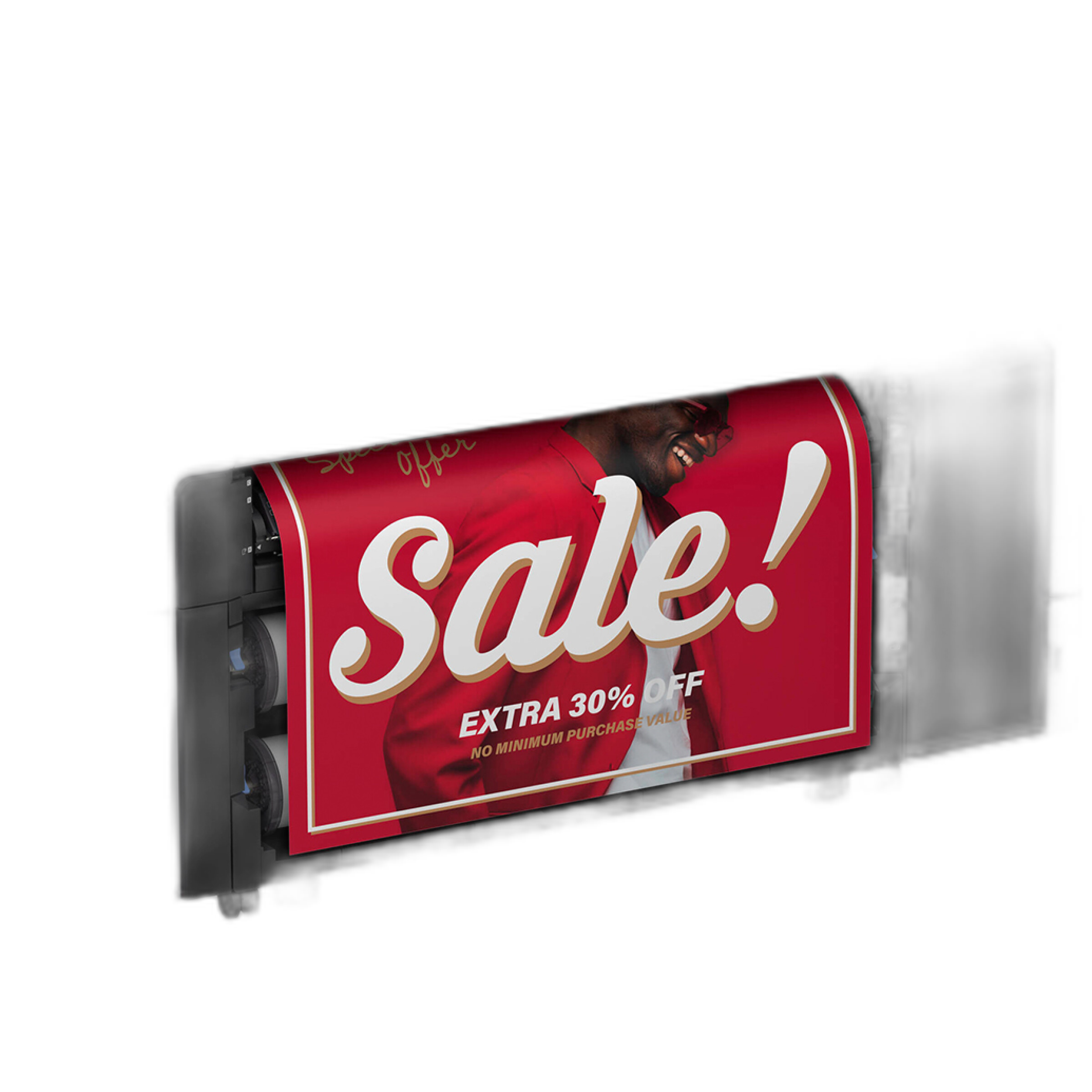
The Epson SureColor T7770DM 44in Large-Format Multifunction CAD/Technical Printer is not marketed as a boutique fine-art printer first, but photographers considering large contest submissions should not dismiss it. Its greatest appeal is scale, workflow speed, and the ability to produce oversized prints with strong consistency. If you are preparing exhibition-sized entries, portfolio prints, or presentation materials for juried review, a 44-inch platform opens serious creative flexibility.
Large Format Freedom
For photographers entering contests that allow large prints, the T7770DM offers room to think beyond standard 8x10 and 16x20 dimensions. Panoramic landscapes, architectural work, conceptual pieces, and portfolio display prints all benefit from the wider format. This matters aesthetically because print size changes how an image is read. Fine texture, negative space, and edge detail can become much more immersive at larger sizes.
Consistency and Professional Output
Contest work needs repeatability. If you are printing multiple variations to compare contrast, cropping, and tonal balance, consistency is crucial. Epson’s reputation for dependable print technology makes this unit attractive for photographers who need predictable results across a batch of test prints or final submissions.
Best Use Case for Contest Photographers
This printer makes the most sense for photographers producing large technical, architectural, graphic, or hybrid photographic works, or for studios that print frequently enough to justify a dedicated large-format system. It is less about intimate darkroom-style object quality and more about scale, efficiency, and control over the output process.
Pros
- 44-inch width supports oversized contest and exhibition prints
- Strong option for photographers who need repeatable, in-house output
- Useful for panoramic and presentation-focused work
- Good fit for high-volume or studio printing environments
Cons
- More printer than many individual photographers need for occasional submissions
- CAD/technical positioning means fine-art photographers should confirm media compatibility for their preferred workflow
- Large footprint may not suit home studios
Epson SureColor T5770DM 36in Large-Format Multifunction Printer Review
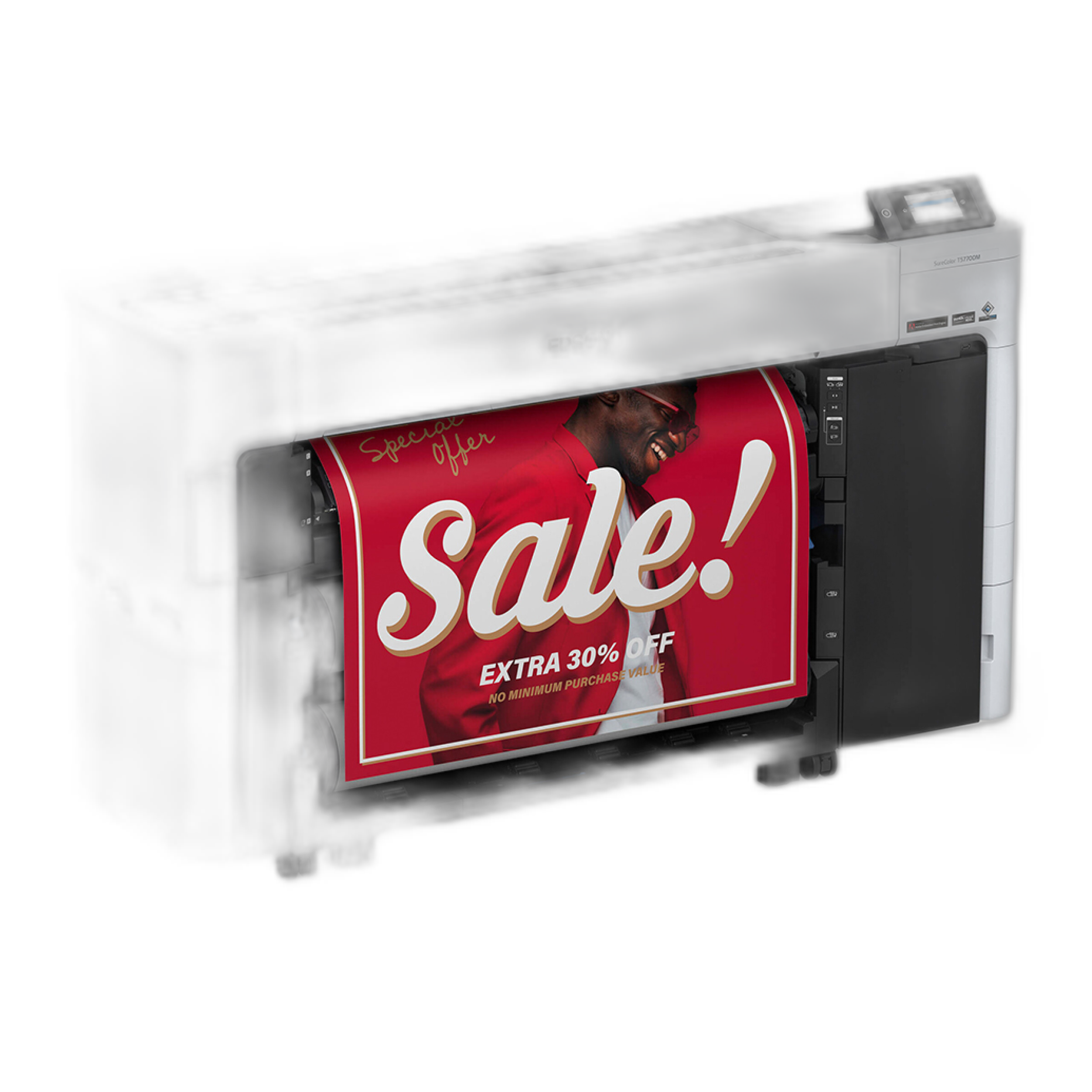
The Epson SureColor T5770DM 36in Large Format Multifunction CAD/Technical Printer is the more practical large-format choice for many photographers. It offers much of the same appeal as the 44-inch model, but in a format that may be easier to integrate into a smaller studio or advanced home workspace.
A More Realistic Studio Footprint
For contest photographers, 36 inches is often the sweet spot. It comfortably handles popular presentation sizes while still allowing larger statement prints. This is especially useful when testing multiple paper crops and print sizes before selecting the final submission. You can work big without fully committing to the scale and operational demands of a 44-inch machine.
Strong for Proofing and Final Output
A 36-inch printer is excellent for serious proofing. Contest printing is often iterative: slight exposure adjustments, subtle black point changes, careful sharpening variations, and paper-specific rendering tweaks. Having a printer that can support both proofing and final output helps photographers keep control over the final look of the image.
Who It Suits Best
If you regularly submit to local, regional, or national juried competitions and want to print in-house at a meaningful size, this is arguably the more balanced option. It offers large-format flexibility without being quite as specialized or physically imposing as the 44-inch model.
Pros
- 36-inch width is versatile for contest, portfolio, and display printing
- More manageable than a 44-inch class printer
- Well suited to repeated proofing and final print refinement
- Appealing middle ground for serious enthusiasts and working photographers
Cons
- Still a substantial investment for photographers who print infrequently
- Not every contest requires output this large
- Photographers focused strictly on traditional fine-art media may want to compare dedicated photo printers as well
Paper Choice and Surface Strategy for Contest Prints
Paper choice is one of the most important aesthetic decisions in any contest submission. Glossy surfaces typically increase perceived contrast, deepen blacks, and make color pop. Matte and lustre options tend to feel more restrained and can better suit subtle black-and-white work, portraiture, and atmospheric imagery. The right paper does not simply reproduce the image; it interprets it.
The Fujifilm Paper Preferred/Supreme 8x575 Glossy represents the glossy side of that decision. While this specific product is more closely aligned with lab-style photographic paper workflows, it highlights an important contest reality: glossy paper can be highly effective when you want clean detail, vibrant color, and visual immediacy. Nature, travel, automotive, and certain commercial-style images often benefit from this added energy.
When Glossy Works Best
Glossy paper excels when the image depends on brilliance and crispness. If your contest image features saturated color, specular highlights, or a polished visual style, glossy can help it stand out under exhibition lighting. The tradeoff is that glare and fingerprints can become more noticeable, so handling and packaging matter more.
Presentation Considerations
Because glossy prints show surface imperfections quickly, they should be handled with exceptional care before submission. That means using archival sleeves, clean storage, and rigid support during transport. A technically excellent print can lose impact if it arrives with scuffs or pressure marks.
Presentation and Protection: Print File 810-2P Archival Storage Page Review
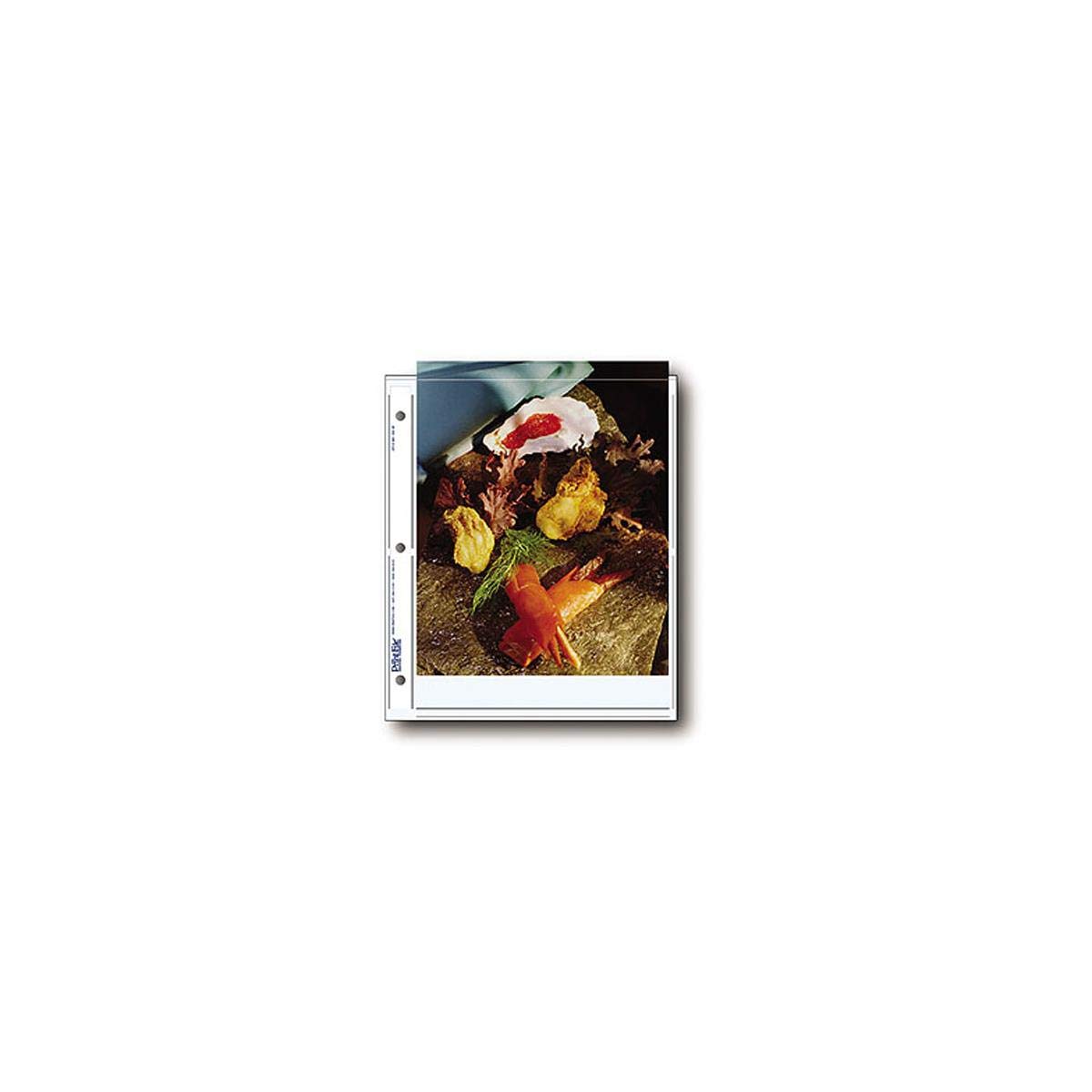
The Print File 810-2P Archival Storage Page for 2 Prints (8x10in, 500-Pack) is not glamorous, but it is exactly the kind of product serious contest entrants should value. Once a print is made, preserving its condition is part of the photographic process. Dust, fingerprints, abrasions, and bent corners can all undermine a submission.
Archival Protection for Finished Prints
These storage pages are especially useful for photographers who print multiple finalists and want to compare them over time without exposing the surface to repeated direct handling. Archival storage also helps when you are sequencing a portfolio or maintaining a contest archive of previous work.
Useful for Editing and Selection
One underrated advantage of archival pages is organizational clarity. Contest preparation often involves making several versions of the same image: different crops, tonal grades, borders, and paper choices. Proper sleeves make it easier to label, sort, and review these variations while keeping the prints protected.
Pros
- Excellent protection for 8x10 contest and portfolio prints
- Helps prevent fingerprints and surface damage
- Useful for organizing multiple print variations
- Archival-minded storage supports long-term print care
Cons
- Best suited to 8x10 prints, so larger entries need other storage solutions
- More utilitarian than presentation-oriented
Presentation and Delivery: Print File FB810 8x10 Film and Print Box Review
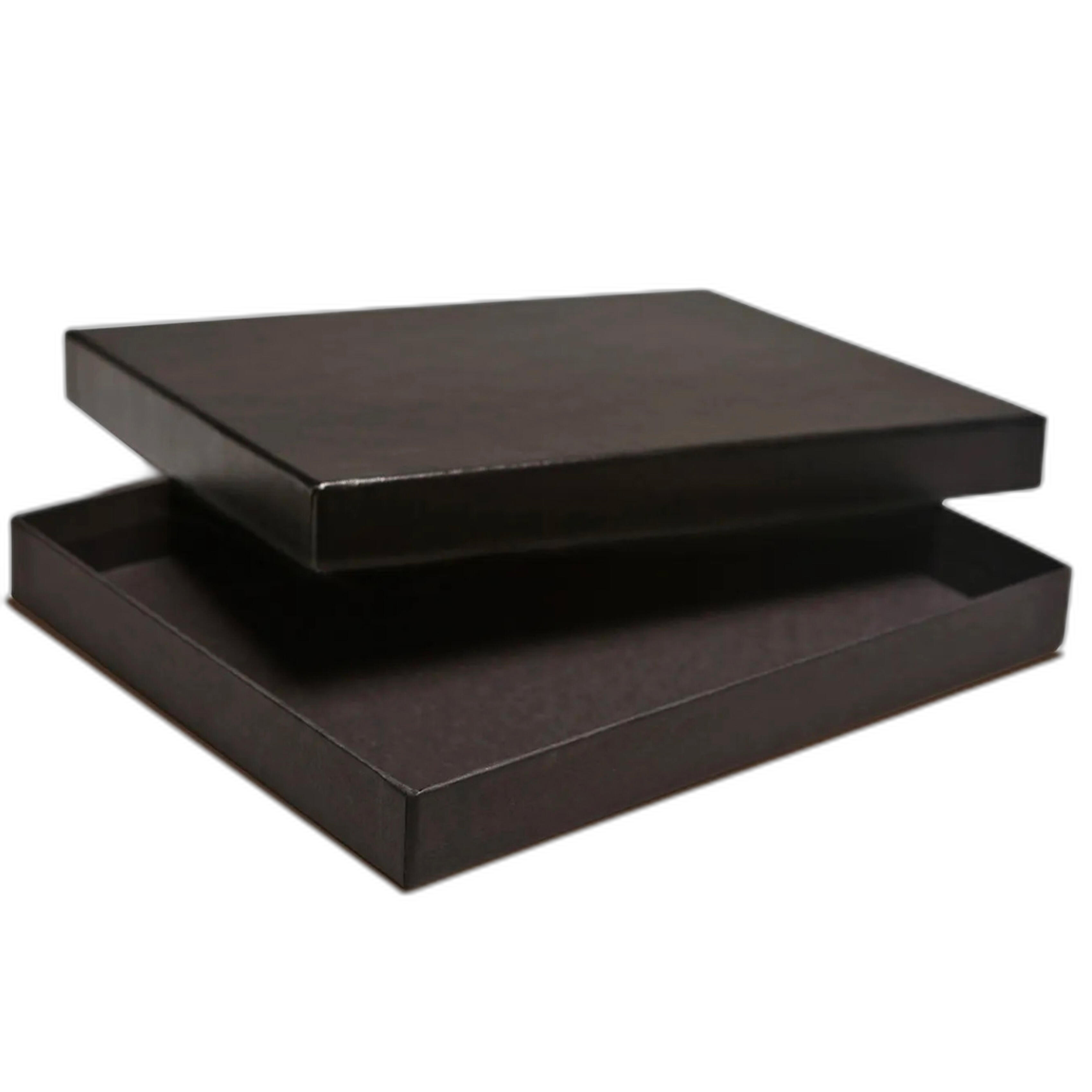
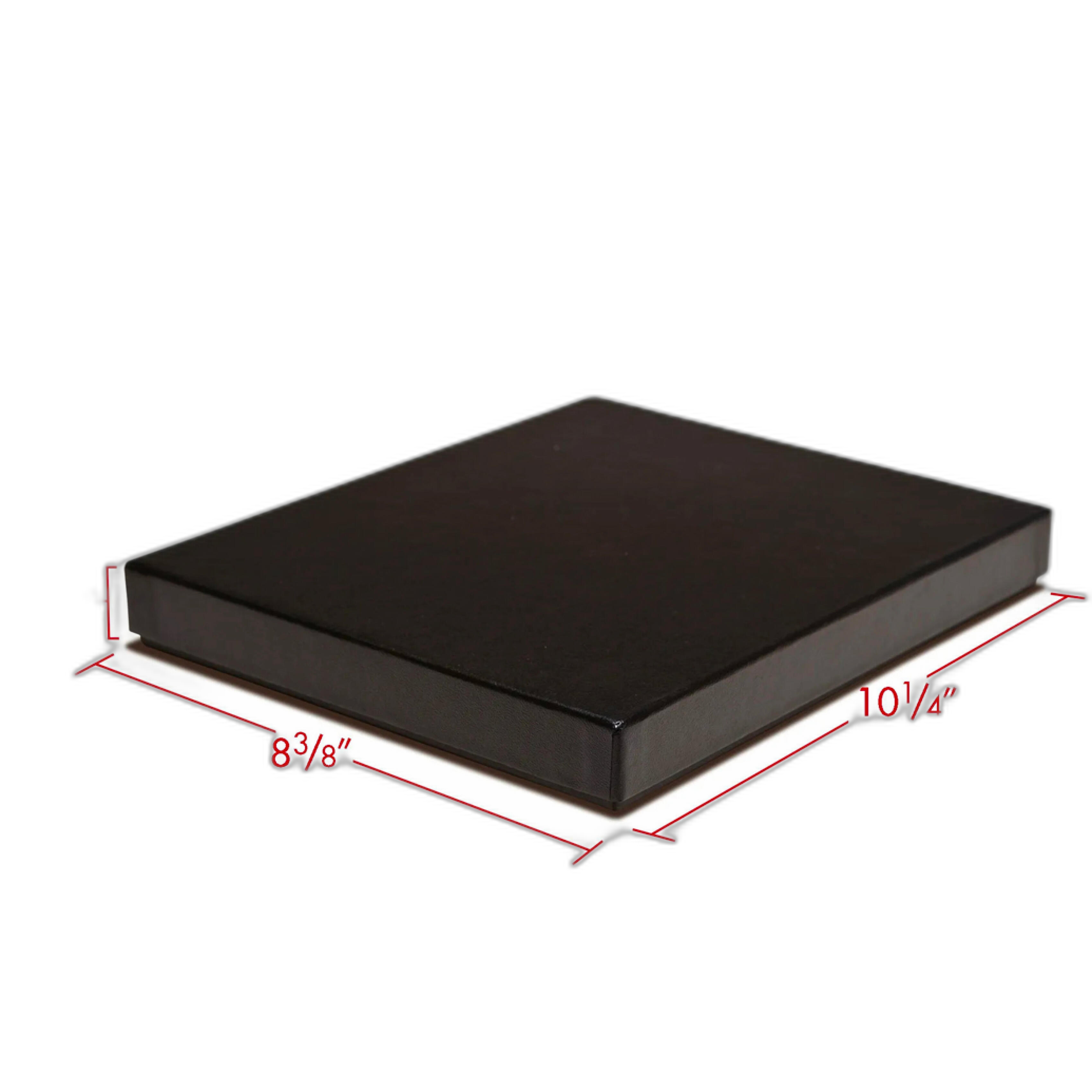
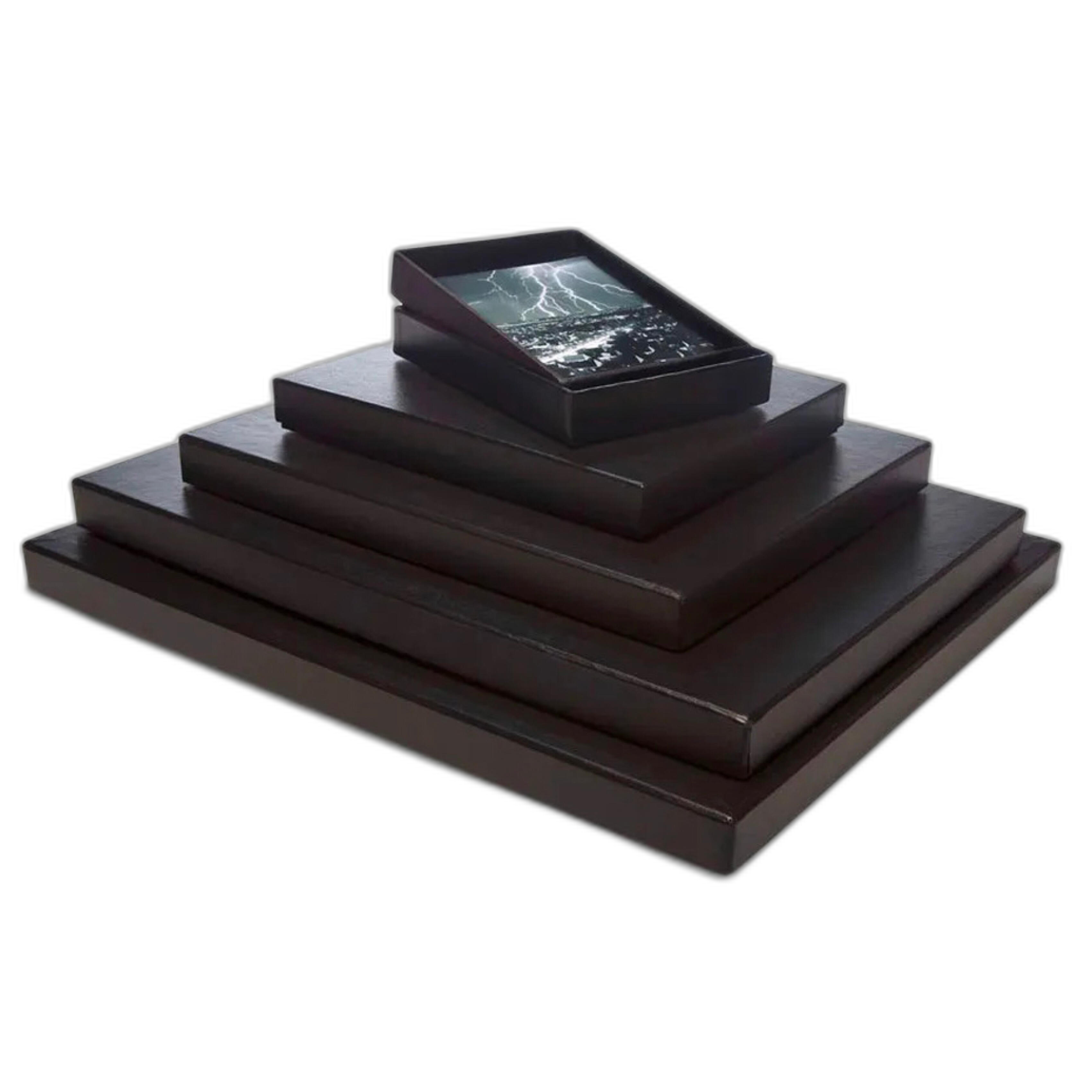
The Print File FB810 8x10 Film and Print Box is another deceptively important item for photographers submitting physical prints. Presentation starts before a judge sees the image. A clean, sturdy storage box helps maintain the professionalism of your print package and protects work during transport, storage, and handoff.
Why Storage Boxes Matter
Even a beautifully printed image can be compromised by poor handling. A dedicated print box keeps work flat, separated from studio clutter, and easier to transport to drop-off locations, portfolio reviews, or framing appointments. For photographers building a serious print practice, this kind of physical discipline is part of the craft.
Good for Working Archives
Beyond contest use, this box is ideal for storing test prints, alternate versions, and backup submissions. Many photographers discover that maintaining a well-organized print archive helps them spot patterns in their own editing and printing decisions over time.
Pros
- Protects 8x10 prints during storage and transport
- Supports a cleaner, more professional workflow
- Helpful for maintaining contest and portfolio archives
- Simple but valuable tool for serious print makers
Cons
- Limited to 8x10 format needs
- Not a display solution on its own
Learning Aesthetic Restraint: American Silence by Robert Adams
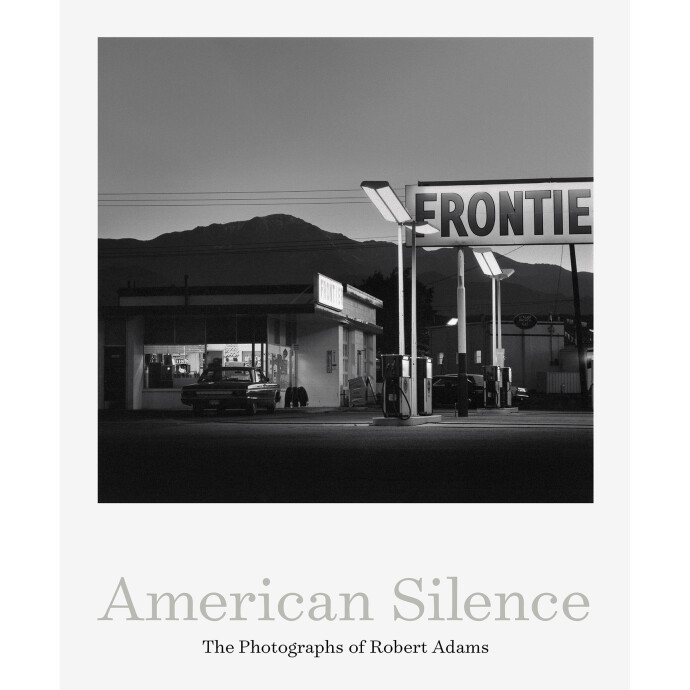
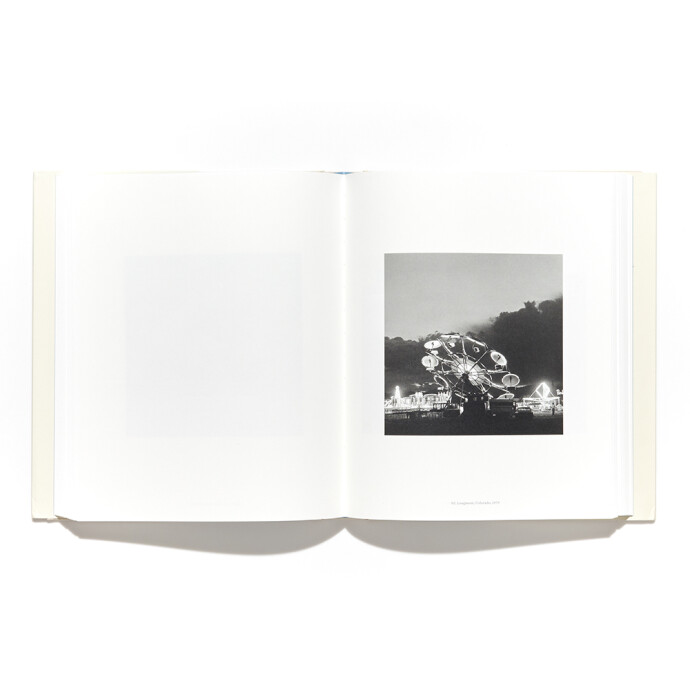
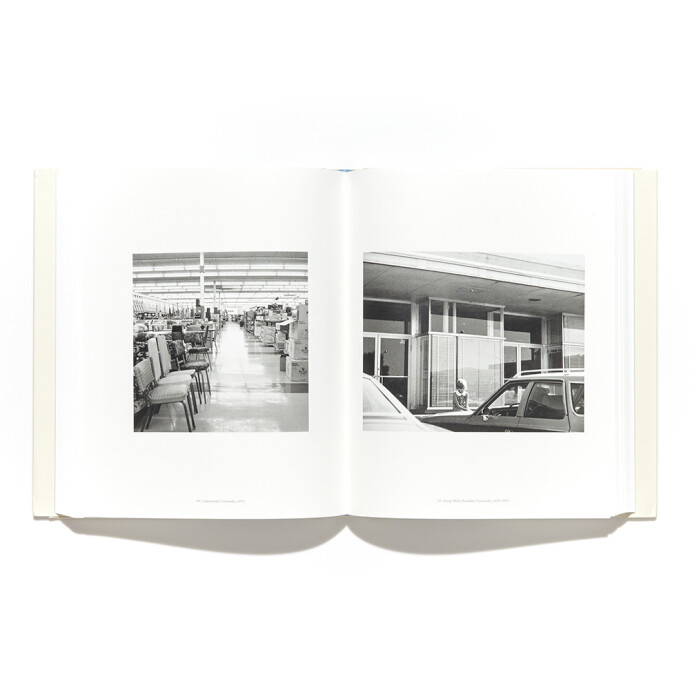
The American Silence: The Photographs of Robert Adams may seem unrelated to contest printing gear, but it addresses a deeper issue: many photographers focus on print technology before they have clarified what the print should feel like. Adams' work is a reminder that subtlety, restraint, and sequencing matter. For contest submissions, this can be incredibly instructive.
Why a Photo Book Belongs in a Printing Discussion
The best print decisions are aesthetic decisions. Looking at accomplished photographic books helps photographers understand how tonal quietness, white space, pacing, and print presence influence meaning. If your work is understated, poetic, or rooted in observational photography, a book like this can sharpen your sense of how to print with intention rather than simply maximizing contrast and saturation.
Contest Relevance
Judged competitions often reward coherence and sensitivity. Studying master photographers can improve your ability to choose paper surfaces, margins, tonal range, and print scale in a way that supports the image rather than overpowering it.
What About Traditional Darkroom Work?
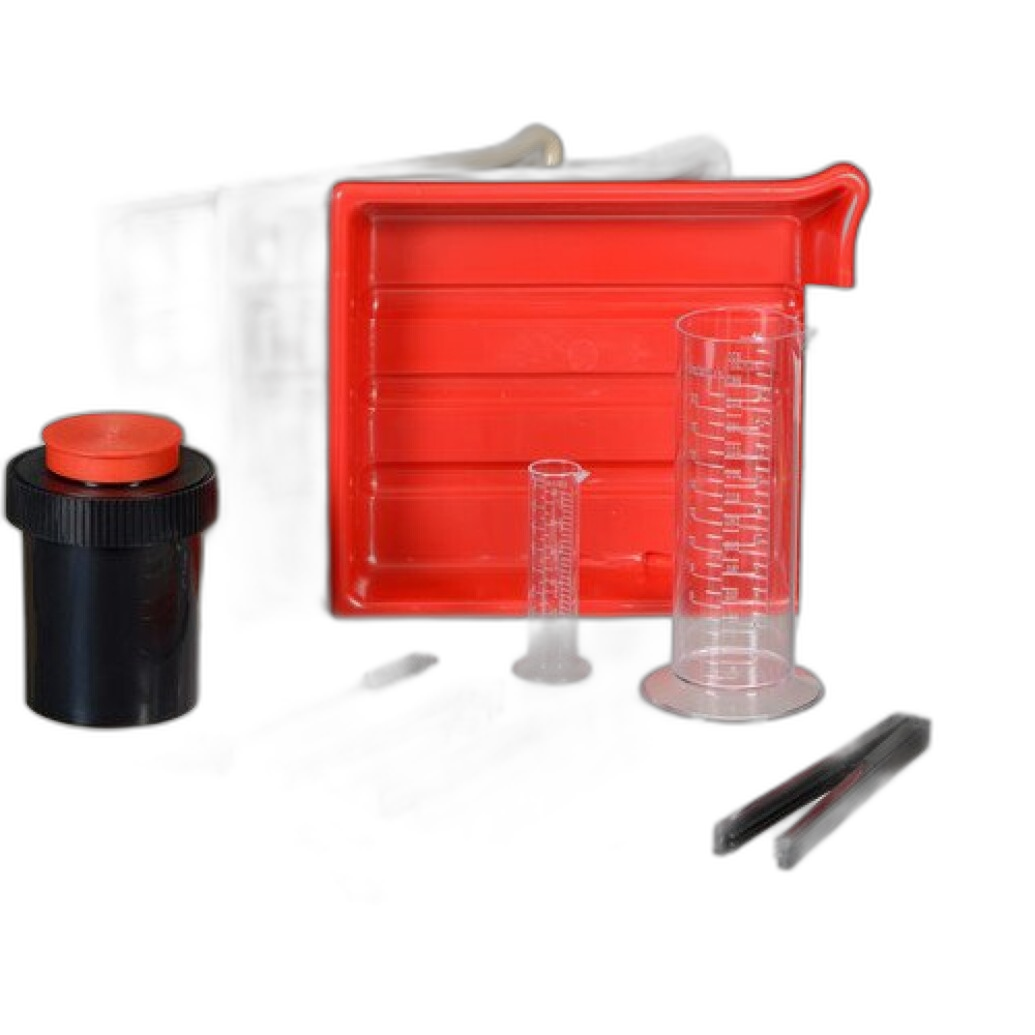
The Photographic Darkroom Film and Paper Developing Kit is a reminder that not every contest print workflow is digital. For photographers submitting silver gelatin or other darkroom-made prints, craftsmanship in development and print finishing remains essential. Traditional prints can be especially compelling in juried settings because they carry a distinct object quality and handmade presence.
That said, this product is more of an entry-level support item than a direct solution for polished contest presentation. It is best viewed as part of the process for photographers working analog, rather than a primary recommendation for print submission logistics.
Pros and Cons Across This Contest Printing Workflow
Pros
- Large-format Epson printers provide serious control over print scale and iteration
- Glossy paper options can give color and contrast-heavy work strong visual impact
- Archival sleeves and print boxes protect the final submission from damage
- Inspirational books help photographers make better aesthetic print decisions
- Products complement one another as part of a full contest submission workflow
Cons
- Large-format printers may exceed the needs and budgets of some photographers
- Storage products highlighted here are centered on 8x10 handling
- Paper choice remains image-dependent, so no single finish works for every submission
- Some products are adjacent to contest printing rather than purpose-built specifically for fine-art competition output
Verdict: What Should Contest Photographers Prioritize?
If you are serious about physical contest submissions, the biggest priorities are output consistency, paper selection, and protection of the finished print. Among the products reviewed here, the Epson SureColor T5770DM stands out as the most balanced choice for photographers who want meaningful in-house large-format capability without stepping all the way into 44-inch territory. For bigger studios or photographers producing oversized statement work, the Epson SureColor T7770DM adds even more creative room.
On the presentation side, the Print File 810-2P Archival Storage Pages and Print File FB810 Box are highly recommended practical additions. They do not change the image itself, but they protect the effort you put into printing it. That matters enormously for contest submissions.
Finally, do not underestimate the role of taste. Products like American Silence help photographers think more deeply about what a print should communicate, while glossy papers like the Fujifilm Preferred/Supreme remind us that surface choice affects emotional response as much as technical sharpness.
For photographers building a better print submission workflow, these products are a strong starting point, and you can shop them at Unique Photo to assemble a more professional, contest-ready print process.