Editorial photography thrives on energy—gestures, glances, and motion that tell a story in a single frame. Whether you're shooting on bustling streets or in a fast-paced newsroom set, the right camera settings make those dynamic features sing. Here are field-tested tips to help you freeze peak moments or paint motion intentionally, with a few useful gear suggestions from Unique Photo to keep you moving.
Dial In Exposure for Motion
1) Set shutter speed for intent
- Freeze action: Start at 1/500–1/2000 sec for expressive gestures, hair, and fabric; go faster for sports-like motion. For typical editorial movement, 1/500 sec is a reliable baseline.
- Show motion: Try 1/30–1/60 sec and pan with your subject to blur the background while keeping faces sharp. Begin at 1/60 sec and adjust to taste.
2) Use Manual exposure with Auto ISO + minimum shutter
Lock your look with M mode (set aperture and shutter), enable Auto ISO, and set a Minimum Shutter Speed to avoid accidental blur as light changes. Dial in Exposure Compensation if your camera allows it in this combo or switch to Manual ISO when the light stabilizes.
3) Control aperture for energy and context
Choose f/2–f/2.8 to isolate faces amid chaos, or stop down to f/5.6–f/8 for layered scenes where background action adds context. Keep an eye on diffraction and AF accuracy when stopping down in dim light.
Autofocus and Drive
4) AF-C with subject detection
Use Continuous AF with face/eye detection or subject tracking. For unpredictable motion, enable tracking that re-acquires quickly; for steadier movement, reduce tracking sensitivity to avoid focus jumps.
5) Pick the right AF area
Use a flexible zone for mid-frame action, single point for precise placement, and wide/tracking when your subject moves erratically across the frame. Recompose with intention—don’t fight the AF system.
6) Tune AF priorities and drive speed
Set AF priority to “Focus” for critical moments and “Release” when cadence matters more. For sustained shoots, a moderate burst rate (5–8 fps) often yields more keepers and fewer buffer issues than max speed.
7) Pre-capture and buffer awareness
If your camera supports pre-shutter capture, enable it for split-second gestures. Use high-speed cards and keep an eye on buffer indicators to avoid missing the moment.
Color, Tone, and File Settings
8) Lock a consistent white balance
Set Kelvin or a custom preset when lighting is steady to maintain consistent skin tones. In mixed light, test a neutral preset, then fine-tune in RAW.
9) Choose a profile for edit latitude
Stills: Shoot RAW for maximum dynamic range; use a neutral or flat picture style if delivering JPEGs. Use zebras or highlight warnings to protect bright areas. Video: consider a LOG profile for editorial motion segments if your workflow supports grading.
Stability, Flash, and Sync
10) Stabilize with intention
Enable IBIS/OSS for slower handheld speeds on static subjects. For panning, switch to a dedicated panning mode (or turn off the axis that fights your movement) to keep motion lines clean.
11) Use HSS and rear-curtain sync when needed
High-Speed Sync lets you keep fast shutter speeds outdoors while balancing fill flash. Rear-curtain sync preserves motion trails behind your subject for a dynamic, editorial feel.
Lenses and Perspective for Dynamic Features
12) Go wide to tell the story
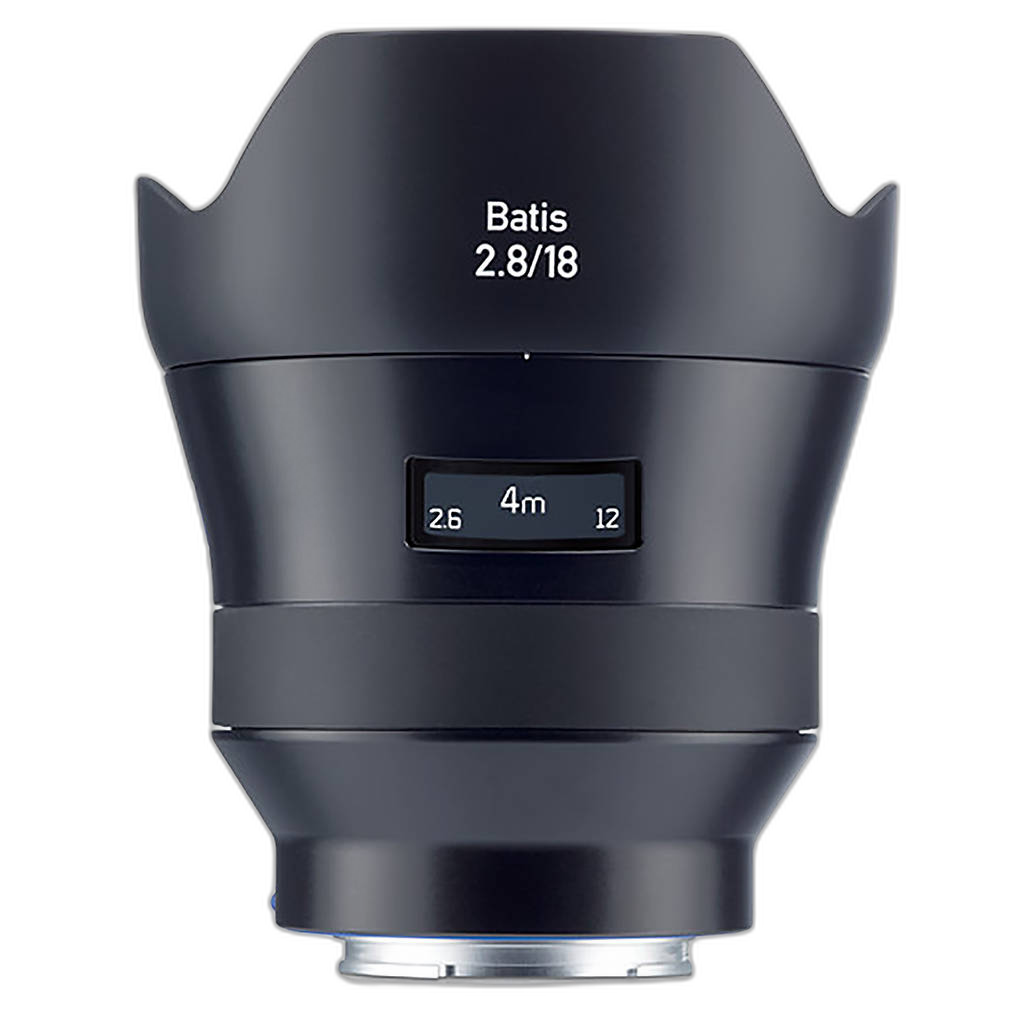
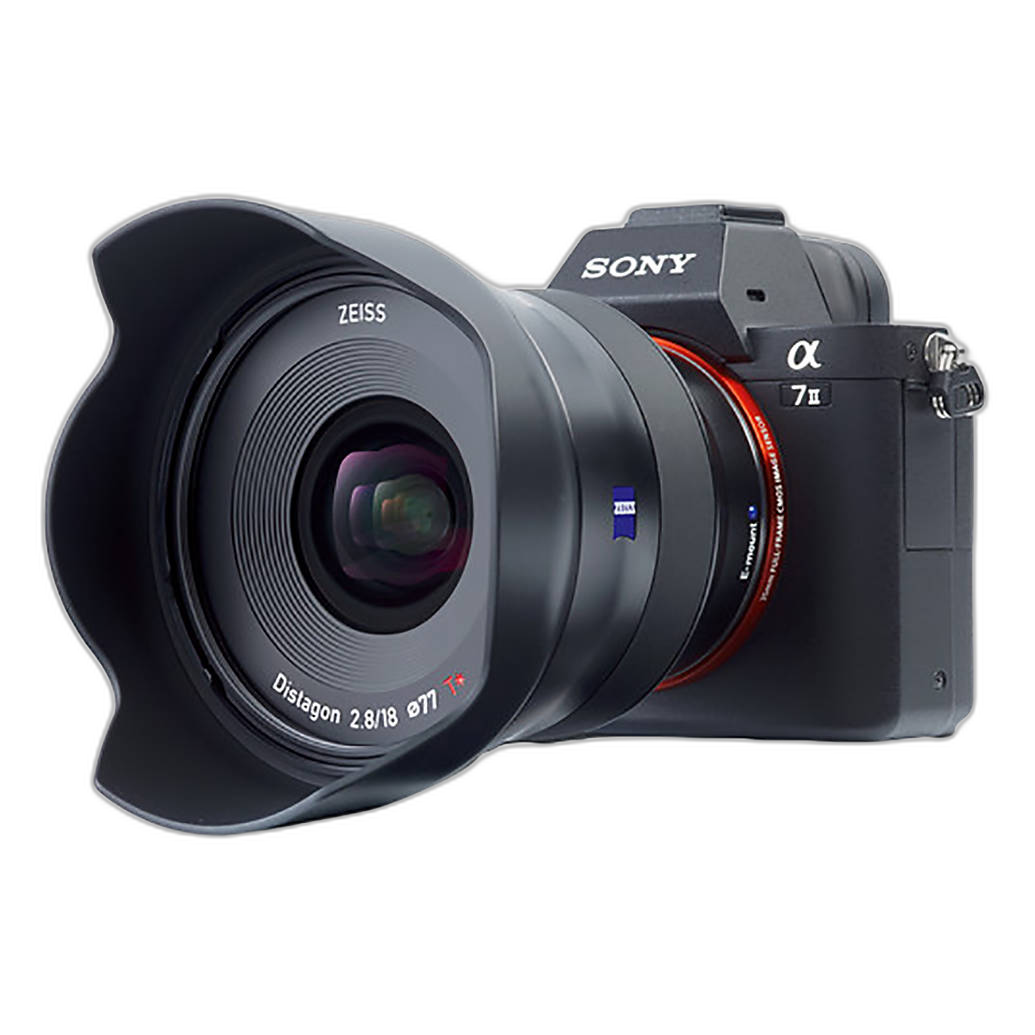
Wide angles amplify motion and place your subject in their environment—perfect for editorial context. A compact, fast-focusing ultra-wide like the Zeiss Batis 18mm f/2.8 for Sony E-mount brings energy to scenes while keeping lines clean and contrast crisp.
13) Compose for movement
Leave space for your subject to “move into,” and use leading lines to guide the eye. A slightly lower angle exaggerates motion; a tighter crop heightens intensity.
Workflow and Reliability on Assignment
14) Secure power for long shooting days
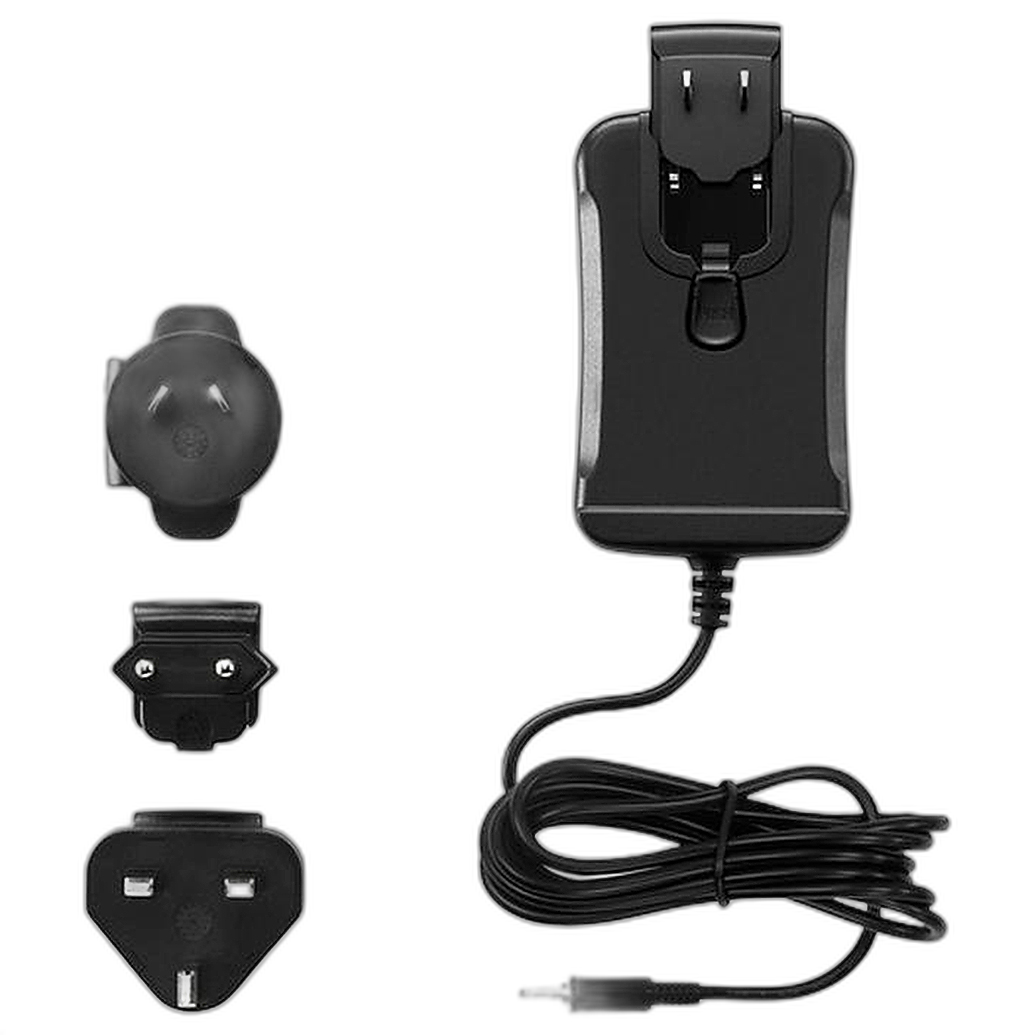
Nothing kills momentum like a dead rig mid-interview or between run-and-gun stills. If you’re supplementing stills with cinema cutaways on a Pocket Cinema Camera, a dedicated AC solution like the Blackmagic Design Power Supply for Pocket Cinema Camera keeps the camera rolling during extended setups.
15) Keep gear fast and accessible
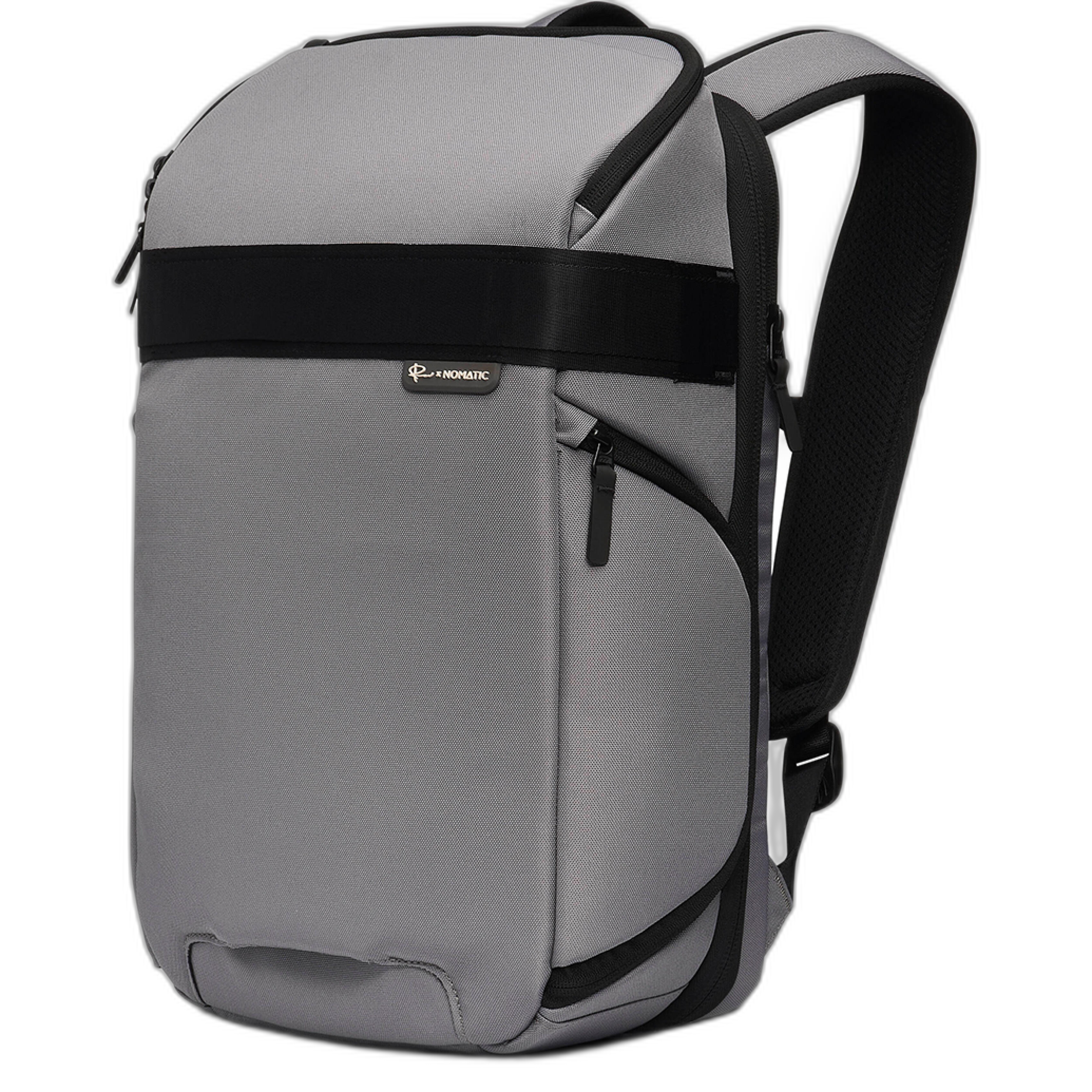
Dynamic features reward quick lens changes and fast access to batteries, audio, and filter kits. A compact, urban-ready bag like the Nomatic Luma Camera Pack 18L helps you move comfortably while keeping essentials organized and within reach.
16) Minimize downtime with protection
Editorial deadlines are unforgiving. If you’re shooting with a RED KOMODO-X for video segments, consider the RED Extended Warranty (available 6–12 months after purchase) to help reduce unexpected downtime and keep you on assignment.
Wrap-up
Nail your shutter speed and AF, keep color consistent, and choose glass that tells the story. With the right settings—and a reliable kit—you’ll capture the energy that defines editorial work. Need gear or advice? Visit Unique Photo online or in-store for expert help and a wide selection of tools to keep you ready for the next assignment.