Introduction: Winning More Often Starts Before You Click Submit
Photo contests are rarely decided by subject matter alone. In many cases, strong images lose because of preventable submission mistakes: poor print quality, weak presentation, inconsistent sequencing, missed details in physical delivery, or lack of preparation for how judges actually evaluate work. For photographers who want to avoid those common errors, a smart workflow matters just as much as creative vision.
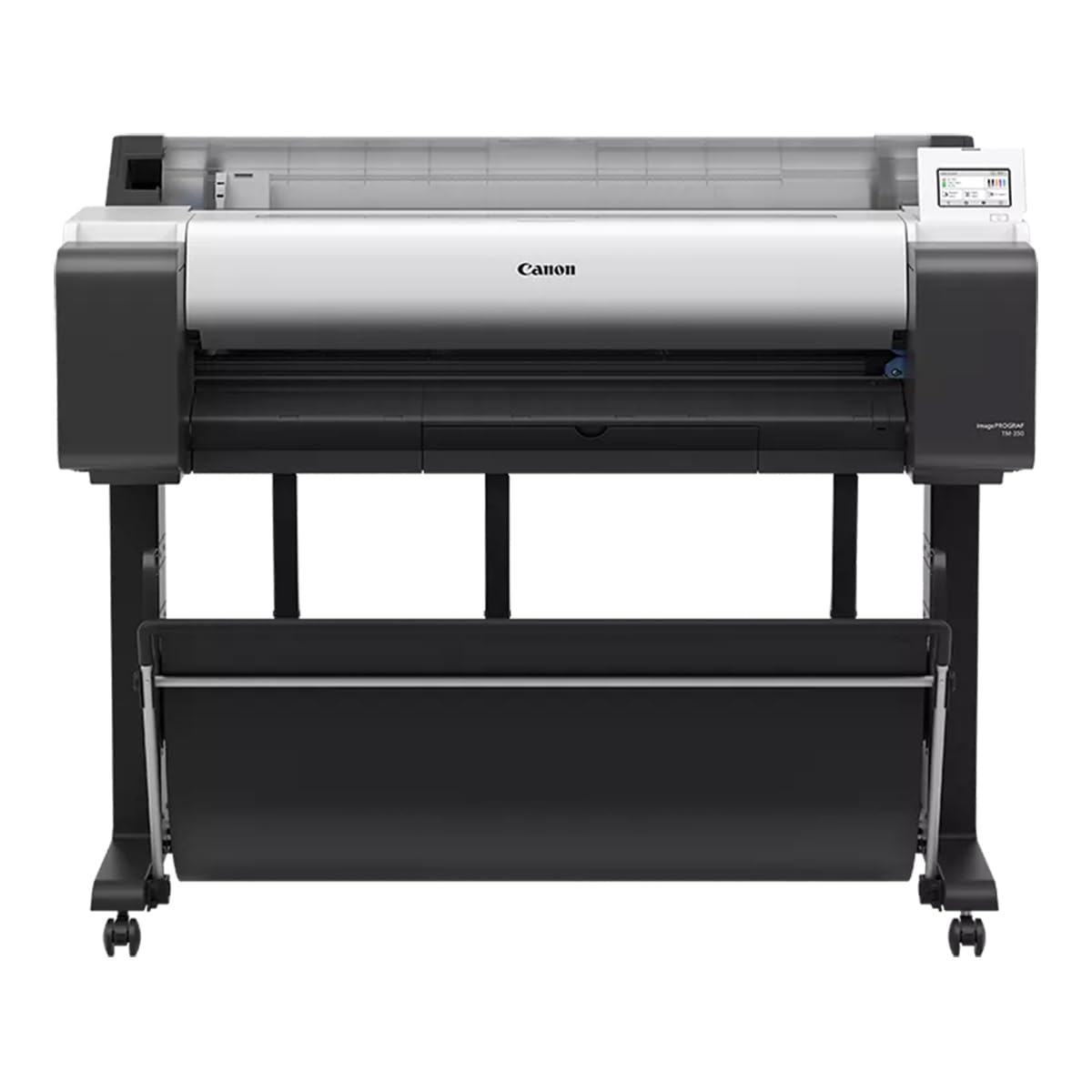
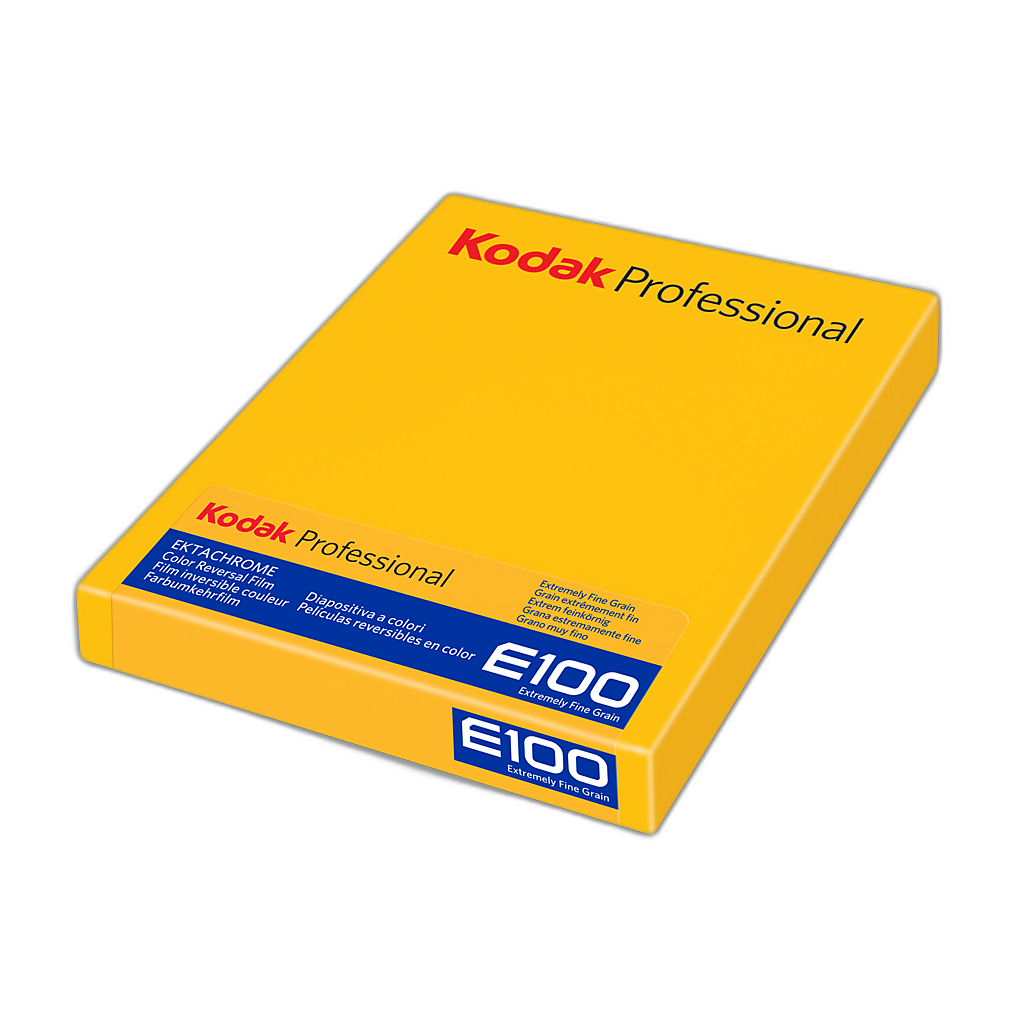
In that context, a few products stand out as especially useful support tools. The Epson SureColor P5370 17-Inch Professional Photographic Printer helps eliminate technical output issues before a print ever reaches a judge. Pairing it with Kodak Professional Metallic Photo Inkjet Paper 44 x 100 Roll can elevate impact when the image suits a high-gloss, dimensional finish. For photographers building physical portfolios or keeping contest selects organized, the Pioneer 4 x 6 In. Bi-Directional Memo Photo Album is a simple but effective presentation aid. And for those refining their visual judgment and field craft, educational experiences like EXPO: Stories from the Road - Photography Across Worlds w. Matthew Borowick and Macro and Landscape Photography at Duke Farms with Michael Downey can help address the less obvious mistakes that happen long before final submission.

This review-style guide looks at how these products fit into the real-world process of entering photo contests successfully, where they shine, and where photographers should be selective.
Common Contest Submission Mistakes Photographers Make
Before looking at the gear and learning tools themselves, it helps to define the mistakes they can help solve:
- Submitting prints with inaccurate color, poor tonal separation, or weak shadow detail
- Choosing flashy media that overwhelms the image instead of supporting it
- Failing to review prints physically before submission
- Presenting a body of work without coherent sequencing or notes
- Neglecting craftsmanship in storage, handling, and portfolio organization
- Entering contests without understanding judging expectations or visual storytelling standards
Each of the products below addresses a different part of that chain.
Epson SureColor P5370 Review: The Best Defense Against Output Errors
Why It Matters for Contest Entries
The Epson SureColor P5370 is the strongest fit here for photographers serious about contest submissions. One of the most common mistakes in competitions is trusting a file on screen without ever seeing a properly managed print. That often leads to entries that are too dark, oversaturated, flat in the highlights, or simply lacking the refinement visible in high-level judging.
The P5370 gives photographers direct control over output, which is critical when preparing competition prints. A dedicated professional printer lets you test paper surfaces, refine contrast, and catch technical flaws that can go unnoticed on a monitor.

Key Strengths
This printer stands out because it is purpose-built for photographic work rather than casual office printing. For contest preparation, that translates into:
- Better tonal control for black-and-white and color images
- More reliable consistency across test prints and final prints
- Professional-size output options suitable for gallery-style presentation
- The ability to compare multiple edits side by side before committing
That last point is especially important. Many photographers submit the first “good” version of an image rather than the best version. A printer like this encourages iteration, which often separates accepted work from overlooked work.
Potential Drawbacks
The P5370 is not the most casual recommendation in this group. It requires investment, space, media testing, and some comfort with color-managed printing. Photographers who only enter occasional online-only contests may not need this level of hardware. But if you submit physical prints, juried exhibition entries, or portfolio reviews, it can dramatically reduce one of the biggest sources of avoidable error.

Best Use Case
Serious contest entrants who want control over final presentation and who understand that print quality is part of the judging experience, not an afterthought.
Kodak Professional Metallic Photo Inkjet Paper Review: Impressive, but Use It Carefully
When Metallic Finish Helps
The Kodak Professional Metallic Photo Inkjet Paper can be a strong creative choice for contest submissions, but it is also the kind of product that can contribute to mistakes if used indiscriminately. Metallic media can enhance images with dramatic lighting, urban scenes, chrome, architecture, certain landscapes, or subjects that benefit from added depth and sheen.

For the right image, this paper can create an immediate visual impact that helps a print stand out in person. Judges looking at many entries in sequence may respond well to that extra dimensionality.
Where Photographers Go Wrong
A common submission mistake is choosing a paper for novelty rather than appropriateness. Not every contest image benefits from metallic paper. Delicate portraits, understated documentary work, and softer natural scenes can feel overproduced on a highly reflective surface.
This Kodak paper is best viewed as a specialized tool, not a default option. The mistake to avoid is assuming that more shine equals more professionalism.
Best Use Case
High-impact images that genuinely gain energy, separation, and visual depth from the metallic finish, especially when tested first on a printer like the Epson P5370.
Pioneer 4 x 6 Bi-Directional Memo Photo Album Review: A Simple but Useful Submission Prep Tool
Why an Album Belongs in a Contest Workflow
At first glance, the Pioneer 4 x 6 In. Bi-Directional Memo Photo Album may not seem like a contest product. But it addresses another common mistake: poor organization. Many photographers have dozens of possible entries scattered across folders and drives, with no easy physical way to compare, sequence, annotate, or review them away from a screen.

This album is useful for creating a physical edit of small proof prints. Being able to flip through images, make notes, and assess whether a group of images feels repetitive or inconsistent can improve contest decision-making. The memo format adds value because photographers can record contest deadlines, category ideas, sequencing notes, or judging comments from previous submissions.
Strengths in Practice
- Helps organize proof prints for side-by-side review
- Useful for tracking captions, dates, and submission notes
- Encourages slower, more critical editing away from a monitor
- Affordable and approachable for photographers at any level

Limitations
This is not a replacement for a formal presentation portfolio or archival print box. It is a planning tool. If used that way, it is surprisingly effective. If expected to serve as final contest presentation packaging, it is the wrong fit.

EXPO: Stories from the Road Review: Better Storytelling Means Fewer Weak Entries
Why Education Matters in Contest Submission
Many contest mistakes are not technical at all. They come from entering images that lack clarity, originality, or emotional staying power. That is why educational events can be just as valuable as gear. EXPO: Stories from the Road - Photography Across Worlds w. Matthew Borowick appears especially relevant for photographers who need to strengthen narrative thinking and project cohesion.

What Makes It Useful
Photographers often submit single strong images without considering what judges remember: voice, perspective, and storytelling. A presentation centered on photography across worlds suggests exposure to broader ways of seeing and structuring visual work. That kind of insight helps avoid a frequent error in contests: technically polished but emotionally forgettable submissions.

Who Benefits Most
Photographers entering editorial, travel, documentary, and themed competitions where context and visual storytelling matter as much as raw image quality.

Macro and Landscape Photography at Duke Farms Review: Refining Technique Before Submission Season
Preventing Mistakes at Capture Stage
Another major contest mistake is assuming problems can be fixed later in editing or printing. Workshops like Macro and Landscape Photography at Duke Farms with Michael Downey can help photographers improve image-making at the source. Better composition, stronger light awareness, cleaner framing, and more intentional perspective choices all translate into stronger submissions.

Why It Matters
Landscape and macro categories are especially competitive, and judges quickly notice clichés, weak focus placement, overprocessed files, and generic compositions. A guided learning experience can help photographers identify those habits before they become submission mistakes.
Best Use Case
Nature, close-up, and landscape photographers who want to improve image selection by first improving the quality and intentionality of what they shoot.
Pros and Cons
Pros
- The Epson SureColor P5370 gives serious photographers far better control over contest-ready print output
- Kodak Metallic Paper can create standout visual impact for the right images
- The Pioneer Memo Album is a practical low-cost tool for proofing, sequencing, and note-taking
- Educational programs help reduce conceptual and storytelling mistakes that gear alone cannot solve
- Together, these products support the full workflow from capture to print to presentation
Cons
- The Epson printer is a significant investment for occasional entrants
- Metallic paper can be overused and may hurt entries if mismatched to the subject
- The photo album is useful for prep, but not as a final formal presentation solution
- Workshops and events improve skills indirectly rather than providing an immediate submission-ready output tool
Verdict: The Best Way to Avoid Contest Mistakes Is to Treat Submission as a Process
If this topic is approached as a product review, the strongest standout is the Epson SureColor P5370. It directly addresses one of the most common and costly contest mistakes: poor print execution. For photographers submitting physical entries, it is the most impactful product in this group.
The Kodak Professional Metallic Photo Inkjet Paper is an excellent secondary tool when used selectively and with image-appropriate judgment. The Pioneer 4 x 6 Memo Photo Album is a smart organizational accessory for editing and tracking potential submissions. And the Unique Photo educational experiences add an important layer by helping photographers avoid the creative and storytelling errors that often keep technically competent images from placing well.
For photographers building a stronger contest workflow, the ideal recommendation is simple: learn deliberately, print carefully, review physically, and present intentionally. You can find these products and educational offerings at Unique Photo, making it a strong place to shop whether you are upgrading your print setup, refining your portfolio process, or investing in your photographic judgment before your next submission deadline.