In 2024, the JPEG vs. RAW debate is less about which format is objectively better and more about which one fits the way you actually shoot. Modern cameras produce remarkably polished in-camera JPEGs with improved color science, smarter scene detection, and picture profiles that can look fantastic straight out of camera. At the same time, RAW still offers unmatched flexibility when exposure, white balance, and final output really matter. The good news? You do not always have to choose one forever. Here are a few practical tips to help you decide when JPEG is good enough and when RAW still deserves the crown.
1. JPEG is better than ever for speed and consistency
If your goal is fast turnaround, in-camera JPEG profiles are absolutely good enough for many photographers in 2024. Events, casual portraits, travel, family sessions, and social media work can all benefit from files that are ready to share with minimal editing. A camera with proven image quality, even an older body like the Used Nikon D810 - As Is, can still produce beautiful files when paired with the right settings and a thoughtful exposure approach.
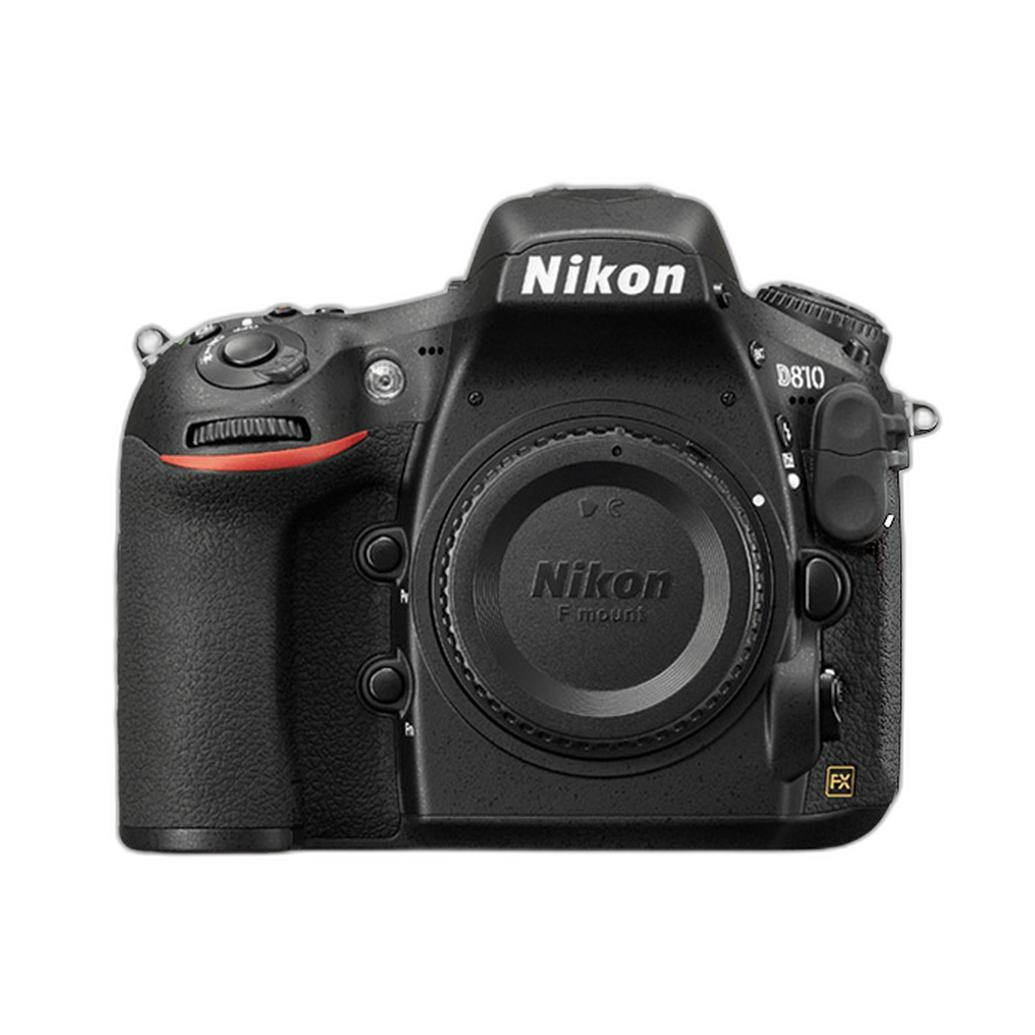
The key is consistency. If you dial in a Picture Control or JPEG profile you trust, expose carefully, and keep white balance under control, JPEG can save serious time in post.
Tip: Use JPEG when turnaround matters more than heavy editing
- Choose JPEG for same-day delivery, previews, and social content.
- Use a consistent picture style for repeatable results.
- Protect highlights, since JPEG has less recovery room than RAW.
2. RAW still wins when lighting is difficult
As good as JPEG engines have become, RAW remains the safer choice in high-contrast scenes, mixed lighting, and any situation where exposure is changing quickly. If you shoot weddings, concerts, interiors, or dramatic golden-hour scenes, RAW gives you far more latitude to recover shadows, tame highlights, and refine color afterward.
This is especially true if you plan to do serious color correction. A tool like the QP Card 202 Color Reference Card for Basic and Advanced Raw Profiling becomes far more powerful when used with RAW files, because you retain the information needed for precise profiling and white balance adjustments.
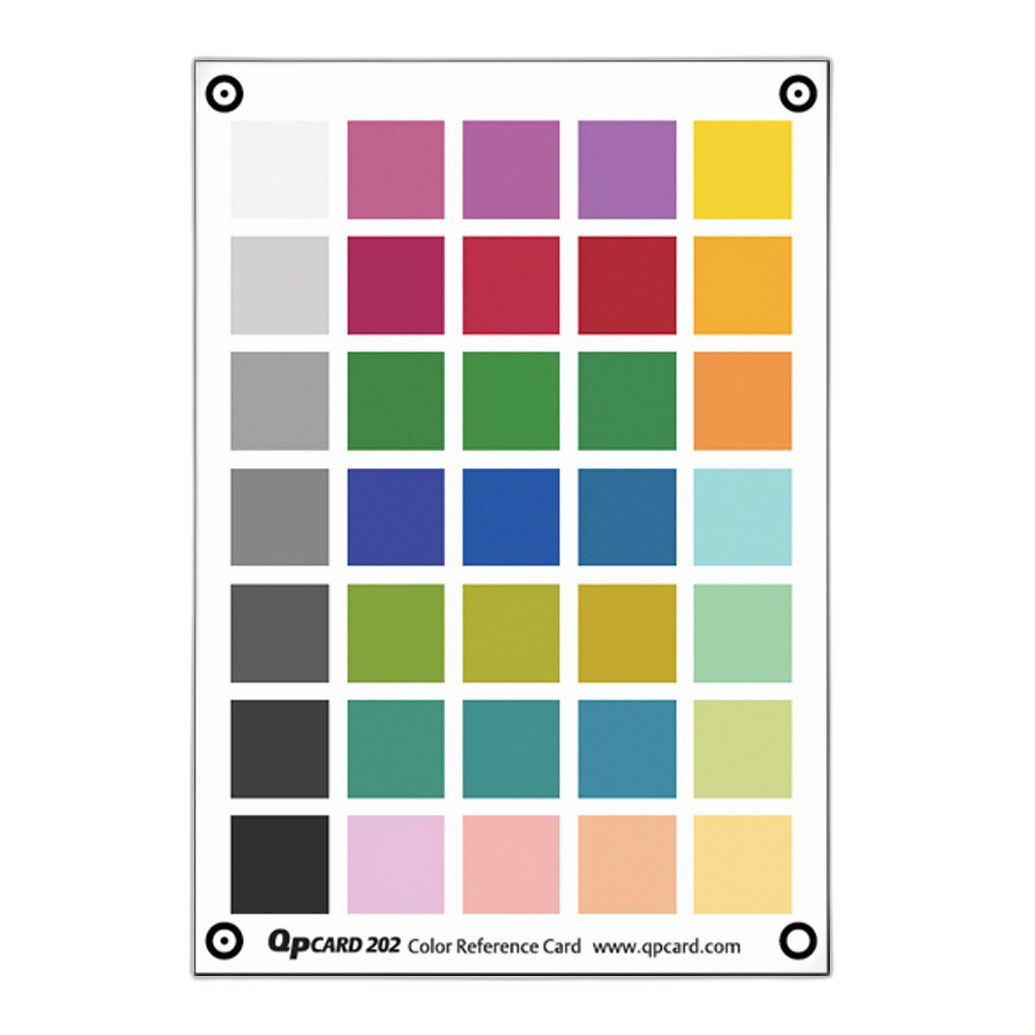
Tip: Shoot RAW when you cannot fully control the scene
- Mixed indoor lighting is a classic RAW scenario.
- Backlit portraits and bright skies benefit from extra dynamic range.
- Product, studio, and client-critical work often needs the flexibility RAW provides.
3. Hybrid workflows are often the smartest answer
For many photographers, the best answer in 2024 is not JPEG or RAW, but JPEG plus RAW. Shooting both gives you fast, attractive previews and a safety net for important frames. You can use the JPEGs for culling, quick delivery, or social posts, while keeping the RAW files for hero images that need more attention.
If you are reviewing and editing on the go, a portable machine like a Used Apple MacBook Pro 13 inch 2020 can make a hybrid workflow much easier, especially when you want to sort JPEGs quickly and only open RAW files that truly need extra work.
Tip: Use RAW+JPEG for paid work or once-in-a-lifetime moments
- JPEG handles speed.
- RAW covers mistakes and difficult frames.
- You spend editing time only where it actually pays off.
4. Video shooters should think beyond internal profiles
For video, in-camera looks and baked-in color profiles can be excellent when you need speed, small file sizes, and simple delivery. But if your project involves grading, HDR delivery, or high-end client work, RAW and external recording still have major advantages. Devices like the Atomos Shogun Ultra 7 inch 8K RAW HDR Monitor/Recorder and the Atomos Shogun 7 inch 6K RAW HDR Monitor/Recorder are built for creators who want more monitoring tools, better recording options, and room to push footage in post.
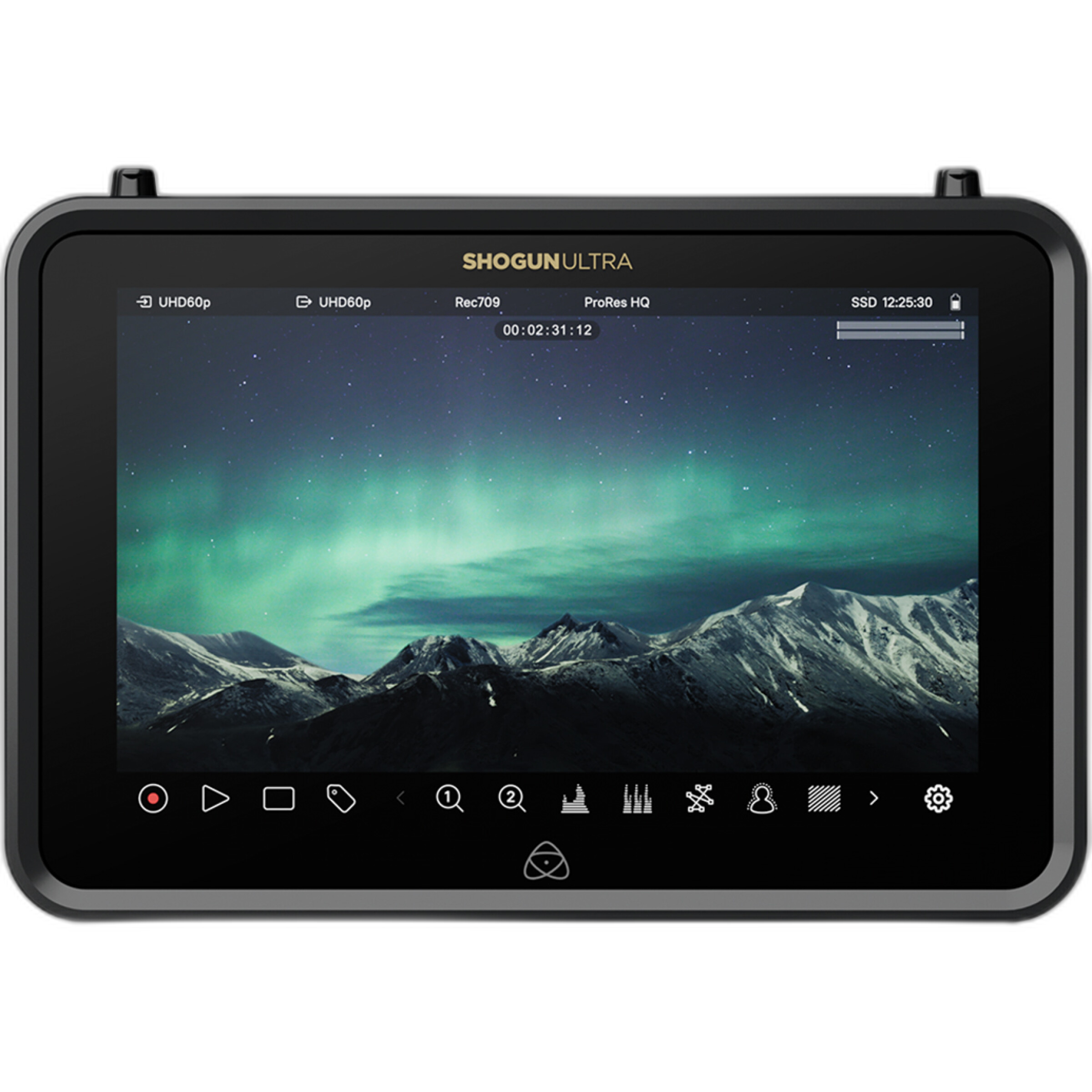
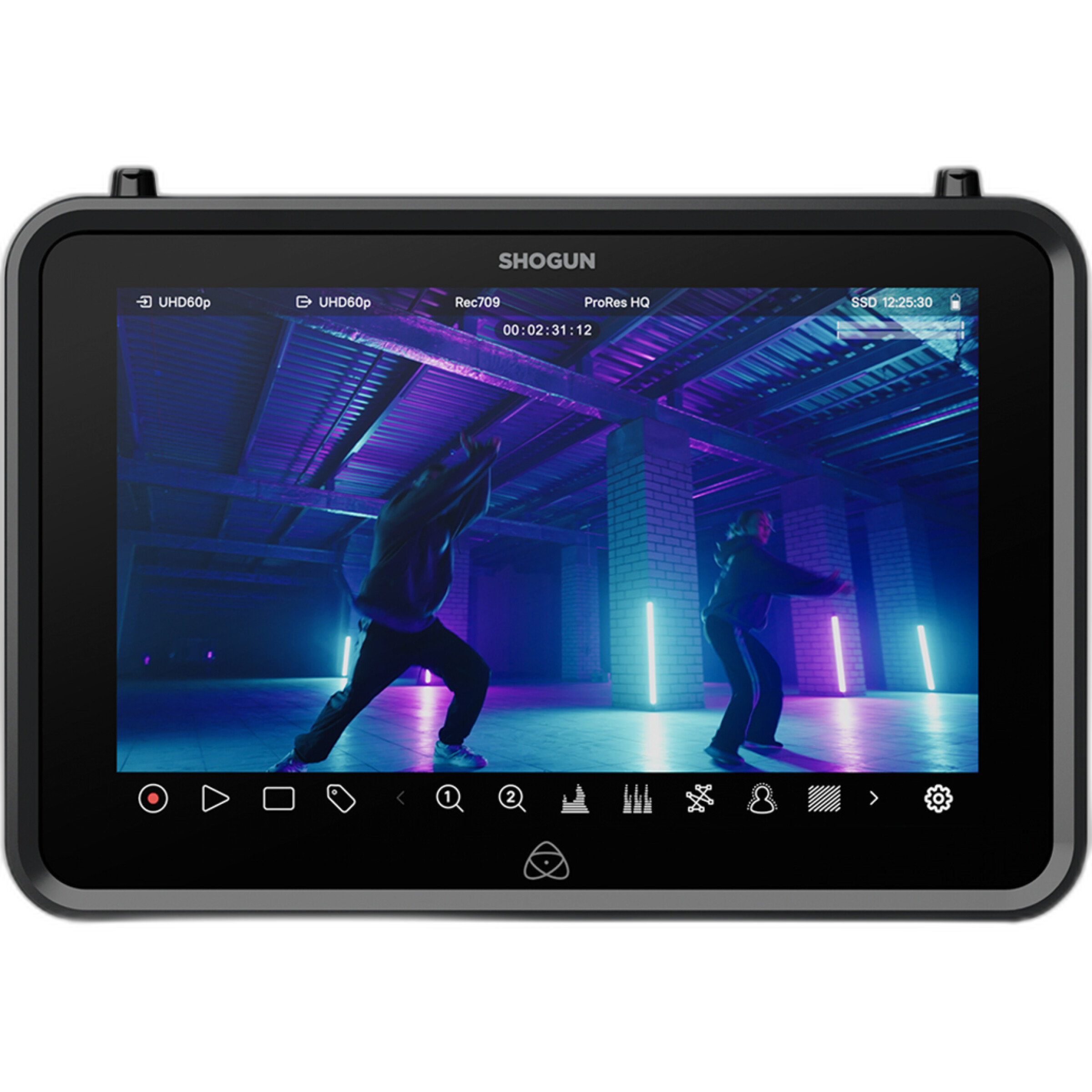
If you are using a modern hybrid or cinema setup such as the Nikon ZR 35mm Lens Kit, pairing that capture flexibility with an external monitor/recorder can make the difference between a quick-turn clip and footage that can stand up to a full grade.

Tip: Use in-camera profiles for delivery speed, RAW video for grading freedom
- Internal profiles are often enough for social, interviews, and basic web delivery.
- RAW or external recording helps when matching multiple cameras or building a cinematic look.
- A larger monitor also helps you judge exposure and color more accurately on set.
5. Your final output should decide your format
One of the best ways to settle the JPEG vs. RAW question is to think about where the image is going. If it is living on Instagram or in a client gallery viewed mostly on phones, a strong JPEG may be all you need. But if you plan to make large prints, fine-art work, or detailed commercial output, RAW still gives you more control over sharpening, tonal transitions, and color fidelity.
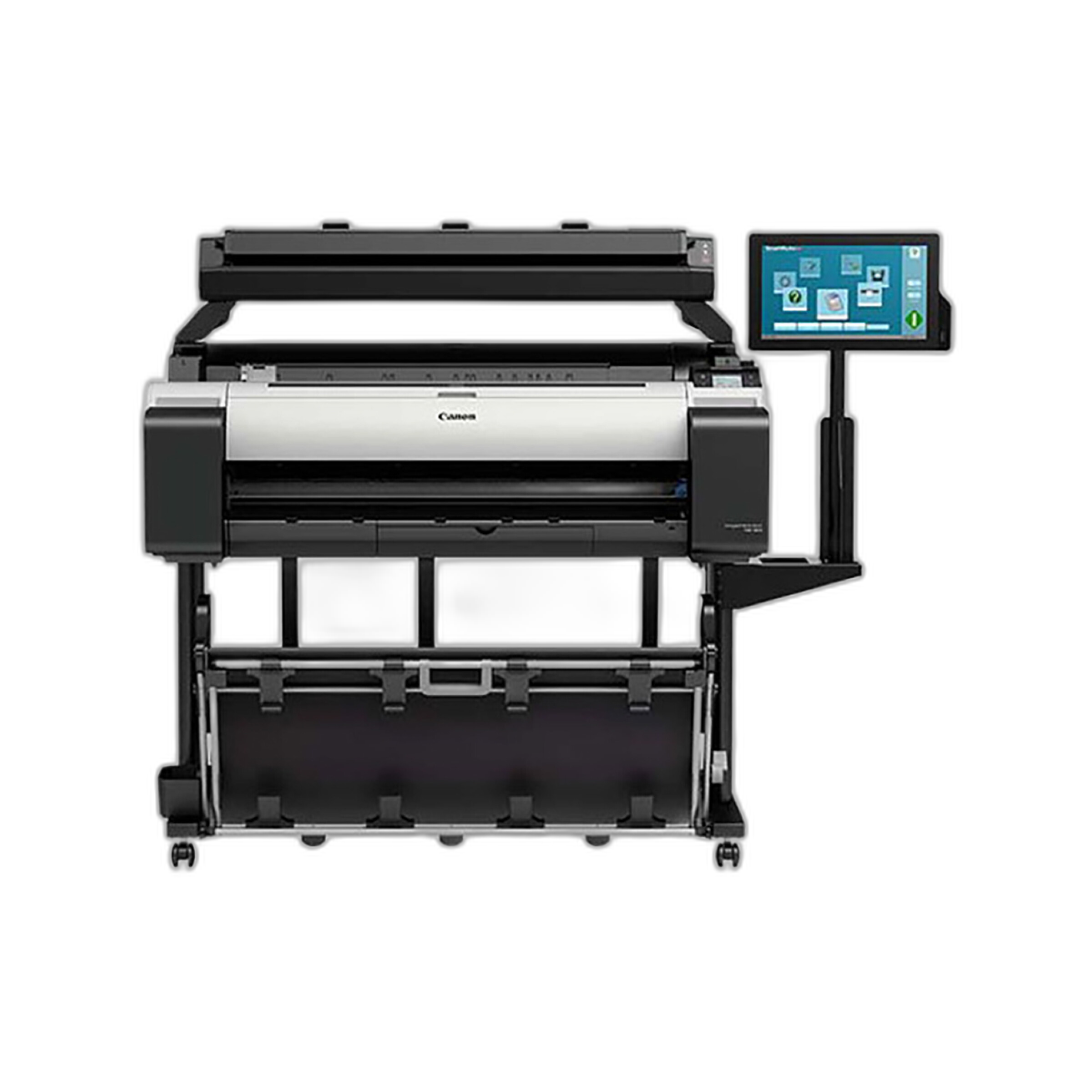
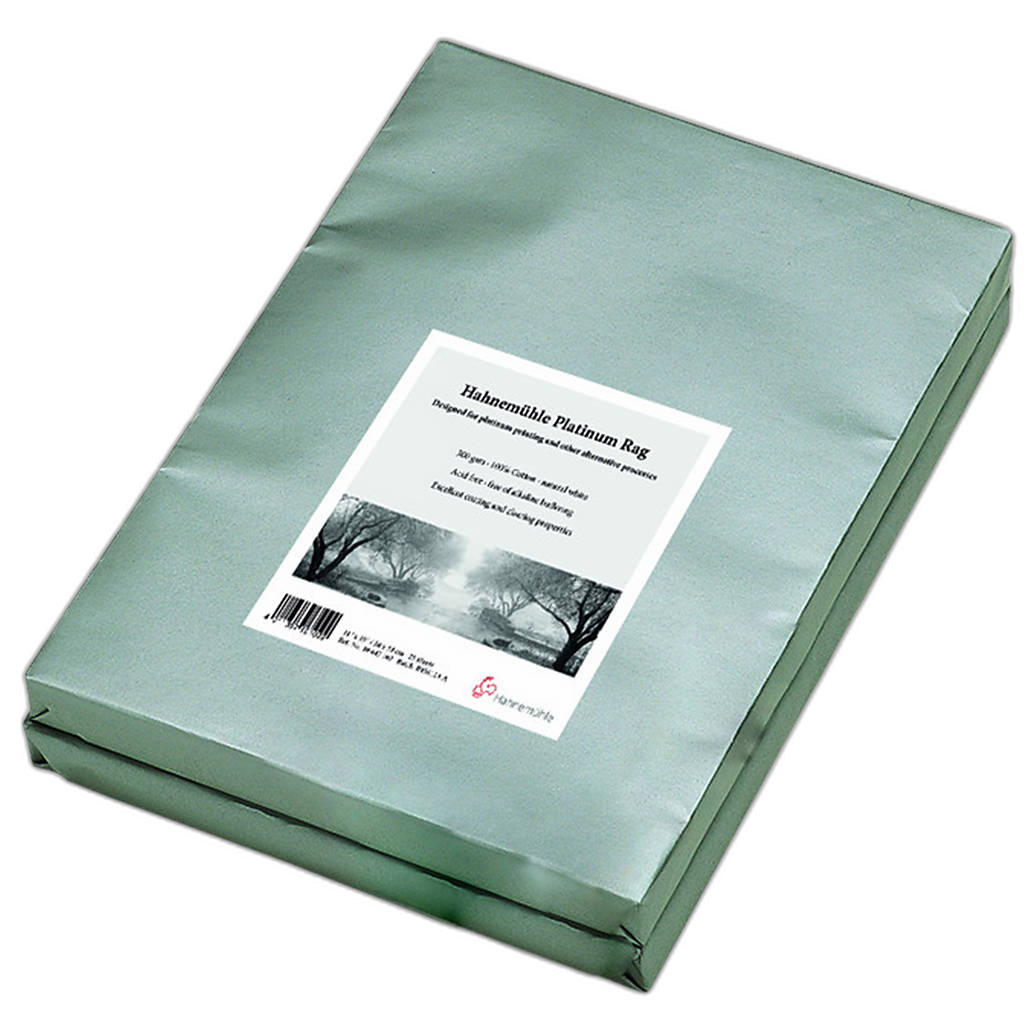
That matters when printing on a machine like the Canon imagePROGRAF TM-305 36 Large-Format or when using premium media such as Hahnemühle Platinum Rag 300gsm. Bigger prints reveal small issues quickly, and RAW files often give you the cleaner path to your best possible final image.
Tip: The bigger and more critical the output, the more RAW makes sense
- For web-first work, JPEG may be enough.
- For gallery prints, RAW usually pays off.
- For commercial color accuracy, RAW remains the safest option.
6. If you prefer JPEG, customize it intentionally
Photographers who love JPEG should not just accept factory defaults. The real strength of modern JPEG shooting is customization. Tune contrast, sharpening, saturation, white balance bias, and highlight protection to match your style. Test your settings in daylight, tungsten, and mixed light. Compare them against RAW edits so you know where the JPEG breaks down.
Even older cameras can surprise you when configured carefully, and newer systems can be even more refined. The more deliberate your setup, the less likely you are to miss RAW for everyday work.
Tip: Build your own JPEG recipe before you abandon RAW
- Test multiple picture profiles side by side.
- Lower sharpening if you want a more natural look.
- Fine-tune white balance for skin tones, not just neutral grays.
Conclusion
So, are in-camera JPEG profiles good enough in 2024? Very often, yes. For speed, convenience, and consistent everyday shooting, JPEG has never been more capable. But RAW is still king when lighting is tricky, color accuracy matters, or your final output demands the highest quality. In practice, the smartest photographers use both strategically rather than treating it as an all-or-nothing choice.
If you are building a workflow around JPEG, RAW, or a hybrid of the two, Unique Photo has the cameras, monitors, color tools, and printing gear to help you get the results you want. Experiment, compare your files honestly, and choose the format that supports your creative process best.