Affordable YouTube Lighting FAQ for New Content Creators
Good lighting is one of the fastest ways to make a YouTube channel look more polished, even before you upgrade your camera. For talking-head videos, product demos, livestreams, and casual vlogs, the right budget lighting setup can improve skin tones, reduce harsh shadows, and help your footage look more professional.
At Unique Photo, we regularly help creators build practical starter setups that balance cost, ease of use, and image quality. Below, we answer the most common questions about affordable lighting kits, ring lights, LED panels, and how lighting choices pair with popular creator-friendly cameras.
What are the best LED light panels around the $100 range?
In the entry-level category, the best LED panel is usually the one that gives you consistent output, adjustable brightness, and simple color control without complicating your workflow. Around the $100 mark, creators should prioritize a panel that is flicker-free for video, easy to position on a desk or light stand, and bright enough to serve as a key light in a small room.
For YouTube beginners, a single LED panel can work well when placed slightly above eye level and angled down toward the subject. If your room has white walls, that light may bounce enough to soften shadows. If not, pairing two affordable panels often creates a much cleaner look than one stronger light pointed directly at your face.
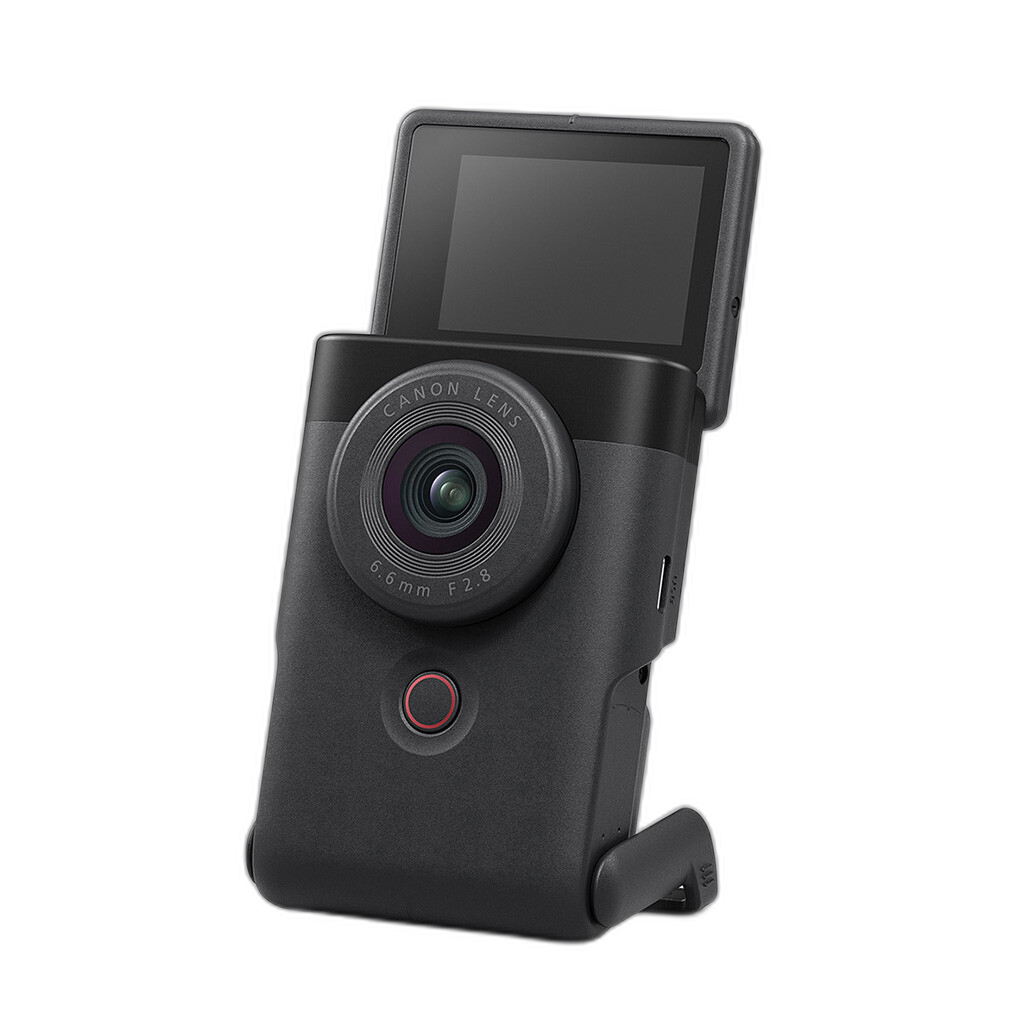
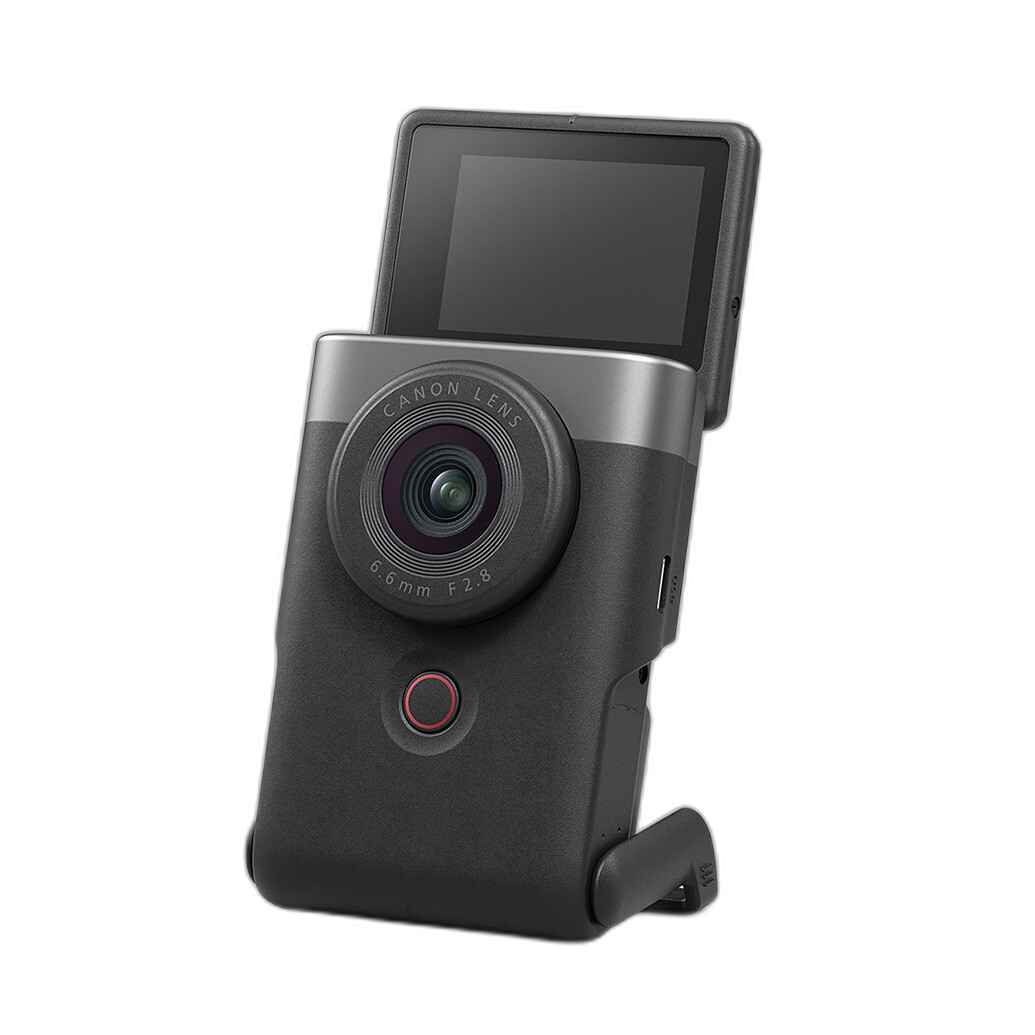
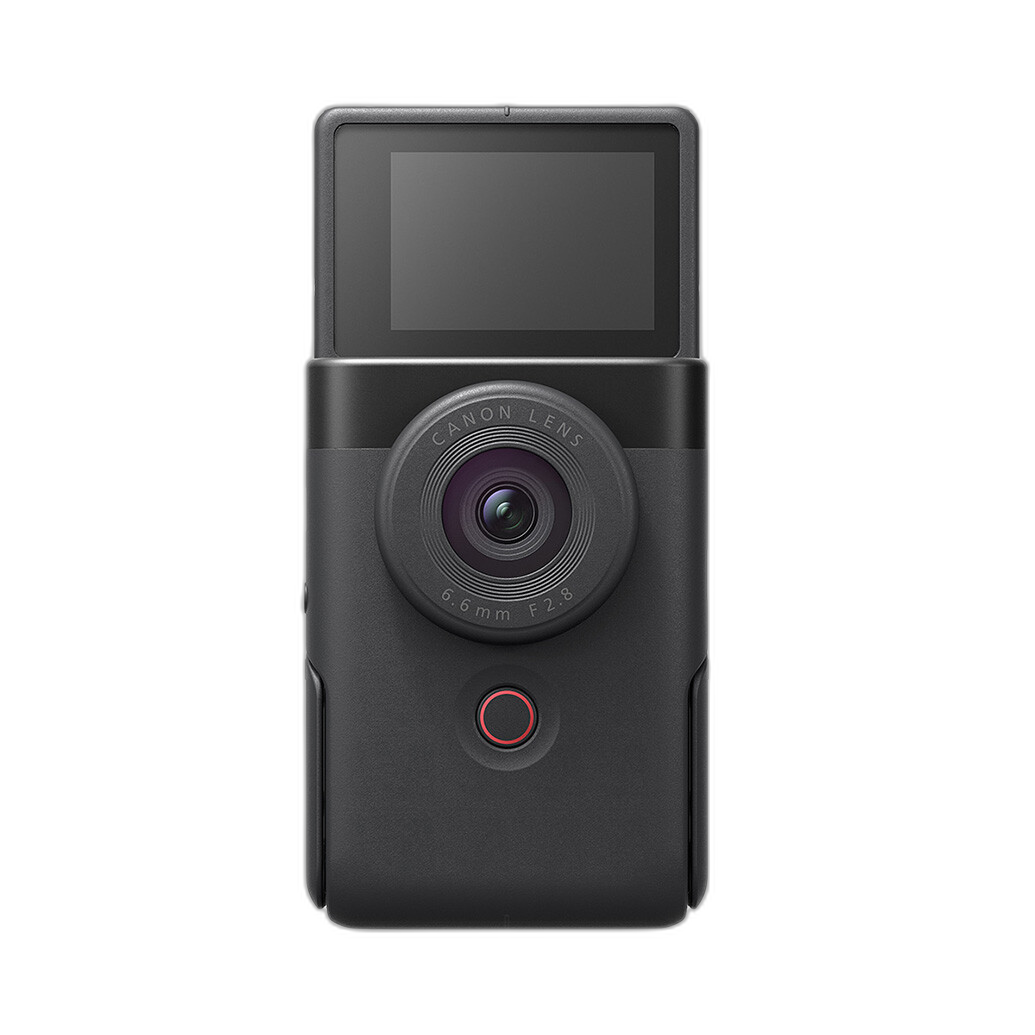
If you are building your first creator setup, it also helps to choose a camera designed for easy video use. A compact option like the Canon PowerShot V10 is a smart companion for a simple LED panel setup because it is purpose-built for vlogging and small-space content creation.
Are ring lights still a good choice for talking-head videos?
Yes, ring lights are still useful for talking-head videos, especially for beauty content, livestreaming, desktop tutorials, and creators filming in tight spaces. They are popular because they are easy to set up, flattering when used close to the subject, and effective for producing soft frontal light with minimal effort.
That said, ring lights are not automatically the best-looking option for every channel. Because they place light very close to the lens axis, they can flatten facial features and reduce depth. If you want a more cinematic look, a panel or small soft light placed slightly off to one side will usually create better dimension.
A ring light makes the most sense when convenience is your top priority. It is especially practical for creators using a compact vlog camera on a desk or tabletop. The Canon PowerShot V10 fits well into this style of workflow because it is small, approachable, and easy to position within a minimal home studio.
Should I choose continuous lighting or strobe lighting for YouTube videos?
For YouTube, video podcasts, tutorials, and vlogs, continuous lighting is the clear choice. Since you need constant illumination while recording video, continuous LED lights let you see exactly how your shadows, highlights, and background look in real time. That makes setup easier and helps newer creators learn lighting faster.
Strobes are excellent for still photography, but they are not designed to light a live video scene continuously. If your main goal is video content, start with continuous LEDs. They are easier to use for solo shooters and better suited to creators who need quick, repeatable setups.
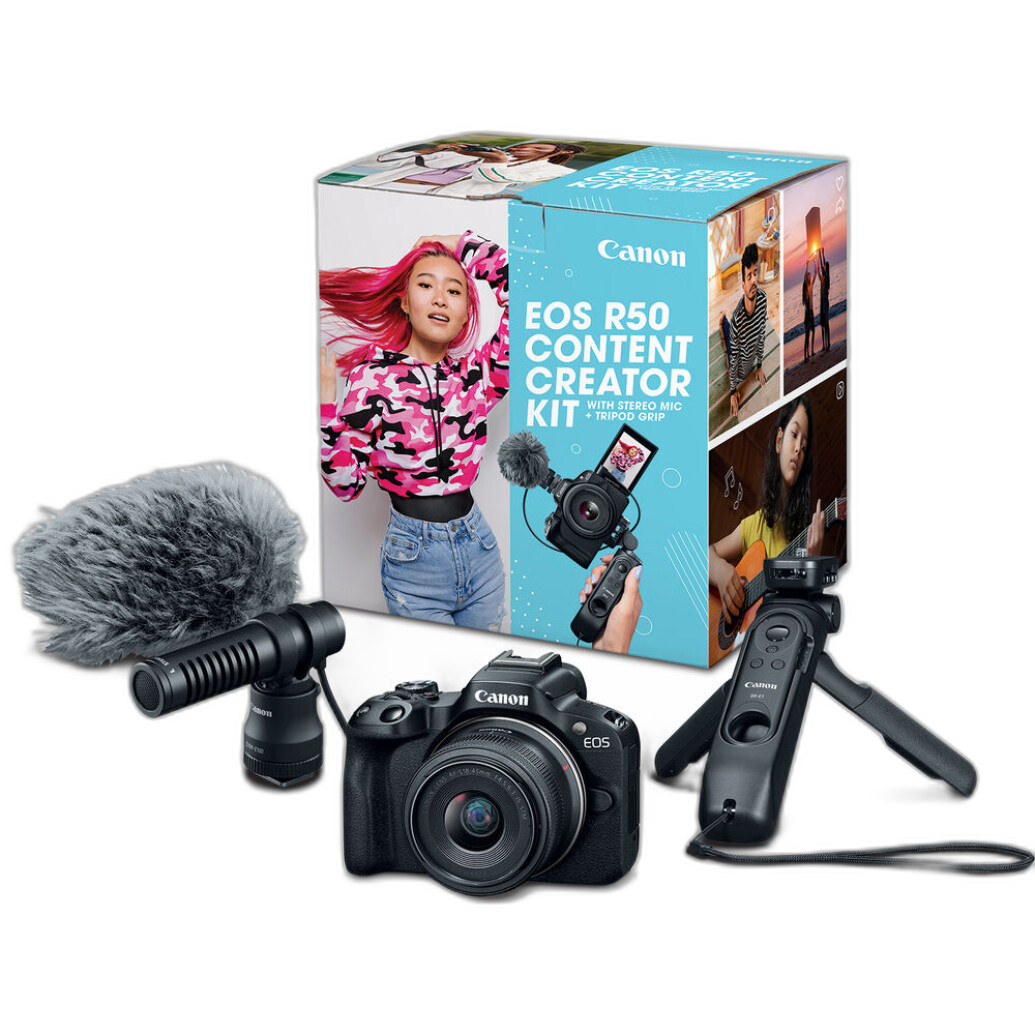
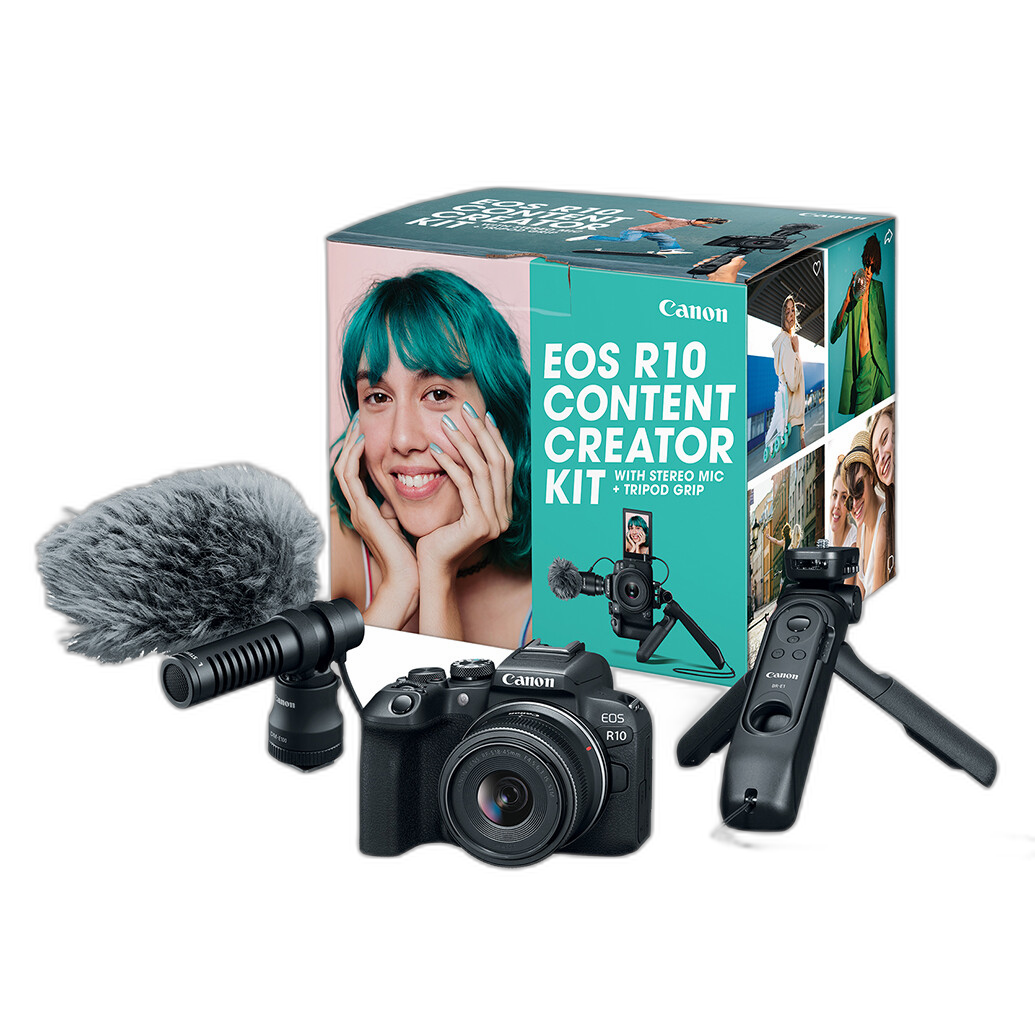
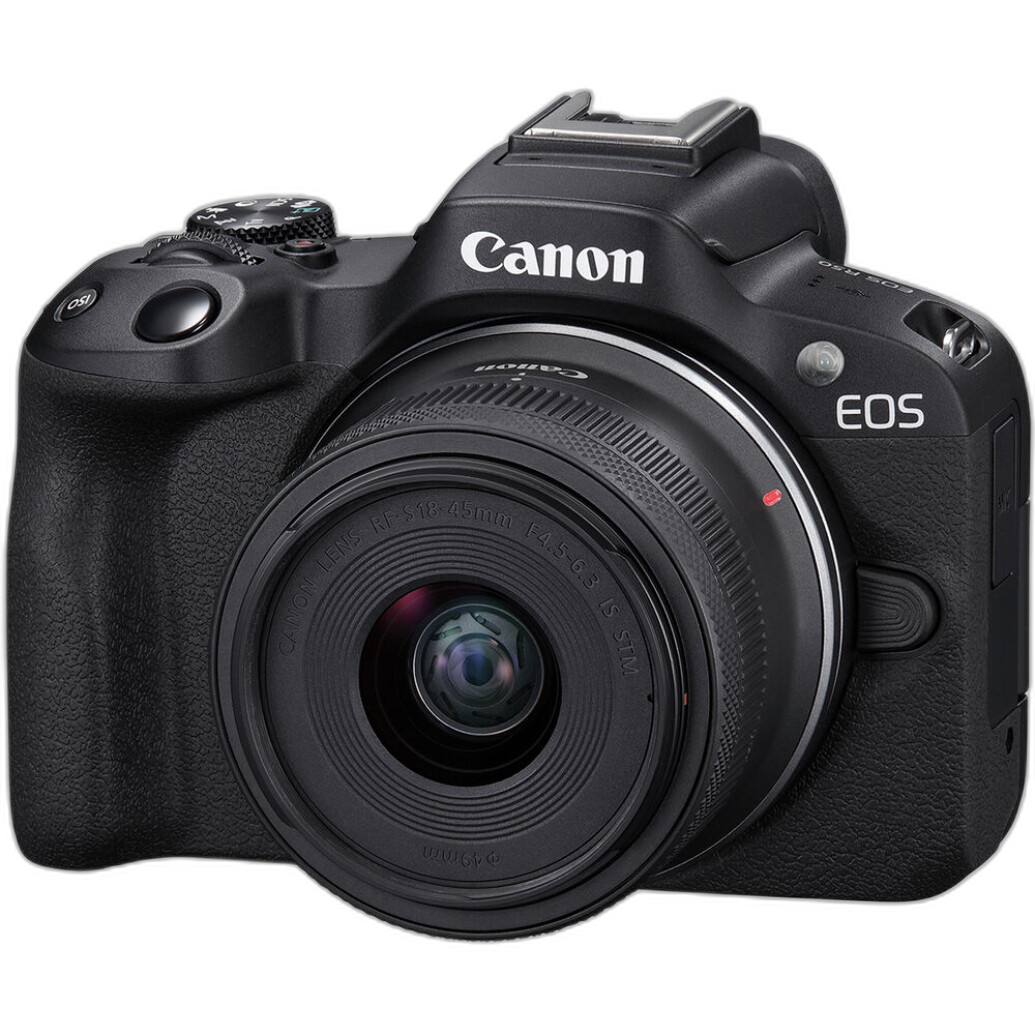
This matters even more if you are stepping up to an interchangeable-lens creator system such as the Canon EOS R50 Content Creator Kit or Canon EOS R10 Content Creator Kit. These kits are ideal for creators ready to improve overall production quality, and continuous lighting will help you take full advantage of their video-friendly features.
How much difference do modifiers make with entry-level lights?
Modifiers can make a bigger difference than many beginners expect. Even an inexpensive light can look noticeably better when it is softened, diffused, or bounced. Without a modifier, many budget LEDs produce a harder, less flattering quality of light that can exaggerate skin texture, create bright hotspots, and cast distracting shadows behind you.
For beginners, the most useful modifiers are simple diffusion panels, softboxes, umbrellas, or even a bounce off a nearby wall if the color is neutral. A larger light source relative to your subject almost always looks more flattering for talking-head content. That means you do not always need a more powerful light—you often need a softer one.
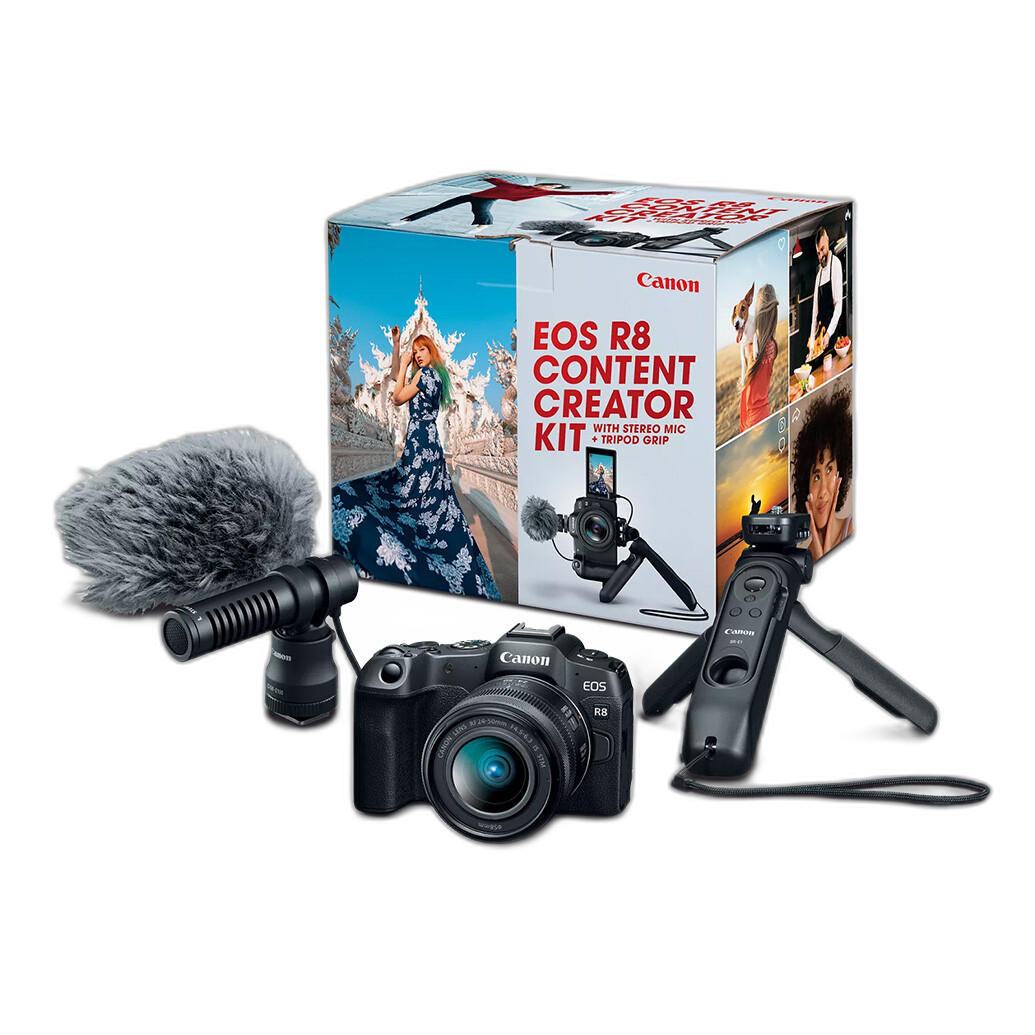
If you are creating beauty videos, interviews, or educational content and want a more polished look, modifiers are one of the smartest upgrades you can make before investing in more advanced camera gear. Once your lighting is under control, cameras like the Canon EOS R8 Content Creator Kit can deliver a very refined, professional-looking image for growing channels.
How many lights do I need for a beginner YouTube setup?
Most beginner creators can start with one good light and still get strong results, especially if they also use window light or a reflective surface to fill shadows. A single key light placed at about a 45-degree angle from the camera is enough for many solo videos.
That said, two lights usually create a more balanced and forgiving setup. One light acts as the key, while the second can fill shadows or illuminate the background. This gives your frame more separation and helps your videos look less flat. A third light is optional and typically used for hair light or background accent.
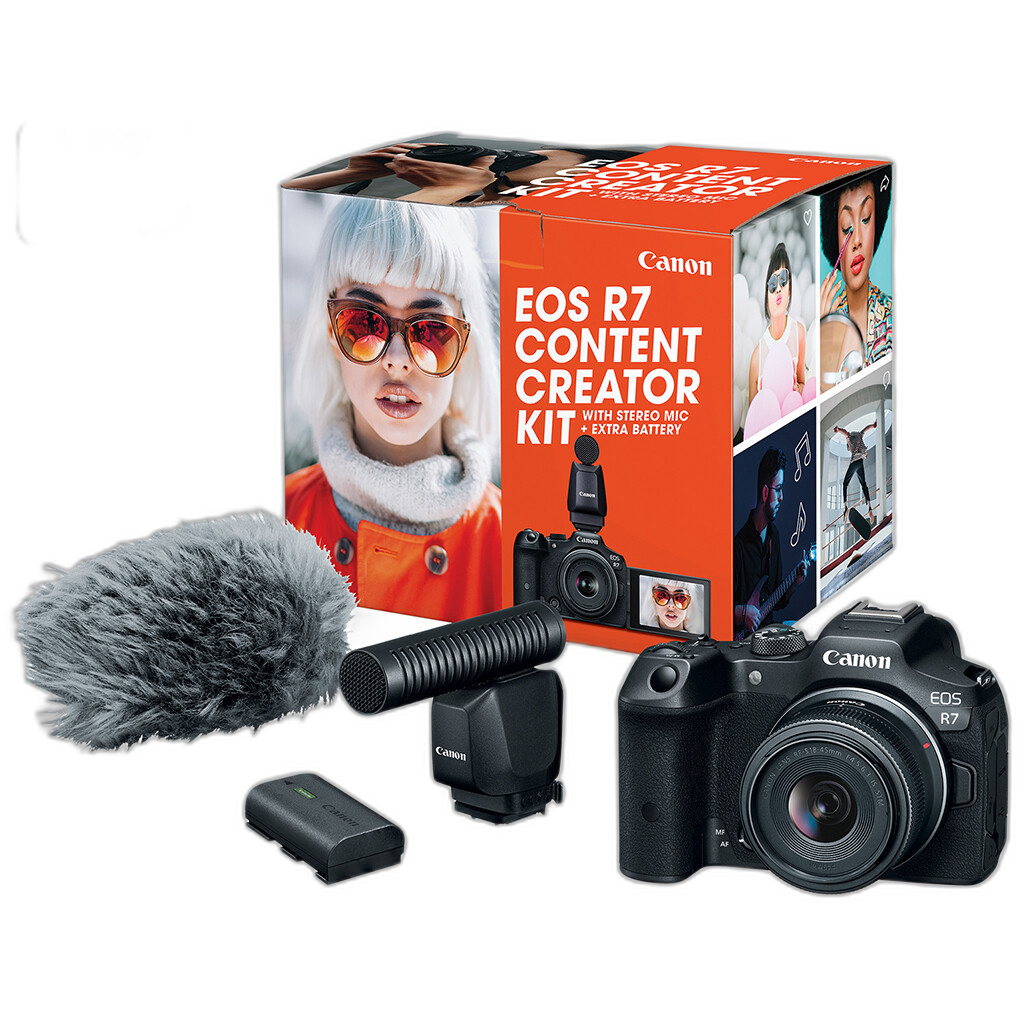
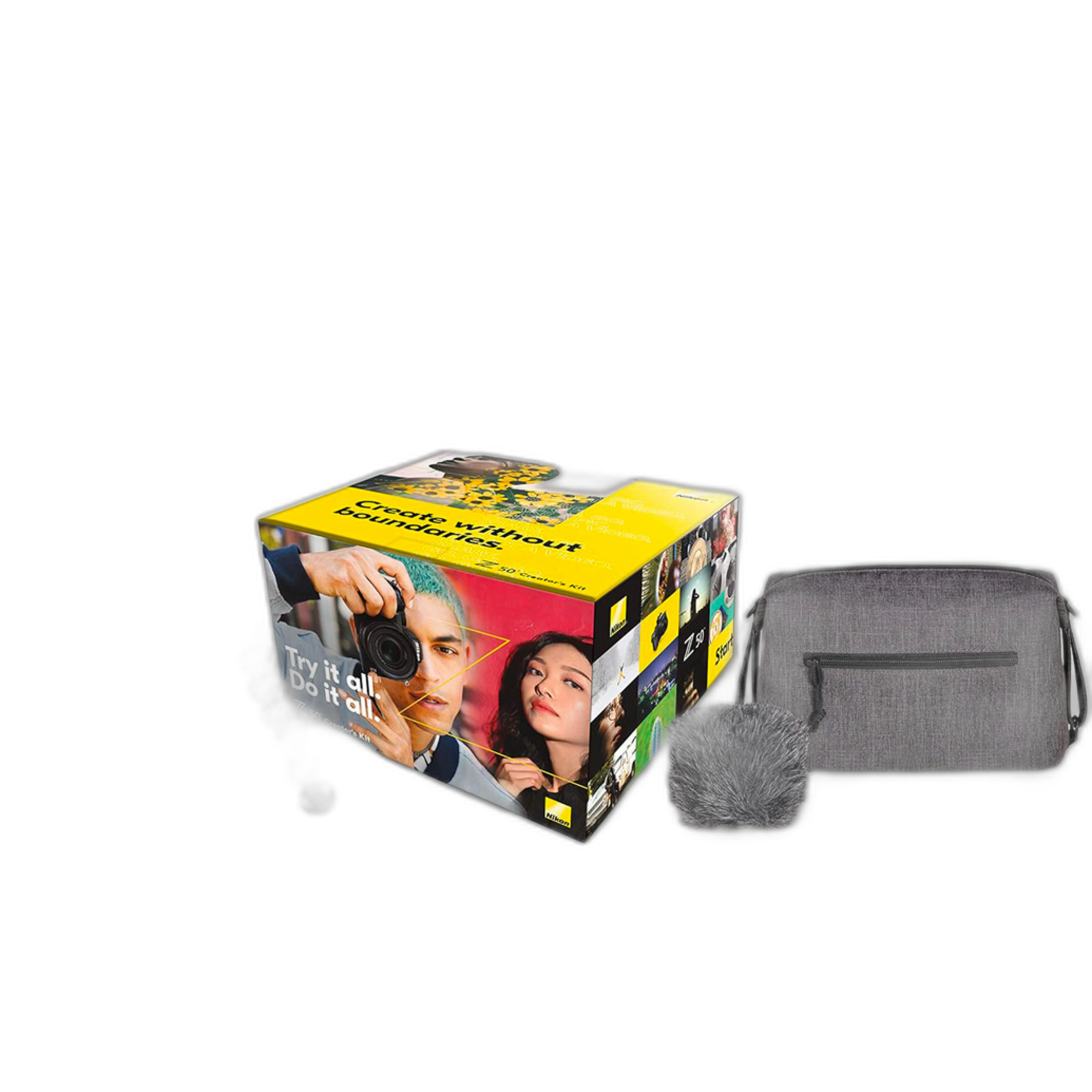
If you are recording with a more advanced content creator system like the Canon EOS R7 Content Creator Kit or Nikon Z50 Creators Kit, a two-light setup is a great match. These cameras reward good lighting with cleaner color, stronger subject separation, and a more polished final image.
What is better for small rooms: LED panels or ring lights?
In small rooms, both can work, but they solve different problems. LED panels are more flexible because you can move them off-axis, feather them across the face, light the background separately, or use two together for a more dimensional look. Ring lights are more compact and simpler when you want even frontal illumination and do not have much space around your desk or camera.
If your content involves meetings, livestreams, makeup, or direct-to-camera delivery from one fixed position, a ring light is a practical choice. If you want your lighting to evolve as your channel grows, LED panels usually offer more room for experimentation and better long-term versatility.
Creators filming from bedrooms, offices, or compact studio corners often pair these lighting choices with easy-to-use cameras like the Canon PowerShot V10 or Canon EOS R50 Content Creator Kit, depending on whether portability or interchangeable-lens flexibility matters more.
Can better lighting matter more than a better camera?
For many new creators, yes. Strong lighting can improve video quality more dramatically than a camera upgrade if your current footage looks dark, noisy, or uneven. Better light helps cameras focus more confidently, capture cleaner color, and maintain better detail at lower ISO settings.
That does not mean camera choice is unimportant. It means lighting is often the better first investment if you are trying to improve production value quickly. Once your lighting is solid, camera upgrades become much more visible and worthwhile.
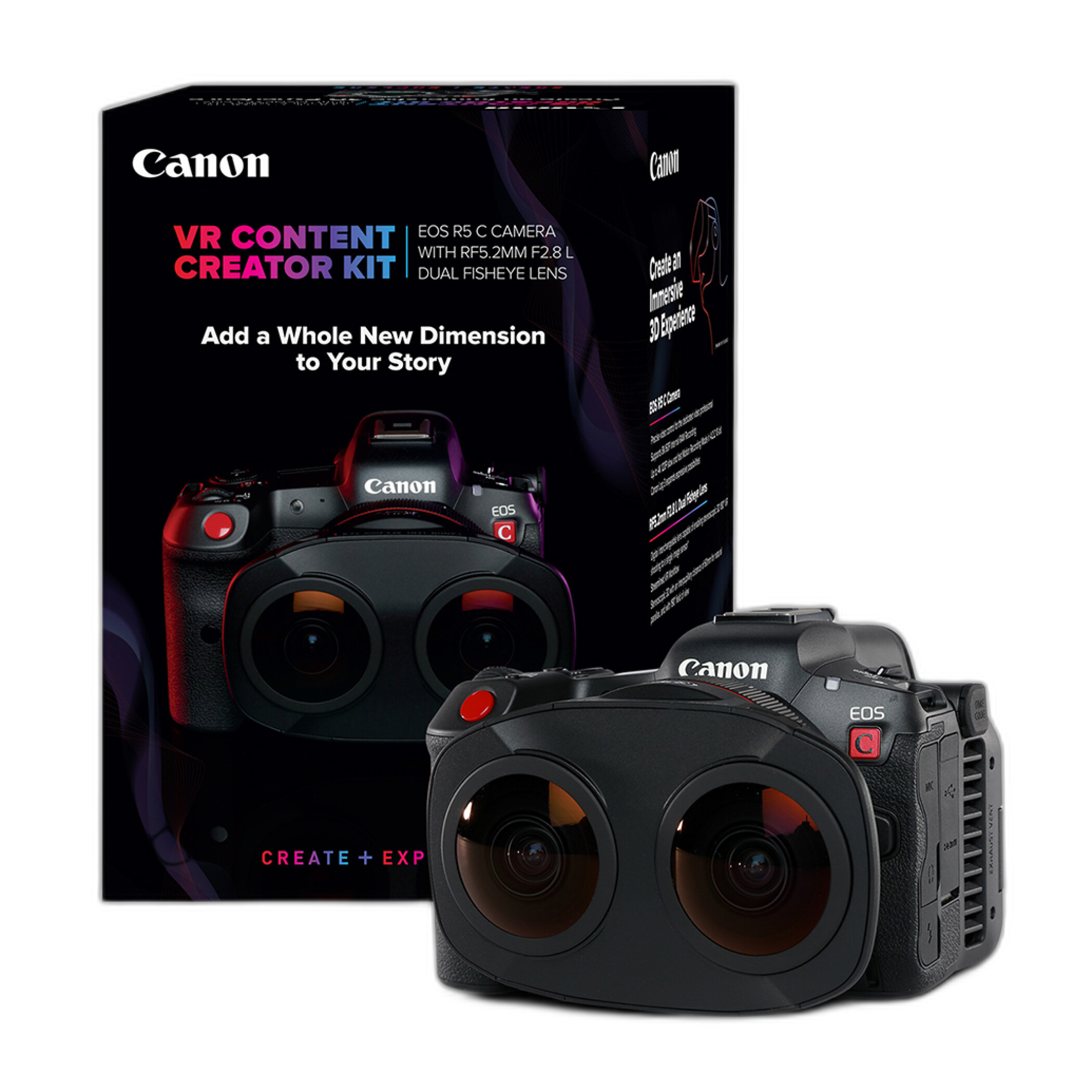
For example, a well-lit video shot on the Canon PowerShot V10 can often look more appealing than poorly lit footage from a much more advanced camera. On the other hand, if you already have dependable lighting and want to elevate your content, stepping up to a kit like the Canon EOS R8 Content Creator Kit or even the Canon EOS R5 C VR Content Creator Kit can open up more ambitious creative possibilities.
What is the best upgrade path for a beginner creator building a studio?
The smartest upgrade path is usually lighting first, audio second, and camera third—unless your current camera is holding you back in a major way. Start with a reliable continuous key light, then add a fill or background light, and use basic modifiers to soften the result. Once your image looks consistent, a good microphone and thoughtful camera placement will make your content feel much more professional.
After that, choose a camera that fits your style of production. For ultra-simple solo creation, the Canon PowerShot V10 is a convenient option. For creators ready for interchangeable lenses and more room to grow, the Canon EOS R10, EOS R50, EOS R7, or EOS R8 Content Creator Kits are all strong next steps depending on your budget and feature needs.
If your work expands into immersive or specialty production, high-end solutions like the Canon EOS R5 C VR Content Creator Kit can support much more advanced video workflows. The key is to build your setup in stages so each purchase meaningfully improves your content.
Affordable lighting is not about finding the cheapest light—it is about choosing the right tool for your room, your shooting style, and your long-term goals. If you are ready to build a creator setup that balances budget and quality, Unique Photo can help you pair the right camera with the right video accessories so your next upload looks better from day one.