Affordable Video Camera FAQ: 4K, Autofocus, and the Best Options
Shopping for a video camera on a budget usually starts with a few big questions: Do you really need 4K, how important is autofocus, and what features matter most for the kind of content you create? At Unique Photo, we help videographers sort through those decisions every day, whether they are building a livestream setup, outfitting a classroom, or adding flexible cameras for events and worship production.
While many buyers begin by looking at mirrorless cameras, dedicated video cameras can sometimes offer a better value for fixed-position shooting, remote production, and multi-camera workflows. The FAQ below breaks down the most important considerations so you can choose the right camera for your needs and budget.
What should I prioritize first when buying an affordable camera for videography?
The best place to start is with your actual workflow rather than the spec sheet alone. Resolution matters, but it is only one piece of the puzzle. You should also consider autofocus behavior, zoom range, connectivity, remote control options, low-light performance, and how the camera will be used in your space. For example, a solo creator filming themselves may care most about reliable subject tracking, while a church, school, or business may benefit more from a PTZ camera that can be mounted permanently and controlled from a distance.
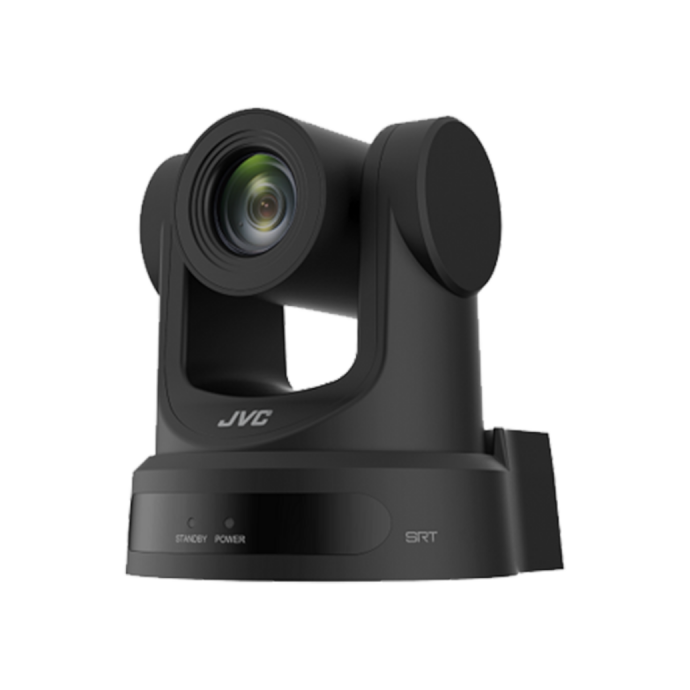
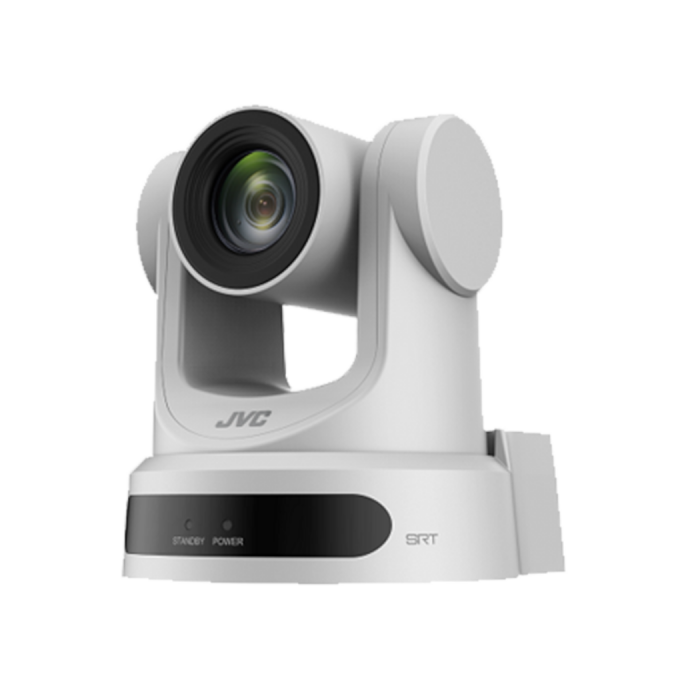
If your production setup is built around streaming, lectures, live events, or panel discussions, a purpose-built PTZ camera can be a very cost-effective alternative to a mirrorless body plus lenses, capture hardware, and support accessories. Models like the JVC KY-PZ200 HD PTZ Remote Camera offer strong value for entry-level and mid-level productions that need dependable remote operation and long zoom capability.
Do I really need 4K for videography, or is HD still enough?
4K is valuable, but it is not automatically essential for every project. If you deliver to YouTube, clients, digital signage, or modern streaming platforms, 4K gives you more detail and more flexibility for cropping and reframing in post. It can also help future-proof your setup if you expect your production needs to grow. That said, HD is still perfectly viable for many livestreams, houses of worship, classrooms, interviews, and web-based content where bandwidth, storage, and turnaround speed matter just as much as image resolution.
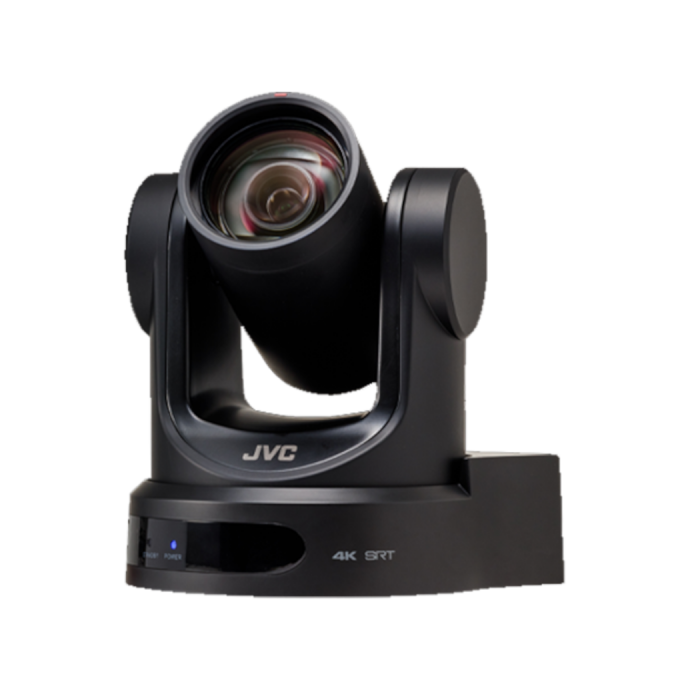
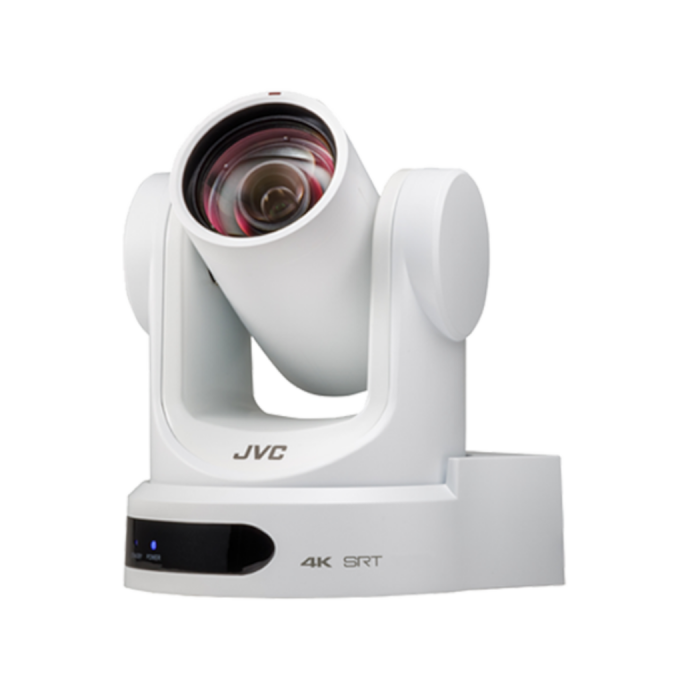
For buyers who want a 4K-ready system, the JVC KY-PZ400N 4K NDI HX PTZ Remote Camera is a smart step up. It combines 4K capture with network-friendly workflow features, making it especially useful for productions that may scale over time. If your current needs are simpler and cost control is the priority, an HD option such as the JVC KY-PZ200 series can still deliver professional-looking results.
How important is autofocus for video?
Autofocus can be one of the most important features in video, but its value depends on how much movement is happening in your scene and whether anyone is actively operating the camera. For handheld shooting, walk-and-talk content, or solo production, autofocus can save shots and reduce the need for constant manual adjustment. In fixed-camera environments, autofocus is still useful, but framing consistency, remote control, and zoom range may matter more.
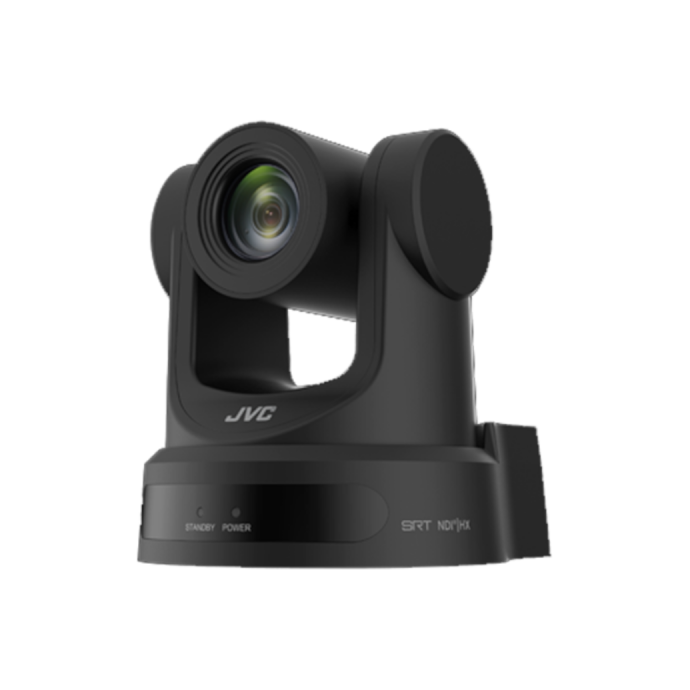
That is one reason dedicated PTZ cameras are often overlooked by buyers focused only on mirrorless options. In a conference room, sanctuary, event venue, or studio, the ability to reposition the camera remotely and recall presets can be more useful than relying on a traditional stills-oriented camera body. Cameras like the JVC KY-PZ200N HD NDI HX PTZ Remote Camera are designed for this type of controlled production workflow, where ease of operation and reliable framing are key.
Is a mirrorless camera always better than a PTZ camera for video?
Not necessarily. Mirrorless cameras are excellent for cinematic work, shallow depth of field, lens flexibility, and hybrid photo-video use. But if your main goal is efficient video production, especially in a fixed environment, a PTZ camera can be the more practical and affordable choice. PTZ cameras are built for remote control, long-duration operation, clean installations, and multi-camera systems. They also eliminate the need to budget for extra lenses when integrated zoom is part of the package.
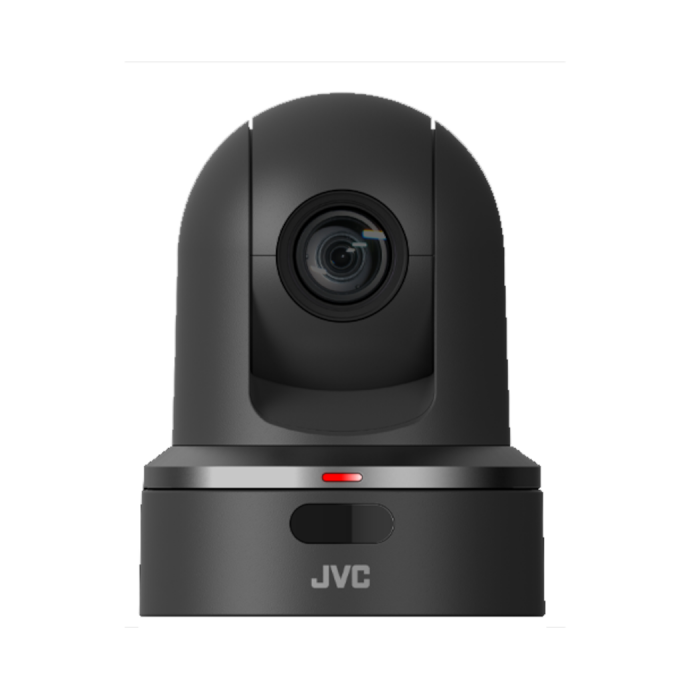
For example, if you are covering a stage, lecture hall, or worship service, a PTZ camera with a 20x or even 30x optical zoom can cover a wide range of framing needs without changing lenses or repositioning the setup. The JVC KY-PZ100 HD 30x Zoom Robotic PTZ Network Video Production Camera is a strong option when reach is a top priority.
What features matter most for livestreaming and multi-camera production?
For livestreaming, connectivity and controllability often matter just as much as image quality. You should look for cameras that fit smoothly into your production chain, whether that means SDI, HDMI, IP control, or NDI-enabled workflows. The ability to mount cameras discreetly, control them remotely, and match multiple units across a venue can save time and make the final production look more polished.
This is where cameras like the JVC KY-PZ400N 4K NDI HX PTZ Remote Camera really stand out. For teams building a modern IP-based setup, NDI HX support can simplify cable runs and streamline integration into live production systems. If you need a white finish for cleaner installation in churches, conference rooms, or studio environments, the white version is also available.
How much zoom do I need for videography?
The right zoom range depends entirely on camera placement and subject distance. In smaller rooms, a moderate zoom may be enough. In larger venues, auditoriums, sanctuaries, and outdoor installations, longer optical zoom becomes much more important. One of the advantages of PTZ cameras over many entry-level mirrorless kits is that they often include substantial built-in optical zoom, giving you flexibility without adding lens costs.
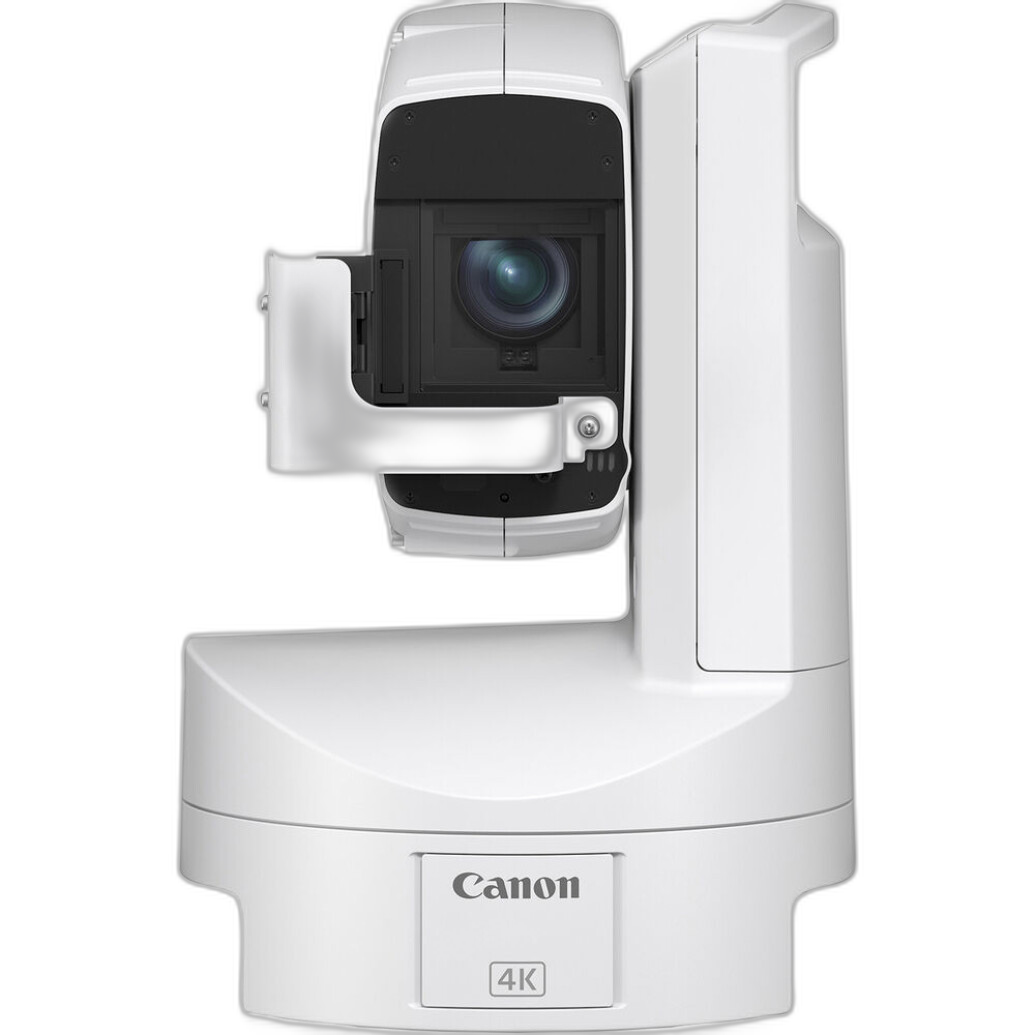
The JVC KY-PZ200 series offers 20x optical zoom, which is a practical sweet spot for many indoor productions. If you need more reach, the JVC KY-PZ100 extends to 30x optical zoom. For specialized outdoor and broadcast-oriented applications, the Canon CR-X300 Outdoor 4K PTZ Camera adds rugged deployment potential along with 4K capture and 20x zoom.
Should I choose an HD camera now and upgrade later, or buy 4K from the start?
If your current deliverables are mostly HD and your budget is tight, starting with a strong HD camera can be a sensible move. A well-designed HD camera in a reliable production workflow will usually serve you better than stretching for 4K while compromising on mounting, switching, audio, or control. Many organizations get better overall results by investing in a balanced system rather than chasing the highest resolution first.
However, if you know you will need reframing flexibility, higher-detail delivery, or longer-term scalability, moving directly into 4K may be worth the extra investment. The JVC KY-PZ400N is a compelling option for buyers who want modern 4K capability without jumping straight into much higher-end broadcast pricing. For more budget-conscious installations, the JVC KY-PZ200 HD PTZ models remain strong choices.
What is the best affordable option for schools, churches, and event spaces?
For these environments, affordability means more than the camera price alone. You also want easy operation, flexible mounting, useful zoom range, reliable video output, and the ability to integrate into a simple or expanding production setup. PTZ cameras are often ideal because they can cover a room from a fixed position and reduce the need for dedicated camera operators.
For many buyers in this category, the JVC KY-PZ200 and KY-PZ200N models hit a practical value point. They are well suited for lecture capture, worship streaming, meeting rooms, and event coverage where remote control and clean installation matter. If network-based production is part of your plan, the NDI HX versions are especially appealing. If your venue needs higher resolution for long-term growth, consider stepping up to the JVC KY-PZ400N 4K models.
How do I know which video camera is right for my budget?
The smartest approach is to define your shooting environment, final delivery format, and control needs before comparing prices. A lower-cost camera that lacks the right connectivity or zoom range can become more expensive once you add workarounds. On the other hand, a dedicated video solution with integrated zoom, remote control, and network capability can deliver better long-term value than a more general-purpose camera body.
At Unique Photo, we recommend starting with the role the camera needs to play. If you need a dependable HD production camera with strong zoom and remote functionality, the JVC KY-PZ200 family is a great place to begin. If 4K and IP-based workflows are priorities, the JVC KY-PZ400N series deserves serious consideration. For demanding outdoor or professional installation applications, the Canon CR-X300 is a premium solution.
Whether you are upgrading from a basic setup or building your first serious video system, Unique Photo can help you compare the right options and choose gear that fits your production goals. Explore our video camera selection and connect with our team for expert guidance on the best camera for your workflow and budget.