Why hybrid cameras matter for modern creators
Today’s creators need cameras that can jump from crisp stills to polished video without missing a beat. Whether you’re a one‑person production team, shooting all‑day weddings, or traveling light, the right setup—and a few smart techniques—can maximize autofocus reliability, keep heat in check, and help you deliver pro results with minimal fuss.
Field-tested tips for better hybrid shooting
1) Weigh video essentials before you buy
Make a checklist based on your work: internal 10‑bit codecs for grading, 4K/60p or higher for slow motion, reliable IBIS, clean HDMI, and dual card slots if you do paid gigs. For weddings and travel, prioritize efficient codecs and long record limits; for one‑person productions, look for easy menu access and customizable buttons so you can switch photo/video settings quickly.
2) Lean on dependable autofocus (and match it with the right glass)
Hybrid work lives or dies by AF consistency. Test subject detection with real‑world motions—walking toward camera, dancing in low light, or talking straight to lens. Pair your camera with lenses that focus quickly and quietly to avoid AF noise in your audio. Wide, lightweight primes are great for gimbals, establishing shots, and tight interiors.
Example wide prime for Sony E‑mount crews who value speed and clarity on gimbal or handheld:
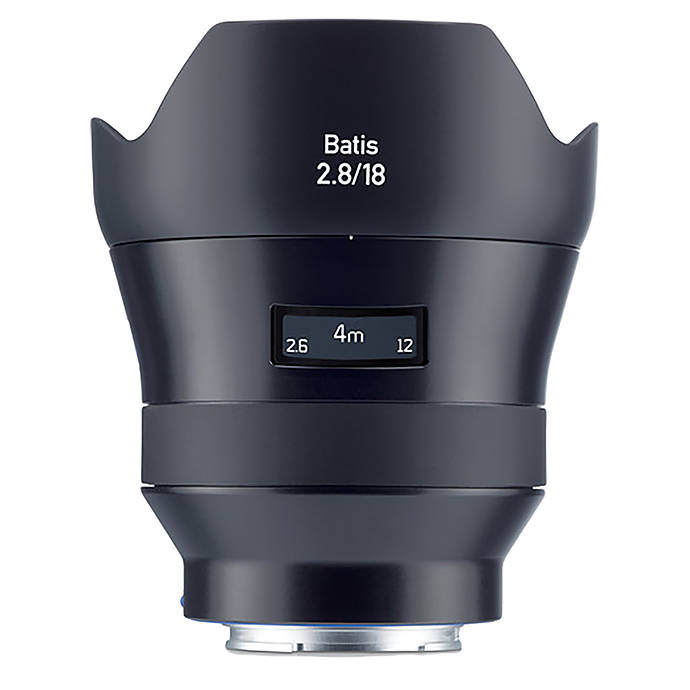
The Zeiss Batis 18mm f/2.8 is a clean, wide option for travel vlogs, venue establishing shots, and creative POVs, helping your AF system keep faces and moving subjects tack‑sharp at close and wide angles.
3) Build a one‑person workflow you can operate blindfolded
- Assign a custom button to toggle between stills and video (or AF modes) instantly.
- Save two distinct shooting profiles: one for photos (RAW, single AF) and one for video (Log/flat profile, continuous AF).
- Practice a fast lens‑swap routine and keep a protective cap handy to protect your sensor between takes.
A simple but underrated accessory for Sony shooters swapping lenses on the move: a sturdy body cap keeps dust off the sensor when you’re hustling between scenes.
4) Manage heat before it manages your shoot
- Choose sensible bitrates/frame rates for the job. If the deliverable is 4K/30, avoid overspec’d settings that create unnecessary thermal load.
- Keep screens dimmer when possible, crack open doors/flaps to improve ventilation, and avoid direct sun on black bodies.
- Plan short breaks between long clips during ceremonies or speeches; roll B‑cam or audio separately to cover cuts.
On AC power, some cameras run cooler and remove battery swaps from the equation—handy for streaming, BTS, and long interview segments.
5) Power planning for hybrid days (stills + video + flash)
Weddings and events often mix photo flash bursts with documentary video. Keep flash recycle times snappy so you don’t miss moments transitioning between modes.
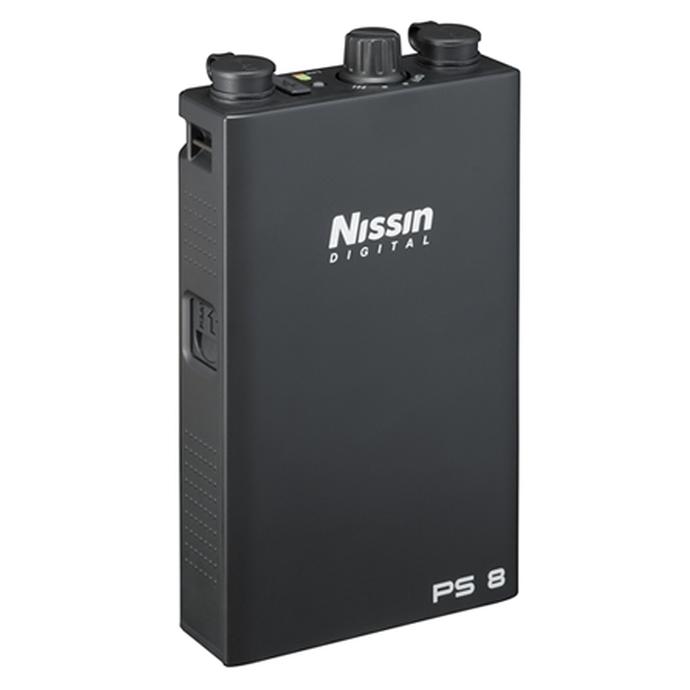
The Nissin PS 8 Power Pack for select Canon flashes helps maintain fast recycle times through the reception and portrait sessions—ideal when you’re alternating between stills with speedlites and run‑and‑gun video coverage.
6) Travel light and protect the gear you actually carry
Compact bodies make excellent travel hybrids, especially for quick social video and street photography. Keep them protected without adding bulk so they’re always ready to grab a clip or snap a still.

If you’re running a compact Sony like the a5100/a5000 for lightweight hybrid work, the Sony Form Fitting Body Case adds grip and protection while staying unobtrusive in your travel kit.
7) Build a reliable live/streaming setup for one‑person productions
Live webinars, virtual consultations, and remote BTS are part of hybrid work now. A clean, stable connection plus continuous power helps sessions go smoothly.
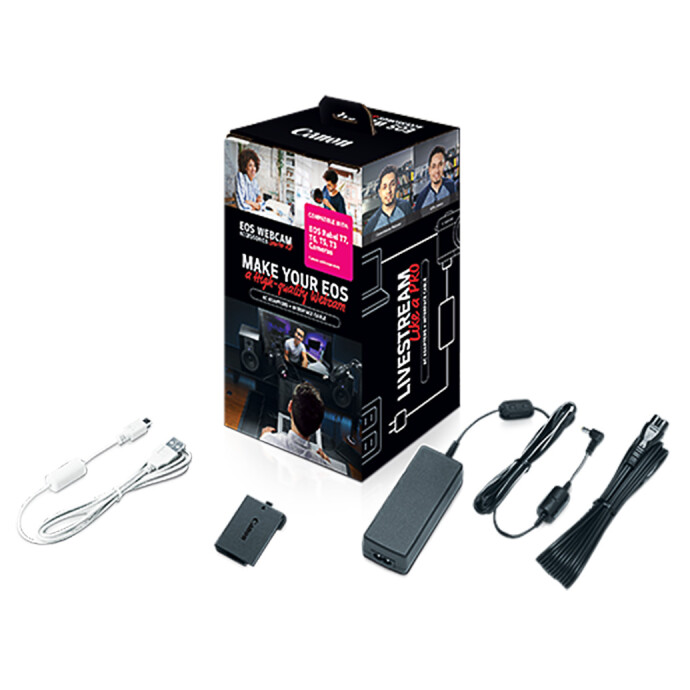
For Canon EOS Rebel users, the Canon EOS Webcam Accessories Starter Kit simplifies power and connectivity for streaming and virtual meetings—great for educators, wedding filmmakers offering remote previews, or creators who need to go live between shoots.
8) Protect your investment when video is your livelihood
Heavy hybrid use—especially frequent video work—means more hours on shutters, ports, and buttons. Extended coverage can keep a paid schedule on track if something goes wrong.


Canon CarePAK PRO options for EOS Cinema Cameras provide added peace of mind for working video professionals—ideal if your hybrid kit leans toward cinema bodies for long-form projects.
9) Choose a two‑lens core that fits your jobs
- Wide prime (16–20mm equivalent) for gimbal, interiors, and immersive travel scenes.
- Fast normal or short tele (35–85mm equivalent) for portraits, ceremonies, and detail shots.
This compact two‑lens approach gives you polished coverage without constant lens shuffles—perfect for solo operators and destination shoots.
Final take
Hybrid cameras unlock huge flexibility when you balance video features, AF performance, and heat management with a smart, lightweight kit. Start with dependable lenses and power, protect what you carry, and build a simple workflow you can operate under pressure. If you want tailored advice or to handle gear in person, the team at Unique Photo is here to help you dial in the perfect hybrid setup.