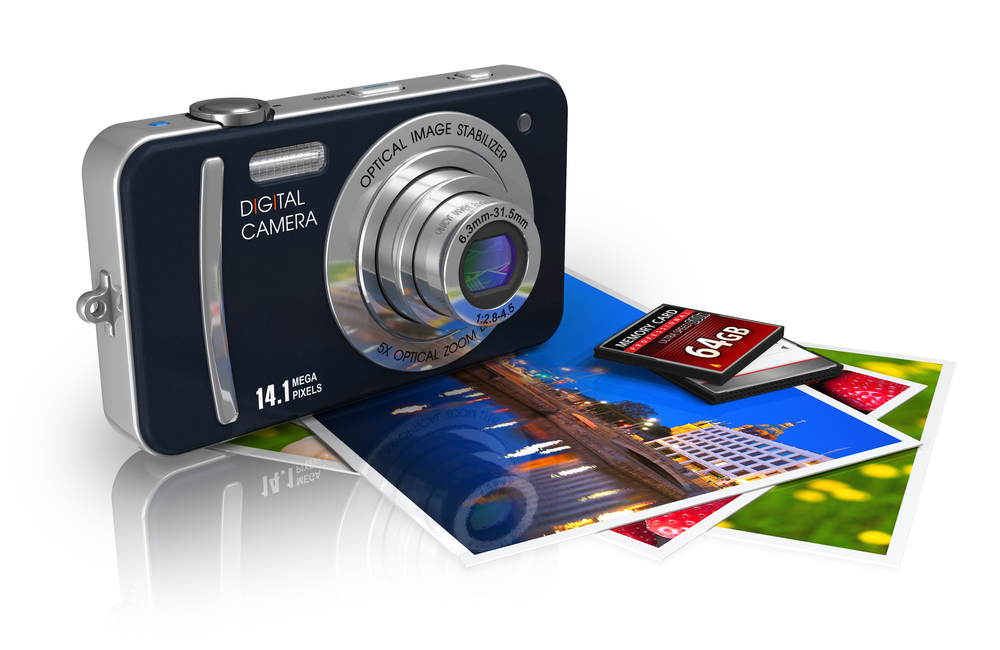
Memory cards are one of the prime factors at every stage of digital photography, irrespective of whether the photos are being taken or developed by an amateur or an experienced photographer. With proper care and handling, memory cards can continue their longevity and effectiveness, extending the lifetime of the card. Handling your memory cards in the right manner and following certain simple tips can go a long way in maintaining them for many years, assuring the safety of your photos and videos. Jeff Cable and Pachi Chen-Wong, two vastly experienced and highly reputed photographers working over at Lexar Media, offer seven valuable tips for taking proper care of your memory cards, extending their life and ensuring that they constantly operate at their optimum level.
1. Format the Card in Your Camera: Always remember to format the memory card in your camera itself before you start storing media files on it. The outcome of formatting the card in your camera as opposed to the normal practice of formatting it on a computer, is that it readily synchronizes with the camera as soon as you start recording data. This in turn, guarantees a better performance from the memory card.
2. Acknowledge Your Capacity: While recording pictures and videos, always make a note to keep a watch on the image counter of the memory card. Trying to fill a memory card to the brink of its capacity could vitiate the quality of the photographs or video files.
3. Rotate Cards In and Out of Use: Photographers who require several memory cards for a shoot should form a technique of identifying the cards already in use; the ones that are empty, which cards were used to store which images and videos, and how much data has already been filled in the used cards. Some easy tricks can be followed to identify your memory cards. For example, if you are among those photographers who are accustomed to using a card wallet, stash the used memory cards upside down and the unused ones right side up. This can help you avoid the error of using a full memory card again and expose your media files to the danger of getting corrupted.
4. Use a Card Reader: Connecting your camera to a computer with a USB cable drains unnecessary battery power from the camera. More so, if for any unforeseen circumstances the USB cord gets disconnected, your file transfer would be discontinued and could damage the files being transferred. To avoid all these hazardous possibilities, it's prudent to use a card reader at all times when exchanging files between a computer and your camera. It is not only a more secure method, but also much quicker and efficient. One such brilliant example is the Lexar Professional Express Card Reader which provides a safe and super-fast file transfer speed as high as 133 Mb/s.
5. Try to Not Delete Images on Your Camera: Never make the mistake of deleting a recorded picture or video directly on your camera. It's more expeditious to first transfer the file onto a computer and then get rid of it, so that the computer's operating system is tasked with the deleting process rather than the camera's. Also, it's wiser to opt for a memory card with a large storage capacity, which facilitates lengthy shooting durations without the need to constantly connect the card to a computer for periodically deleting unwanted files.
6. Don't Remove the Card from the Camera too soon: Once you have recorded your desired photographs or videos and are ready to transfer them onto your computer, wait for the red indicator light to turn off before dislodging the card from your camera. This ensures that the image transfer process is completed and it's safe to extract the memory card.
7. Don't Panic: Just in case the memory card becomes wet, there is no need to press the panic button. Most memory cards from reputable brands such as Lexar are built of solid state memory devoid of any mobile parts, making them extremely hard-wearing and long-lasting. In the possibility of your card becoming wet, just perform the simple task of gently dabbing it dry with a clean piece of fabric before inserting it into any electronic device.
Remembering these simple and effortless tips will ensure that your memory cards always perform at their best, and keep all of your important images and videos.