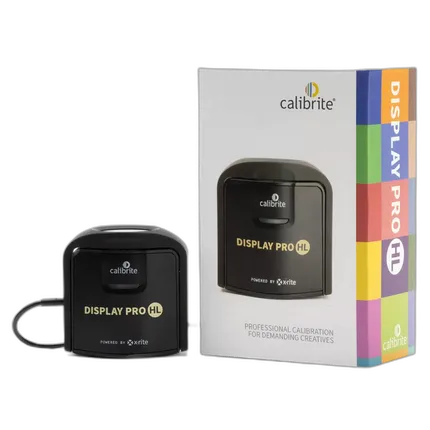
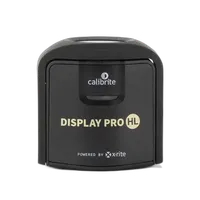
Calibrite Display Pro HL
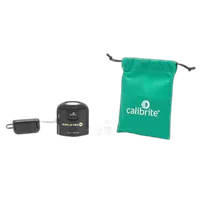
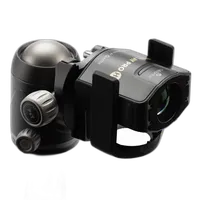
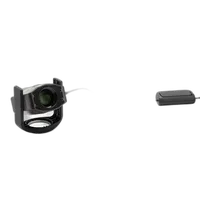
Key Features
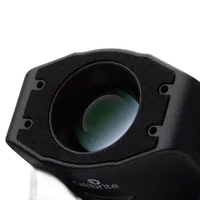
- An Advanced High Luminance (HL) Sensor for Displays
- Accurately Measures LCD, Mini-LED, and OLED Displays
- Recommended for the Highest Quality Image Editing or Design Applications
- Comes with Calibrite Profilers Software
- Compatible with Some Third-Party Monitor Calibration Software
- USB-C Conneciton with USB-A Adapter Included
OVERVIEW
Made for photographers, designers, and content creators, the powerful combination of hardware and software in the Calibrite Pro HL brings your colours to life like never before.
Calibrite Display Pro HL is powered by new X-Rite technology and backed by decades of display and colour science research. Using a newly developed HL measurement sensor, the Display Pro HL provides superior colour accuracy and enables a greater luminance range, compatible with current and emerging display technologies. And when used with Calibrite PROFILER software, you can access completely customizable features such as White Point, Luminance, Contrast Ratio and Gamma, which make the most of the new HL sensor.
You care about your images, your designs, your content. It’s your creative vision, and you would want to have complete confidence when sharing it with clients and customers; you want to be sure the files you edit are at their best. The brand-new HL sensor in the Calibrite Display Pro HL allows for more accurate calibration and color profiling of LCD, mini-LED and OLED displays, including Apple XDR panels, and therefore more control over your images.
Calibrite Profiler Software
Calibrite PROFILER is our new, intuitive, simple-to-use calibration software for all levels of creators. With built-in presets for those new to colour management and fully customisable features for the more advanced user, Calibrite PROFILER makes colour management accessible for everyone, enabling anyone to get their colour right!
Projector Calibration
Now your projected presentations can display your work in the best light and color possible. Thanks to the projector profiling, you can easily create a custom profile for a projector or large panel display directly from your laptop in just a few minutes. The profiling process accounts for all room conditions, including projected colors, screen color, and ambient room lighting, ensuring that your presentation looks exactly as you intended. With this technology, you can confidently showcase your work and know that people will see it exactly as you want.
Unsure which one suits your needs? Check out the comparison specs here
Brand
- Calibrite Display Pro HL
- Storage Pouch
- USB-A Adapter
No creators have tagged this product yet.
Articles featuring this product
Community questions about this gear
Ask a question
0
votes
2
answers
176
0
votes
2
answers
154
Why does my Pantone Huey Pro calibration add a green color cast, and can it be fixed?
Photography Stack Exchange contributor
11y ago
0
votes
2
answers
266
0
votes
2
answers
297
How should I calibrate a laptop display with an X-Rite i1 Display Pro for accurate photo editing?
Photography Stack Exchange contributor
11y ago
0
votes
2
answers
161
Is a MacBook Pro Retina display accurate enough for photo viewing, or should I calibrate it?
Photography Stack Exchange contributor
13y ago
0
votes
2
answers
151
Can I use a Pantone Huey Pro profile with monitor correction disabled?
Photography Stack Exchange contributor
15y ago
You may also like
Giottos Rocket Blaster Cleaning Kit
- Natural and environmentally-friendly rubber
- Air inlet value design prevents air's back flow from air nozzle
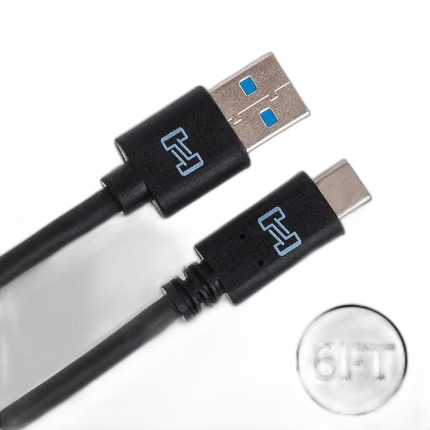
Hosa Technology Type-A to Type-C Male USB Cable (6ft)
- USB Type A to Type C Connection
- USB 3.0 Interface
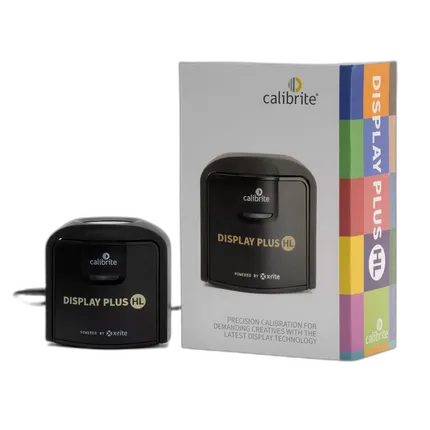
Calibrite Display Plus HL
- An Advanced High Luminance (HL) Sensor for Displays
- The Only Calibration Device to Measure up to 10,000nits