Workflow Tips: Speedy Editing and Filing Photos for Deadlines
When you’re on deadline, every minute between the last frame and the client handoff matters. These practical tips focus on shaving time off import, culling, editing, captioning, and delivery—without compromising quality. Adopt the ones that fit your assignments and build a routine you can repeat under pressure.
Pre-build your folder structure and metadata templates
Create a repeatable project structure before you leave for the assignment (e.g., 01_Ingest, 02_Selects, 03_Deliverables, 99_Archive). Save IPTC/metadata templates with your byline, copyright, and outlet. That way, every import is pre-captioned and consistent, eliminating busywork when the clock is ticking.
Ingest two cards at once and checksum on import
Fast, verified ingest is the first deadline win. A dual-slot reader like the Lexar Professional Workflow Dual-Slot SD UHS-II Reader (SKU LRD1116) lets you pull from two SD cards concurrently and take full advantage of faster UHS-II speeds. Use checksum verification and copy to two destinations (primary SSD + backup) during import to protect your work while you wait.
Auto-apply a baseline look on import
Build an import preset that applies your standard lens profile, a neutral exposure tweak, noise/sharpening, and camera calibration. Even a subtle, consistent baseline makes your first-pass culling faster and reduces per-image edits later. If your work leans toward outdoor or product assignments, sharpening these presets pays off fast. Unique Photo’s class, Editing and Enhancing Landscape and Nature Photography with Photoshop (SKU UUU237), can help you craft a clean, repeatable look for speed.

Make two ruthless culling passes
Pass one: reject obvious misses using only flags and single-key shortcuts—no adjustments. Pass two: compare similar frames at 100% for sharpness and moment; tag only the keepers you’ll edit. Keeping culling and editing separate prevents context switching and saves minutes per hundred images.
Edit in batches, then micro-correct the selects
Work from global to local: sync white balance and exposure across a set shot in the same light, then fix outliers. Save a few “micro-presets” for common scenarios (backlit speeches, locker-room tungsten, overcast portraits) so you’re never starting from zero. For product and e‑comm shooters working on daily turnarounds, the Product Photography and Post Production Editing with Blake Taylor session (SKU UUU332) is a strong crash course in fast, consistent treatment.

Caption once, propagate always
Preload your IPTC fields (location, event, team names, spellings) and use tokens in filenames. Example: CLIENT_2026-05-02_SLUG_####. Keep your style guide handy so your captions are publish-ready and searchable in the client’s DAM or newsroom system.
Create delivery presets for every outlet
Save export recipes for web, wire, and print: size, format, color space, sharpening, and filename pattern. For newsrooms, sRGB JPEGs at 3000px on the long edge with standard output sharpening and embedded metadata are a safe default. Batch export your A‑selects first to get something filed, then follow with alternates.
Leave a quick, tangible proof set when needed
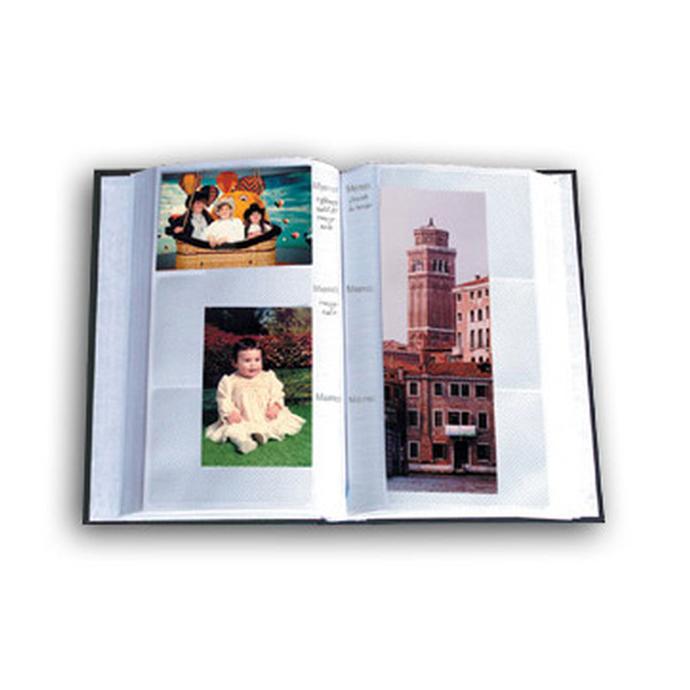
Some clients still appreciate a same-day physical leave-behind of 4×6 highlights with caption notes. A compact album like the Pioneer 4 × 6 in. Bi-Directional Memo Photo Album (200 Photos) – Black (SKU P5XBDP246BK) makes this easy, thanks to memo spaces for IDs and captions. If you expect bigger edits later, keep a pack of Pioneer Album Refill Pages for BP‑200 (SKU P5X46BPR) so you can expand the set without a full redesign.

Archive hero selects after you file
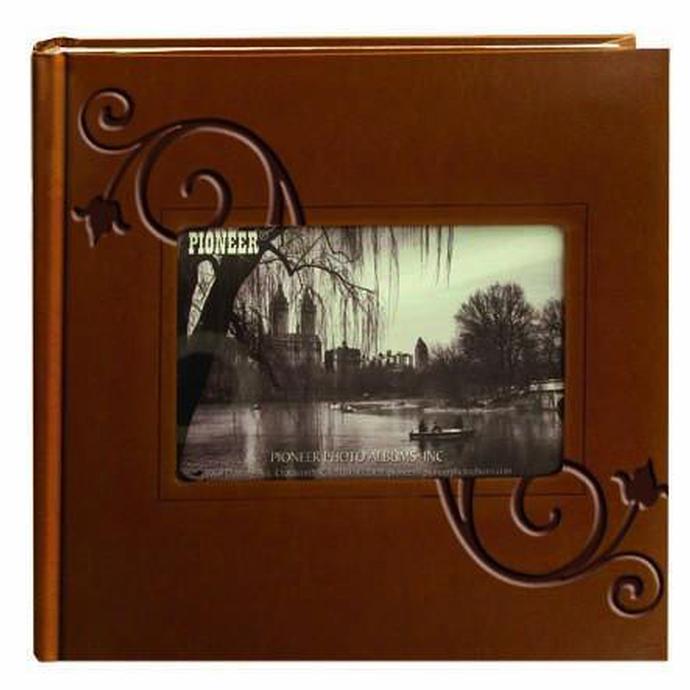
Once the deadline dust settles, separate your delivered set and tuck a curated run of 4×6 prints into a long-life album for portfolio reference or client gifting. The Pioneer 4 × 6 in. Embossed Leather Frame Photo Album (200 Photos) – Brown (SKU P5XDA200EFBN) is a handsome option that keeps frequently referenced images at your fingertips, even when drives are disconnected.
Practice with real-world, deadline-driven scenarios
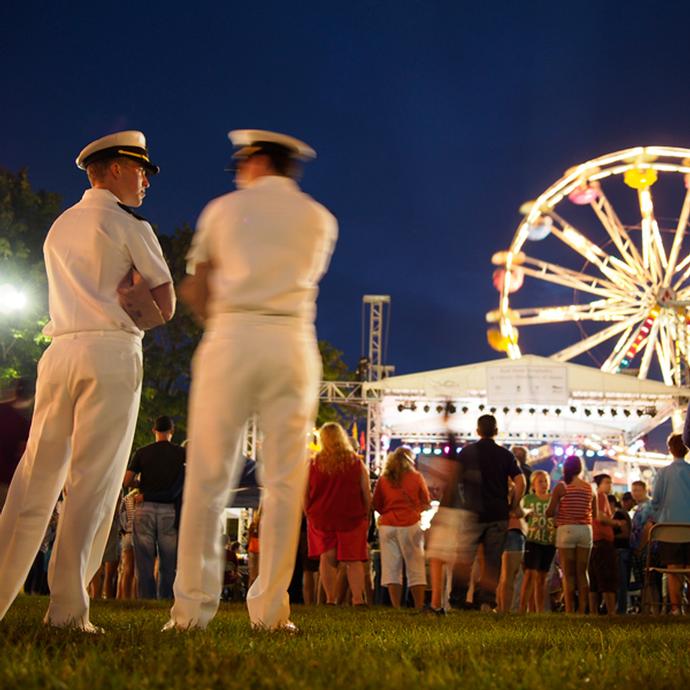
Speed comes from repetition and the right field habits. If events and festivals are your beat, a seminar like How to Capture Great Festival and Event Photos with David Wells (SKU UUU430) can sharpen pre-planning, anticipation, and on-the-fly decision-making—skills that translate directly into faster edits and smarter selects.

Final Thoughts
Deadlines reward preparation and repeatable systems. Build your presets, standardize filenames and captions, and lean on fast ingest and batch edits so you can spend your time on the moments that matter. Explore workflow-friendly tools and classes at Unique Photo to refine your process and keep delivering on time—every time.