Who This Guide Is For
New to photo editing and not sure where to start? Whether you want to fix exposure, remove distractions, or craft eye-catching images for social, this guide zeroes in on beginner-friendly photo editors that make learning fast and fun in 2024. We’ll highlight what matters most—ease of use, learning aids, RAW support, and value—then share a few workflow add‑ons from Unique Photo to help you print and share your new edits.
How to Choose Beginner-Friendly Editing Software
- Ease of use: Look for Guided Edits, templates, and simple sliders.
- Non-destructive editing: Keeps your originals safe while you experiment.
- RAW support: Important if you shoot on dedicated cameras and want maximum quality.
- AI tools: One-click sky replacement, noise reduction, subject selection, and portrait retouching can speed learning.
- Learning ecosystem: Built-in tutorials and a large user community shorten the learning curve.
- Price model: Decide between a one-time purchase or a subscription with cloud features.
- Device and ecosystem: Desktop-only, mobile-only, or seamless cross-device sync.
Top Beginner Photo Editors in 2024
Adobe Photoshop Elements 2024
Why it’s great for beginners: Photoshop Elements’ Guided Edits walk you step-by-step through common fixes and fun effects. It’s a one-time purchase with powerful tools powered by Adobe Sensei AI, a friendly Organizer, and straightforward exporting for print and social.
Best for: Families, hobbyists, and beginners who want hand-holding without a subscription.
Consider: Fewer pro-level workflow tools than Lightroom; limited cloud sync.
Adobe Lightroom (Desktop & Mobile)
Why it’s great for beginners: Lightroom’s clean interface, presets, and non-destructive workflow make it easy to learn. AI masking and noise reduction help you get pro results quickly, and cloud plans sync edits across devices.
Best for: Beginners planning to grow; photographers who want organization, RAW editing, and multi-device access.
Consider: Subscription model; more powerful but slightly steeper learning curve than Elements.
Affinity Photo 2
Why it’s great for beginners: Strong feature set at a one-time price with layers, advanced retouching, and RAW development. Excellent value if you prefer to own your software.
Best for: Budget-conscious learners and tinkerers who want depth without a subscription.
Consider: Fewer built-in tutorials/guides than Elements; smaller ecosystem than Adobe.
Luminar Neo
Why it’s great for beginners: AI-first approach makes complex edits (relighting, sky replacement, power-line removal) almost one click. Templates and Presets make good-looking results fast.
Best for: Beginners who want dramatic, stylized edits with minimal effort.
Consider: Performance can vary; extension add-ons increase cost if you need everything.
ON1 Photo RAW 2024
Why it’s great for beginners: All-in-one app with AI noise reduction, portrait tools, effects, layers, and cataloging. Plenty of training resources and frequent feature updates.
Best for: Beginners who want an alternative to Adobe with a complete toolkit.
Consider: Interface is dense at first; subscription and perpetual options exist—choose what fits.
Apple Photos (macOS/iOS) + Extensions
Why it’s great for beginners: Free, built-in, and surprisingly capable with adjustments, RAW support, and seamless sharing. You can add powerful extensions from third parties as you grow.
Best for: Mac and iPhone users who want the simplest start with room to expand.
Consider: Fewer advanced tools without extensions; Apple-only ecosystem.
Google Photos Editor
Why it’s great for beginners: Dead-simple tweaks, auto enhancements, and cloud backup. Great for quick social-ready edits on mobile or web.
Best for: New editors who mostly shoot and share on phones.
Consider: Advanced features vary by device/plan; limited pro-level control compared to desktop apps.
Quick Comparison
| Software | Price Model | Key Strengths | RAW Support | Platforms | Best For |
|---|---|---|---|---|---|
| Photoshop Elements 2024 | One-time | Guided Edits, AI tools, Organizer | Yes | Windows, macOS | Beginners who want hand-holding |
| Lightroom | Subscription | Non-destructive, AI masks, cloud sync | Yes | Windows, macOS, iOS, Android | New editors planning to grow |
| Affinity Photo 2 | One-time | Layers, retouching, RAW develop | Yes | Windows, macOS, iPadOS | Value-focused learners |
| Luminar Neo | Subscription/Perpetual | AI effects, templates | Yes | Windows, macOS | Stylized edits, minimal effort |
| ON1 Photo RAW 2024 | Subscription/Perpetual | All-in-one, AI noise & portrait | Yes | Windows, macOS | Adobe alternative all-rounder |
| Apple Photos | Free (+ Extensions) | Simple edits, system integration | Yes | macOS, iOS | Apple users starting out |
| Google Photos Editor | Free (+ Premium Features) | Auto enhancements, mobile ease | Limited RAW | Web, iOS, Android | Phone shooters & casual edits |
Level Up Your Workflow with Unique Photo
Once you’ve nailed your edits, print and share with gear and services that make your photos shine—available from Unique Photo.
Learn Faster with Hands-On Instruction

Join Unique University classes and excursions to build real-world skills—composition, exposure, and the field techniques that make your edits even better.
Print Your Best Edits at Home: Epson SureColor P5370
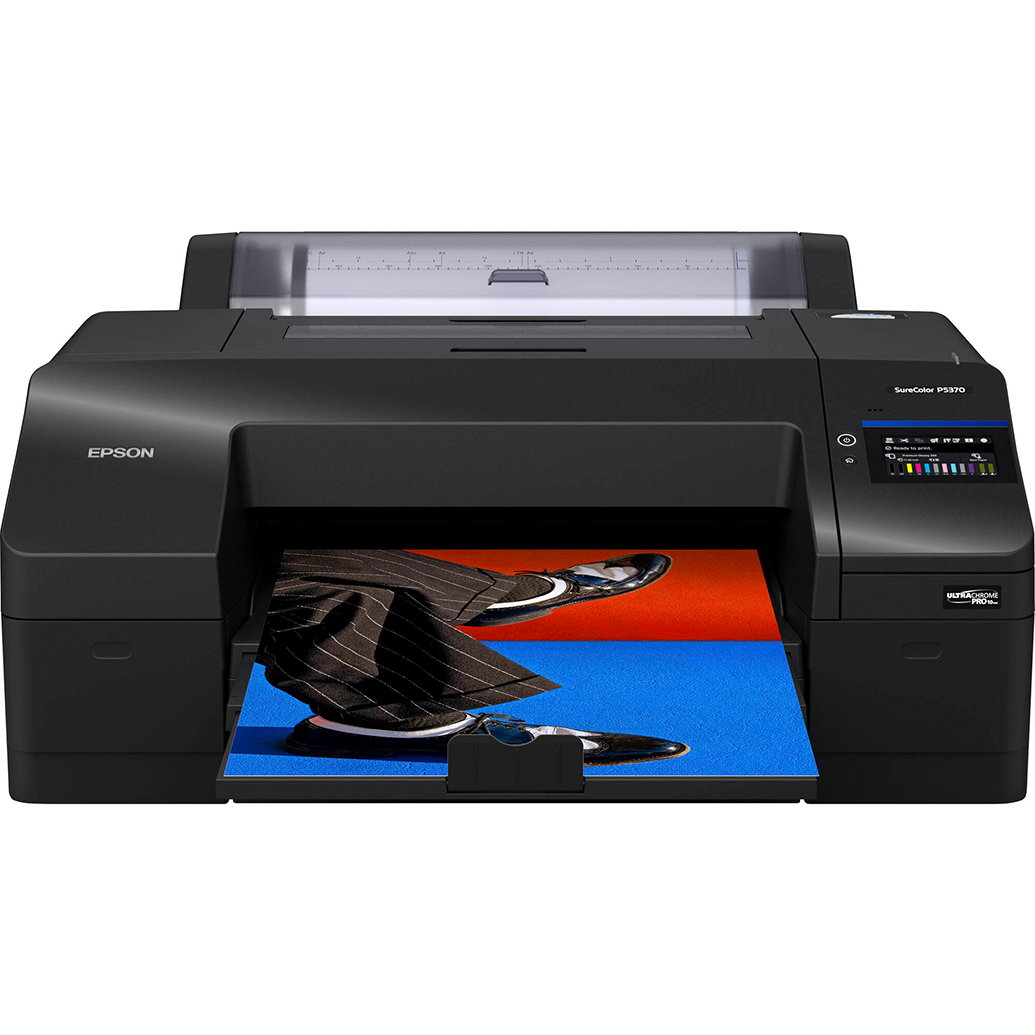
Ready to bring your photos to life? Pair your software with a pro-grade printer for gallery-quality results at home.
Choose Striking Media: Kodak Professional Metallic Inkjet Paper
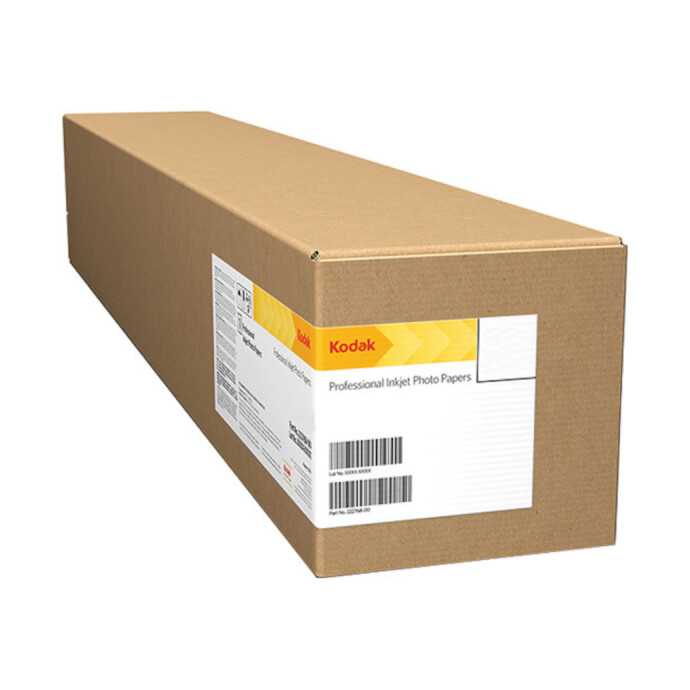
Metallic papers add pop and depth to vibrant edits, especially landscapes, abstracts, and night scenes.
Or Let Us Print for You: Unique Photo Lab

No printer? Use Unique Photo’s lab services for fast, high-quality prints from your newly edited images.
Getting Started: Practical Tips
- Pick one app and stick with it for at least a month—practice beats app hopping.
- Start with exposure, white balance, and crop before advanced effects.
- Use presets or Guided Edits to learn what good changes look like.
- Edit non-destructively and keep originals.
- Print a few favorites—seeing your work on paper is the best feedback loop.
Conclusion
If you want the easiest start, choose Adobe Photoshop Elements 2024 for its Guided Edits and straightforward workflow. Planning to grow and shoot RAW across devices? Go with Adobe Lightroom for its non-destructive editing and cloud sync. Whichever you choose, Unique Photo can help you get the most from your images with hands-on classes, expert advice, pro printers, premium papers, and lab printing services. Visit Unique Photo to elevate your entire editing-to-print journey.