Scanning vs. Darkroom Printing: What Are We Really Comparing?
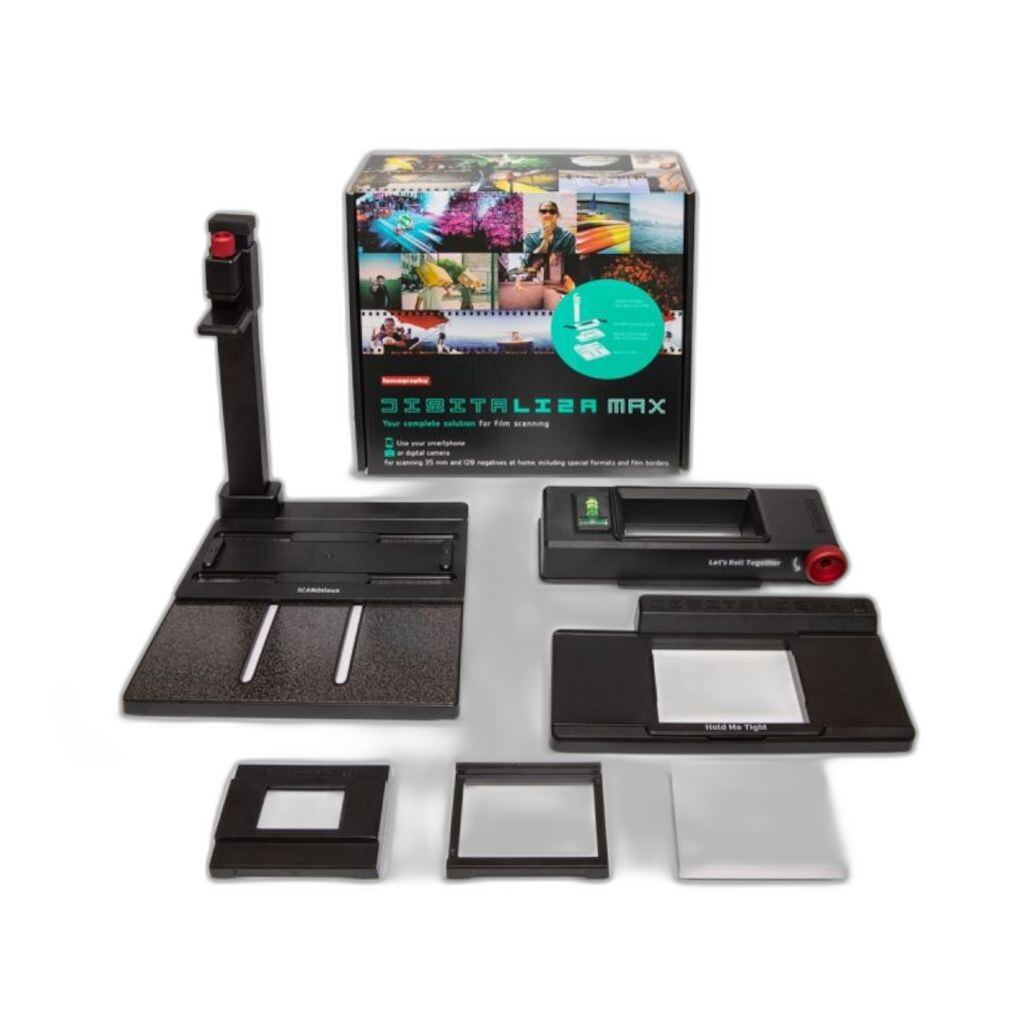
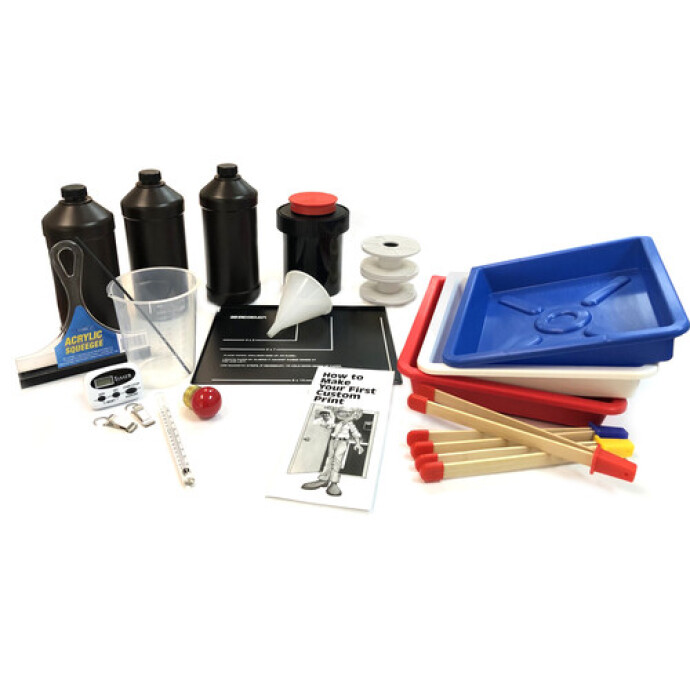
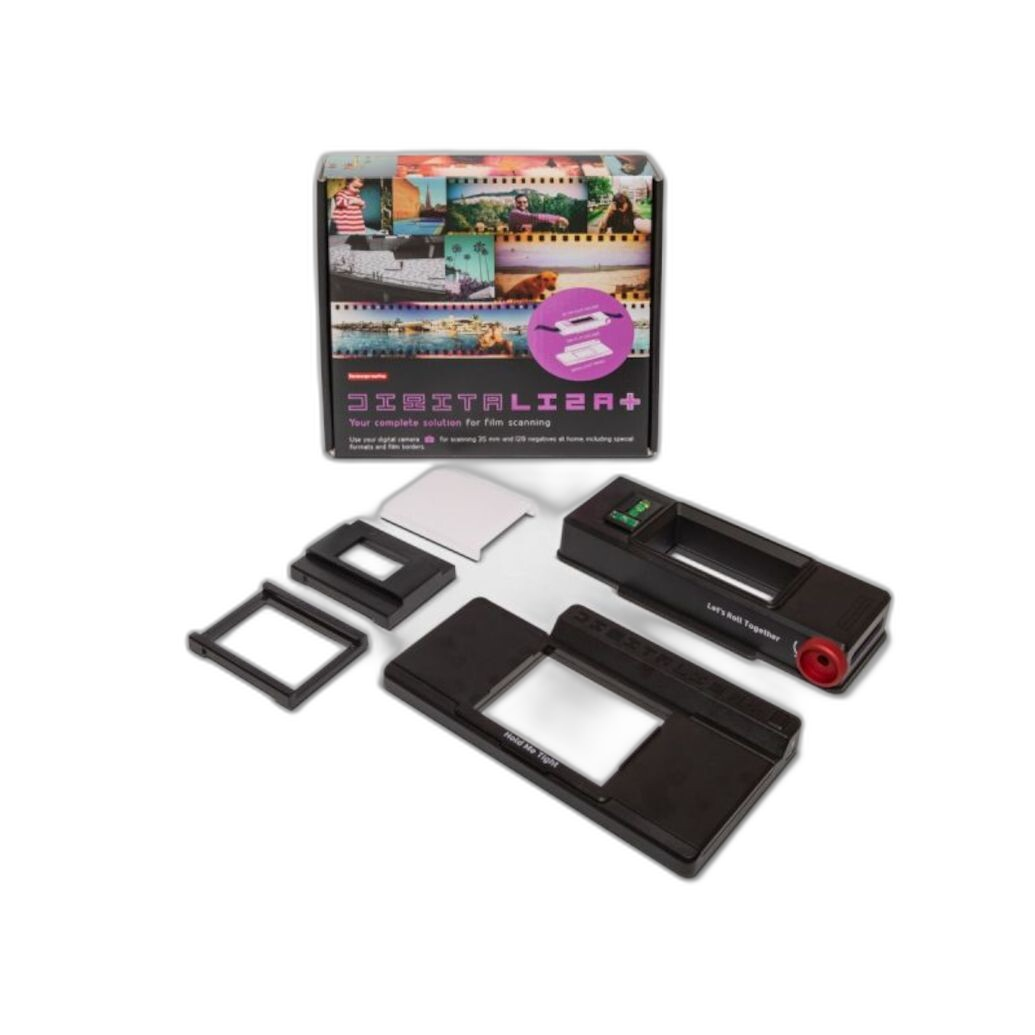
For film photographers, the question is not just how to get images off a negative—it is how to get the best final result for your workflow, your goals, and your aesthetic. In this comparison, we are looking at two classic paths: digitizing film with scanning tools like the Lomography DigitaLIZA Max Scanning Kit and Lomography DigitaLIZA+ Scanning Kit, versus producing traditional wet prints with darkroom gear such as the Beseler Printmaker Darkroom Kit, the Paterson Photographic Darkroom Film and Paper Developing Kit, and Ilford MULTIGRADE RC Deluxe Paper.
Each route can deliver excellent results, but they excel in different ways. Scanning is often faster, more flexible, and easier to integrate into a modern editing and sharing workflow. Darkroom printing, on the other hand, offers unmatched hands-on control, tactile output, and a classic silver-gelatin look that many analog photographers still consider the gold standard.
Side-by-Side Comparison
| Category | Scanning Workflow | Darkroom Printing Workflow |
|---|---|---|
| Primary Products | Lomography DigitaLIZA Max Scanning Kit, Lomography DigitaLIZA+ Scanning Kit | Beseler Printmaker Darkroom Kit, Paterson Developing Kit, Ilford MULTIGRADE RC Deluxe Paper |
| Best For | Fast digitizing, editing, archiving, online sharing | Traditional prints, tactile process, exhibition-style analog output |
| Ease of Entry | Generally easier for modern hybrid shooters | More involved; requires chemistry, workspace, and printing workflow |
| Editing Flexibility | Very high; digital post-processing is simple | High, but manual; dodging, burning, filters, exposure tests |
| Output Type | Digital files, printable later | Physical darkroom prints immediately |
| Repeatability | Excellent once scanning setup is dialed in | Can be excellent, but consistency depends on technique |
| Speed | Usually faster overall | Usually slower, especially for iterative print refinement |
| Hands-On Craft Experience | Moderate | Very high |
| Space Requirements | Low to moderate | Moderate to high |
| Who Gets Better Results? | Hybrid shooters, content creators, archivists | Traditional printers, fine art black-and-white enthusiasts |
The Products in This Comparison
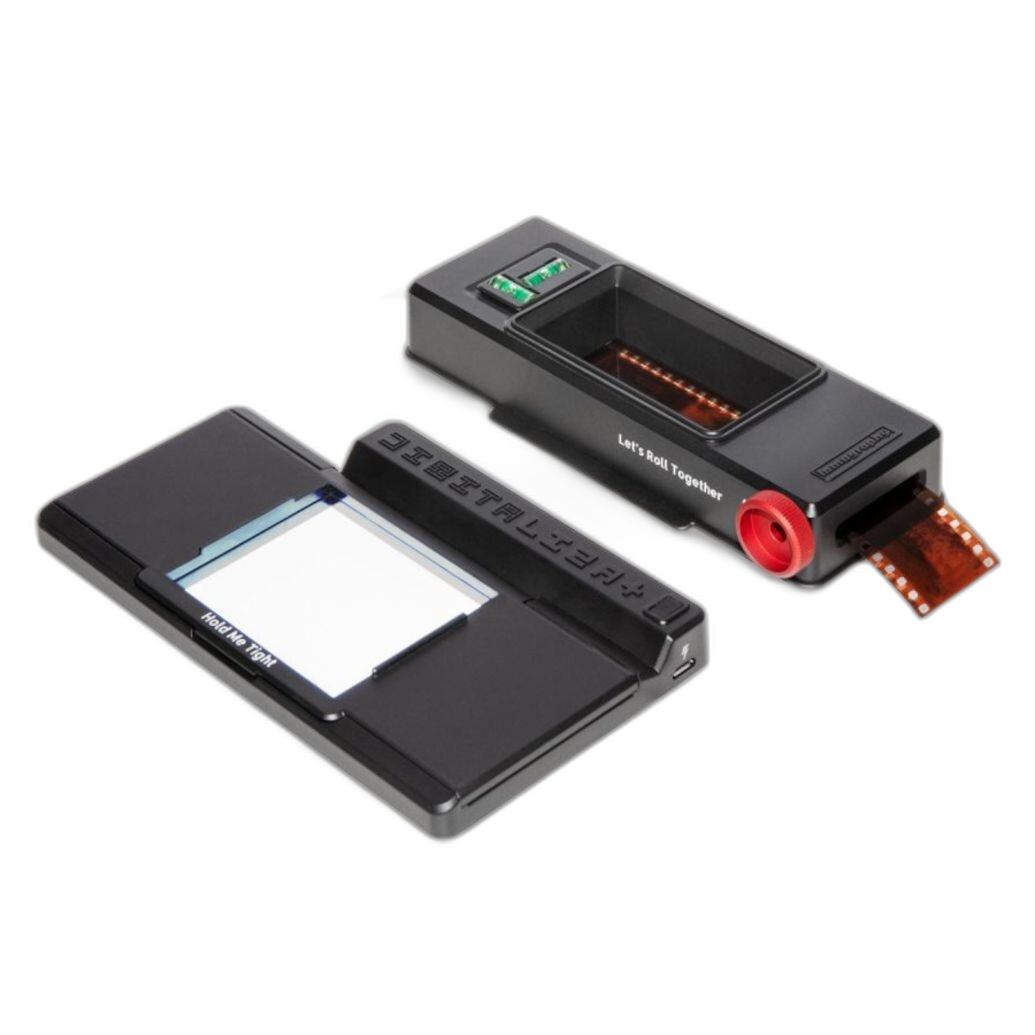
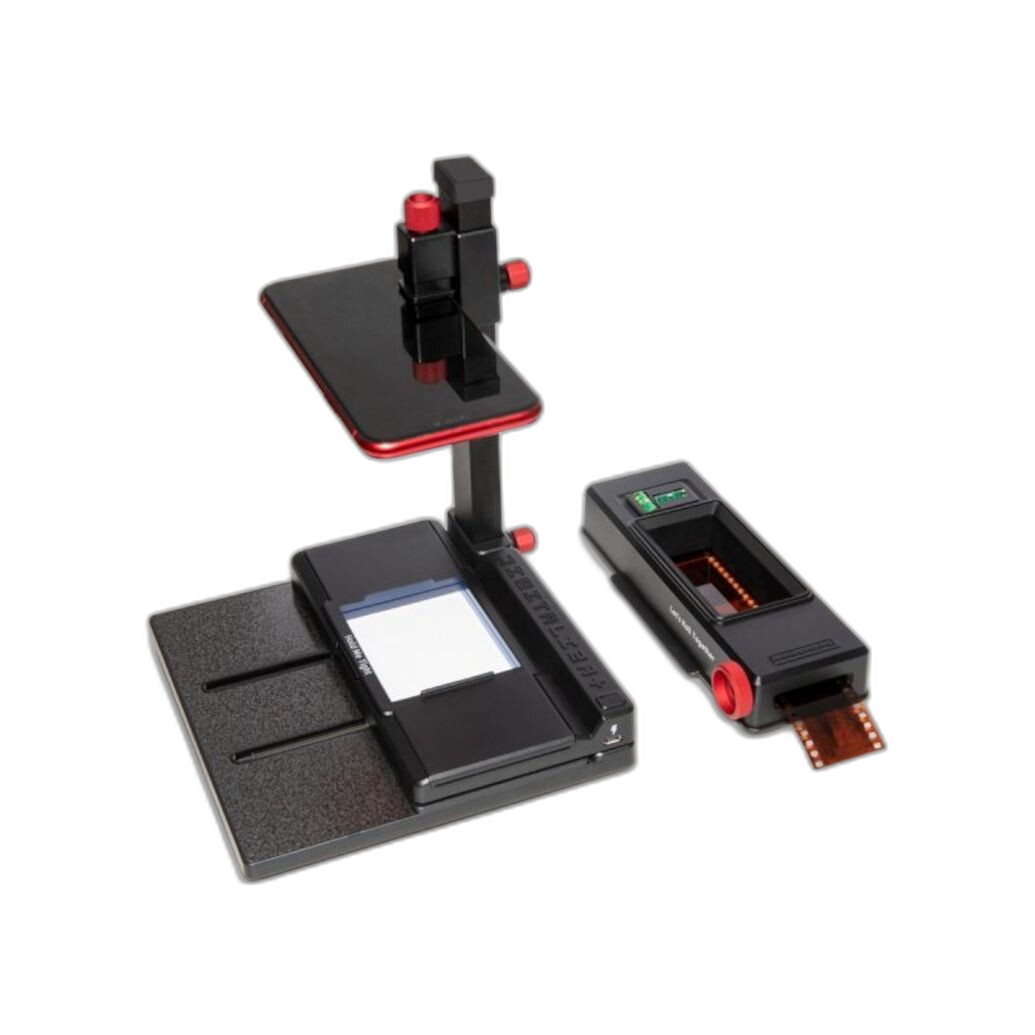
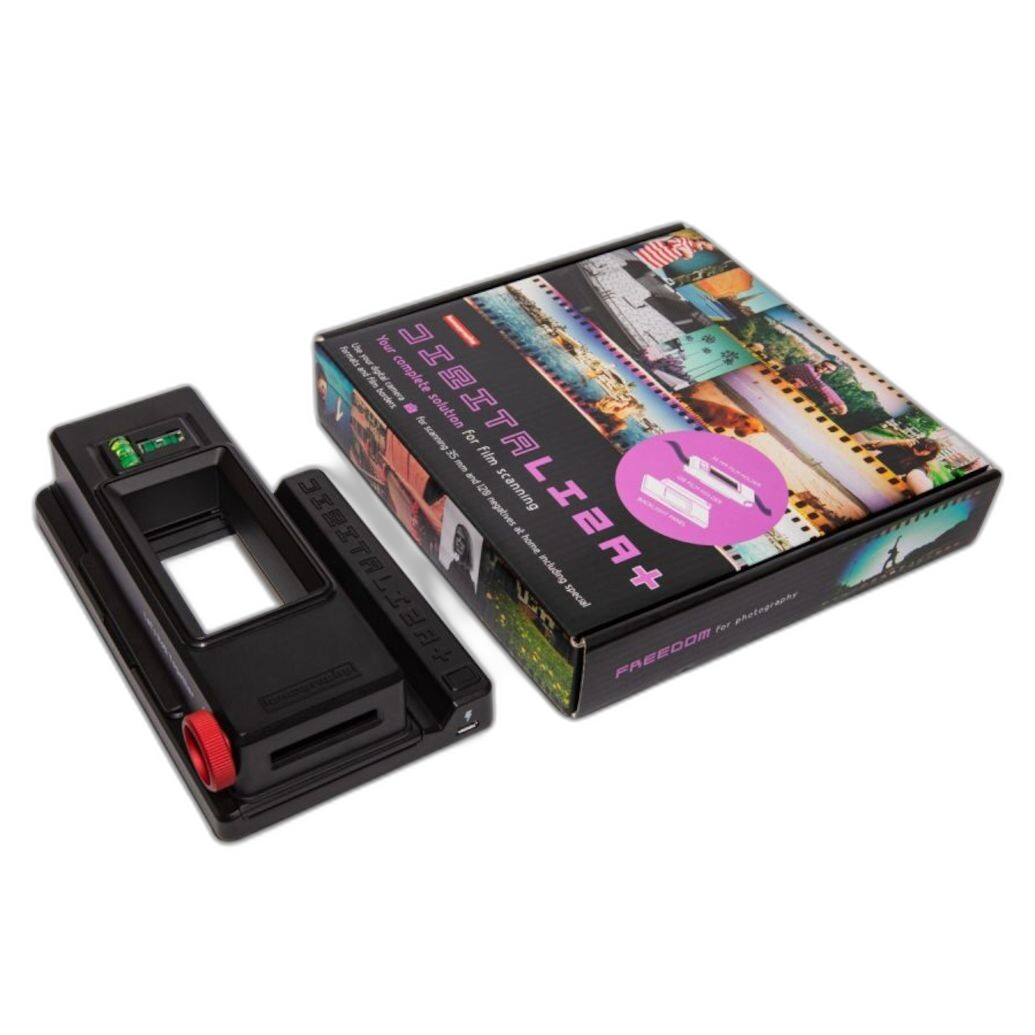
The scanning side is represented by the Lomography DigitaLIZA Max Scanning Kit and the Lomography DigitaLIZA+ Scanning Kit, both designed to make film digitization more accessible and efficient. These kits are especially appealing if you want to convert negatives into editable files using a camera-scanning or compatible digitizing workflow.
The darkroom side is anchored by the Beseler Printmaker Darkroom Kit and Paterson Photographic Darkroom Film and Paper Developing Kit, with Ilford MULTIGRADE RC Deluxe Paper serving as a practical print medium for black-and-white enlarging. Together, these products reflect the classic analog print path from processed negative to finished paper print.
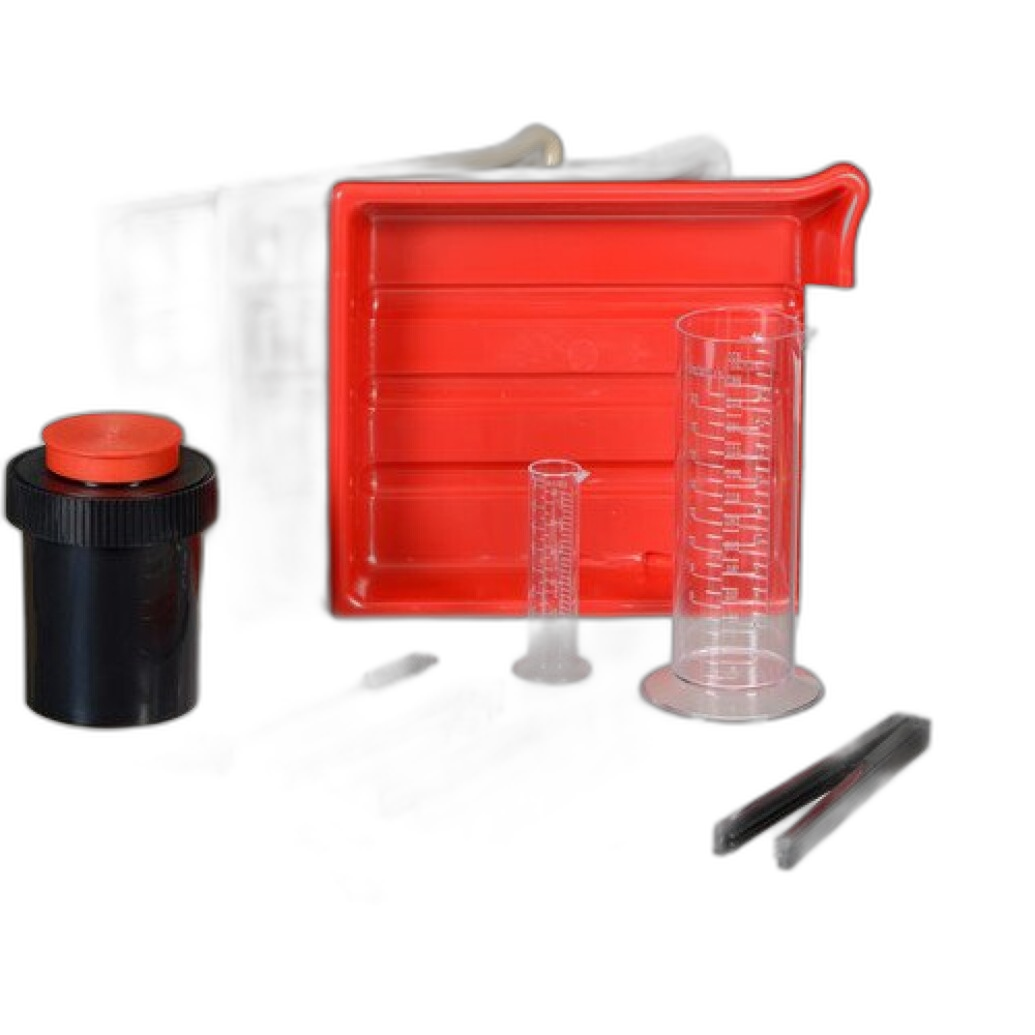
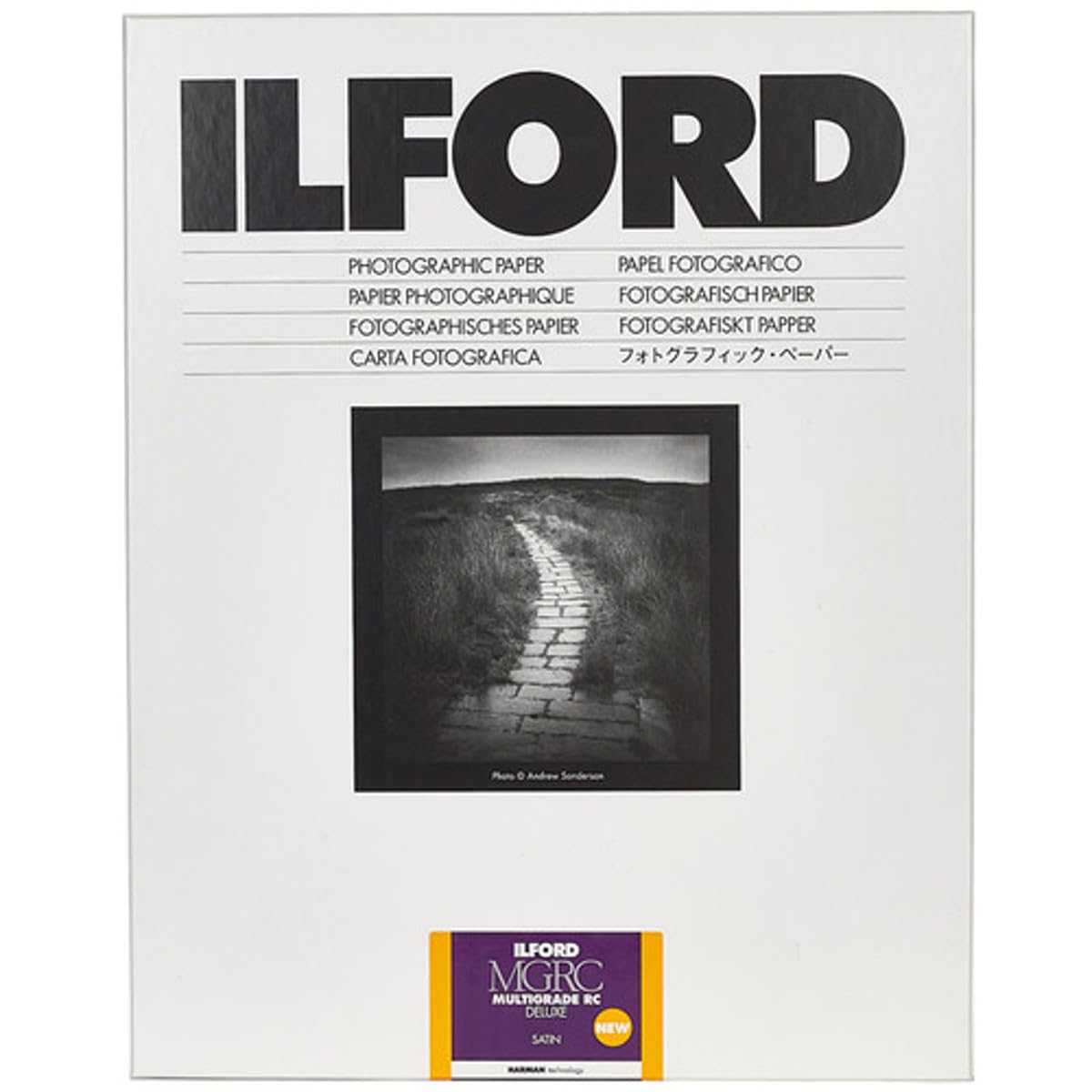
Image Quality Potential
If your definition of “better results” means maximum convenience without sacrificing strong detail, scanning has a compelling advantage. A well-executed scan preserves negative information, gives you room for tonal adjustments, and makes sharpening, dust cleanup, and contrast control much easier. For photographers who ultimately share work online or print digitally, the scanned route often produces the most practical high-quality result.
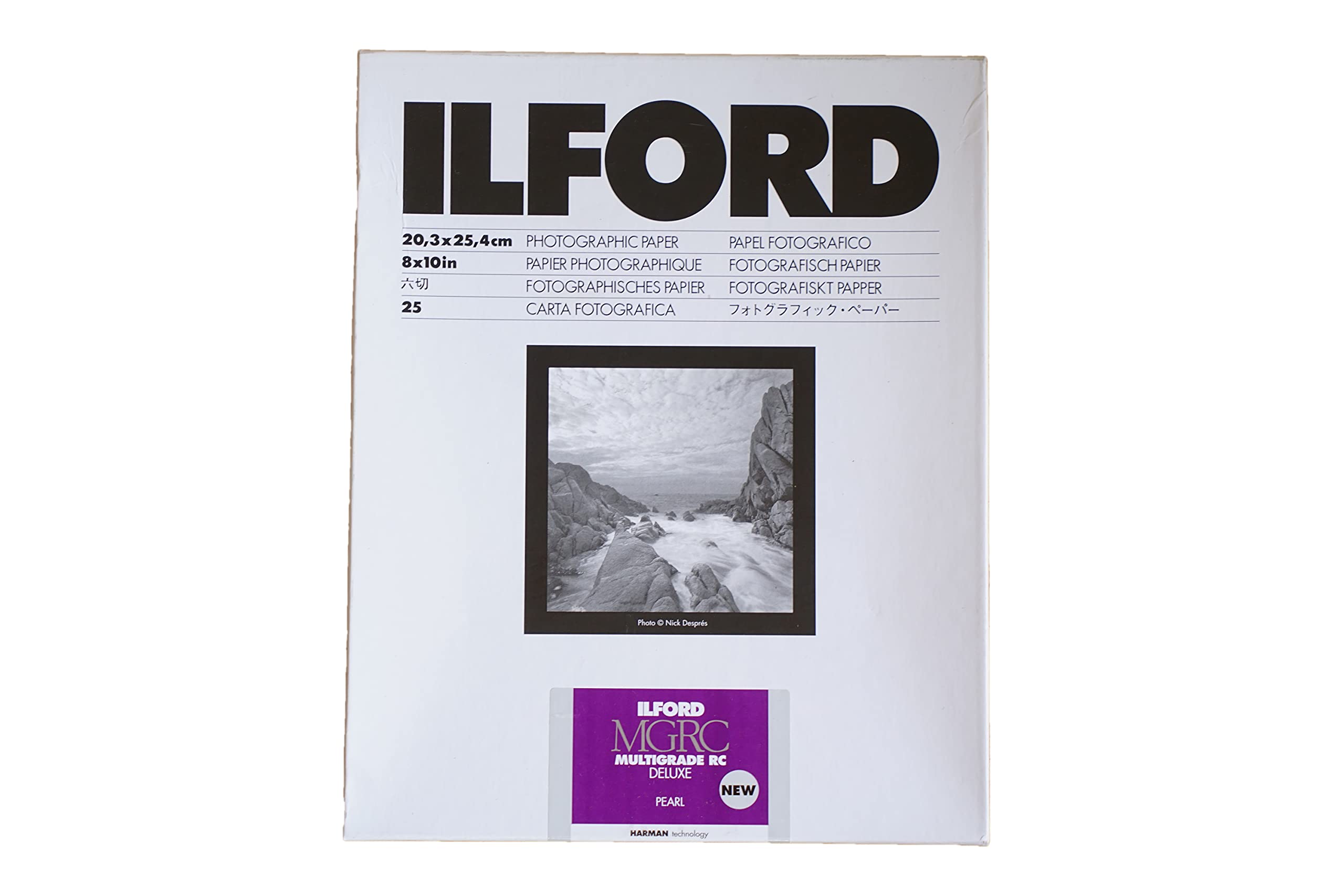
Darkroom printing, however, can produce a look that is difficult to fully replicate digitally. Black-and-white prints on Ilford MULTIGRADE RC Deluxe Paper can have a distinctive tonal presence and analog character that many film photographers value deeply. If your benchmark for quality is a handcrafted print with depth, nuance, and physical presence, darkroom printing may be the winner.
Control and Flexibility
Scanning wins on flexibility. Once a negative is digitized, you can create multiple interpretations from the same frame—high contrast, soft tonal, cropped, color corrected, or optimized for social media, inkjet printing, or archival storage. The Lomography DigitaLIZA Max Scanning Kit and DigitaLIZA+ are both aimed at streamlining that process.
Darkroom printing offers control too, but it is more tactile and technique-driven. Contrast filtration, print exposure, dodging, burning, and paper choice all shape the final image. That process can be deeply rewarding, but it is slower and less forgiving. The Beseler Printmaker Darkroom Kit and Paterson kit support that more traditional hands-on workflow.
Workflow Speed
For most photographers, scanning is the faster route from negative to usable image. Once your setup is consistent, you can digitize, invert, edit, and export in a relatively efficient sequence. That makes scanning especially attractive for photographers handling volume, client work, archives, or mixed analog/digital projects.
Darkroom printing is slower by nature. Even after development is complete, test strips, exposure tuning, chemistry management, washing, and drying all add time. If you enjoy the process as much as the result, this is a feature rather than a flaw. But if turnaround matters, scanning typically comes out ahead.
Cost of Ongoing Use
Scanning generally has lower recurring material costs once your workflow is established. The main investment is in the digitizing setup and the time spent refining your process. From there, creating more files does not require paper or print chemistry for every final image.
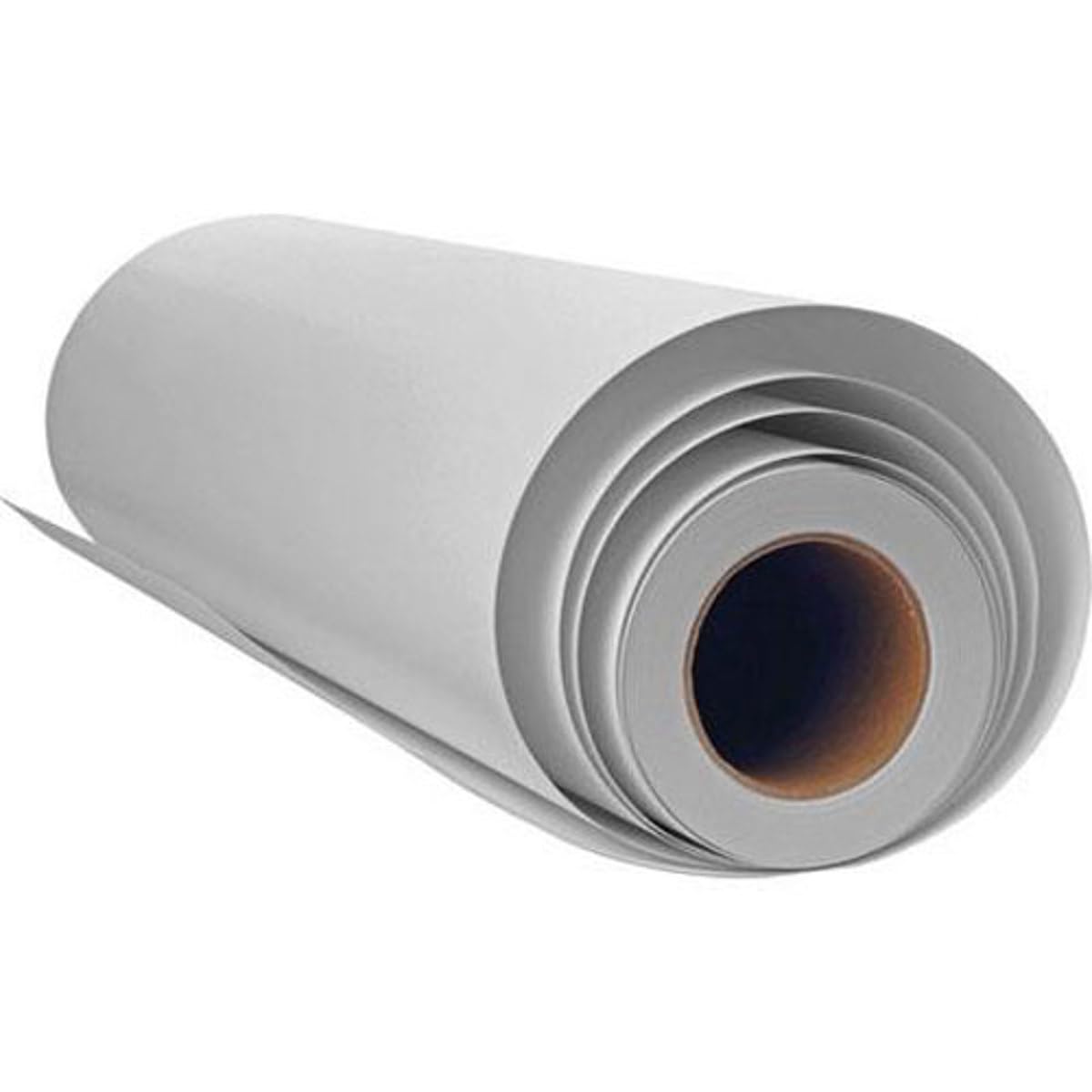
Darkroom printing has more ongoing consumables. Paper is a major part of that equation, and options like Ilford MULTIGRADE RC Deluxe Paper in satin, pearl, or glossy formats give printers useful surface choices. Still, each print—and each test print—uses materials. Over time, darkroom printing can become more expensive if you print frequently or at larger volume.
Learning Curve
Scanning is usually easier to learn for photographers already comfortable with digital editing. Exposure consistency, film flatness, and inversion technique matter, but the process feels familiar to anyone used to working on a computer.
Darkroom printing asks more of the user up front. You need to learn enlarger operation, chemistry handling, timing, exposure evaluation, and print finishing. The reward is a much deeper connection to the medium, but beginners should expect a steeper path. Kits like the Beseler Printmaker Darkroom Kit and Paterson Photographic Darkroom Film and Paper Developing Kit help simplify entry into that world.
Best Results for Different Photographers
Choose scanning if: you want speed, easy file sharing, digital editing flexibility, and a modern hybrid film workflow. The Lomography DigitaLIZA Max Scanning Kit is especially appealing if you want a dedicated scanning-oriented setup with broad practical appeal.
Choose darkroom printing if: you care most about traditional craftsmanship, black-and-white print aesthetics, and the satisfaction of making prints manually from your negatives. A setup built around the Beseler Printmaker Darkroom Kit, Paterson kit, and Ilford MULTIGRADE RC Deluxe Paper is a strong foundation.
Our Pick
Our Pick: Scanning for most photographers, Darkroom Printing for purists and printmakers.
If you are asking which yields better results for the widest range of users, scanning wins overall. It offers faster turnaround, easier correction, simple archiving, and more flexibility for today’s hybrid film workflow. The Lomography DigitaLIZA Max Scanning Kit stands out as the most practical choice for photographers who want quality results with modern convenience.
If your goal is not convenience but the most authentic analog printing experience, darkroom printing remains unmatched. The combination of the Beseler Printmaker Darkroom Kit, Paterson Developing Kit, and Ilford MULTIGRADE RC Deluxe Paper is the better choice for photographers who define “best results” as a finished traditional print made entirely by hand.
Conclusion
Scanning and darkroom printing are not really enemies—they are two excellent paths to different kinds of results. If you want efficiency, flexibility, and digital-ready files, scanning is the stronger all-around option. If you want a classic black-and-white print with unmistakable analog character, darkroom printing still holds a special edge.
Whether you are building a hybrid film workflow or assembling a full traditional print setup, Unique Photo carries the scanning tools, darkroom kits, and paper you need to get the most from your negatives.