Overview and Positioning
If you’ve ever followed forum threads where photographers compare feature-story editing workflows—debating when to grade, how to cull, whether to lean on presets, and how to hand off organized files to clients—this class hits the heart of that conversation. EXPO: Digital Editing Workflow Using Photoshop and Lightroom with Don Polzo is a practical, Adobe-centric session from Unique Photo that focuses on building a fast, consistent end-to-end process tailored to real editorial and feature assignments.
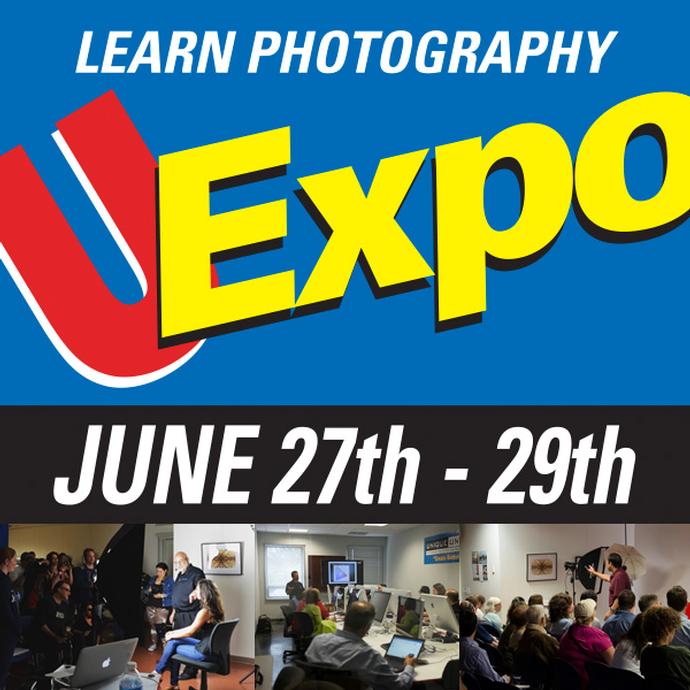
Rather than chasing one-off tricks, Don Polzo frames Lightroom and Photoshop as a cohesive system: cull decisively, grade consistently, retouch purposefully, and deliver cleanly. It’s a grounded antidote to the trial-and-error cycle many storytellers encounter when juggling dozens of images under deadline.
Key Features for Feature Photography Workflows
End-to-End Editorial Flow in Lightroom + Photoshop
The class centers on a practical pipeline—ingest, evaluate, refine, and export—anchored in Adobe Lightroom and Photoshop. Expect clear thinking on where each tool excels, how to round-trip without chaos, and how to keep momentum when you’re moving from a broad take to a tight, publishable edit.
Color Grading for Narrative Consistency
Feature stories live and die on cohesion. The instruction emphasizes building a repeatable grading approach that keeps skin tones, contrast, and color harmony consistent across a set, while leaving room for intentional mood shifts from opener to closer.
Image Selection and Sequencing
Culling and sequencing are treated as creative decisions that impact the story’s arc. You’ll pick up pragmatic strategies for flagging, rating, grouping, and narrowing—so your hero, supporting, and detail frames settle into a coherent editorial flow rather than a loose gallery.
File Organization and Client Delivery
From naming conventions and version control to export presets and deliverables, the class favors predictable structures. The goal: editors and clients receive exactly what they need—correct resolutions, color spaces, and organization—without follow-up emails or re-exports.
Plugin- and Preset-Friendly Approach
While the emphasis stays on Lightroom and Photoshop, the workflow is built to accommodate popular plugins and presets without creating dependency or chaos. You’ll see where creative presets, LUTs, and third-party tools can fit, how to apply them non-destructively, and how to keep preset use intentional rather than formulaic.
Photoshop When It Matters
Not every frame needs heavy lifting, and the class respects that. Retouching, localized corrections, and compositing are positioned as deliberate steps—invoked when they add value and performed in ways that preserve flexibility for late-stage editorial tweaks.
Speed Without Sacrificing Quality
Expect practical tips that speed up day-to-day editing—keyboard-driven culling, batch adjustments where appropriate, and smart handoffs—while keeping the door open for meticulous refinements on key images.
Pros
- Purpose-built for storytellers: emphasizes consistency, sequencing, and client-ready delivery.
- Clear division of labor between Lightroom and Photoshop to prevent duplicate effort.
- A disciplined approach to presets and plugins that avoids look drift across a feature.
- Practical, export-ready organization for handoffs to editors and clients.
- Balances speed with quality; sensible for deadline-driven assignments.
Cons
- Strong Adobe focus may feel limiting if you primarily use alternative ecosystems.
- Not a deep dive into niche plugins or advanced compositing—workflow is the star here.
- Experienced power users with mature systems may find incremental gains rather than dramatic overhauls.
- Assumes access to and familiarity with Lightroom Classic and Photoshop.
Verdict and Recommendation
EXPO: Digital Editing Workflow Using Photoshop and Lightroom with Don Polzo is a grounded, editorially minded class that condenses years of forum debates into a practical, repeatable process. If you produce feature photography stories and want a cleaner bridge from capture to client-ready delivery—with consistent color, thoughtful culling, and a plugin/preset strategy that enhances rather than dictates your look—this session is a smart investment.
Photographers transitioning from ad‑hoc edits to a disciplined workflow will gain the most. Seasoned editors will still appreciate the refinements and delivery structure, especially if collaborating with clients who demand speed and consistency.
Enroll at Unique Photo to streamline your Adobe-based storytelling workflow and spend more time shaping the narrative, not wrestling with files.