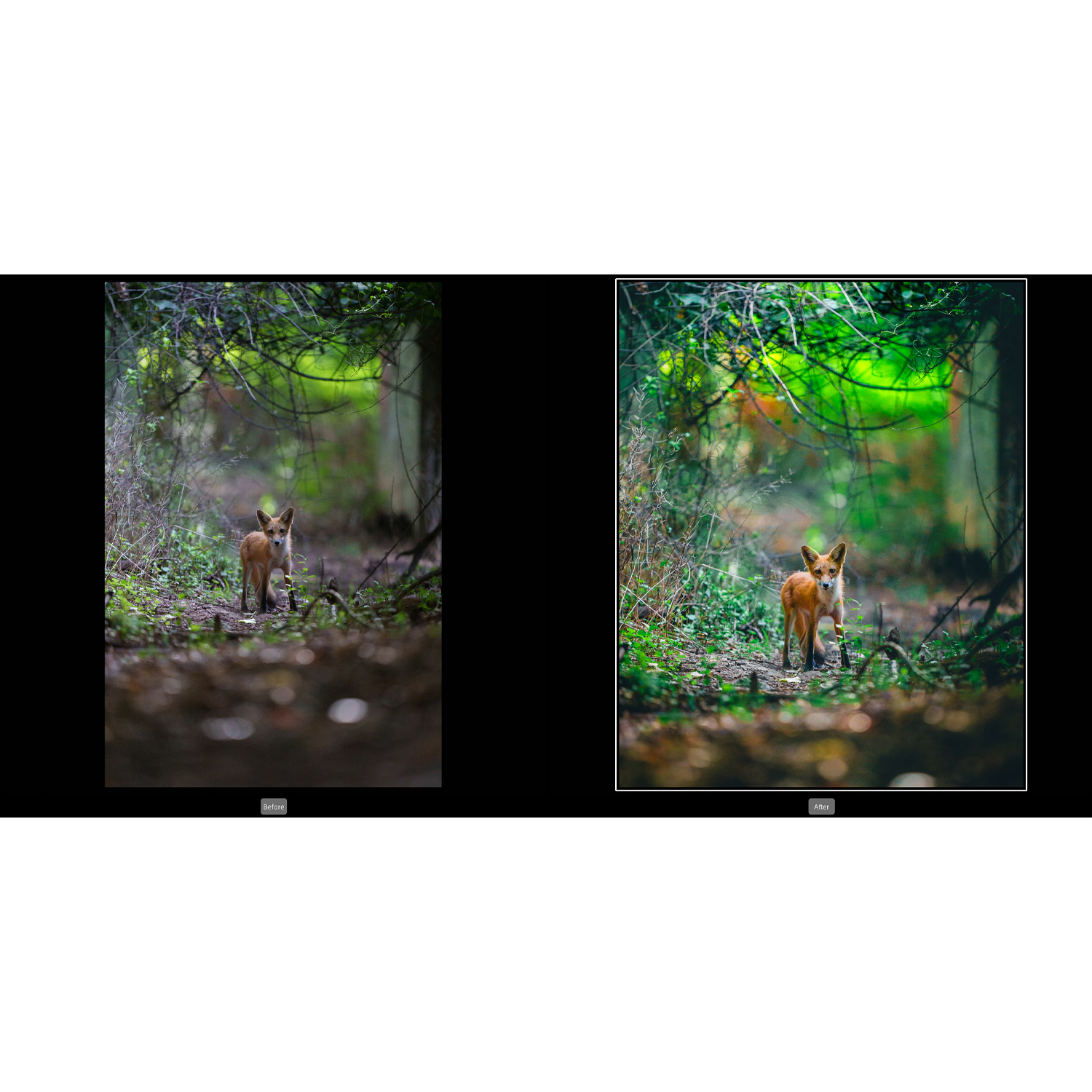
When preparing images for a photo contest, editing can be the difference between a good submission and a truly competitive one. The strongest contest entries typically balance technical polish, visual impact, and restraint—showing off the photographer’s intent without crossing into overprocessed territory. For photographers looking to sharpen that final stage of their workflow, Unique Photo offers several classes and educational resources that directly support better contest-ready edits.
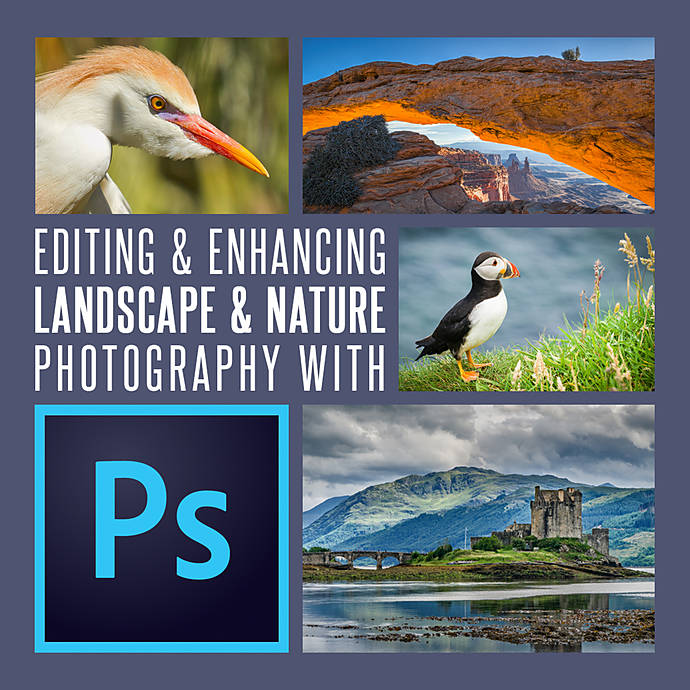
For this review, the standout recommendation is Editing and Enhancing Landscape and Nature Photography with Photoshop, a highly relevant choice for photographers who want practical post-processing guidance geared toward images that need to impress judges quickly and effectively. It is especially well positioned for nature, landscape, and fine-art style submissions, where tonal control, local adjustments, and finishing decisions matter enormously.
Why This Resource Stands Out for Contest Editing
Contest submission editing is not just about making an image look better—it is about making it read clearly, powerfully, and professionally in a competitive setting. Editing and Enhancing Landscape and Nature Photography with Photoshop stands out because it focuses on a genre where subtle refinement is critical. Landscape and nature contest images often succeed through careful tonal separation, color realism, depth enhancement, and disciplined retouching rather than heavy-handed effects.
This makes the course especially useful for photographers who want to improve image presentation while staying within the standards many contests expect. If your submissions lean toward scenic, environmental, wildlife, or natural-detail imagery, the Photoshop-centered approach here is a strong fit.
Key Features
Focused Photoshop Techniques for High-Impact Final Images
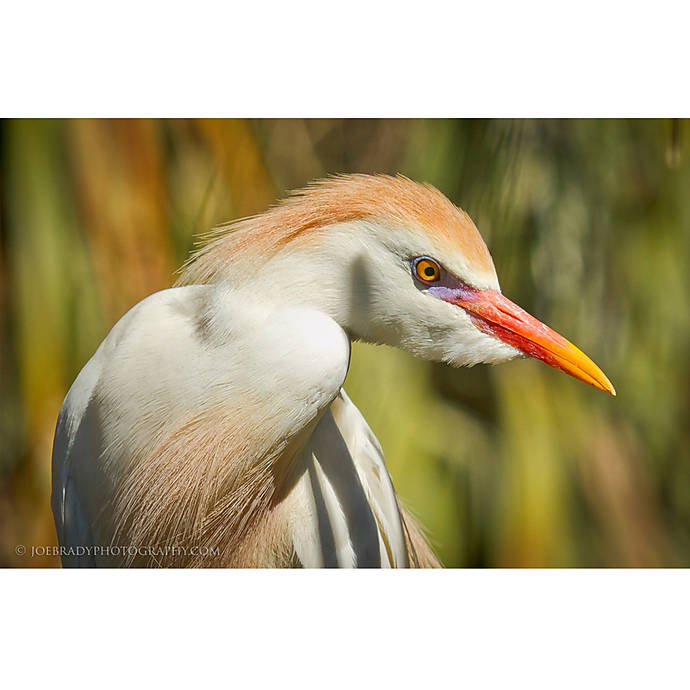
Photoshop remains one of the best tools for precision finishing, and that is exactly what contest submissions often require. This class appears well suited for photographers who need more control over dodging and burning, selective contrast, cleanup, color balancing, and localized enhancements. Those finishing touches can make a submission look intentional and polished without sacrificing authenticity.
Excellent Match for Nature and Landscape Contest Entries
Many competitions receive large numbers of landscape and outdoor images, so subtlety becomes a competitive advantage. This resource is particularly appealing because it is tailored to the kinds of files that benefit from refined tonal work, atmospheric control, and careful sharpening. If your goal is to present natural scenes with maximum clarity and mood, this kind of training is highly relevant.
Helps Build a Judge-Friendly Editing Approach
One of the most useful editing mindsets for contests is learning when to stop. Over-saturation, haloing, excessive HDR effects, and artificial sharpening can quickly weaken an otherwise strong image. A Photoshop editing course centered on enhancement rather than gimmicks encourages a more disciplined workflow—one that aligns well with what many judges respond to.
Recommended Editing Techniques for Contest Submissions
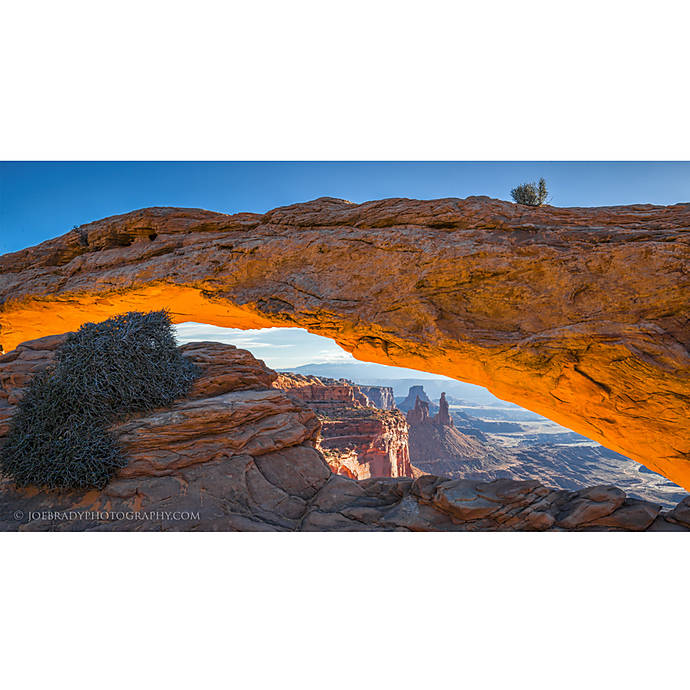
Using this product as the anchor, there are several editing techniques photographers should prioritize before submitting work to a contest:
Refine Exposure and Tonal Balance
Judges tend to notice muddy shadows, clipped highlights, and weak midtone separation immediately. Strong contest edits usually begin with balanced global exposure and then move into selective tonal shaping to guide the eye.
Use Local Adjustments to Direct Attention
Selective brightening, darkening, and contrast control can help emphasize the subject and simplify distractions. This is especially important in landscape and wildlife imagery, where visual flow plays a major role in first impressions.
Control Color Carefully
Color should look intentional, not exaggerated. Contest images often benefit from restrained saturation, cleaner white balance, and selective color corrections that support mood while preserving realism.
Sharpen for Output, Not for Ego
Over-sharpening is one of the most common mistakes in contest submissions. A well-edited file should look crisp, but not brittle. Proper output sharpening based on submission size is critical.
Retouch Distractions Without Altering Integrity
Sensor dust, small distractions, and minor background elements can often be cleaned up, but photographers should always check contest rules regarding permitted edits. A strong Photoshop workflow helps you polish the frame while staying compliant.
Other Strong Unique Photo Options Worth Considering
While Editing and Enhancing Landscape and Nature Photography with Photoshop is the lead recommendation, a few other Unique Photo educational offerings also support contest preparation depending on subject matter and editing style.
NJCS: Lightroom Photo Editing for Nature and Wildlife with Bobby Stormer is a great companion option for photographers who prefer Lightroom-based workflows or frequently submit wildlife images. Lightroom is especially effective for efficient tonal correction, color grading, and catalog-based selection workflows.

EXPO: Digital Editing Workflow Using Photoshop and Lightroom with Don Polzo is another smart choice for photographers who want a broader workflow strategy across both platforms. For contest prep, understanding when to stay in Lightroom and when to move into Photoshop can save time while improving results.

For entrants working in product, commercial, or highly controlled studio categories, Product Photography and Post Production Editing with Blake Taylor may be especially useful, since contest judging in those genres often rewards precision, cleanliness, and detail management.

Pros and Cons
Pros
- Highly relevant for contest-worthy landscape and nature image finishing
- Photoshop focus supports precise, professional-level refinements
- Encourages stronger tonal control, selective editing, and cleaner presentation
- Useful for photographers trying to avoid overprocessing mistakes
- Strong educational value for anyone entering judged competitions
Cons
- Best suited to landscape and nature shooters rather than every contest genre
- Photoshop-based learning may be less ideal for photographers who edit only in Lightroom
- As an educational product, value depends on the user applying the techniques consistently
Verdict
If you are serious about improving your contest submissions, Editing and Enhancing Landscape and Nature Photography with Photoshop is an easy recommendation. It addresses exactly the kind of finishing skills that help images stand out in competition: tonal precision, controlled enhancement, visual focus, and polished output. Rather than pushing flashy edits, it supports the kind of thoughtful refinement that often performs best with judges.
For photographers building a stronger competition workflow, this is one of the most directly useful learning resources in the group. And if your editing style includes both Lightroom and Photoshop, pairing it with one of Unique Photo’s workflow-oriented classes can make your contest prep even stronger.
You can buy and explore these educational offerings through Unique Photo, which remains an excellent destination for photographers looking to improve both their technique and their final presentation.