For solo videographers, great audio can make a bigger difference than a camera upgrade. Whether you're filming client interviews, run-and-gun documentary clips, YouTube content, or smartphone-based social video, the right audio setup helps you work faster, monitor sound confidently, and capture cleaner dialogue with less stress. Below are practical tips for building an audio kit that matches the way you shoot, with flexible product recommendations that fit common solo-video scenarios.
Start by Matching Your Audio Setup to Your Shooting Style
Before buying gear, think about how you usually work. A one-person creator filming themselves needs a different setup than a solo operator covering interviews or events. Choosing audio tools based on workflow is often more important than simply choosing the most advanced option.
- If you shoot with a smartphone, portability and simplicity matter most.
- If you work with a mirrorless or cinema camera, camera-mount or wireless options can streamline your rig.
- If you record voice-heavy content indoors, a dedicated podcast or desktop-style setup may deliver the best sound quality.
- If you regularly capture two people, dual-channel wireless systems can save time in post.
Tip 1: Use a Compact Smartphone Kit for Fast, Clean Content Creation
Keep your setup small when mobility is the priority
If you create vlogs, reels, behind-the-scenes clips, or quick branded content on a phone, a compact all-in-one kit is often the smartest starting point. The Rode Vlogger Kit Universal Filmmaking Kit for Smartphones with 3.5mm Ports gives solo shooters a practical way to improve sound without building a complex rig from scratch. For creators who want a simple grab-and-go option, this kind of kit can help keep your workflow efficient while still delivering more focused audio than a built-in phone mic.
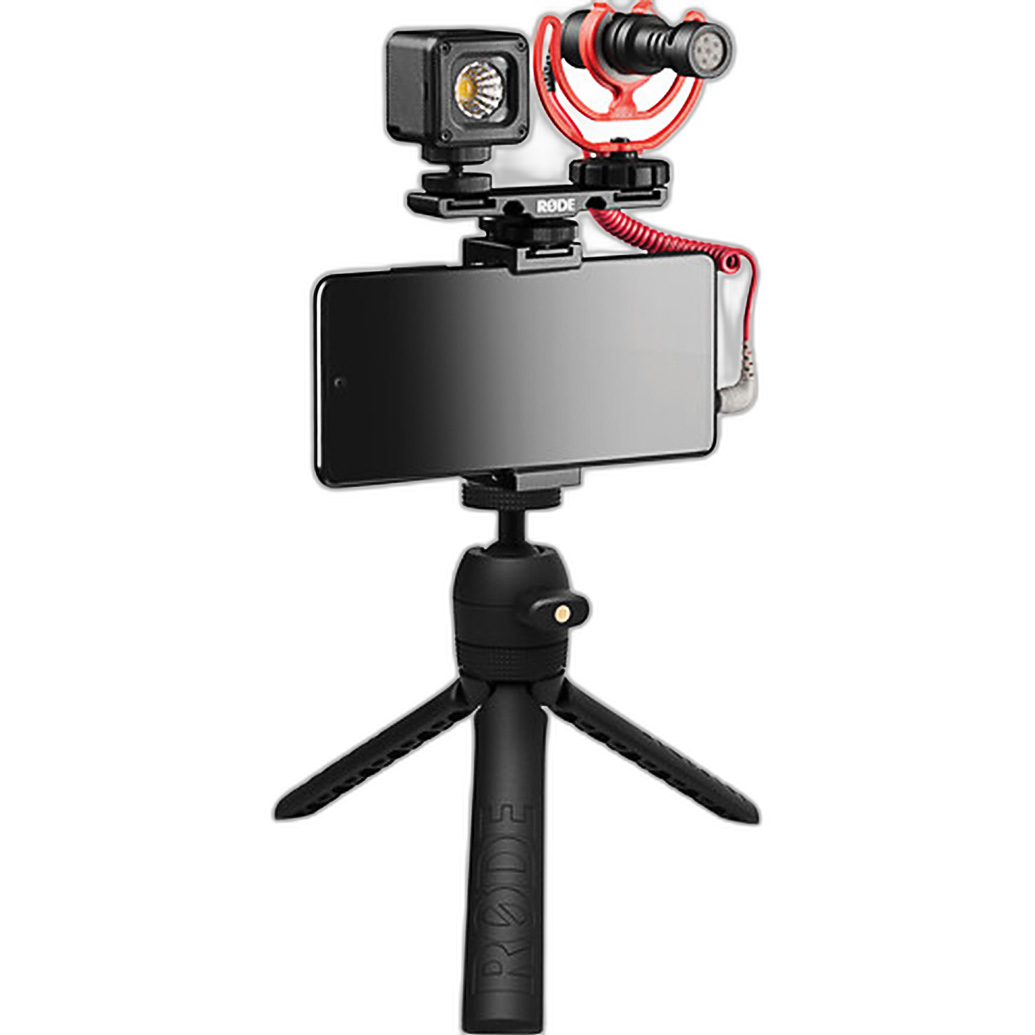
- Ideal for solo creators filming themselves at arm's length or on a mini tripod.
- Helpful for travel, quick interviews, and social-first production.
- A strong choice when you want fewer separate pieces to manage on location.
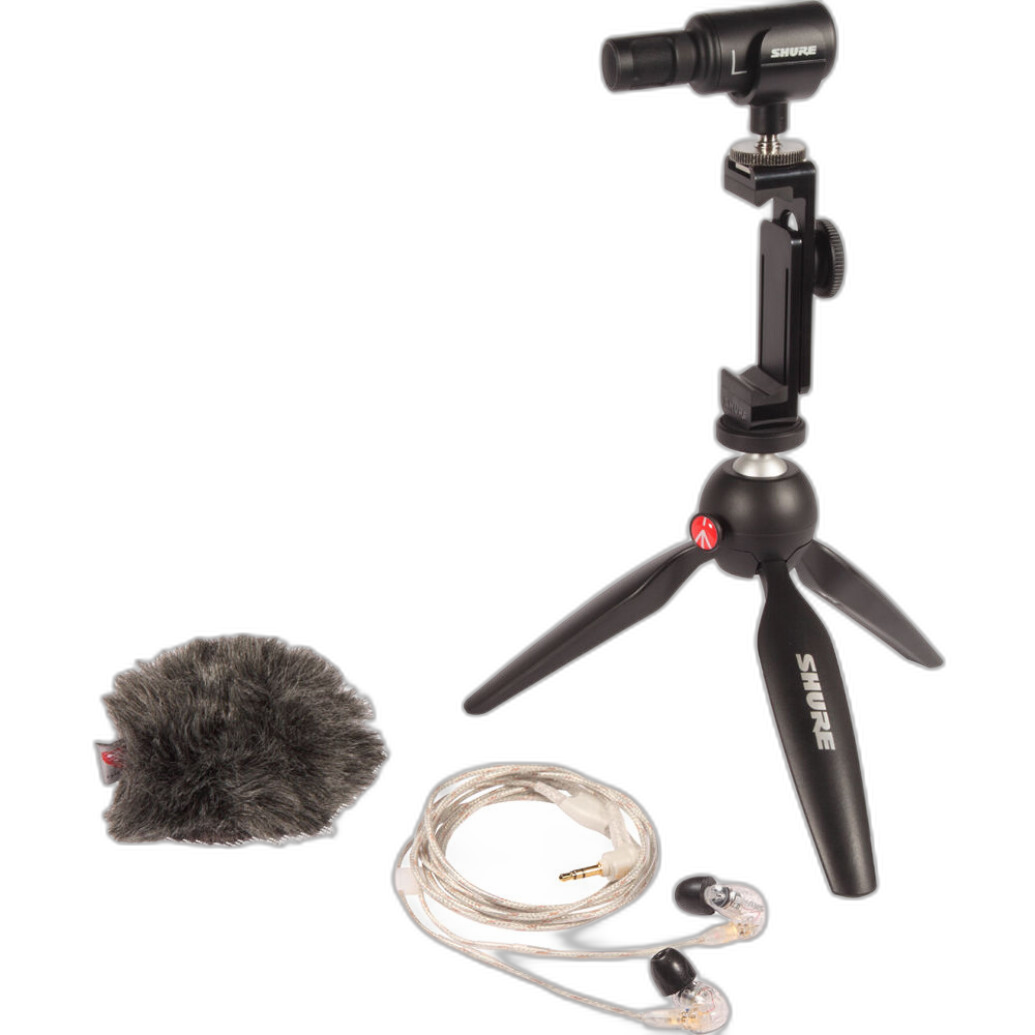
If you want a more premium mobile content setup with audio monitoring in mind, the Shure MV88+ SE215-CL Portable Videography Bundle is another smart option for solo videographers who value a portable footprint and better control over sound capture.
Tip 2: Choose Wireless Lavalier Audio When You Need Freedom to Move
Go wireless for walk-and-talk videos, interviews, and self-shot presentations
For solo videographers, wireless audio can be one of the biggest workflow upgrades. It allows you to move naturally, frame wider shots, and keep your microphone close to the speaker's mouth without relying on a visible on-camera mic alone. The Sennheiser Profile 2-Person Clip-On Wireless Audio System is especially useful if you film both yourself and a second subject, such as a client, guest, or interviewee.
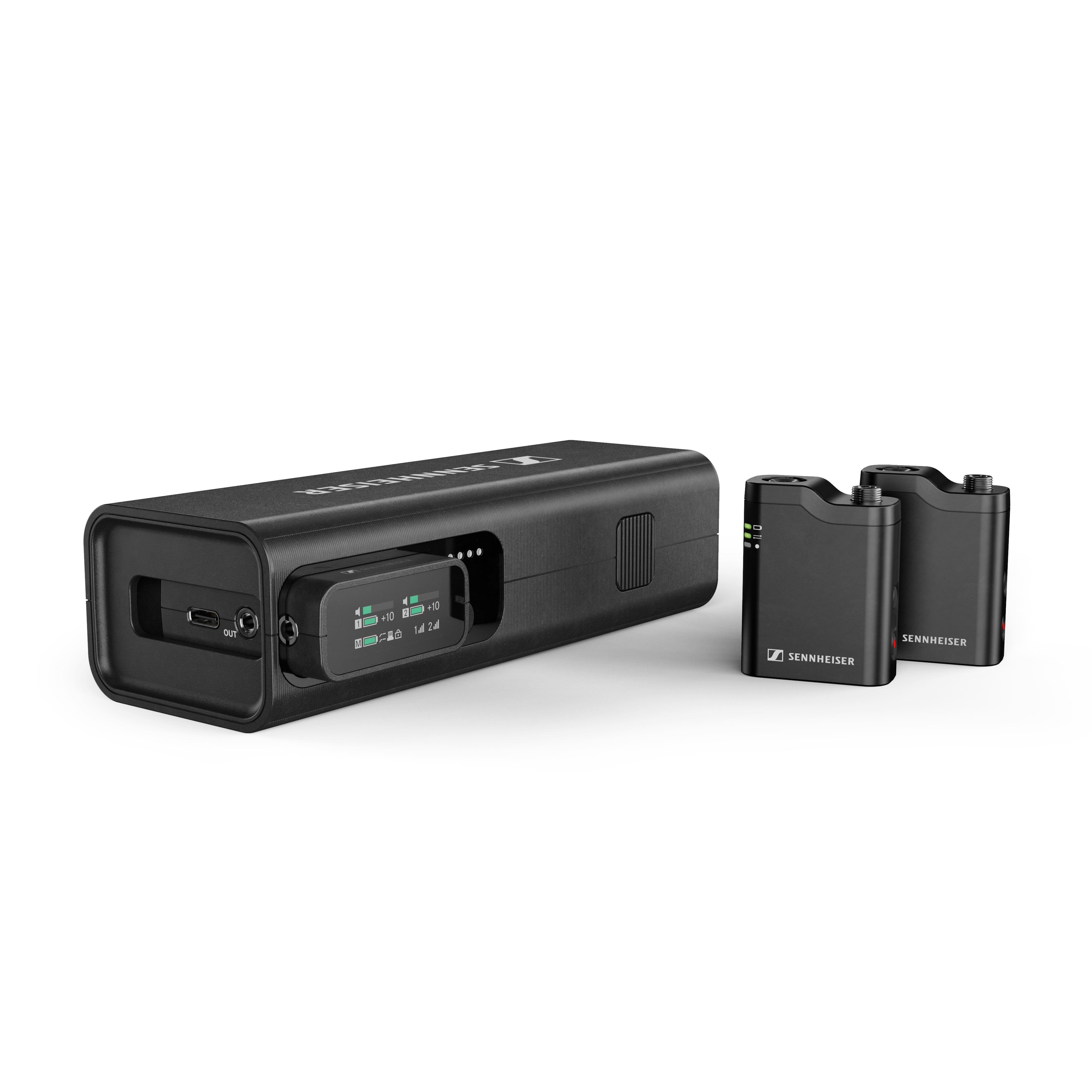
- Excellent for two-person interviews and conversational content.
- Useful for wedding prep, documentary work, and corporate video production.
- Helps solo shooters avoid repositioning a mic between speakers.
If you want another professional wireless option with room to grow, the Saramonic K9-US Professional Dual Digital UHF Wireless Mic System is well suited for creators who need dependable dual-subject recording in more demanding environments.
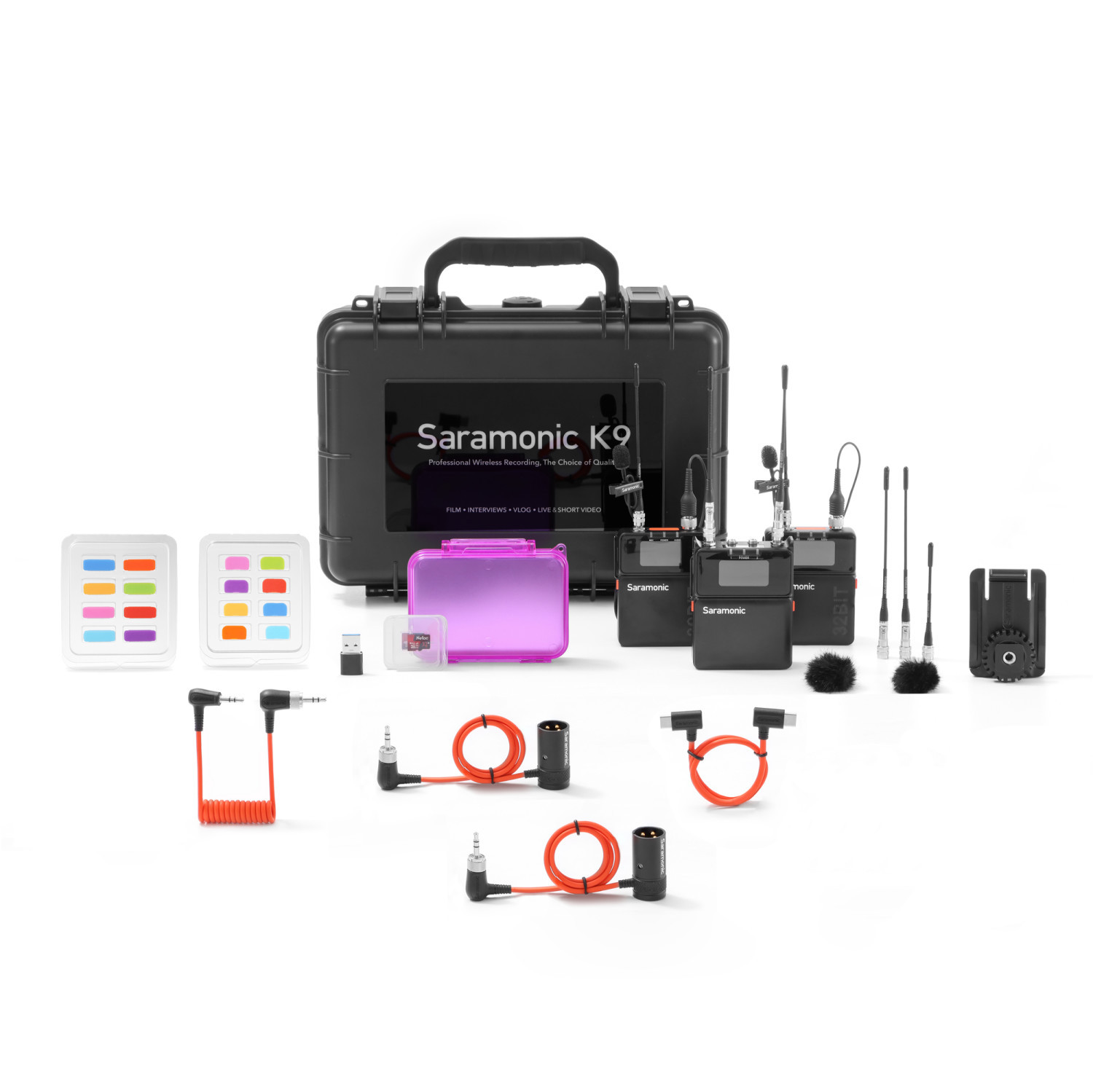
Wireless systems are particularly useful when you're operating camera, directing talent, and monitoring sound all at once. They reduce the need for stands and let you stay nimble during production.
Tip 3: Use a Camera-Mount ENG Setup for Run-and-Gun Reliability
Build around your camera when speed matters more than complexity
If your solo videography work includes events, documentary coverage, field interviews, or news-style shooting, a camera-mount audio solution can be a very practical choice. The Sennheiser XSW-D Portable ENG Set Digital Cam-Mount Combo Mic Setup 2.4 GHz is geared toward shooters who need a straightforward system that integrates well with a camera-based workflow.
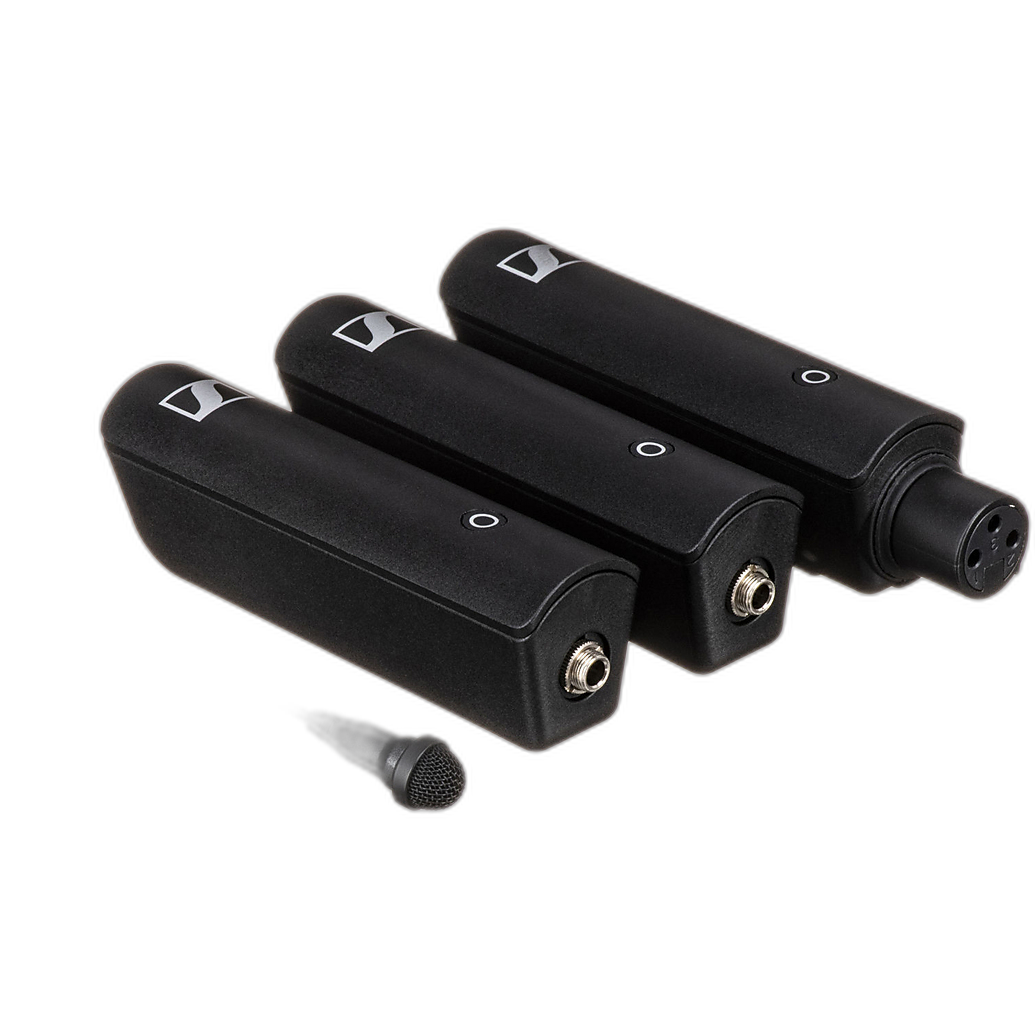
- Great for solo interview setups in the field.
- Useful when you need to keep your audio chain directly attached to your camera.
- A smart fit for hybrid shooters moving quickly between stills and video.
This style of setup can help solo operators reduce setup time, especially when there is no separate sound person managing levels and connections.
Tip 4: Add a Passive Audio Adapter for Simple Two-Source Camera Recording
Use an adapter when you need more input flexibility on a compact rig
Many solo videographers outgrow a single mic input quickly. If you want to feed two audio sources into a camera without overcomplicating your bag, the Saramonic SR-AX100 - 2-Channel Passive Audio Adapter can be a very useful addition. It gives solo shooters a cleaner way to manage multiple inputs, such as a lav and a backup mic, or two microphones for a basic interview configuration.
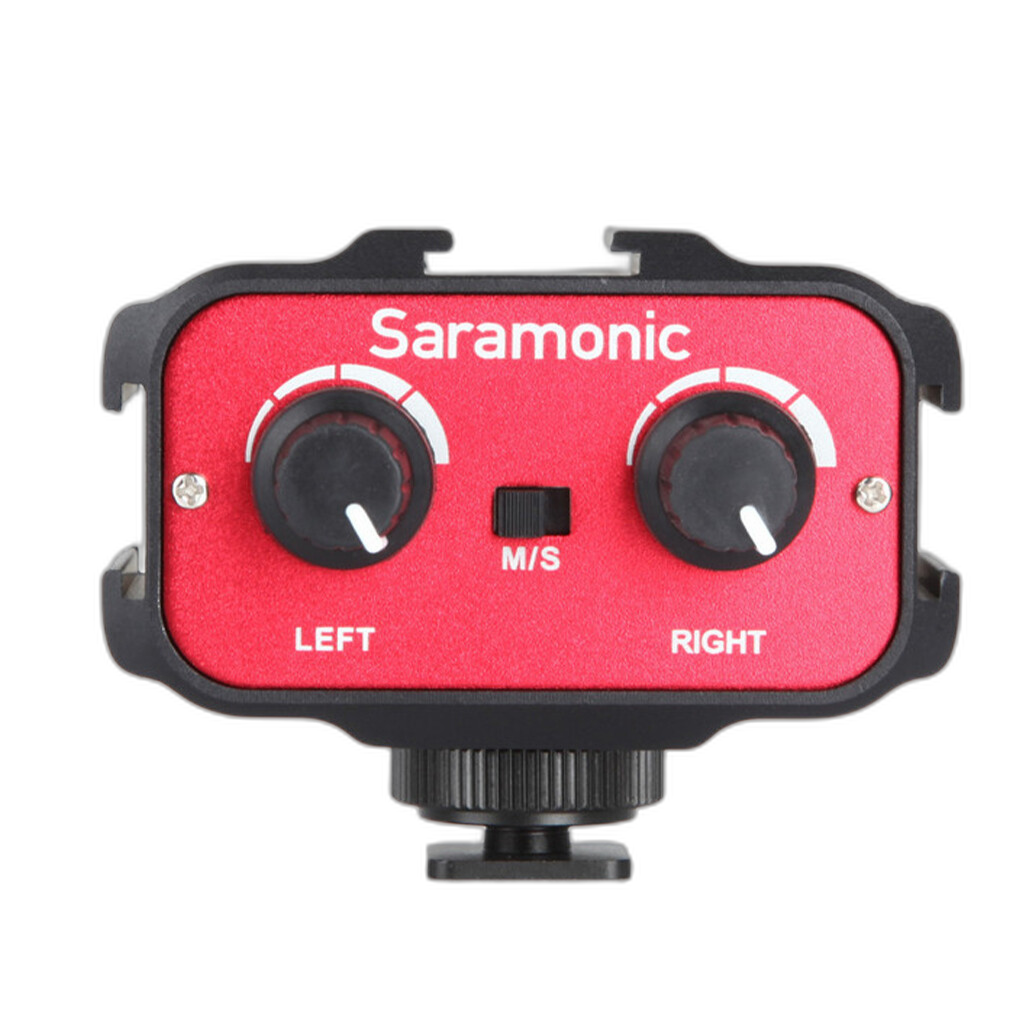
- Helpful for mirrorless camera users with limited onboard audio controls.
- Useful for recording two people directly into camera.
- A practical tool for simplifying audio on compact documentary or corporate shoots.
For solo videographers trying to stay lightweight, an adapter like this can be a smart middle ground between a minimal setup and carrying a full external mixer or recorder.
Tip 5: Prioritize a Shotgun Mic Setup for Controlled Directional Audio
Use a shotgun mic when you can't mic the subject directly
There are situations where a lavalier is not practical, such as fast b-roll interviews, ambient scene capture, or documentary-style filming with multiple changing subjects. In those cases, a shotgun microphone system can still be very effective when positioned well. A Used Sennheiser Shotgun Microphone System - Good can be a smart value-minded choice for solo videographers who want directional pickup without stretching their budget.
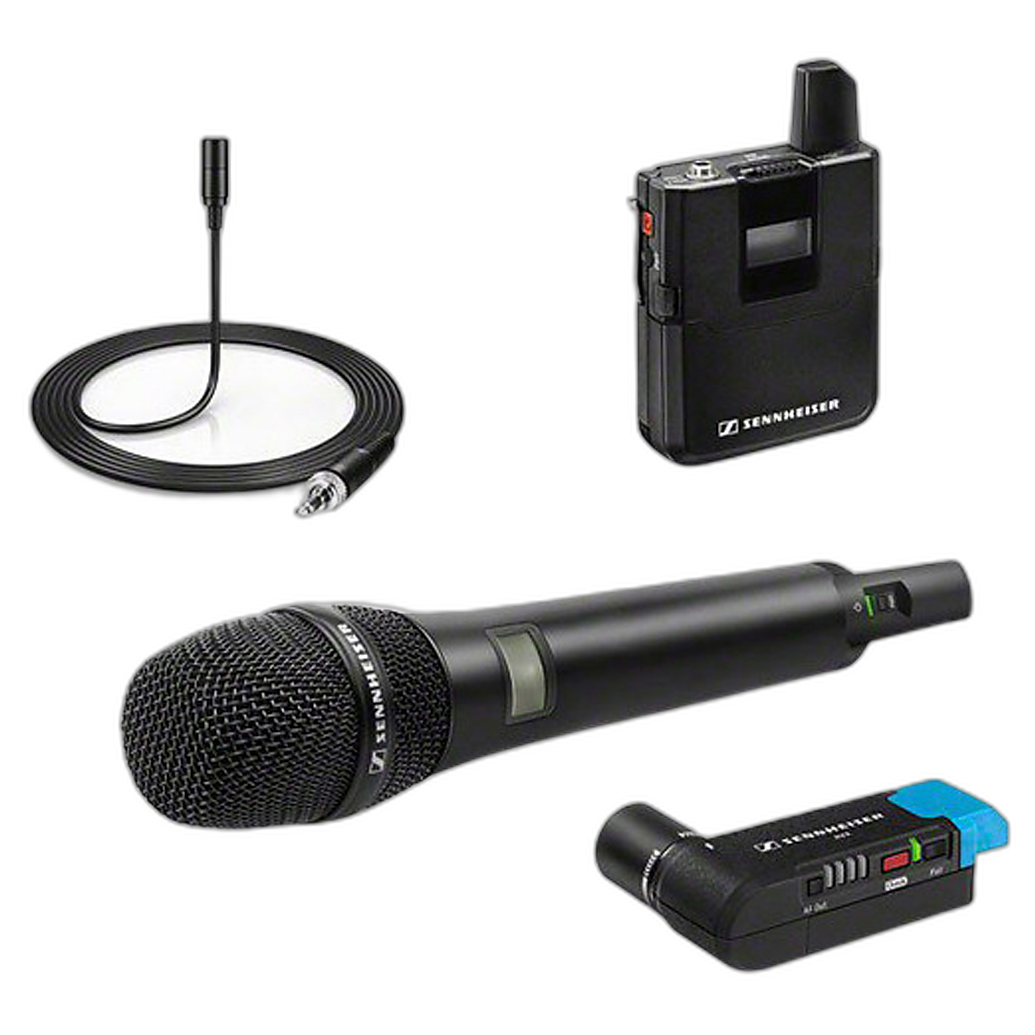
- Useful for camera-mounted recording in dynamic environments.
- Good as a backup mic when wireless is not possible.
- A strong option for solo shooters building a cost-conscious kit.
Just remember that even a good shotgun mic works best when it is reasonably close to the subject, so placement still matters.
Tip 6: Build a Dedicated Voiceover or Talking-Head Station for Studio Work
Choose a more robust setup when audio quality is the centerpiece
If you regularly produce voiceovers, livestreams, tutorials, podcasts, or studio-based talking-head content, a dedicated recording setup can be worth the extra space. The Zoom LiveTrak L-8 Solo Podcast Kit with Shure SM7B Microphone is a strong fit for creators who want a more polished sound for dialogue-driven content. For solo videographers creating educational videos, long-form interviews, or branded pieces, this kind of setup can offer a more controlled and professional recording environment.
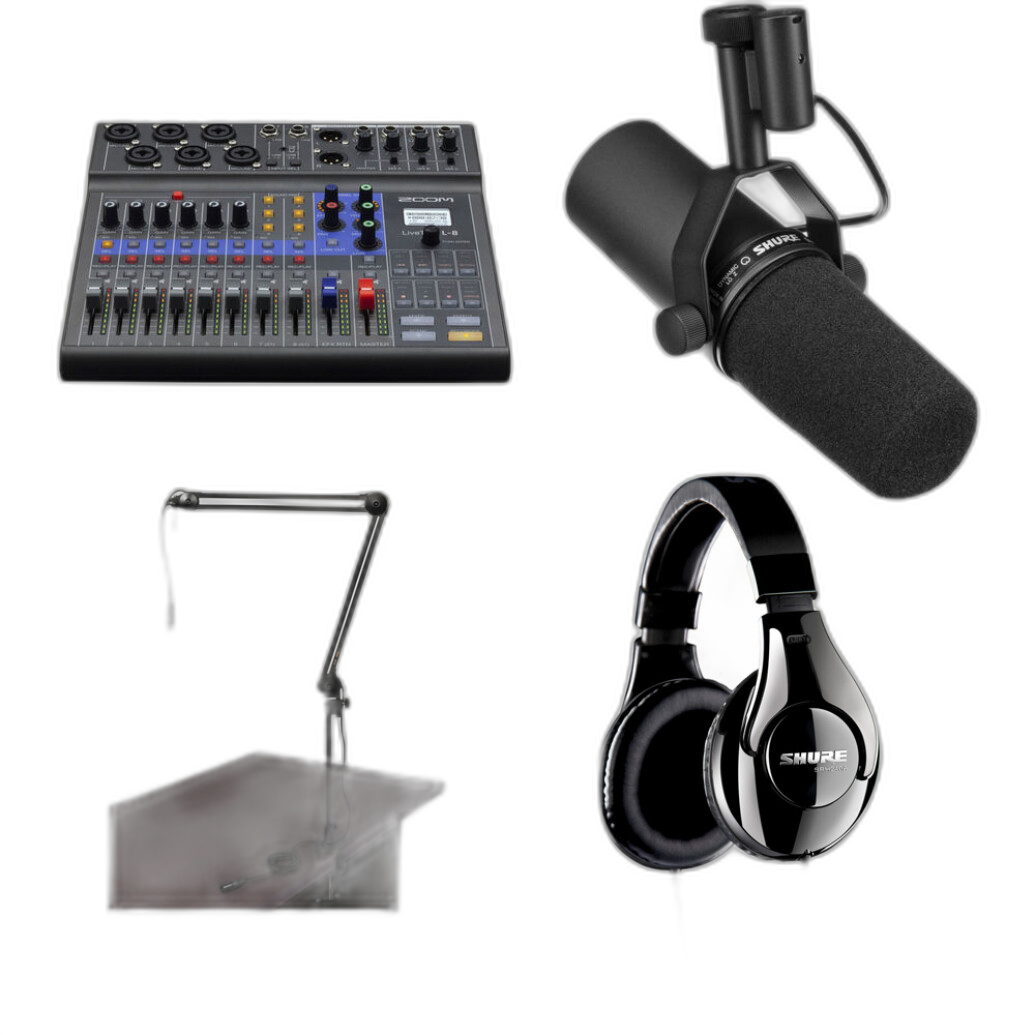
- Ideal for desk-based recording and multicontent workflows.
- Great for creators who split time between video production and podcasting.
- Useful when clean spoken-word audio is central to your brand.
A dedicated station also helps with consistency. If your content relies on a repeatable sound from video to video, keeping a permanent or semi-permanent recording setup can save time and improve overall quality.
Tip 7: Monitor Audio Whenever Possible
Don't trust your meters alone
Solo videographers often juggle exposure, framing, focus, and directing talent at the same time, which makes it easy to miss noise, clothing rustle, clipping, or connection issues. That's why monitoring matters. Bundles like the Shure MV88+ SE215-CL Portable Videography Bundle stand out because they support a more audio-aware workflow in a portable form factor.
- Listen for hum, wind, and traffic before recording a full take.
- Check for lav placement noise after your subject moves.
- Do a short test recording every time you change location.
Even the best mic cannot fix a poor signal path or unnoticed background noise, so monitoring should always be part of your routine.
Tip 8: Always Have a Backup Audio Plan
Redundancy is a lifesaver for one-person productions
When you're working alone, there is no dedicated audio tech to catch problems in real time. That's why a backup plan is essential. Depending on your workflow, that could mean carrying a second wireless transmitter, using an on-camera shotgun as a safety track, or packing a compact mobile kit as an emergency option. A setup built around something like the Sennheiser Profile 2-Person Clip-On Wireless Audio System plus a directional camera mic, or pairing a camera rig with the Saramonic SR-AX100, can give you more confidence on important shoots.
- Record a backup source whenever possible.
- Carry extra cables, batteries, and clips.
- Test every component before the client or subject arrives.
Conclusion
The best audio setup for a solo videographer is the one that fits your workflow, keeps setup time manageable, and helps you capture reliable sound under pressure. A smartphone-focused kit like the Rode Vlogger Kit, a flexible wireless option from Sennheiser or Saramonic, a simple camera adapter, or a more robust studio-friendly package like the Zoom LiveTrak L-8 Solo Podcast Kit with Shure SM7B can each make a big difference depending on how you shoot. As you refine your kit, focus on clarity, consistency, and ease of use. If you're ready to upgrade your solo production audio, Unique Photo is a great place to explore dependable tools for every kind of video workflow.