Capturing tack-sharp photos without a tripod is totally achievable with the right technique and settings. Whether you’re documenting travel moments or shooting a fast-paced event, these quick tips from Unique Photo will help you banish blur and bring home crisp images.
What causes blur when shooting handheld?
Most handheld softness comes from three culprits:
- Camera shake – your hands move during exposure, creating directional streaks across the entire frame.
- Subject motion – your shutter speed is too slow to freeze motion (people, pets, vehicles).
- Focus error – your focus point missed the subject, or depth of field was too shallow.
Diagnose the blur: streaks on everything point to camera shake; only your subject blurry suggests subject motion; sharp background with a soft subject often indicates misfocus.
Use the shutter speed rule of thumb (and then go faster)
A reliable starting point for handheld sharpness is the “1 over focal length” rule: choose a shutter speed at least as fast as 1 divided by your focal length. Examples:
- 24 mm lens → 1/30 to 1/60 sec (faster if your sensor is high‑resolution)
- 50 mm lens → 1/100 to 1/200 sec
- 200 mm lens → 1/400 sec or faster
If you’re on a crop‑sensor body, multiply the focal length by the crop factor first. For moving subjects, go one to two stops faster than the rule. Many cameras let you set a minimum shutter speed in Auto ISO—enable it so the camera automatically raises ISO to maintain a safe speed.
Stabilization basics: IBIS, lens IS, and good technique
Modern cameras often include in‑body image stabilization (IBIS), and many lenses have optical stabilization. Use them—they can buy you 3–6 stops of handholdability for static subjects. Still, technique matters:
- Adopt an athletic stance: feet shoulder‑width apart, one foot slightly forward.
- Tuck elbows into your torso; cradle the lens with your left hand.
- Use a gentle, straight‑back shutter press; exhale slowly to minimize micro‑shake.
- Brace against a wall, table, or post when possible. Use your strap as a tension stabilizer by pulling it taut around your neck or wrist.
Optimize your grip—landscape and portrait orientation
In landscape, left hand under the lens and right hand on the grip with a relaxed index finger on the shutter. In portrait orientation, rotate the camera so your right elbow can still rest against your body; if your camera has a vertical grip, use it to keep your wrist straight for steadier shots.
Autofocus settings for sharper results
- Static subjects: Single‑point AF or single‑area AF; place the point on a high‑contrast detail. Use AF‑S/One‑Shot.
- Moving subjects: AF‑C/AI Servo with subject tracking or eye detection. Use a slightly smaller AF area to avoid grabbing the background.
- Back‑button focus: Separates focusing from the shutter press for better control.
Confirm focus with subject‑magnification in live view or use focus peaking in manual focus for critical shots.
ISO and aperture: trade‑offs that protect sharpness
Raising ISO increases noise but lets you choose a faster shutter speed—usually a worthwhile trade for sharp images. Keep your lens near its sharpness sweet spot (often f/4–f/8). Avoid stopping down excessively when you don’t need deep depth of field; diffraction at very small apertures can reduce perceived sharpness.
Shoot in short bursts to beat micro‑shake
Use continuous shooting and fire 2–4 frames per composition. Tiny variations in hand movement mean one frame is often noticeably sharper than the rest. This is especially effective at marginal shutter speeds.
Add more light to go faster
More light means faster shutter speeds and sharper handheld shots. Continuous lights with softboxes are great for portraits and product work when you can control the scene. Quick‑open modifiers make setup fast and consistent—perfect for creators on the move.
Two portable options available at Unique Photo:

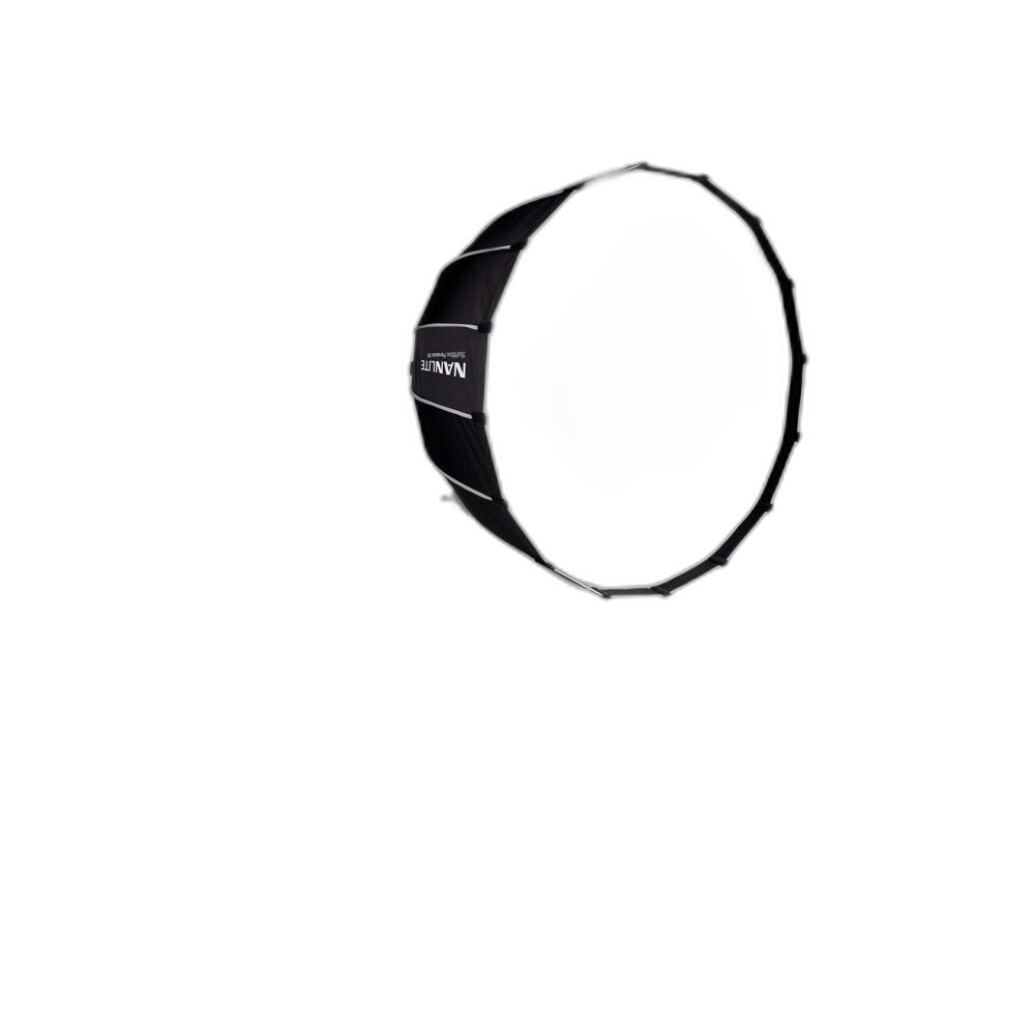
The Nanlite Para 90 Quick‑Open Softbox (35") creates efficient, directional soft light that helps you run higher shutter speeds without harsh shadows.

Need wider, softer coverage? The Nanlite Para 120 Quick‑Open Softbox (47") spreads light more broadly—great for full‑length portraits while keeping speeds high enough for sharp handheld shots.
Prefer octa shapes? Quick‑setup octa softboxes, like Godox’s EazyFlow series, also speed light placement so you can prioritize a faster shutter.
Choose the right focal length
Wider lenses (24–35 mm) are more forgiving of hand movement than telephotos. If you must shoot long, enable stabilization, increase shutter speed, and consider monopod techniques—even when you’re nominally “handheld.”
Leverage your camera’s tools
- Minimum shutter speed (Auto ISO): Set per lens or responsive to focal length.
- Anti‑flicker/Flicker reduction: Reduces exposure variance indoors, helping consistency for bursts.
- Electronic front‑curtain or fully electronic shutter: Can reduce mechanical vibration; test for rolling‑shutter artifacts with moving subjects.
- Lens AF micro‑adjustment: If your shots are consistently front/back‑focused with DSLRs, calibrate.
Use the environment as support (and transition fast when needed)
Rest the camera on a backpack, railing, or doorframe to cut shake. For events, a monopod can keep things mobile while improving stability. If you swap between handheld and support frequently, a quick‑release system saves time—Unique Photo carries options like the Benro Quick Release Plate for KH25P/KH26P to streamline your workflow.
Handheld video note: stability for crisp frames
Video demands consistent stabilization to keep frames sharp and steady. A well‑balanced camcorder can help:
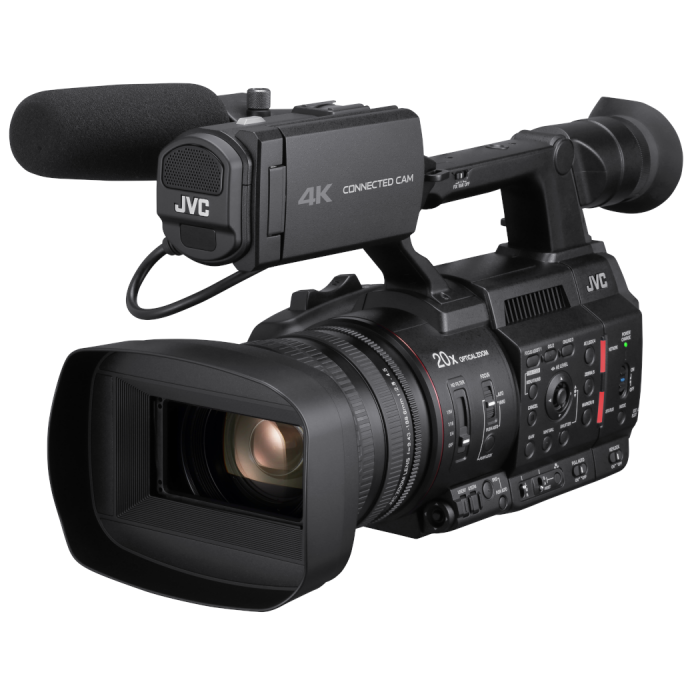
The JVC GY‑HC500U Handheld Connected Cam 4K offers a robust grip and pro controls that make steady handheld operation easier for run‑and‑gun shooters. Pair with in‑camera stabilization (if available) or a compact rig for even better results.
Quick handheld sharpness checklist
- Set a minimum shutter speed based on focal length (go faster for motion).
- Enable lens IS/IBIS; use a stable stance with elbows tucked.
- Choose the right AF mode (single for static, continuous with tracking for motion).
- Use Auto ISO to protect shutter; keep aperture near the lens’s sweet spot.
- Shoot short bursts; review and keep the sharpest frame.
- Add light when possible to raise shutter speed—quick‑open softboxes make this easy.
Final thoughts
Sharp handheld images come from a mix of smart settings, solid technique, and lighting that supports faster shutter speeds. Practice these fundamentals and you’ll see an immediate jump in keeper rate. If you need help dialing in your kit, the experts at Unique Photo are here to help in store, online, and by phone.
Internal linking suggestions for your site editors:
- Link to a “Tripods & Monopods” or “Camera Supports” category for quick‑release plates and monopods.
- Link to “Lighting & Light Modifiers” featuring quick‑open softboxes (Nanlite and similar).
- Link to “Lenses with Stabilization (IS/VR/OSS)” shopping guides.
- Link to “Classes & Workshops” on low‑light and action photography.
- Link to “Pro Video” for handheld camcorders and rigs for hybrid creators.