Entering a photo competition can be exciting, but many strong images get rejected or score lower simply because the file was prepared incorrectly. If you are wondering how to prepare images for photography contests, the most important steps usually come down to image sizing, watermarking rules, file formats, color settings, and export quality. At Unique Photo, we often see photographers focus heavily on capture and editing while overlooking submission requirements that can make or break an entry.
This guide explains how to size photos for contests, when to avoid watermarks, which file formats to use, and how to export your work for the best possible presentation.
How to Read Photography Contest Image Requirements
Before resizing or exporting anything, read the contest rules line by line. Every photography contest has its own submission specs, and those details matter. Some ask for JPEG only, some request sRGB color space, and others require a specific long-edge pixel dimension like 1920px, 2400px, or 4000px. Print competitions may also request TIFF files or higher-resolution images for final judging.
Look for these common image submission requirements:
- Maximum or minimum pixel dimensions
- Required file format such as JPEG or TIFF
- Maximum file size in MB
- Color space, usually sRGB or Adobe RGB
- Rules about borders, watermarks, and signatures
- Naming conventions for files
- Whether metadata must be removed or preserved
If the contest instructions say “no identifying marks,” that almost always includes logos, visible signatures, and watermarks. Unique Photo recommends creating a checklist from the official rules before exporting your final files.
Best Image Size for Photography Contests
One of the most common search questions is: what size should images be for photography contests? The answer depends on the platform, but in most cases you should resize specifically to the contest specification rather than uploading your original full-resolution file.
Typical contest sizing standards include:
- Web judging: 1500px to 3000px on the long edge
- Portfolio review contests: 2048px or 2400px on the long edge
- High-end digital competitions: 3000px to 5000px on the long edge
- Print competitions: full-resolution files at 240 to 300 PPI for the print size requested
If a contest gives a maximum dimension, export to that exact size or slightly below it. Oversized files may be automatically compressed by the platform, which can soften detail and reduce image quality. Undersized files can look weak on high-resolution judging screens.
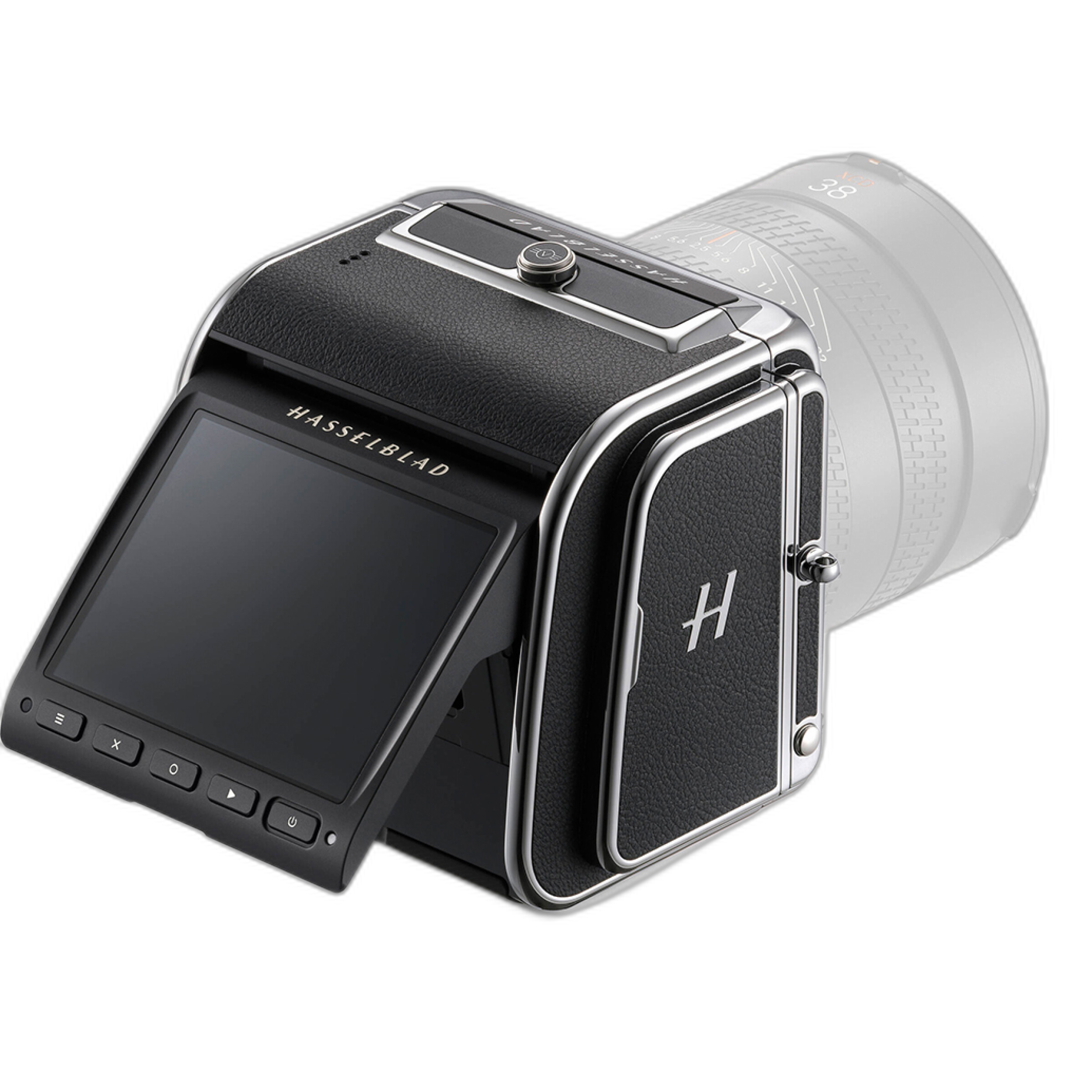
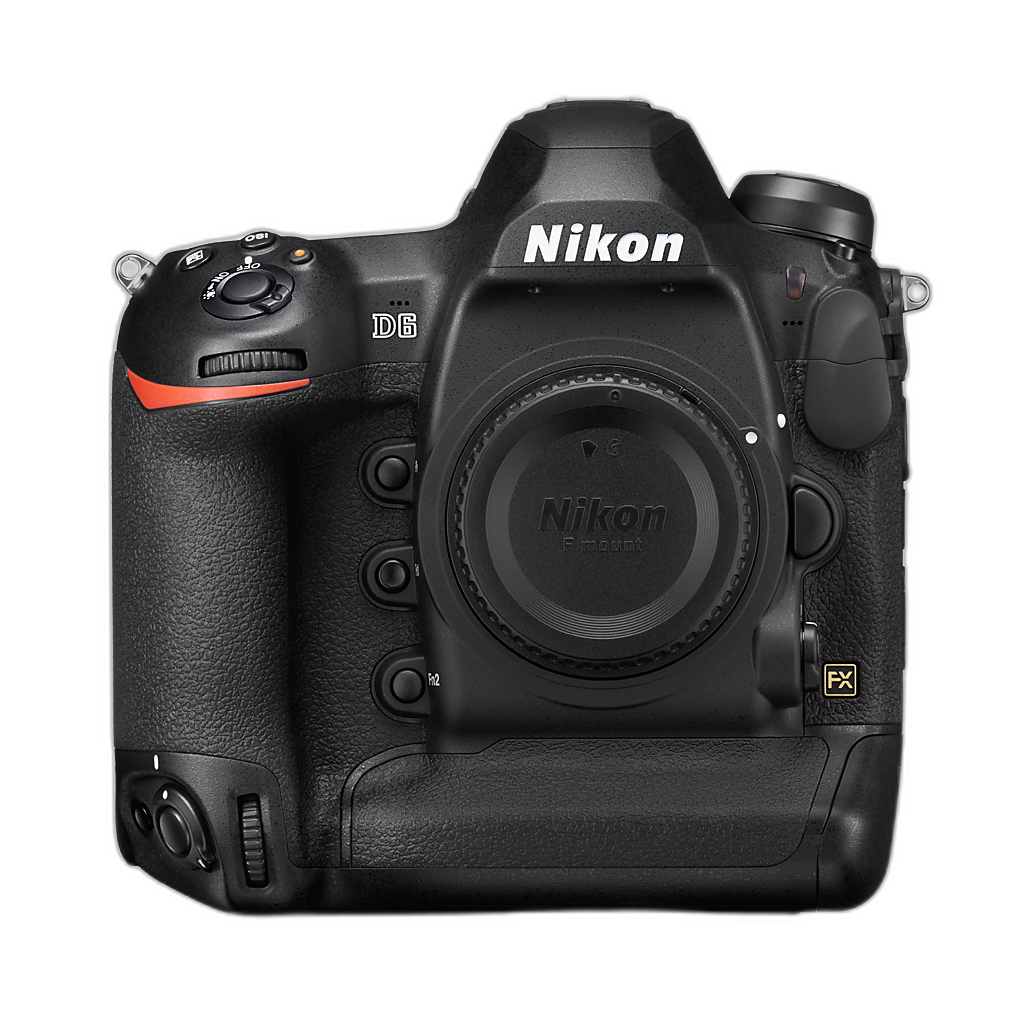
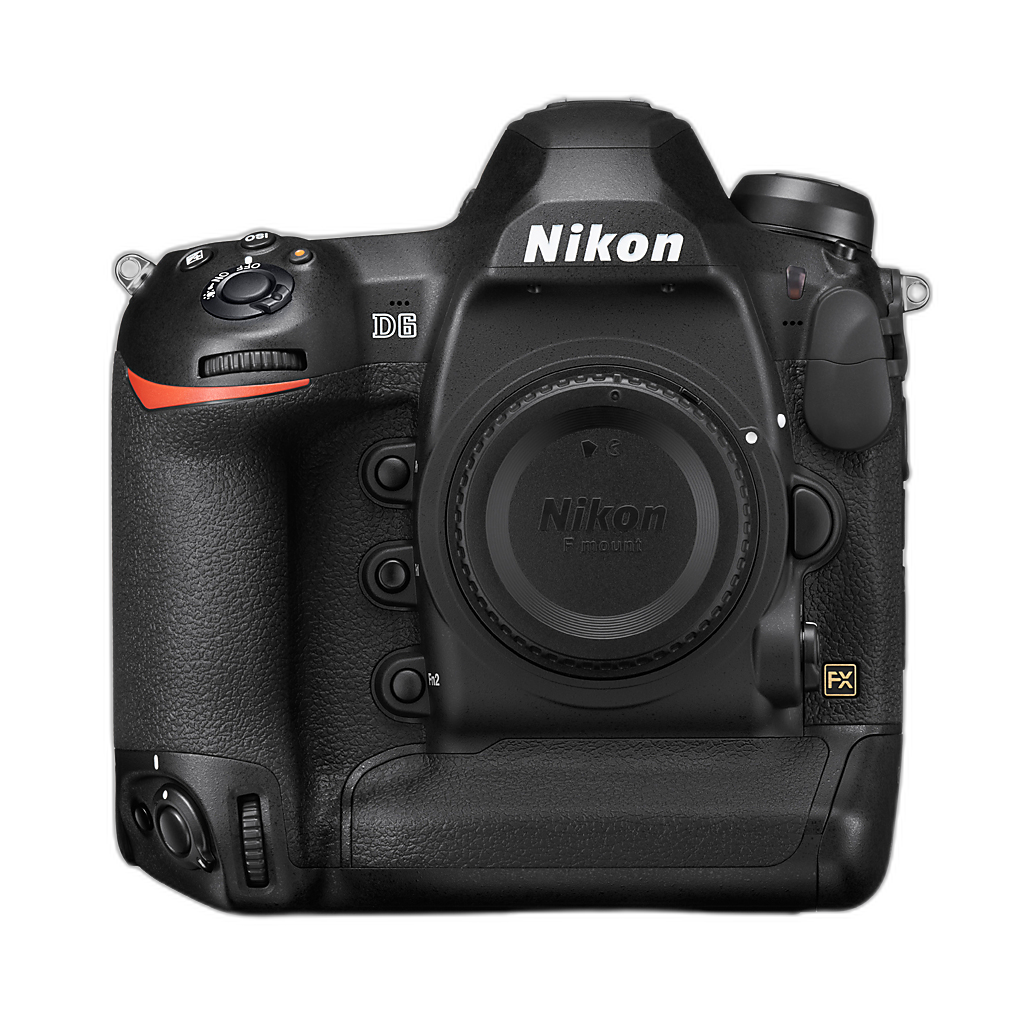
For photographers using high-resolution systems like the Hasselblad 907X and CFV 100C or fast pro bodies like the Nikon D6, starting with a detailed source image gives you more flexibility when downsizing carefully for competition entries.
How to Resize Photos for Contest Submission Without Losing Quality
When resizing images for a photography contest, use your editing software’s export tools rather than taking screenshots or using random compression apps. Adobe Lightroom, Photoshop, Capture One, and similar programs allow precise control over dimensions, sharpening, and compression.
Here are a few best practices:
- Start from your final edited master file.
- Export a duplicate specifically for the contest.
- Set the long edge exactly to the required pixel count.
- Use standard screen sharpening if the image will be judged digitally.
- Check the final file at 100% view before submitting.
If the contest does not specify PPI for digital uploads, remember that pixel dimensions matter more than the PPI number for screen viewing. PPI becomes more relevant when a contest requests files for printing.
JPEG vs TIFF for Photography Contests
Another common question is whether to submit JPEG or TIFF files. In most online photography contests, JPEG is the standard because it balances image quality with manageable file sizes. TIFF files are larger, less universally accepted by entry portals, and are usually only requested for final-round judging or print production.
Use JPEG when:
- The contest entry portal only accepts JPEG
- There is a strict file size limit
- The judging is primarily online
Use TIFF when:
- The rules specifically request TIFF
- The contest is preparing large exhibition prints
- You are sending finalist files after initial selection
For JPEG export, choose a high-quality setting that preserves fine detail without exceeding the upload limit. In many workflows, quality settings around 80 to 100 are appropriate, but always compare the final result visually.
What Color Space Should You Use for Contest Entries?
sRGB is usually the safest color space for photography contest submissions because it is the most widely supported for web-based judging platforms and standard displays. Even if you edit in Adobe RGB or ProPhoto RGB, many contests still require final exports in sRGB.
If you submit Adobe RGB to a platform that expects sRGB, colors may appear dull or inaccurate. Unless the rules clearly state otherwise, exporting in sRGB is the safest move.
At Unique Photo, we suggest matching your export color space to the contest’s stated requirements and then opening the final exported file to confirm the color still looks right.
Should You Watermark Photos for a Photography Contest?
In most cases, no. If you are asking whether you should watermark photos for a contest, the answer is usually no unless the rules explicitly allow it. Many contests use blind judging, which means jurors should not see any identifying information that could reveal the photographer’s identity.
A visible watermark can cause problems such as:
- Immediate disqualification
- Lower visual impact because the mark distracts from the image
- Violation of anonymous judging policies
Even subtle signatures in a corner may count as identification. If the contest says “no watermarks,” take that literally.
If you are concerned about online image theft, rely on copyright registration, embedded metadata where permitted, and lower-risk display sizes where appropriate. For competition entries, following the rules is more important than branding the image.
When Watermarking May Be Appropriate
Watermarking can make sense for social media previews, website galleries, or client proofing, but those situations are different from contest submissions. If a contest organizer allows public voting and asks for promotional images, they may separately permit or request branded versions. In that case, create a dedicated copy for promotional use and keep your judged submission clean.
Maintain separate folders for:
- Master edited files
- Contest submission files
- Social media or promotional watermarked versions
This simple step helps avoid uploading the wrong version.
How Much Compression Is Too Much for Contest JPEGs?
Excessive JPEG compression can introduce banding, blockiness, and loss of fine texture, especially in skies, shadows, and detailed patterns. Contest judges often review work on calibrated monitors, so poor compression is easier to spot than many photographers realize.
Signs that a JPEG is over-compressed include:
- Harsh edges around details
- Muddy textures in foliage, hair, or fabric
- Posterization in gradients
- Visible artifacts in dark areas
Try exporting a test version, then zoom in to compare it with your master file. If the contest has a low file size cap, reduce dimensions slightly before sacrificing too much JPEG quality.
File Naming Tips for Photography Contest Entries
Many contest platforms have strict file naming instructions. Some want your title in the filename, while others require a numeric entry code to preserve anonymous judging. Never assume your normal naming system is acceptable.
Good file naming practices include:
- Follow the contest format exactly
- Avoid special characters unless allowed
- Double-check sequence numbers for multiple entries
- Keep a separate spreadsheet with title, category, and filename
This is especially helpful when submitting multiple images across several categories.
Metadata, Copyright, and Contest Submission Rules
Some competitions ask you to remove metadata for blind judging, while others want copyright and capture information preserved. Check whether EXIF and IPTC data are allowed, required, or prohibited.
Metadata may include:
- Your name and copyright notice
- Camera and lens information
- Capture date
- Location data
- Edit history and keywords
If anonymity matters, remove anything that reveals your identity. If the contest requests proof of authenticity later, keep your original RAW files and layered edits organized. Cameras built for professional workflow, including models like the Nikon D6, make file management easier when you are handling high volumes of contest-ready work.
Preparing Images for Print-Based Photography Competitions
Print competitions require extra attention because sharpening, color, and resolution behave differently in print than on screen. If the contest asks for physical prints or print-ready digital files, review these factors carefully:
- Print dimensions in inches
- Required resolution, often 240 or 300 PPI
- Paper or surface recommendations
- Border and matting rules
- Whether the organizer or photographer handles printing
If you are sending files for printing, avoid using a screen-only export preset. Prepare a dedicated print version, and if possible, soft-proof the image for the intended output. Unique Photo customers who print their competition work often benefit from testing one print before final submission.
Common Mistakes That Hurt Photography Contest Entries
Even excellent photographs can lose impact if technical prep is sloppy. Here are some of the most common submission mistakes:
- Uploading the wrong file size
- Leaving a watermark on an image that requires anonymous judging
- Using the wrong color space
- Over-compressing a JPEG
- Ignoring file naming instructions
- Submitting a file with visible dust spots, halos, or export artifacts
- Forgetting to check the image after upload
Always preview your uploaded file inside the submission portal if possible. Some sites apply additional compression or cropping, and it is better to catch issues before the deadline.
Contest Image Prep Checklist Before You Submit
Use this simple checklist before final upload:
- Read the rules one more time.
- Confirm category eligibility.
- Export to the required pixel dimensions.
- Use the correct file format and color space.
- Remove watermark if prohibited.
- Check compression and sharpness.
- Verify filename format.
- Review metadata requirements.
- Open the final exported file and inspect it full-screen.
- Upload early to avoid deadline issues.
That last step matters more than many photographers think. Last-minute exporting often leads to preventable errors.
Choosing the Right Camera for Competition-Quality Images
While contest success depends more on vision and execution than gear alone, dependable image quality certainly helps. High-resolution and professional-grade cameras can provide cleaner files, stronger dynamic range, and more flexibility for cropping and printing. For example, the Hasselblad 907X and CFV 100C offers outstanding detail for fine art and landscape competition work, while the Nikon D6 remains a rugged professional DSLR choice for action, wildlife, and event-oriented submissions.
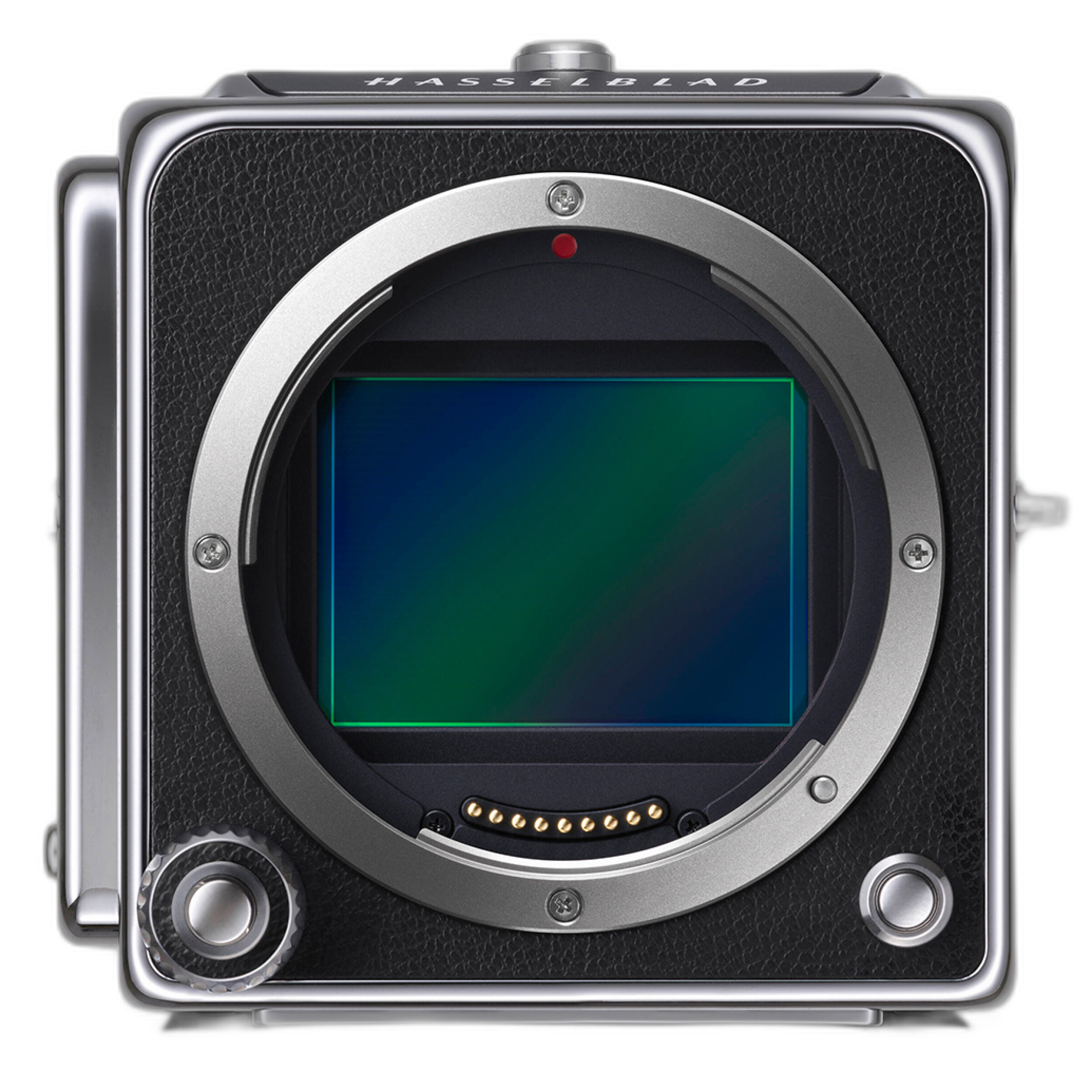
For photographers shopping strategically, Unique Photo also offers used gear options that can make a pro-level contest workflow more accessible, including used Nikon D6 bodies in multiple conditions.
Final Thoughts on Preparing Images for Photography Contests
Preparing images for photography contests is about more than good editing. You need to match the contest requirements exactly, choose the right image size, use the correct file format, avoid unnecessary watermarking, and submit a clean, well-optimized file. These technical details help judges see your work at its best.
Unique Photo is a great resource for photographers refining both capture and output, whether you are upgrading camera gear, exploring medium format options, or building a more reliable workflow for competition submissions.
For internal linking opportunities, consider pointing readers to related Unique Photo pages such as digital cameras, used cameras, medium format cameras, DSLR cameras, and educational content on printing, editing workflow, and color management.