A fast, reliable post-processing workflow can make the difference between feeling inspired and feeling buried under thousands of files. Whether you are editing a wedding gallery, organizing travel images, or refining commercial work, building efficiency into every step helps you spend less time waiting and more time creating. Here are practical tips to streamline your photo editing process while keeping your files organized, protected, and ready for delivery.
Build a Smarter Editing Workflow From Import to Archive
1. Start with a dedicated ingest and working drive
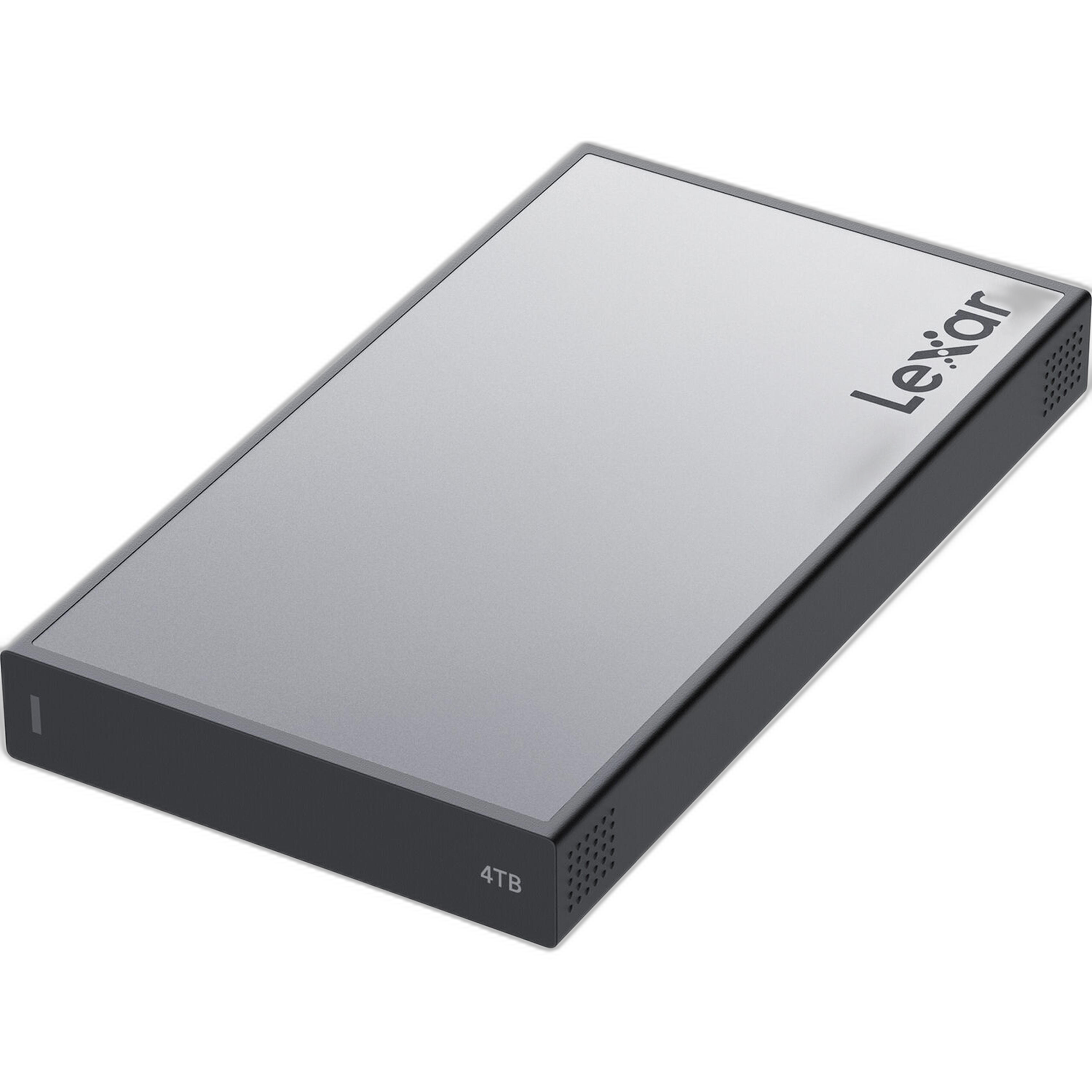
One of the easiest ways to speed up editing is to separate active projects from long-term storage. A fast external drive gives you a responsive workspace for culling, preview generation, and batch exports. The Lexar Professional Workflow Portable SSD 4TB is a great fit for photographers who want quick access to current jobs without tying up internal laptop storage.
- Import current shoots to a dedicated SSD folder structure.
- Edit directly from the SSD for smoother performance.
- Keep your catalog, cache, and working files together for easier project management.
2. Create a repeatable folder and naming structure
Efficiency starts before your first slider adjustment. Use a consistent naming format like YYYY-MM-DD_Client_Project and keep subfolders for RAW, selects, exports, and deliverables. That simple structure reduces time spent hunting for files and makes future retrieval much easier.
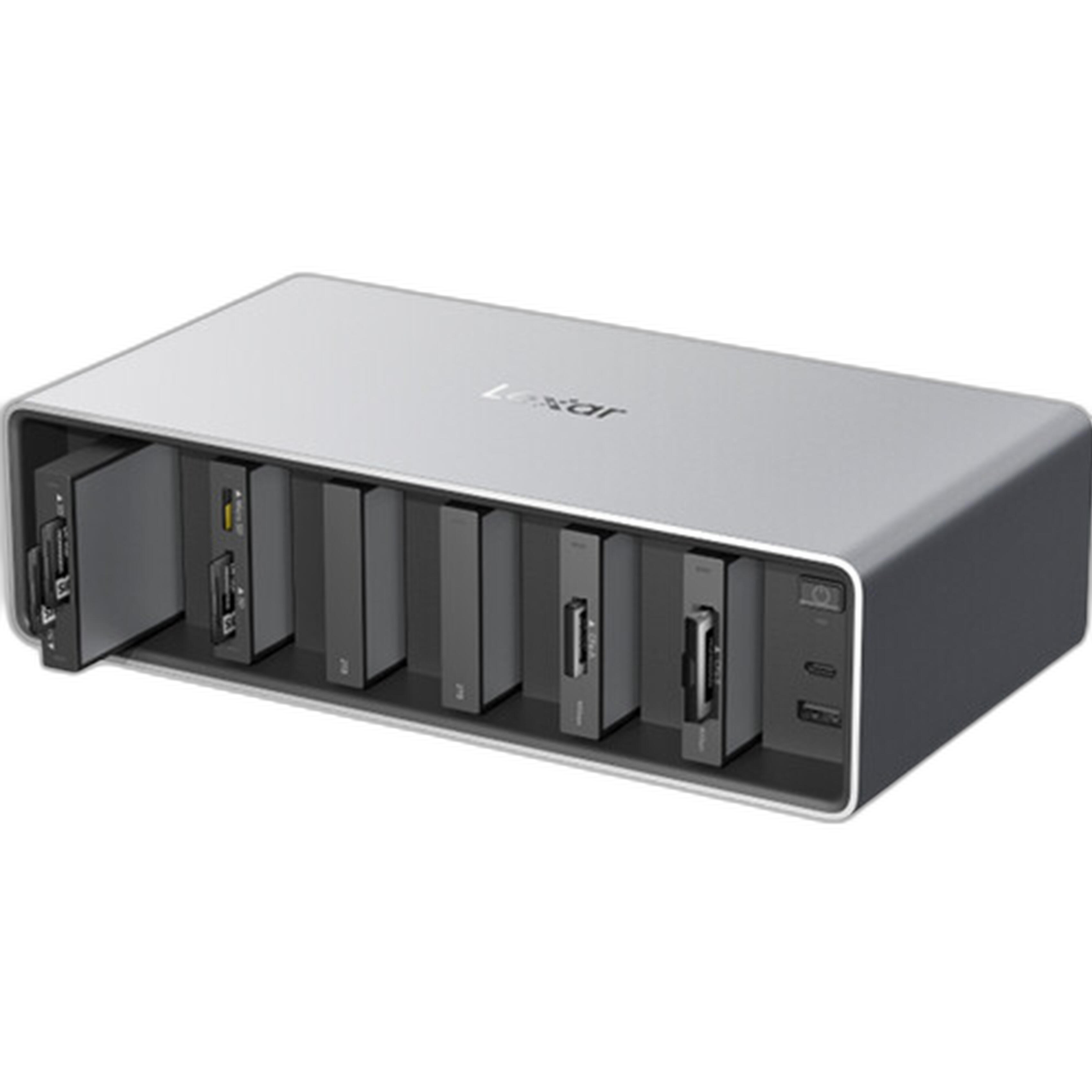
If you regularly move media from multiple cards and devices, a hub-style setup like the Lexar Professional Workflow Dock Station - 6-Bays can help centralize your desk and reduce cable clutter while supporting a more organized editing station.
3. Cull aggressively before you begin detailed edits
Do not waste time color-correcting frames that will never make the final set. Start with a quick first pass to remove duplicates, missed focus shots, blinks, and test frames. Then do a second pass for stronger composition, expression, and storytelling. Fewer files in your active selection means faster decision-making throughout the rest of the workflow.
- Use flags or star ratings consistently.
- Reject obvious misses immediately.
- Limit your final selects to the images that truly support the gallery.
4. Batch your global corrections first
Apply broad edits in groups before moving into individual refinements. Synchronizing white balance, exposure, lens corrections, and camera profiles across similar images can save a huge amount of time. Work by scene, lighting setup, or location so each batch remains consistent.
For photographers who also handle video or want more tactile control over grading, the Blackmagic Design DaVinci Resolve Micro Color Panel can be a smart addition to a streamlined editing environment, especially when color precision and speed matter.
5. Keep your archive separate from your active projects
Once a job is delivered, move it off your working SSD and onto larger-capacity storage. This keeps your active editing drive clean and fast while preserving completed work in a safer long-term location. For photographers building a serious archive, the OWC Mercury Elite Pro Dual RAID array line offers a practical way to store high volumes of finished projects.
The OWC Mercury Elite Pro Dual 16TB, 24TB, and 32TB models can suit different workloads depending on how much content you produce and how long you retain original files.



- Use a fast SSD for current edits.
- Move delivered jobs to RAID storage for organized archiving.
- Keep backups in at least one additional location.
6. Build simple export presets for common deliveries
If you repeatedly export full-resolution JPEGs, social media crops, black-and-white selects, or web galleries, presets can remove repetitive steps from every project. Set up naming templates, sharpening preferences, file sizes, and color space options in advance so your exports stay consistent and quick.
7. Add notes on the go when shooting hybrid content
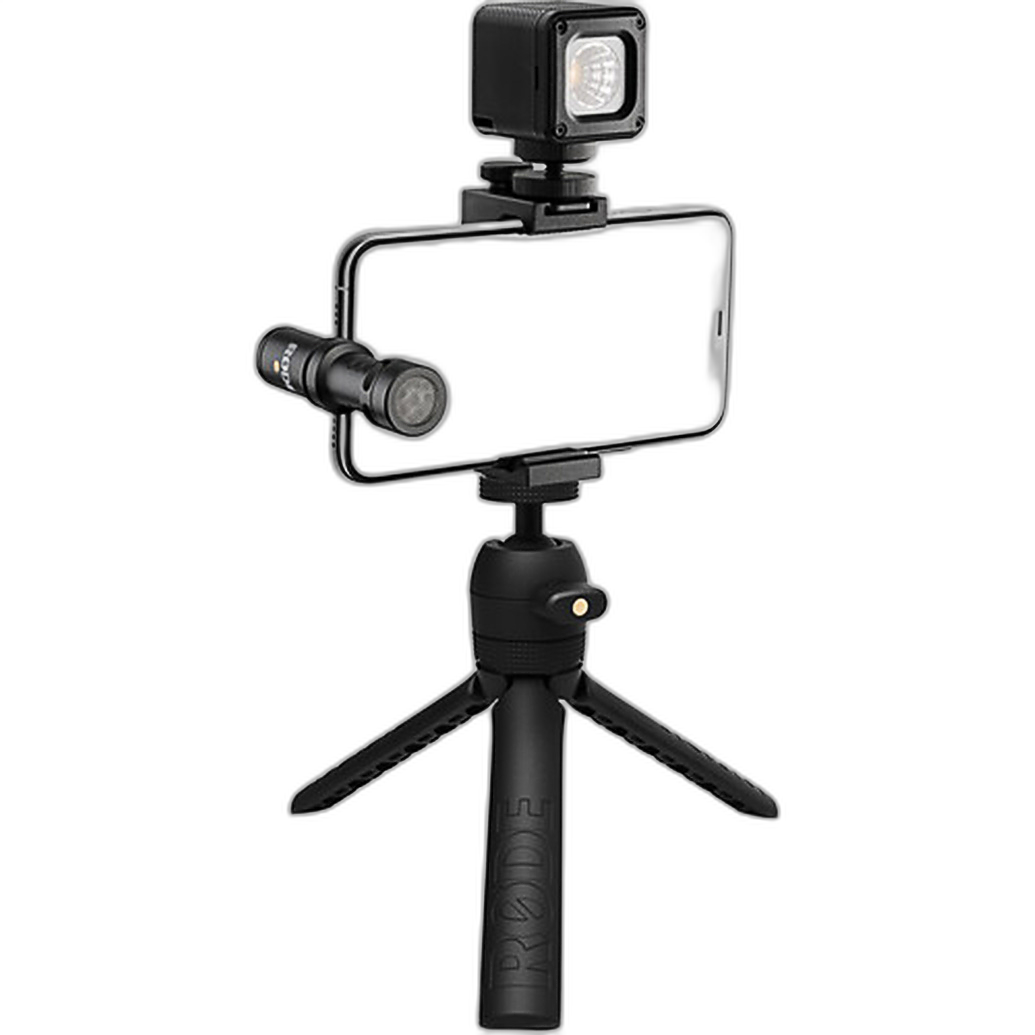
Many photographers now move between stills, short video clips, and behind-the-scenes content. Recording quick reminders while on set can help later during the edit. A compact tool like the Rode Vlogger Kit iOS Edition Filmmaking Kit for Lightning Port can be useful for capturing reference clips, voice notes, or social content that supports your broader workflow and client delivery process.
8. Finish the digital job, but think about the final presentation too
Efficient editing is not only about speed on the computer. It is also about having a clear endpoint for your work. If you are delivering printed proofs, family snapshots, or event images, presentation matters. The Pioneer Album Slimline Post Style Fold Out Pockets can be a simple way to organize 4x6 prints for client handoff or personal archiving after the editing process is complete.

9. Schedule backup and cleanup as part of the workflow
Do not treat backup as an afterthought. Add it to your checklist every time:
- Ingest files
- Create a secondary backup
- Edit and export
- Deliver the project
- Archive to long-term storage
- Verify redundancy before deleting cards
When backup and cleanup become routine, your editing environment stays faster, cleaner, and far less stressful.
Conclusion
An efficient photo editing workflow is really about removing friction. Fast working storage, dependable archive solutions, better organization, and thoughtful tools can all help you move from import to delivery with less stress and more consistency. As you refine your process, explore workflow essentials and studio-ready gear at Unique Photo to build a setup that keeps up with your creative pace.