RAW vs JPEG for Beginners: What’s the Difference?
If you’re just getting started with photography or video, one of the first workflow decisions you’ll run into is whether to shoot in RAW or JPEG. This comparison matters because your choice affects image quality, editing flexibility, file size, storage needs, and how much time you’ll spend in post-production. For beginners, JPEG is often the faster and simpler option, while RAW gives you much more room to correct exposure, recover highlights, and fine-tune color.
To help illustrate the real-world workflow side of this decision, we’re also looking at a few useful tools from Unique Photo’s catalog that support heavier RAW-based shooting and editing workflows, including external monitor-recorders and portable SSD storage.
Side-by-Side Comparison: RAW vs JPEG
| Category | RAW | JPEG |
|---|---|---|
| File Type | Unprocessed or minimally processed image data | Compressed, processed image file |
| Editing Flexibility | High | Limited |
| File Size | Large | Small |
| Dynamic Range Recovery | Better highlight and shadow recovery | Less recovery room |
| Color Adjustment | More precise white balance and grading control | More limited before quality loss appears |
| Speed of Use | Slower workflow, requires processing | Fast and ready to share |
| Storage Needs | High | Low |
| Best For | Learning editing, maximum quality, difficult lighting | Casual shooting, fast delivery, minimal editing |
Workflow Tools That Matter for RAW Capture
| Product | Type | Beginner Workflow Benefit |
|---|---|---|
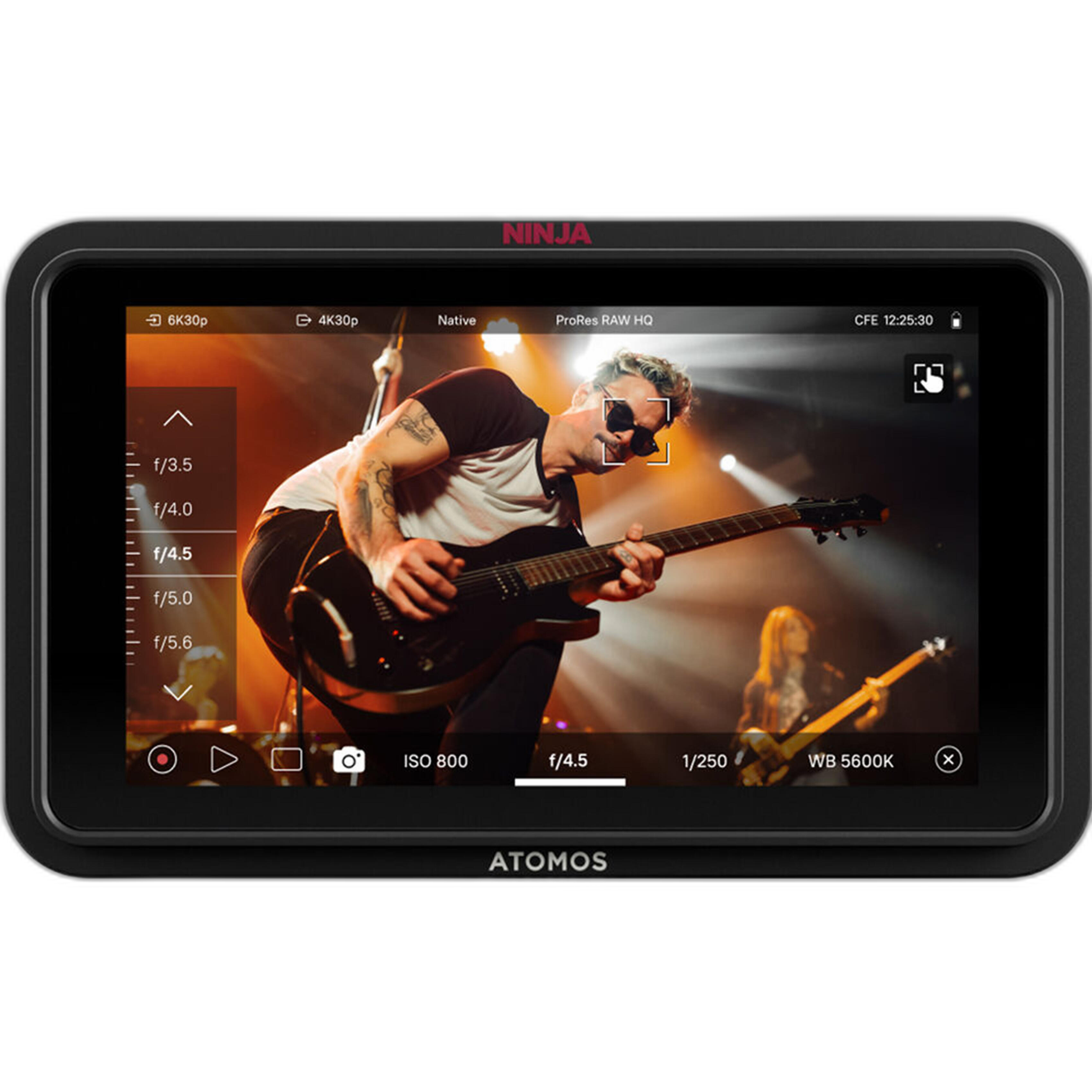
| Atomos Ninja RAW 5.2in Monitor and Recorder | External monitor/recorder | Helps creators move into higher-quality recording workflows with monitoring tools |
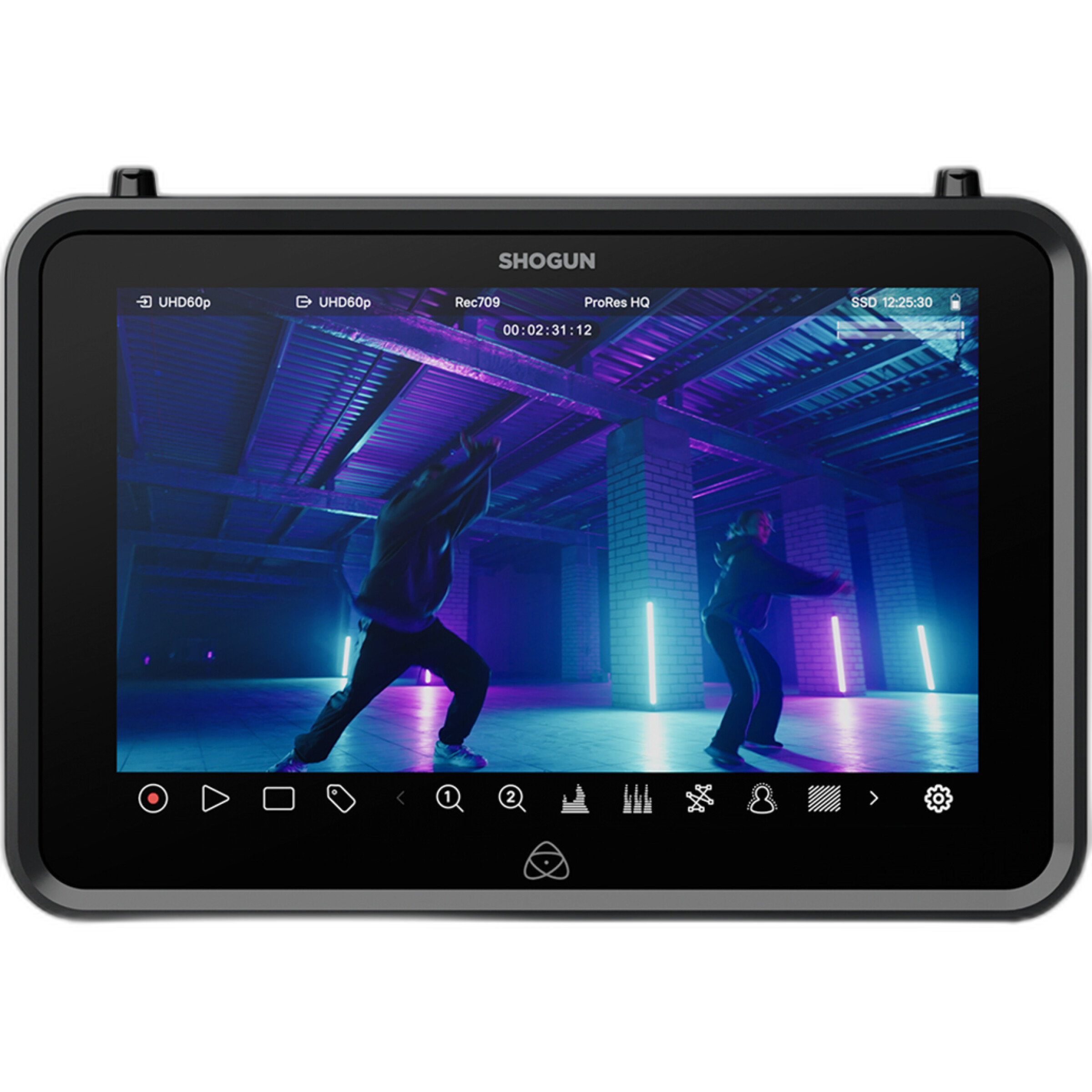
| Atomos Shogun 7 inch 6K RAW HDR Monitor/Recorder | External monitor/recorder | Useful for advanced monitoring and RAW-focused video workflows |
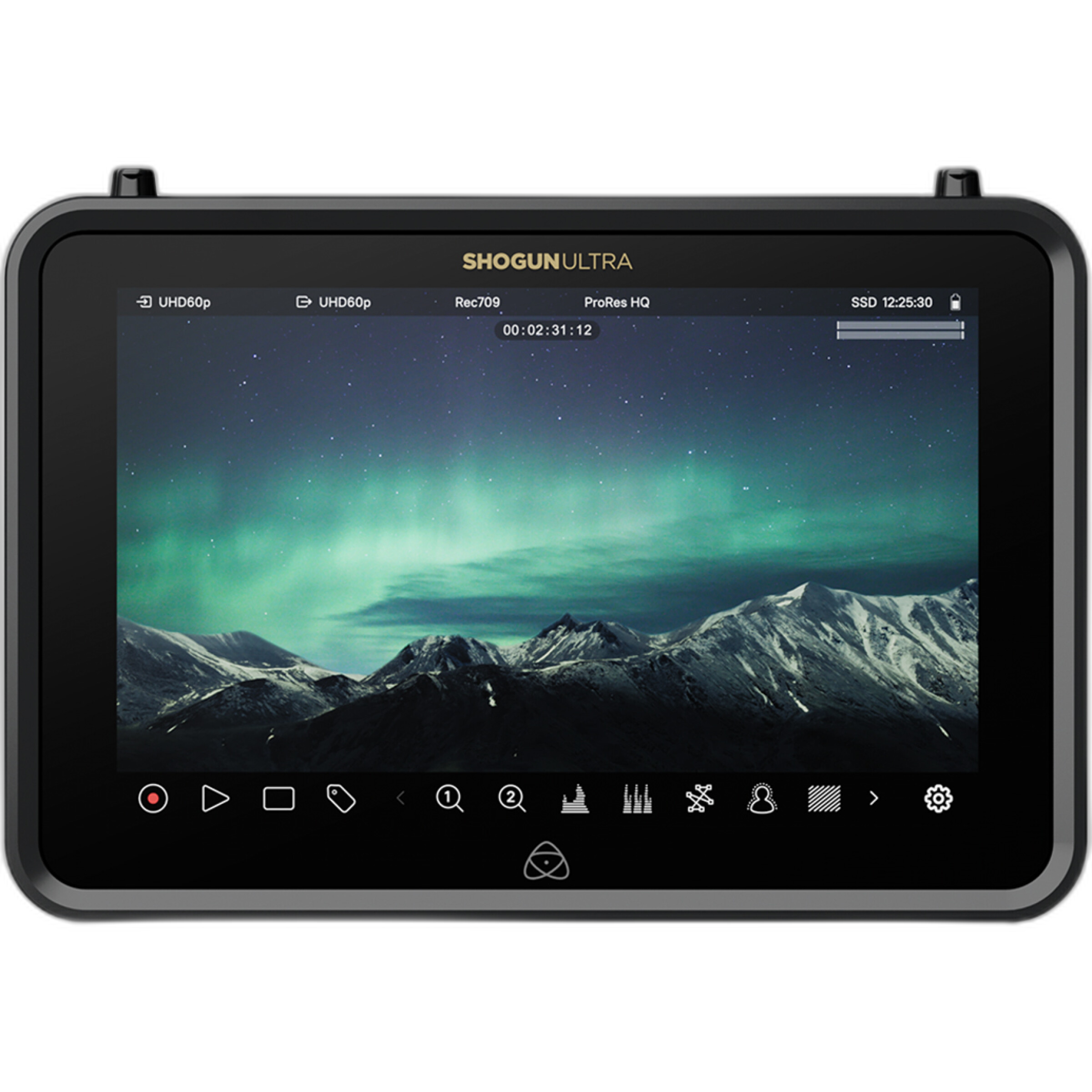
| Atomos Shogun Ultra 7 inch 8K RAW HDR Monitor/Recorder | External monitor/recorder | Built for demanding high-resolution RAW production workflows |
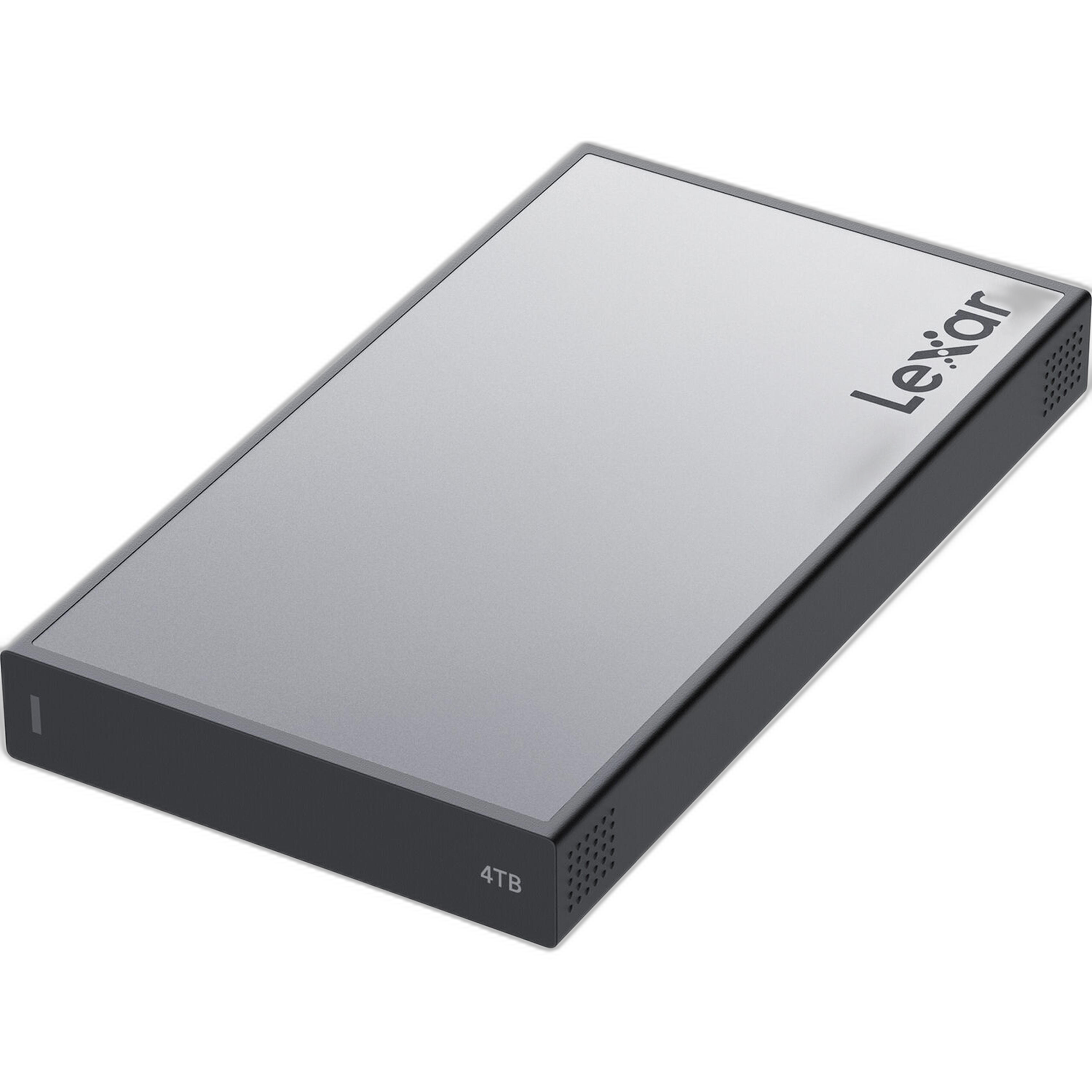
| Lexar Professional Workflow Portable SSD 4TB | Portable SSD storage | Ideal for managing the larger files that come with RAW shooting |
Ease of Use
JPEG wins easily for simplicity. Your camera processes the file for you, applies sharpening, contrast, and color settings, then gives you an image that’s ready to post or print right away. That makes JPEG a great starting point for beginners who don’t want to spend much time editing.
RAW has a steeper learning curve. You’ll need editing software and a basic understanding of exposure, white balance, and color adjustments. But for beginners who want to improve their skills, that extra control can be a major advantage because it teaches you how your image is really built.
Image Quality and Editing Headroom
This is where RAW stands out. If you slightly underexpose a shot, misjudge white balance, or shoot a high-contrast scene, RAW usually gives you more room to fix the image afterward. JPEG files have already been compressed and processed, so pushing them too far in editing can create artifacts, banding, or muddy colors.
For anyone planning to learn Lightroom, Photoshop, or video color grading, RAW is generally the better training ground. It gives you room to experiment without hitting the wall as quickly.
Storage and File Management
The biggest tradeoff with RAW is file size. RAW photos and especially RAW video can eat through memory cards and drives quickly. JPEG is much easier to manage if you’re shooting family events, travel, or casual everyday content.
If you expect to shoot a lot of RAW content, storage becomes part of the workflow. A drive like the Lexar Professional Workflow Portable SSD 4TB makes more sense in a RAW-heavy setup than in a basic JPEG-only routine, simply because you’ll need the space and transfer convenience.
Speed From Capture to Delivery
If your goal is fast turnaround, JPEG is the practical winner. You can transfer files to your phone or computer and share them almost immediately. That’s helpful for social media, events, or any situation where speed matters more than perfect editability.
RAW takes longer. You’ll need to import, review, process, and export files before they’re ready to deliver. That slower pace is worth it when quality matters, but it can feel like overkill for simple everyday shooting.
Who Should Start With RAW?
RAW makes the most sense for beginners who are serious about learning photography or video editing, who often shoot in difficult lighting, or who want the best possible final image. It’s also a better fit if you know you’ll be adjusting exposure and color regularly.
For video creators exploring more advanced workflows, external recorders like the Atomos Ninja RAW or the Atomos Shogun line can be part of that next step, especially when paired with cameras that support RAW output.
Who Should Stick With JPEG?
JPEG is still a smart choice for beginners who want less hassle, smaller files, and quicker results. If you’re mostly sharing online, documenting daily life, or learning basic camera settings first, JPEG keeps the process approachable. Many photographers also use RAW+JPEG mode so they get an easy shareable file plus a RAW backup for important images.
Our Pick
For most beginners, JPEG is the best place to start for simplicity, but RAW is the better long-term choice if you want to learn post-processing.
If you’re completely new and want the easiest workflow, choose JPEG or RAW+JPEG. If you already know you want to edit seriously, start using RAW now so you build good habits early. And if you’re moving into more demanding video or hybrid workflows, tools like the Atomos Ninja RAW 5.2in Monitor and Recorder and the Lexar Professional Workflow Portable SSD 4TB are the most beginner-friendly support products in this group because they address monitoring and storage without immediately jumping to the largest, most advanced setups.
Conclusion
RAW vs JPEG isn’t really about which format is universally better—it’s about which workflow fits your needs right now. JPEG is faster and easier, while RAW gives you more control and more room to grow. If you’re building your editing skills, RAW is worth learning; if you want quick, no-fuss results, JPEG is still an excellent option. When you’re ready to upgrade your workflow with storage or external recording tools, Unique Photo offers solid options to help you grow into more advanced post-production.