Entering online photography contests can be exciting, but strong images alone are not always enough. To improve your chances, you need to prepare every file carefully before uploading. From sizing and color space to metadata and naming conventions, the details matter. At Unique Photo, we regularly work with photographers who want their images to look polished, professional, and submission-ready. This guide covers the best ways to prepare your images for submission to online photography contests so your work looks its best from capture to final upload.
Read the contest rules before editing your image
One of the most important photography contest submission tips is to start with the rules. Every contest has different requirements for file type, image dimensions, maximum file size, color profile, borders, watermarks, and editing limitations. Some competitions allow only minimal global adjustments, while others welcome advanced post-processing or compositing.
Before you export anything, create a quick checklist based on the contest guidelines:
- Accepted file format, usually JPEG
- Required pixel dimensions on the long edge
- Maximum file size in MB
- sRGB or Adobe RGB color space requirement
- Whether watermarks, signatures, or borders are prohibited
- Whether AI-generated or heavily manipulated images are allowed
- Category-specific rules such as wildlife ethics or documentary standards
Taking a few minutes to review the rules can prevent disqualification. If you are building a more professional workflow around entering competitions, business and rights education can also help. Books like Rocky Nook Best Business Practices for Photographers by John Harrington, available at Unique Photo, are useful for photographers who want to better understand submission standards, image usage, and professional presentation.
Choose the strongest image for the contest category
Preparing images for online photography contests starts with selecting the right photograph. A technically excellent image can still underperform if it does not fit the contest theme or category. Review your shortlist critically and ask:
- Does the image clearly match the category description?
- Is the subject immediately readable at thumbnail size?
- Does the composition feel intentional and complete?
- Are there distracting elements that weaken impact?
- Does the image stand out from common visual trends in that category?
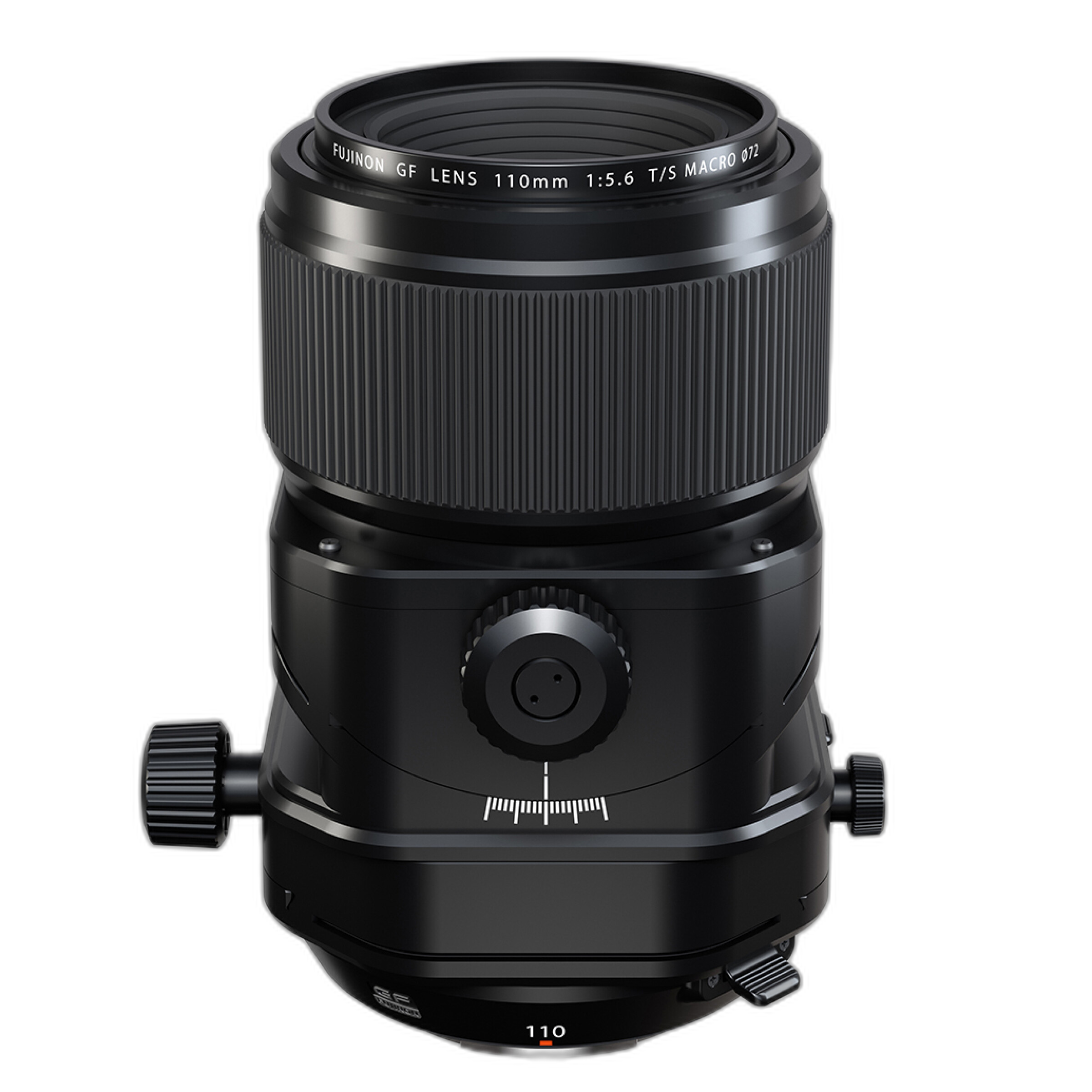
If the contest includes portrait, nature, architecture, macro, or fine art categories, tailor your selection appropriately. For example, highly detailed work made with specialized optics can hold up especially well in competition. Photographers working with precision tools such as the Fujifilm FUJINON GF 110mm f/5.6 T/S Macro Lens can produce files with exceptional detail and perspective control for close-up, product, and architectural-style entries.
Edit for impact without overprocessing
One of the best ways to edit photos for contest submission is to aim for refinement, not excess. Judges often respond better to images that feel confident and clean rather than heavily pushed. Your editing should support the story, mood, and subject.
Focus on these core adjustments:
- Correct exposure and contrast
- Refine white balance for believable color
- Recover highlight and shadow detail carefully
- Use local adjustments to guide the viewer's eye
- Control saturation so colors remain natural or intentionally stylized
- Retouch dust spots, sensor marks, and small distractions
Avoid over-sharpening, excessive noise reduction, crunchy HDR effects, haloing around edges, and skin retouching that looks plastic. If the contest has documentary or photojournalism standards, even small object removals may be prohibited. Keep an untouched original file available in case the organizer requests proof.
Calibrate your monitor and check color space
Color consistency is a major part of photo contest image preparation. If your display is too bright, too cool, or poorly calibrated, you may export files that look incorrect on judges' screens. Use a calibrated monitor whenever possible and review your image on more than one display before submission.
Then confirm the required color space. Many online contests specifically request sRGB because it displays more predictably across browsers and devices. Even if you edit in Adobe RGB or ProPhoto RGB, exporting the final contest file in sRGB is often the safest option unless rules say otherwise.
Before uploading, check for:
- Unexpected color shifts after export
- Oversaturated reds, greens, or blues
- Loss of subtle gradients in skies or backgrounds
- Black-and-white images with blocked shadows or weak midtones
Resize images correctly for online photography contests
How to resize photos for photography contests is one of the most common questions photographers ask. Most contests do not want your full-resolution original. Instead, they specify a maximum long-edge dimension and file-size limit for web-based judging systems.
Typical requirements may include:
- Long edge between 1920 and 4000 pixels
- JPEG format
- Compression high enough to stay under 2 MB to 10 MB
- 300 ppi or 72 ppi, though pixel dimensions matter more than resolution metadata online
When resizing:
- Export a copy, not your master file.
- Set the long edge to the contest requirement.
- Use output sharpening appropriate for screen display.
- Check the final file size and visual quality at 100% view.
- Make sure the image still looks clean, especially in fine detail areas.
If your image contains very fine texture, such as feathers, foliage, architecture, or macro detail, test different JPEG quality settings to maintain clarity without exceeding the file limit.
Sharpen for screen display, not for print
Export sharpening should match the submission format. Since most online contests are judged digitally in early rounds, screen sharpening is typically more appropriate than print sharpening. A file that looks perfect in print can appear soft online, but too much sharpening can create ugly halos and jagged edges that judges will notice immediately.
Best practices include:
- Apply capture sharpening during raw processing
- Complete retouching and resizing first
- Apply subtle output sharpening at the final export stage
- Zoom in and inspect edges, eyes, textures, and high-contrast lines
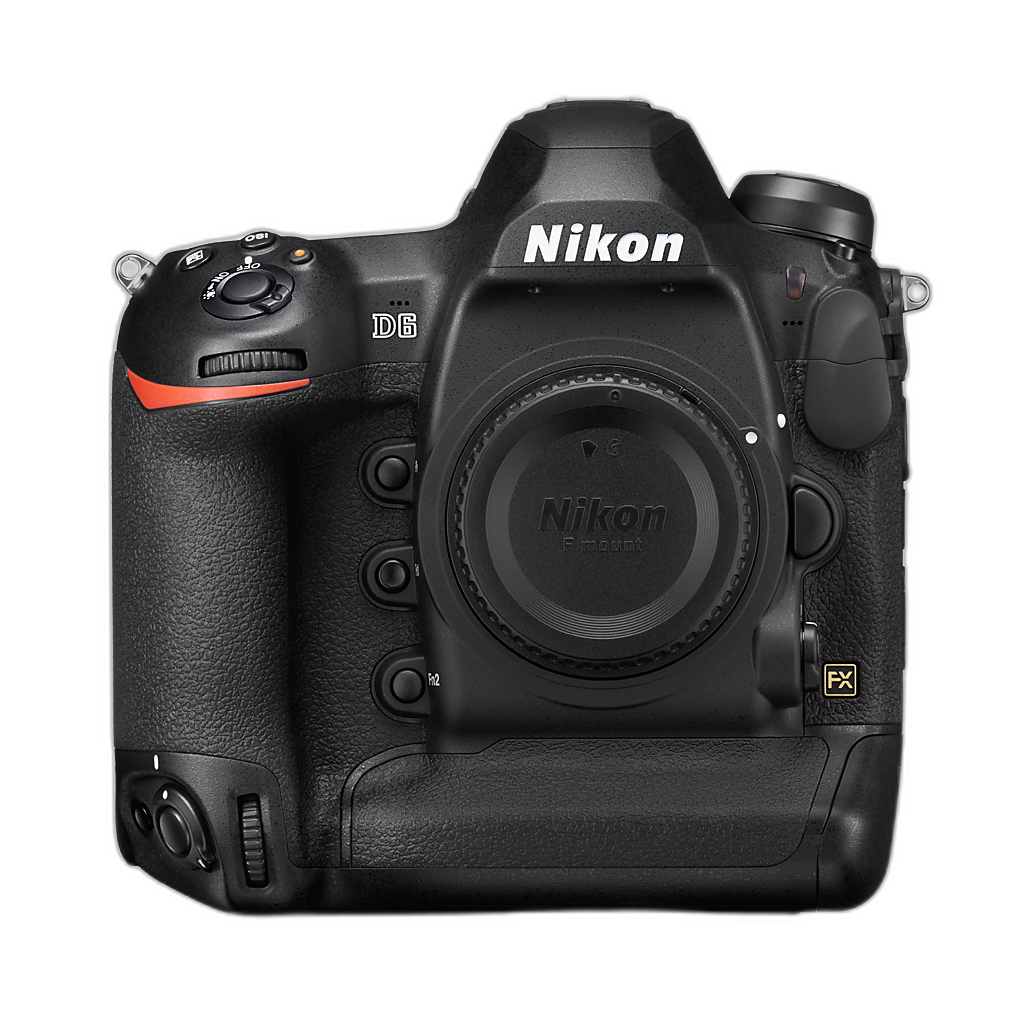
For wildlife, sports, or action work captured on durable professional bodies like the Nikon D6, careful sharpening can help preserve the snap and precision that make fast-moving images stand out in competitive judging.
Reduce noise and preserve detail
Noise reduction is one of the trickiest steps in preparing images for online photography contests. Too little noise reduction can make shadows look rough and distracting. Too much can destroy texture and realism. The goal is balance.
Pay close attention to:
- Shadow areas in low-light images
- Night skies and smooth backgrounds
- Skin texture in portraits
- Fine organic detail in animals, plants, and landscapes
If the image was captured at a high ISO, selectively reduce noise in flat areas while protecting detail in key subjects. Judges often forgive a small amount of natural grain more easily than smeared detail.
Crop thoughtfully and strengthen composition
Smart cropping can transform a good image into a stronger contest entry. Cropping helps remove distractions, improve balance, and emphasize your subject. However, aggressive cropping can also reduce image quality if it leaves too few pixels for submission requirements.
As you crop, ask:
- Does the frame lead the eye clearly to the subject?
- Is there unnecessary empty space?
- Would a tighter crop increase emotional impact?
- Will the image still meet pixel dimension requirements after cropping?
Architectural and close-up photographers often benefit from precise framing and perspective management. Specialty optics sold through Unique Photo, including tilt-shift and macro options, can help create cleaner files from the start, reducing the need for heavy correction later.
Remove watermarks, borders, and distracting metadata if required
Many photographers ask whether they should watermark contest entries. In most online photography contests, the answer is no. Watermarks, signatures, logos, and decorative borders are frequently banned because they can distract judges or reveal the entrant's identity in blind judging.
Also review metadata rules. Some contests allow EXIF data, while others ask participants to remove identifying information from IPTC fields such as creator name or copyright notice during the judging phase. Always follow the organizer's instructions exactly.
Before submission, check:
- No visible watermark or signature
- No decorative frame unless permitted
- File metadata complies with anonymity requirements
- Location data is removed if necessary for privacy or wildlife protection
Name your files professionally
File naming matters more than many photographers realize. A clean, organized filename helps you avoid upload mistakes and keeps your entries easy to track. Unless the contest specifies a format, use simple names such as:
- lastname_title_category.jpg
- entry01_landscape.jpg
- seriesA_image2.jpg
Avoid filenames like DSC_4821_finalfinal2_revised.jpg. They look unprofessional and can create confusion if you submit multiple versions.
Double-check image authenticity and ethical standards
Ethics are increasingly important in online photography contests. Nature, wildlife, documentary, and journalism competitions may require a truthful representation of the scene. Some may ask for raw files or a sequence of images to verify authenticity.
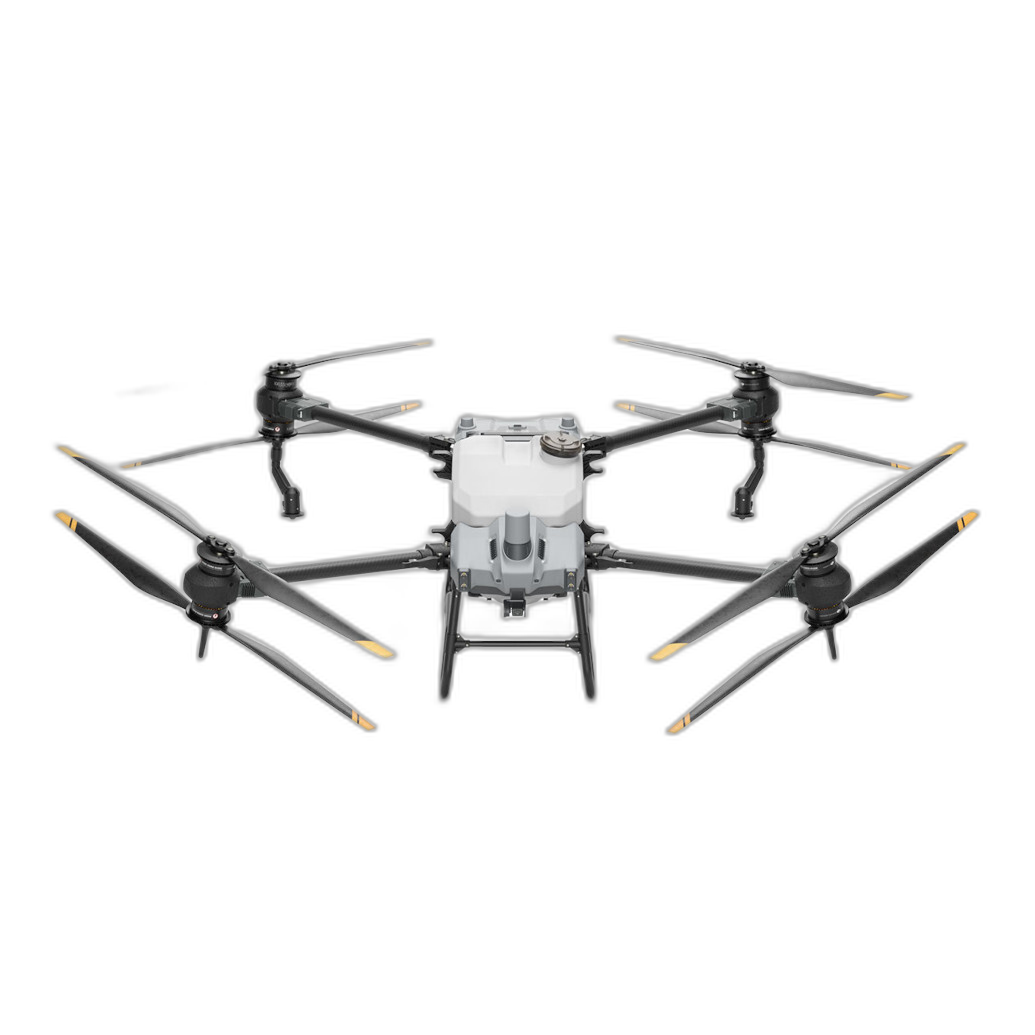
This matters especially for drone and aerial photography. If you are entering aerial images, make sure your capture methods complied with local laws, safety rules, and contest standards. Photographers using advanced aerial systems from brands like DJI should ensure their submissions meet both legal and ethical expectations, particularly in environmental, agricultural, or documentary categories.
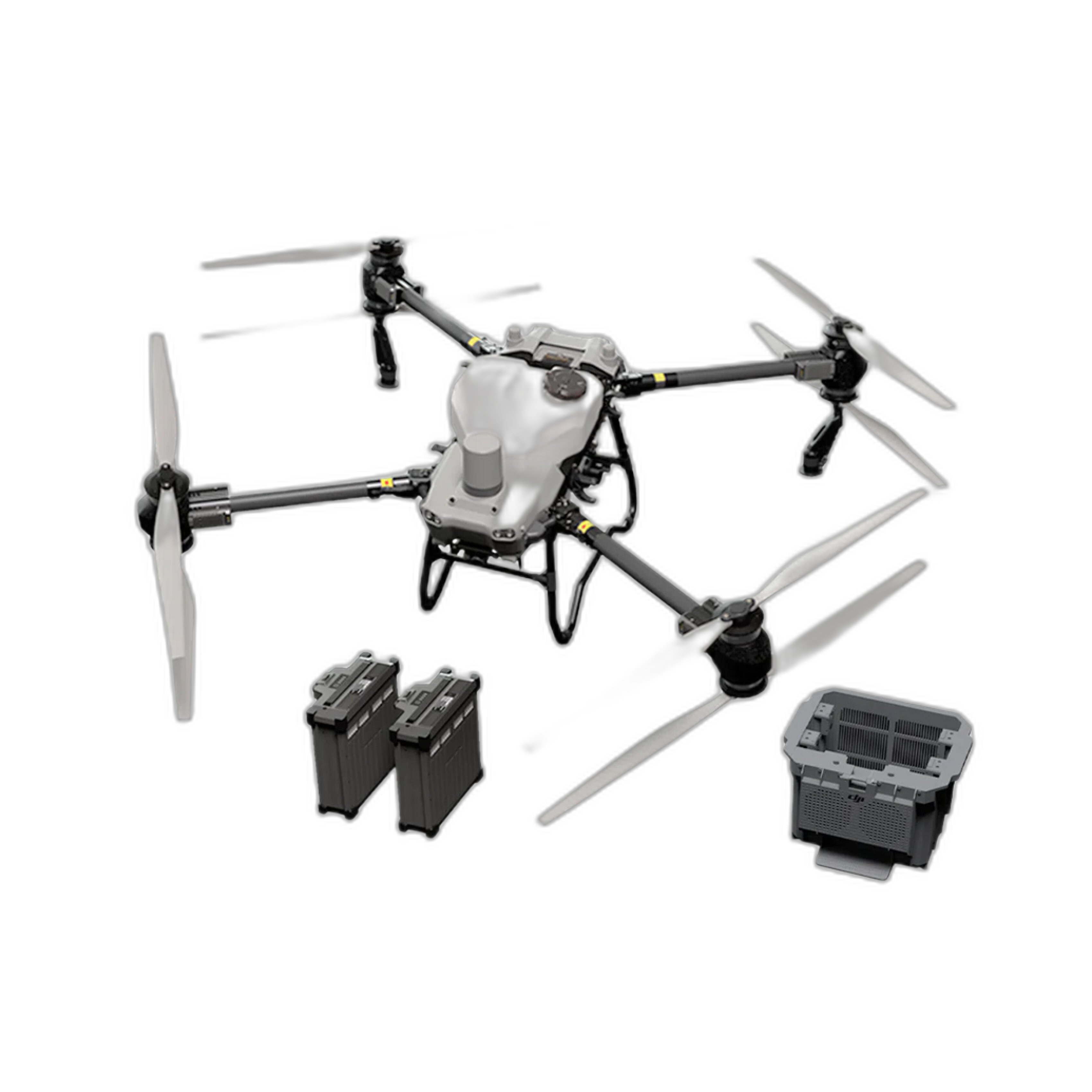
Do not add, remove, or alter elements in ways prohibited by the contest. If an image involves focus stacking, panorama stitching, or composite techniques, disclose that information if required.
Create a final pre-submission checklist
Before you click upload, run through a final checklist for photography contest submission:
- The image fits the correct category
- The file format matches contest rules
- Dimensions and file size are correct
- Color space is correct, usually sRGB
- Sharpening and noise reduction look natural
- No watermark, border, or prohibited edit is present
- Filename is clean and professional
- Metadata complies with contest requirements
- You saved the final exported version in a dedicated contest folder
It can also help to step away for a few minutes and review the file one last time with fresh eyes. Small issues often become more obvious after a short break.
Why a strong capture workflow makes contest prep easier
The best contest submissions usually begin with strong image quality in-camera. Reliable autofocus, excellent dynamic range, high-resolution capture, and sharp lenses give you more flexibility during editing and export. Whether you shoot portraits, sports, landscapes, macro, or commercial work, using dependable gear from Unique Photo can make contest preparation much easier because your files start stronger.
For photographers building a competition-ready system, Unique Photo offers cameras, lenses, educational resources, and accessories that support every step of the image-making process. The better your original file, the less you need to rescue in post.
Conclusion: submit with confidence
The best ways to prepare your images for submission to online photography contests come down to discipline, consistency, and attention to detail. Read the rules carefully, choose your strongest image, edit with restraint, export to the correct specifications, and review every technical detail before uploading. A polished file helps judges focus on your creativity instead of preventable mistakes.
If you are refining your contest workflow, Unique Photo is a great place to explore cameras, lenses, and photography education that can elevate both your capture process and your presentation. For helpful internal linking opportunities, consider directing readers to related Unique Photo pages such as camera buying guides, lens guides, photography books, editing accessories, and educational resources for photographers looking to sharpen their skills before the next competition.