Submitting images to a photo contest takes more than capturing a strong frame. Smart post-processing can help your work look polished, intentional, and competition-ready without crossing the line into overediting. Whether you are entering local competitions, magazine cover searches, club challenges, or online showcases, knowing how to refine your files is essential. At Unique Photo, we work with photographers at every level, and one of the biggest differences between a good submission and a standout one is often the quality of the final edit.
In this guide, we will cover practical post-processing tips for contest submissions, including how to prepare your files, make clean adjustments, avoid common editing mistakes, and present your work professionally.

How to prepare your image before post-processing for a photo contest
Before you start moving sliders, review the contest rules carefully. Many photographers lose opportunities because they submit the wrong file format, exceed size limits, include prohibited edits, or forget color space requirements. Some contests allow only global adjustments, while others permit compositing, retouching, or AI-assisted cleanup within limits. Your editing workflow should always start with the rules.
Once you know the guidelines, choose your strongest file. If you shot a burst or a series, compare composition, focus, timing, and emotional impact before editing. Post-processing cannot fully rescue a weak image, but it can elevate a strong one. Zoom in to confirm sharpness where it matters, and evaluate whether highlights, shadows, and color are recoverable from the original file.
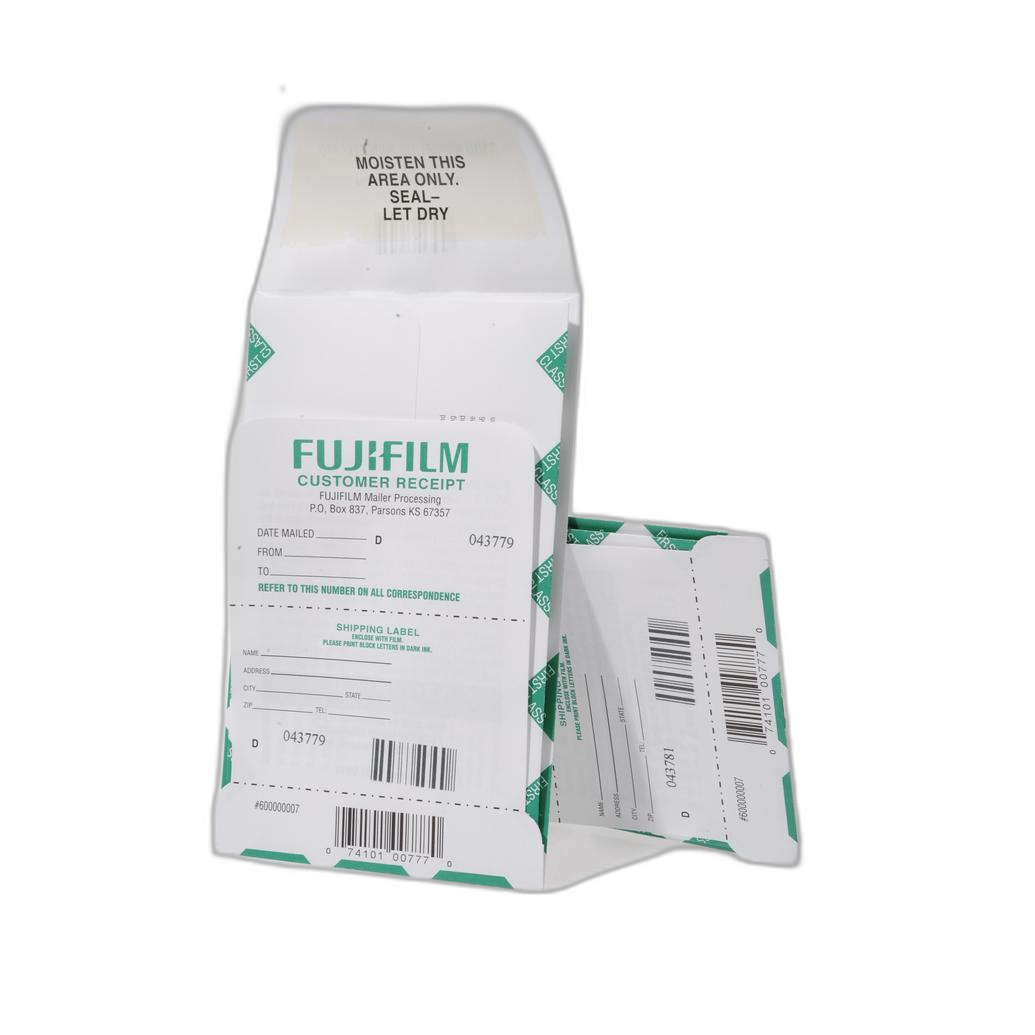
If you are working from film scans, consistency in processing is equally important. For photographers who still submit analog work or hybrid scans, services and tools like the Fujifilm Pre-Paid Processing Mailer 36 Exp(or 120) E-6/FujiChrome/Ektachrome can help simplify the lab side of your workflow before digital refinement begins.
Best basic edits for contest submissions
The most effective contest image editing usually starts with subtle, foundational corrections. Focus on changes that improve clarity and visual communication rather than flashy effects.
Exposure: Adjust overall brightness so the subject reads clearly without losing detail in highlights or shadows. Contest judges often review hundreds of entries, so an image that is too dark or flat may be overlooked quickly.
White balance: Make sure color temperature supports the scene. Neutral scenes should look accurate, while stylized warmth or coolness should feel deliberate. An unnatural white balance is one of the fastest ways to make an image feel unrefined.
Contrast and tonal range: Add depth without crushing blacks or clipping whites. Use curves or tonal controls carefully to maintain texture in critical areas.
Crop and straighten: Clean composition matters. If the contest allows cropping, use it to strengthen visual impact, remove distractions, and improve balance. Check horizons and verticals, especially in landscape, architecture, and editorial-style entries.
Sharpness: Apply output sharpening based on the submission method. Oversharpening creates halos and texture artifacts that judges can spot immediately, especially on large monitors.
How to retouch photos for contests without overediting
One of the most common questions photographers ask is how much retouching is too much for contest submissions. The answer depends on the category and rules, but the safest approach is to preserve authenticity. Retouch to remove technical distractions, not to change the core truth of the image unless the contest explicitly permits creative manipulation.
Good retouching may include sensor dust cleanup, minor blemish reduction, background distraction control, and gentle local dodging and burning. Be careful with skin smoothing, eye enhancement, sky replacements, or object removal unless the contest welcomes those techniques. Even when allowed, heavy-handed edits can hurt credibility.
Try asking yourself one simple question: does this edit help the image communicate better, or does it call attention to the editing itself? In most contests, the winning images feel finished but natural.
Color grading tips for photography contest entries
Color is one of the most powerful tools in post-processing, but it should serve the subject and mood. Strong color grading can elevate a portrait, travel image, wildlife frame, or fine art submission, yet excessive saturation or trendy grading can make an entry feel dated.
For cleaner contest-ready color:
- Use HSL adjustments to control specific hues instead of pushing global saturation.
- Keep skin tones believable in portraits.
- Watch for color noise in shadows after aggressive edits.
- Check the image on multiple displays if possible.
- Soft-proof for sRGB when required by online submission systems.
If you print a test version before submitting to a print competition, you may notice issues you missed on screen. This is especially helpful for identifying blocked shadows, oversaturated reds, or muddy midtones.
Noise reduction and sharpening for competition photos
Noise reduction and sharpening should be balanced together. Too much noise reduction can smear texture and make your image look artificial. Too much sharpening can create crunchy edges, halos, and exaggerated grain.
For contest submissions, begin with selective noise reduction in shadow-heavy or high-ISO areas. Preserve details in eyes, hair, feathers, fabric, and landscape textures. Then sharpen with the final display in mind. A file prepared for web judging needs different sharpening than one intended for print display.
Judges often notice technical polish even when they do not mention it directly. A clean file with controlled noise and crisp but natural detail helps your work feel professional.
File export settings for online photo contest submissions
After editing, export carefully. Even excellent post-processing can be undermined by poor output settings. Always follow the contest specs exactly, but these general best practices can help:
- Use the required file type, usually JPEG or TIFF.
- Resize to the specified pixel dimensions.
- Export in the requested color space, typically sRGB for online entries.
- Set compression high enough to preserve quality without exceeding file size limits.
- Name files clearly according to contest instructions.
- Remove metadata only if required.
Before submitting, open the exported file separately and inspect it at 100%. Make sure there are no banding issues, compression artifacts, dust spots, or strange color shifts.
Post-processing mistakes to avoid in contest photography
If you want your work to stand out for the right reasons, avoid these frequent editing mistakes:
- Oversaturation: Colors that glow unnaturally can make an image feel amateur.
- Heavy vignettes: Dark corners can look forced and distracting.
- HDR overprocessing: Flat microcontrast and glowing edges often hurt more than help.
- Excessive clarity or texture: This can make skin, foliage, and skies look harsh.
- Ignoring distractions: Small bright spots or cluttered edges pull attention away from the subject.
- Bad cropping: Tight crops that cut through joints or awkwardly trim visual elements can weaken composition.
- Not checking for dust: Sensor spots become very obvious in skies and clean backgrounds.
Unique Photo often encourages photographers to slow down at this stage. A short break between editing and final review can help you spot problems with fresh eyes.

How to evaluate your contest submission before sending it
Final review is where strong submissions become stronger. Compare your edited file against the original and ask whether each change improved the image. Then review it as if you were a judge seeing it for the first time.
Look for these qualities:
- Clear subject emphasis
- Intentional use of light and tone
- Controlled color
- Clean technical finish
- Emotional or visual impact
- Consistency with the contest theme or category
If possible, ask a trusted peer or mentor for feedback. Educational experiences can be especially helpful here. A class like Product Photography and Post Production Editing with Blake Taylor from Unique Photo can sharpen your eye for detail, workflow discipline, and finishing techniques that translate well across many contest categories.
Why print review can improve digital contest entries
Even if your contest is online, making a print can reveal issues that are easy to miss on a monitor. Tonal balance, edge distractions, and color cast problems become easier to spot when viewed physically. Some photographers also build a stronger long-term editing habit by reviewing their best work in albums or prints.
For organizing reference prints or finalists, products like the Pioneer Photo Albums Slim Line Post-Style Pocket Album (4x6 Photos Black) can be a practical way to compare sequences, curate a portfolio, or keep track of past submissions.
Learning from winners and refining your editing style
One of the best ways to improve your contest results is to study winning images. Pay attention to editing choices as much as subject matter. Are the tones restrained or dramatic? Are colors realistic or stylized? How clean is the background? How sharp does the final image look?
Viewing contest reveals and winner breakdowns can help you understand what judges respond to in different categories. Unique Photo offers learning opportunities and community-driven events that can inspire your next submission while helping you build a more consistent editing style.
Final thoughts on post-processing tips for contest submissions
Great contest editing is about refinement, not rescue. Start with your strongest file, follow the rules, make clean and intentional adjustments, and export with care. When your post-processing supports the story, mood, and technical quality of the image, judges are more likely to focus on what matters most: the photograph itself.
At Unique Photo, photographers can find classes, creative inspiration, film processing options, and presentation tools that support a stronger workflow from capture to submission. For your next step, consider exploring internal resources such as contest-related classes, online educational events, film processing services, and photo presentation products on Unique Photo to keep improving your images and your submission strategy.