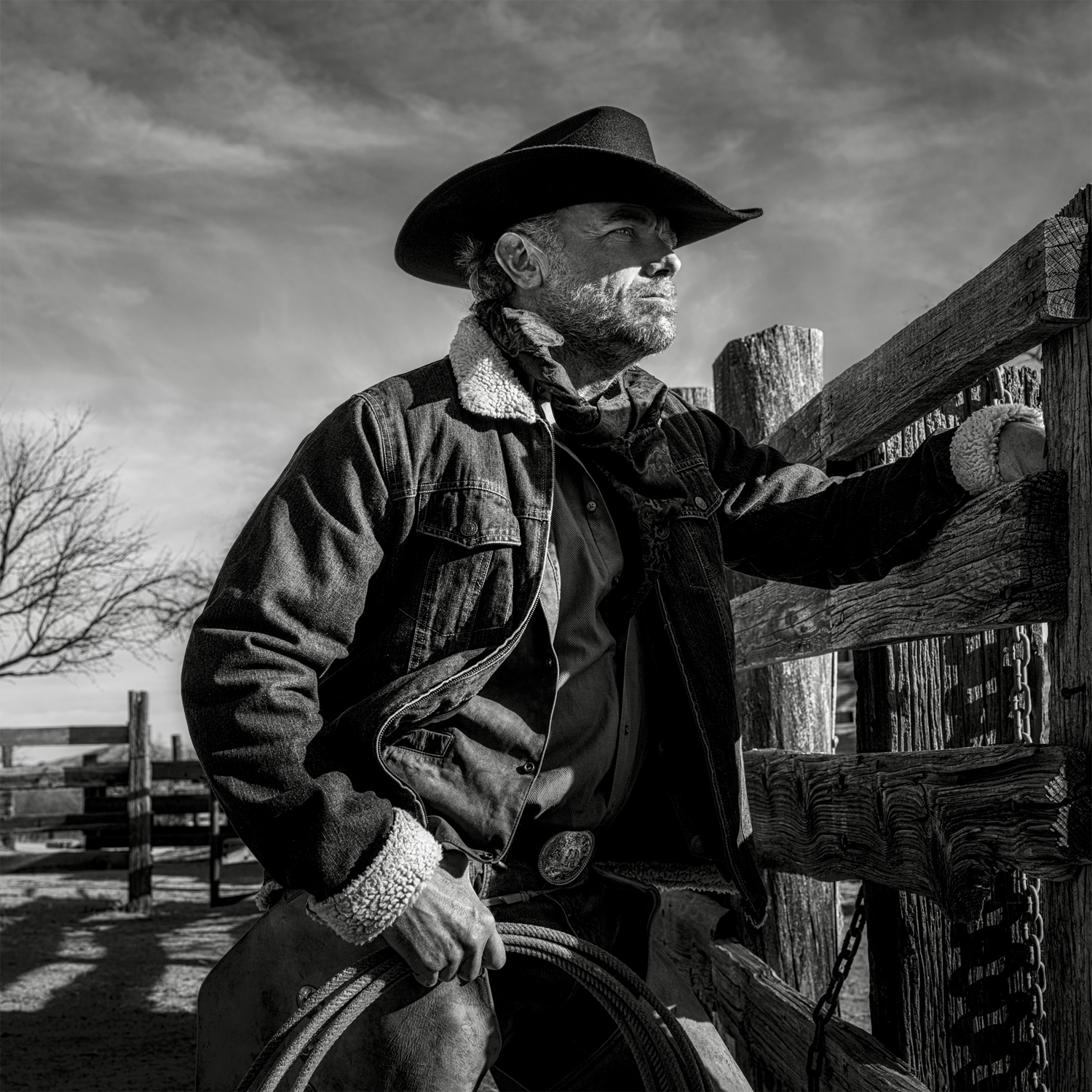
Portrait & Studio Camera Body Upgrade FAQ: R6 II vs A7 IV, DR & Tethering
Planning a body upgrade for portrait and studio work? Our experts break down what really matters—from Canon EOS R6 Mark II vs Sony a7 IV, to dynamic range under strobes, tethered workflow essentials, and whether medium format is worth it for a small studio.
Is the Canon EOS R6 Mark II or Sony a7 IV better for portraiture?
Both are outstanding studio and portrait bodies, but they emphasize different strengths. The R6 II’s autofocus is fast and confident with human eye detection, and its ergonomics are a favorite among Canon users. The a7 IV offers higher resolution (33MP vs 24MP), handy if you deliver large prints or frequently crop. In controlled studio light, image quality from either is excellent; differences you’ll notice day to day are more about workflow and ecosystem—lens availability, color profiles you prefer, and the software you tether with. If you already own Canon RF or Sony E lenses, stick with that system. If you’re starting fresh and prioritize more pixels for retouching latitude, the a7 IV edges ahead. If you value burst performance and Canon’s grip/menus, the R6 II is a pleasure to use.
How much does dynamic range matter when I’m using studio strobes?
Under strobes, dynamic range plays a smaller role than it does outdoors at high contrast. Your lights control contrast, so both R6 II and a7 IV provide enough headroom for clean skin highlights and smooth tones when exposed well. Where DR still helps: subtle shadow lifts on seamless backdrops, preserving specular highlights on reflective fabrics, and mixed light sets with practicals. The best way to “buy” dynamic range in studio is precise lighting and education—dialing ratios, feathering, and controlling spill will always beat chasing fractions of a stop in a body spec sheet.
Want to strengthen lighting technique? Consider our in-store education designed to accelerate portrait results: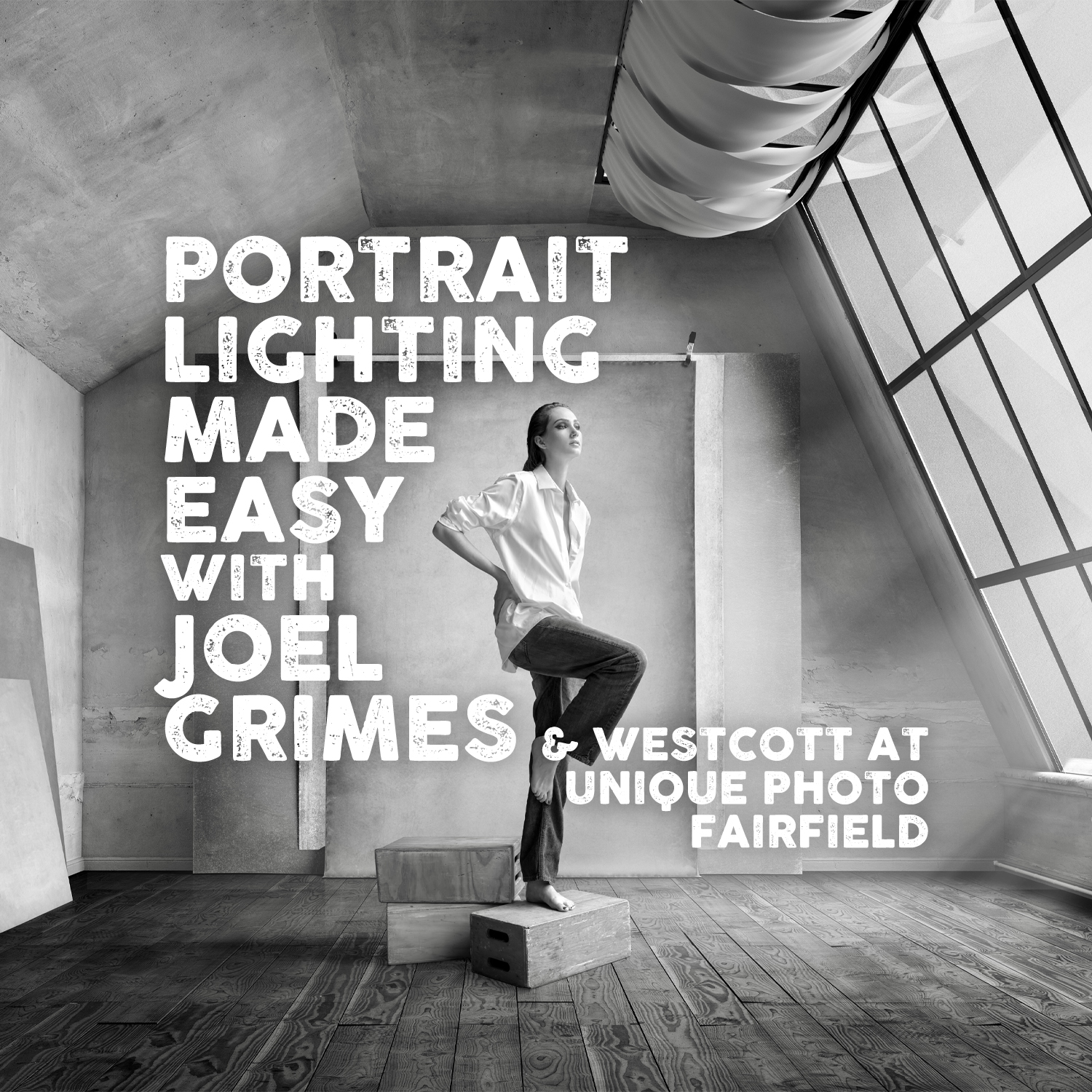
Are medium format cameras worth it for a small studio?
Medium format offers gorgeous tonal transitions, expansive color depth, and a distinctive rendering that can elevate luxury portrait work. Downsides: cost of bodies and lenses, slower autofocus compared to top full-frame hybrids, and heft. If your clients demand large fine-art prints, skin gradation that’s a cut above, and you can command rates that justify the investment, medium format can pay off. For most headshot, family, and editorial studios, modern full-frame cameras deliver more than enough resolution and dynamic range, with faster handling for fast-paced days. Consider renting medium format for special campaigns before committing—our team can help you compare files and workflow on your own sets.
Which bodies and setups work best for tethered shooting?
Look for a stable USB-C connection (3.1/3.2 Gen 2), strong cable retention, and robust vendor software. Both R6 II and a7 IV tether well to Lightroom Classic and Capture One; Canon EOS Utility and Sony Imaging Edge are reliable fallbacks. Steady power is crucial—use AC adapters or high-output USB-C PD power banks for long sessions. Keep cards in the camera as a safety net and ingest via a fast UHS-II reader after the shoot to avoid tying up your tether rig. We recommend the Lexar Professional Workflow Dual-Slot SD UHS-II Reader for quick offloads when you wrap.
How many megapixels do I need for portraits and retouching?
Resolution needs depend on delivery. For headshots, social, and small-to-medium prints (up to ~20x30 inches), 24MP is more than sufficient and keeps files nimble for retouching. If you crop heavily, create large wall prints, or deliver full-length fashion with detail-focused retouching, 30–45MP offers more room to work. Keep in mind: resolution amplifies both detail and flaws—expect to invest a bit more time in skin work as megapixels go up.
Electronic shutter, flash, and banding—what should I know?
For strobe work, use the mechanical shutter to ensure consistent flash sync and avoid banding or partial exposures. Electronic shutters can introduce rolling shutter artifacts under certain LED or mixed lighting, and many cameras don’t support full-power flash with e-shutter. If you’re mixing strobes and constant lights, test for flicker and use shutter speeds that match flicker-free settings, or switch to shutter angles if your system allows it. High-speed sync is great for shallow depth of field with brighter ambient, but remember it reduces effective flash power—plan your light output accordingly.
What matters more for skin tones—camera “color science” or lighting?
Both matter, but lighting and white balance win in studio. A consistent light source and a custom white balance deliver predictable skin tones regardless of brand. If you work across multiple cameras or need ironclad repeatability for commercial clients, build a profiling workflow and keep lighting modifiers and positions consistent from set to set. For practical, hands-on guidance, explore our portrait lighting sessions like the Joel Grimes program: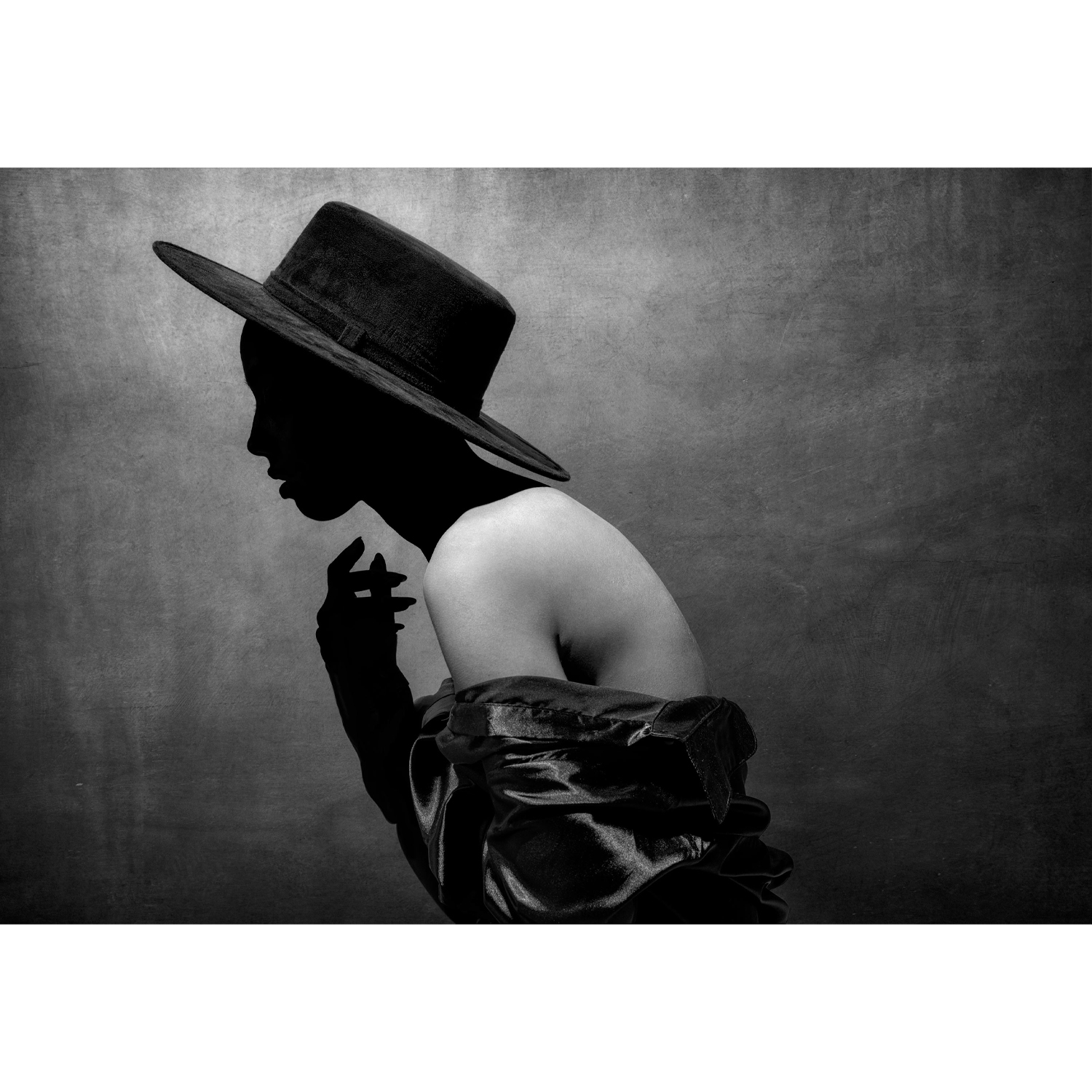
What accessories actually move the needle for a portrait body upgrade?
- Tethering and ingest: A dependable UHS-II reader saves time between sets; the Lexar Professional Workflow Dual-Slot SD UHS-II Reader keeps transfers fast when deadlines are tight.
- Comfort and safety: A slim, low-profile strap helps on set; the PGYTECH Camera Strap Slim in Vintage Olive offers secure carry without snagging on wardrobe or flags.
- Audio for BTS and on-set interviews: If you produce behind-the-scenes clips or client testimonials in your studio, clean audio elevates your brand. The Rode NT5 cardioid condenser delivers crisp, natural sound for voice and acoustic rooms when paired with proper placement and an interface.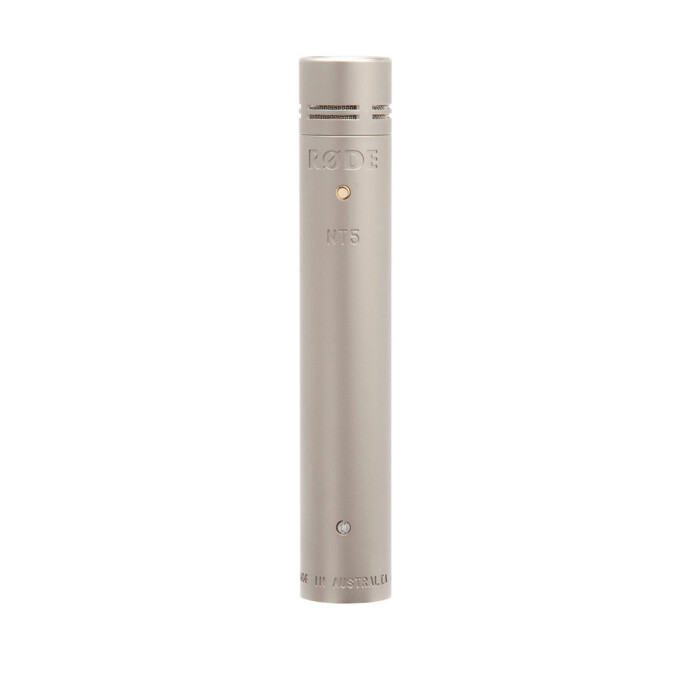
- Protect your investment: Manufacturer care plans add peace of mind. Nikon Care plans cover eligible Nikon bodies; and for cinema workflows, RED offers extended warranty options for specific models like KOMODO‑X.
Bonus creative tip: Keep a fun film option on hand for client keepsakes—our Used & Trades department frequently has unique finds like classic Polaroid SX‑70s or vintage cameras that add a boutique touch to sessions.
Whether you choose Canon R6 II, Sony a7 IV, or explore medium format, you’ll get the most out of any body with smart lighting, clean tethering, and a streamlined studio workflow. Visit Unique Photo in-store or online to compare systems side-by-side, book a class, and outfit your studio with expert-curated gear.