Photography Contest Submission Tips: Editing, Export, Captions, and More
Submitting to a photo contest is equal parts art and preparation. From honoring the brief to nailing export specs, small choices can make a big difference in how judges perceive your work. Use this FAQ to tighten your workflow and present your strongest images with confidence.
What do judges look for first?
Impact and adherence to the brief. Most judges make an initial decision within seconds, so your image should communicate a clear subject, purposeful composition, and a distinct point of view that matches the category rules. Technical fundamentals—clean focus, appropriate shutter speed, controlled noise, and accurate color—must support the story rather than distract from it. Originality matters, but so does restraint: eliminate visual clutter and guide the eye with light, contrast, and framing. If you’re strengthening your field craft, on-location practice pays off. Our hands-on programs help you refine composition and timing in the field.
Consider sharpening your landscape and macro instincts in real-world conditions: Macro and Landscape Photography at Duke Farms with Michael Downey. 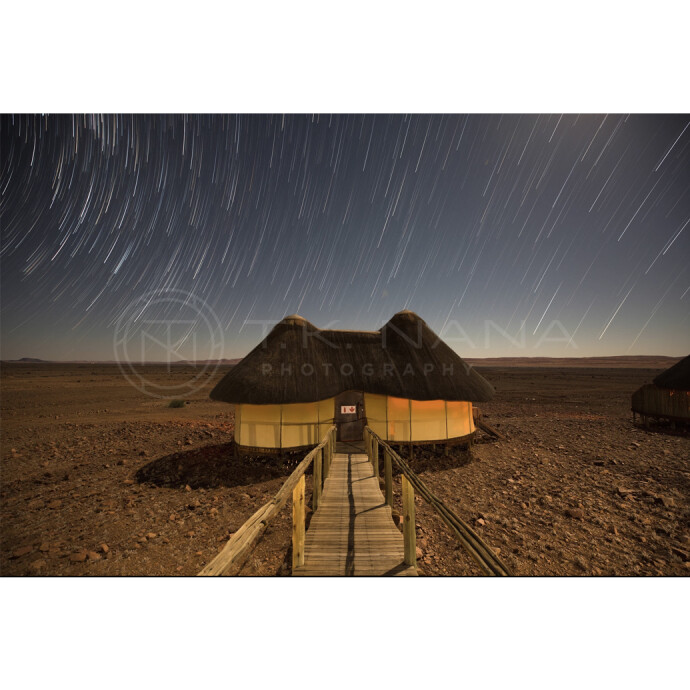
How much post-processing is acceptable?
It depends on the contest and category. “Open” or “Creative” categories often allow composites and heavy manipulation, while “Nature,” “Photojournalism,” and many “Wildlife” categories limit edits to global tonal/color adjustments, cropping, dust removal, and perspective corrections—no added, moved, or removed elements. Always read the rules; many competitions require your original RAW or negative on request. A good standard: edits should support the scene you captured without introducing artifacts or implausible tones. Keep a clean, documented workflow and export a version with embedded metadata for verification.
To refine contest-safe retouching and tonal control, see Editing and Enhancing Landscape and Nature Photography with Photoshop. 
If you’re polishing product or still-life entries, precise masking, color accuracy, and subtle cleanup are critical. Product Photography and Post Production Editing with Blake Taylor zeroes in on these skills. 
Should I submit full‑resolution images or resize to specs?
Always export to the contest’s stated requirements. If the call requests 2000 px on the long edge, deliver exactly that and keep a high‑res master ready if you advance. For web judging, export sRGB JPEGs at the required pixel dimensions and a high quality setting (generally 80–95). Apply modest output sharpening for “Screen.” For print rounds, follow the organizer’s target size in inches and resolution (commonly 300 ppi) and use the specified format (often TIFF with no compression or LZW). Never upsize beyond what your file can support without visible artifacts unless the rules allow it.
What file format, color space, and bit depth should I use?
- Online rounds: JPEG, sRGB, 8‑bit, embedded profile.
- Print or final rounds: Follow the brief—often TIFF (8‑ or 16‑bit), Adobe RGB or sRGB, embedded profile. If unsure, use sRGB to avoid surprises.
- Avoid submitting ProPhoto RGB to web-only platforms; colors can shift on unmanaged displays.
Accurate capture makes for cleaner edits. For camera-specific mastery—from exposure bracketing to color controls—reference guides can help dial in reliable files before you ever open your editor. Nikon D850 Guide to Digital SLR Photography by David Busch is a solid foundation for D850 users. 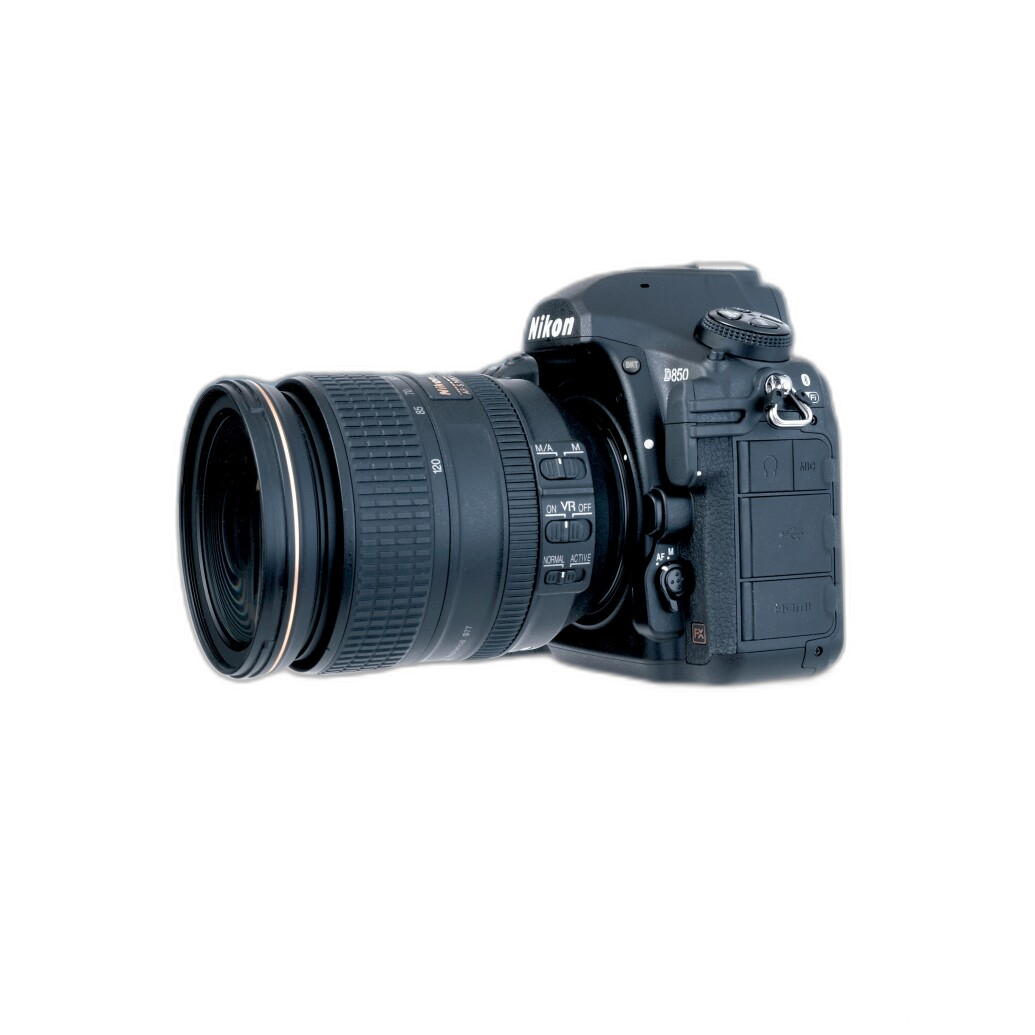
How should I handle sharpening and noise reduction?
Use a three-stage approach: capture (in-camera or raw detail panel), creative (localized clarity/structure for the subject), and output (screen or print-specific). Sharpen edges, not noise—masking or luminosity ranges help protect smooth areas like skies. For high-ISO files, apply luminance NR first, then add subtle edge sharpening. Avoid halos, crunchy textures, or color speckling. Before exporting, zoom to 100% for artifacts and 50% for overall crispness. For prints, soft proof and output sharpen for the exact paper type.
What makes a strong title, caption, or description?
Keep it concise, specific, and informative. A good caption adds context the image can’t show (location, species, moment, or intent) without restating the obvious. If limits are tight, prioritize the who/what/where and a line on the “why” or technique only if relevant (e.g., single exposure versus stacked). Avoid superlatives; let the image do the convincing. To develop narrative instincts, study travel/editorial storytelling and sequence building.
Explore framing and narrative with EXPO: Stories from the Road - Photography Across Worlds w. Matthew Borowick. 
What about metadata, file names, and watermarks?
- File names: Follow the required convention. If anonymized judging is used, don’t include your name or watermark.
- Metadata: Many contests require intact EXIF and may request RAWs for verification. Keep capture data; remove irrelevant personal info if allowed.
- Watermarks/borders: Usually prohibited in judged rounds. Submit clean edges unless the rules explicitly allow borders.
What are common disqualifiers to avoid?
- Ignoring the theme or category criteria.
- Excessive manipulation in restricted categories (e.g., adding/removing elements in Nature/Photojournalism).
- Missing or incorrect releases (people, private property, certain animals or locations).
- Submitting AI-generated or upscaled content where banned.
- Late, mislabeled, or spec-incorrect files.
Any tips for specialized categories (landscape, astrophotography, macro, film)?
- Landscape: Aim for clean compositions and intentional light; bracket responsibly if HDR is allowed and tone map with restraint. Field practice builds an eye for conditions.
Strengthen your approach with Macro and Landscape Photography at Duke Farms. - Astrophotography: Rules may permit stacking and calibration frames but ban composites with separate foregrounds. Disclose methods when required and keep stars natural (no neon colors or harsh ringing).
Learn a contest-ready workflow in UUOnline: Astrophotography 4-Part Series with Temu Nana.
- Macro: Use focus stacking only if allowed; otherwise maximize depth of field with technique and lighting. Keep backgrounds tidy and avoid heavy color shifts.
- Film: Know how your lab scans (color space, resolution) and whether dust cleanup is permissible. Keep the film look authentic if the category is purist.
New to analog? Film Lovers Event: Intro to Film Photography (Philly) can jump-start your process.
How can I prepare prints for in-person judging?
Confirm the required size, paper surface, and mounting. Soft-proof with the correct ICC profile and choose a paper that complements your image (matte for delicate tones, luster or gloss for punch and detail). Output at the final size and resolution; apply print-specific sharpening and check for banding or blocked shadows. Mount to the specified backing (often foam board) and keep presentation simple—clean edges, no heavy borders unless requested. Label the back per the rules, pack flat, and ship with protection.
Ready to level up? Unique Photo’s classes, books, and expert staff can help you refine every step—from capture to ethical editing to presentation. Stop by our stores or shop online to prepare your next contest entry with confidence.