Photo Contest Editing Rules: What’s Allowed and How to Prove It (FAQ)
Entering a photo competition is exciting—until you hit the gray area of what edits are acceptable. As New Jersey’s premier photo retailer and lab, Unique Photo fields these questions daily. Here’s a clear, practical FAQ to help you stay creative, ethical, and compliant—while making award-worthy prints.
What kinds of edits are usually allowed in photo contests?
Most competitions permit basic processing that preserves the scene’s integrity. Commonly acceptable adjustments include exposure, white balance, contrast, cropping, noise reduction, sharpening, lens corrections, and moderate color grading. When rules are stricter (e.g., nature or photojournalism), edits should not add, move, or remove content. Always read category-specific guidelines: “Open” or “Creative” categories typically allow more latitude than “Nature” or “Documentary.”
Where do contests draw the line between global and local edits?
Global adjustments (applied across the frame) are widely accepted. Local edits—dodging/burning, selective color, graduated filters—are often fine if they don’t fabricate elements. Painting in missing skies, cloning out major objects, or reshaping subjects crosses the line in many categories. If a local edit materially changes content or context, assume it may be disallowed outside “Creative” classes.
Are composites, sky replacements, and content-aware tools permitted?
It depends on the category. Many contests ban composites and sky swaps in nature/wildlife and documentary work but allow them in creative or illustrative divisions if fully disclosed. Content-aware fill, object removal, and generative tools that add pixels not captured in-camera can be grounds for disqualification in stricter genres. When in doubt, disclose your process and ask the organizer before submitting.
Is AI-generated or AI-assisted editing acceptable in competitions?
Policies vary widely. Some contests prohibit AI generation (creating new content) but allow AI-assisted noise reduction, masking, or upscaling. Others require entrants to declare any AI use. If the tool fabricates scene elements, it’s likely not allowed outside creative categories. Keep your workflow transparent and keep originals ready for review.
How do I prepare files and a verification trail if judges request originals?
Organizers may ask for RAW files, out-of-camera JPEGs, or metadata. Set yourself up for stress-free verification:
- Shoot RAW+JPEG when possible and retain all EXIF data.
- Keep layered masters (e.g., PSD/TIFF) and export history or sidecar XMP files.
- Use consistent file naming that ties the final image to the original capture.
- Avoid workflows that strip metadata; verify EXIF after export.
- Document significant edits in brief notes—especially for composites in creative categories.
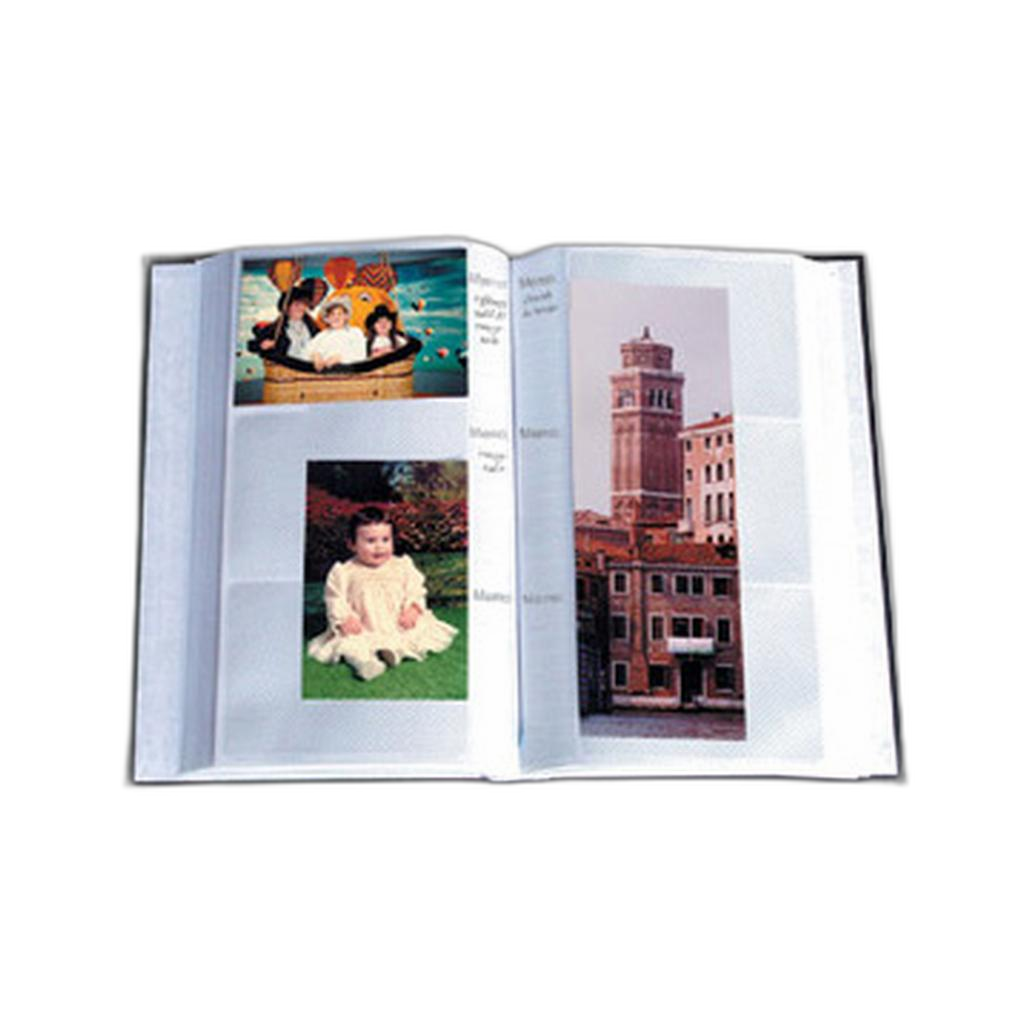
For physical record-keeping, many photographers archive small proof prints and notes by project or contest. A simple, durable album keeps everything organized for future reference and panel reviews.
What are common disqualifiers I should watch out for?
Typical issues include removed or added objects in restricted categories, excessive skin retouching for documentary work, swapped skies, AI-generated elements without disclosure, resized files with stripped EXIF, and edits that misrepresent time/place. Another pitfall is overprocessing: halos, clipped channels, or oversaturated colors that judges deem unnatural. Audit your image at 100% magnification and keep your color pipeline consistent.
How should I print and present entries for print competitions?
Strong presentation starts with a calibrated workflow and a capable printer. If you’re producing competition-grade prints in-house, consider a pigment-based photo printer for accurate color, deep blacks, and longevity.
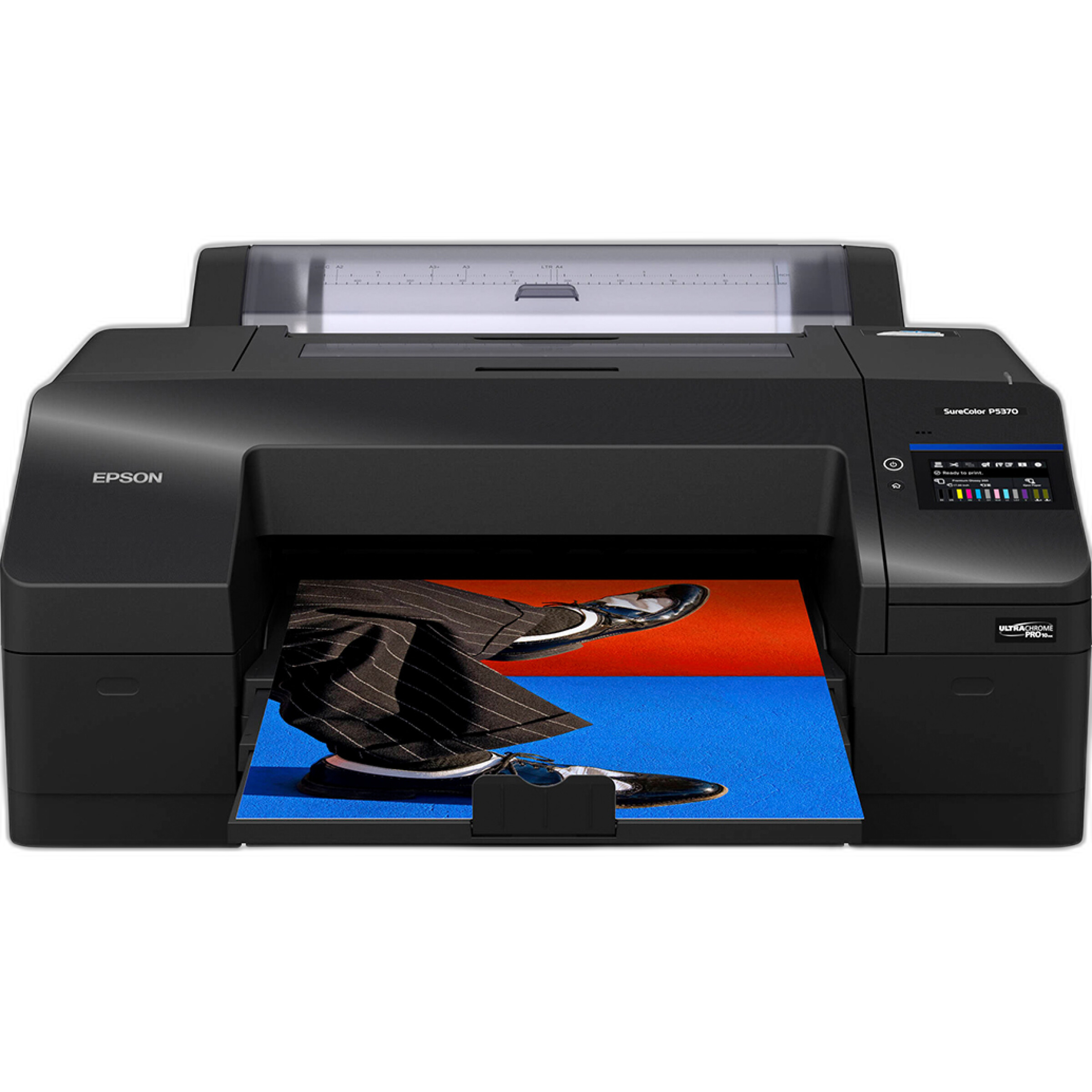
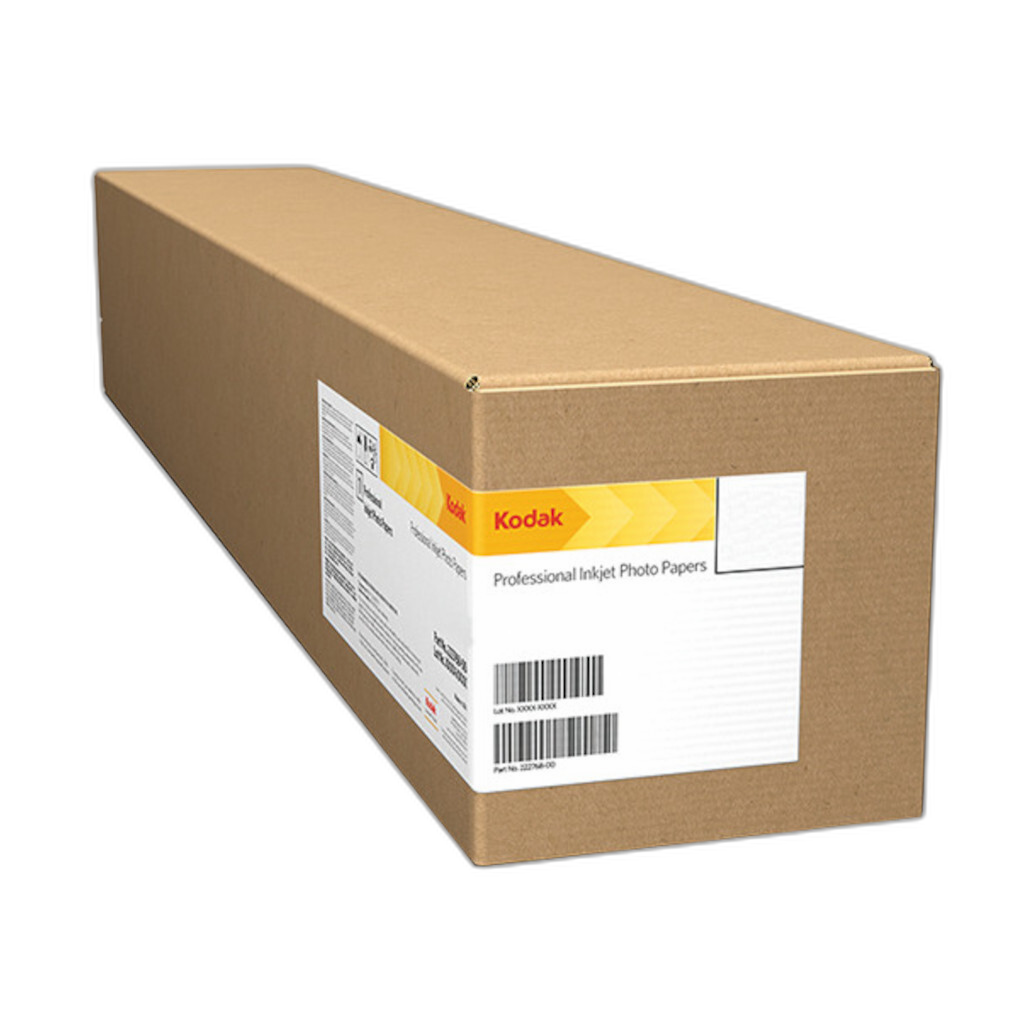
Paper choice can elevate the impact of your image. For subjects that benefit from extra pop and specular brilliance—nightscapes, cityscapes, metallic textures—metallic photo papers can be stunning. Soft portraits and subtle landscapes may favor baryta or matte stocks. If you love a high-impact, glossy metallic look, try Kodak’s professional metallic options.
Before mounting, verify your contest’s size, border, and substrate requirements. Print test strips, evaluate under the lighting the judges will use, and allow sufficient dry-down time to avoid bronzing or gloss differential.
How can I minimize heavy edits—and stay within strict categories?
The best way to avoid questionable edits is to capture more of the final look in-camera: wait for the right light, refine composition, and use filters wisely. Hands-on workshops are invaluable for honing field technique so your files need minimal post-processing. Our on-location classes focus on crafting strong captures and mastering ethical post workflows.

Should I disclose edits in my entry?
If the rules request a process summary—or if your image uses composites, multiple exposures, or extensive retouching—disclose it. Transparency earns trust and protects you if verification is requested. Even when not required, a concise description can demonstrate professionalism in creative categories.
How do I stay on top of rule changes and verification requirements?
Before submitting, read the most current rules for your category, including file specs and ethical guidelines. If anything is unclear, email the competition coordinator for confirmation—especially regarding AI tools or compositing. Keep a preflight checklist: original files saved, metadata intact, print size correct, mounting compliant, and process notes ready.
Whether you need a printer and paper to elevate your final output, albums to organize proofs, or hands-on education to refine field craft, Unique Photo is here to help. Visit our Superstore in Fairfield or shop online for printers, paper, albums, and classes that get your work competition-ready.