News Photography Workflow FAQ: Faster Culling, Delivery, and Backup
When every minute counts, a clear, repeatable workflow is your competitive edge. At Unique Photo, we outfit working photojournalists with the tools and training to go from shutter to publish with speed and confidence. Use this FAQ to sharpen your post-assignment process, minimize bottlenecks, and protect your files under pressure.
Which software is fastest for culling and first-pass edits after a news assignment?
Most news photographers separate culling from heavy editing. A typical winning combo is a high-speed culler (e.g., Photo Mechanic) to ingest, apply metadata, and rate selects, followed by Adobe Lightroom Classic or Adobe Photoshop for adjustments and export. Keep culling decisions tight with star ratings and color labels you’ve defined in advance, then send only selects to your editor or to Photoshop for final polish.
If you want to refine your editing speed and consistency, our Unique University courses can help you build a streamlined toolkit and repeatable presets:
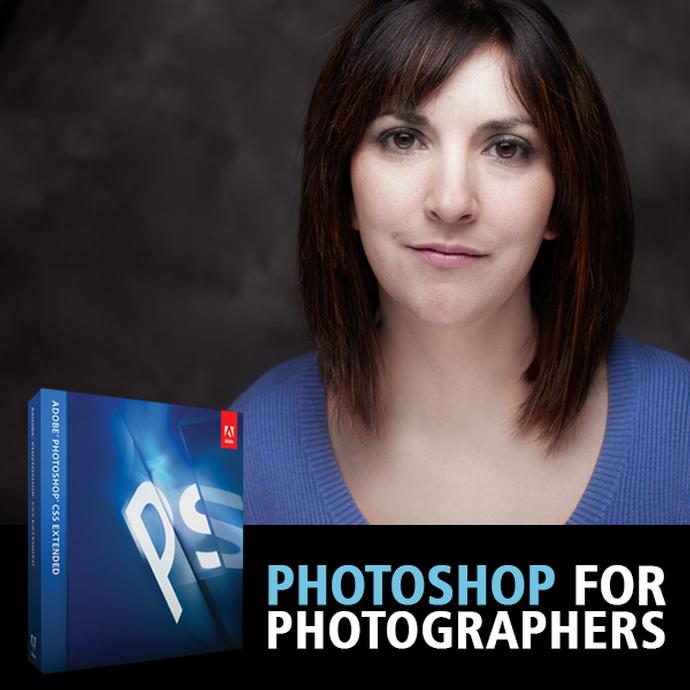
- Photoshop for Photographers with Adobe Certified Instructor Blake Taylor — fast, practical finishing techniques for news turnarounds.
- Digital Editing Workflow Using Photoshop and Lightroom with Don Polzo — create a reliable ingest-to-export pipeline.

What’s the quickest way to ingest memory cards and start editing on deadline?
Start with fast readers and a fast destination drive. UHS-II SD and CFexpress Type A 4.0 readers from Lexar move files off your cards at top speed, and a high-performance SSD keeps your edits responsive. Create an ingest preset that auto-applies metadata, renames files, and builds previews while you start culling.
For a dependable, travel-ready working drive, consider a dedicated workflow SSD so you’re never waiting on slow storage:
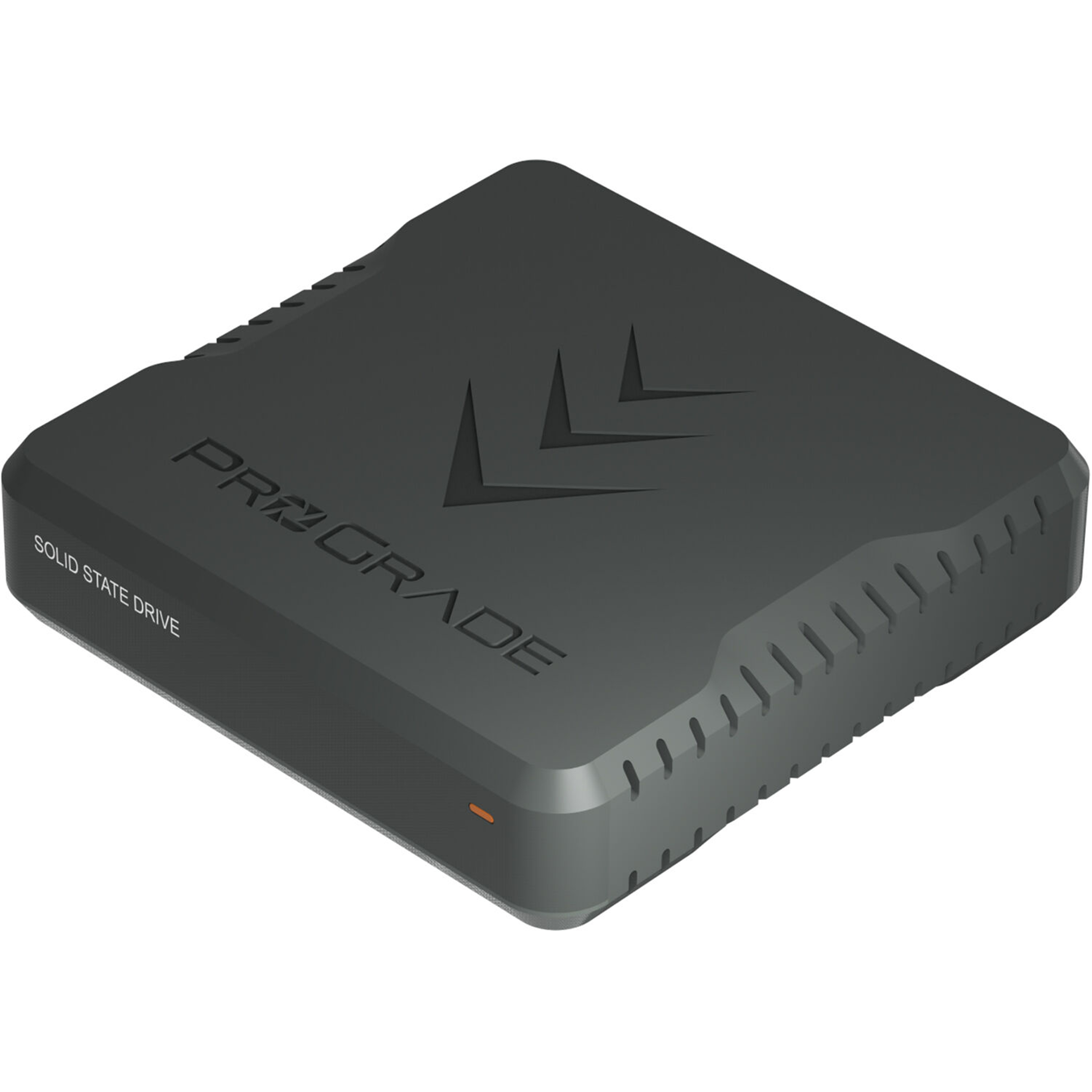 ProGrade Digital PG10.5 Solid State Workflow Drive – 4TB: a compact, fast hub for field ingest and active projects.
How do I transmit images to editors in minutes, not hours?
Build a tiered delivery plan. First, export a tight edit of small-to-medium JPEGs with embedded captions and your byline; send those immediately via FTP/SFTP or your agency’s platform. Then, follow up with larger JPEGs or selected RAWs if requested. When time is tight:
- Send from the field via a laptop tethered to your phone or venue ethernet.
- Use in-camera FTP and a mobile hotspot for ultra-rapid “straight from camera” JPEGs during live events.
- Maintain caption templates and IPTC presets so your metadata is correct on first export.
What should I do when the connection is unreliable or drops mid-transfer?
Plan for store-and-forward. Queue files locally to a workflow SSD and use a transfer client that supports resume-on-failure. Keep two fallback paths (e.g., primary hotspot plus a second carrier or venue Wi‑Fi), and be ready to switch to a lighter JPEG size if bandwidth shrinks. If your editor needs a hero image right away, send a single, optimized JPEG first, then drip the rest as the connection allows.
A robust, high-capacity SSD lets you buffer large assignments and keep moving even when the network doesn’t:
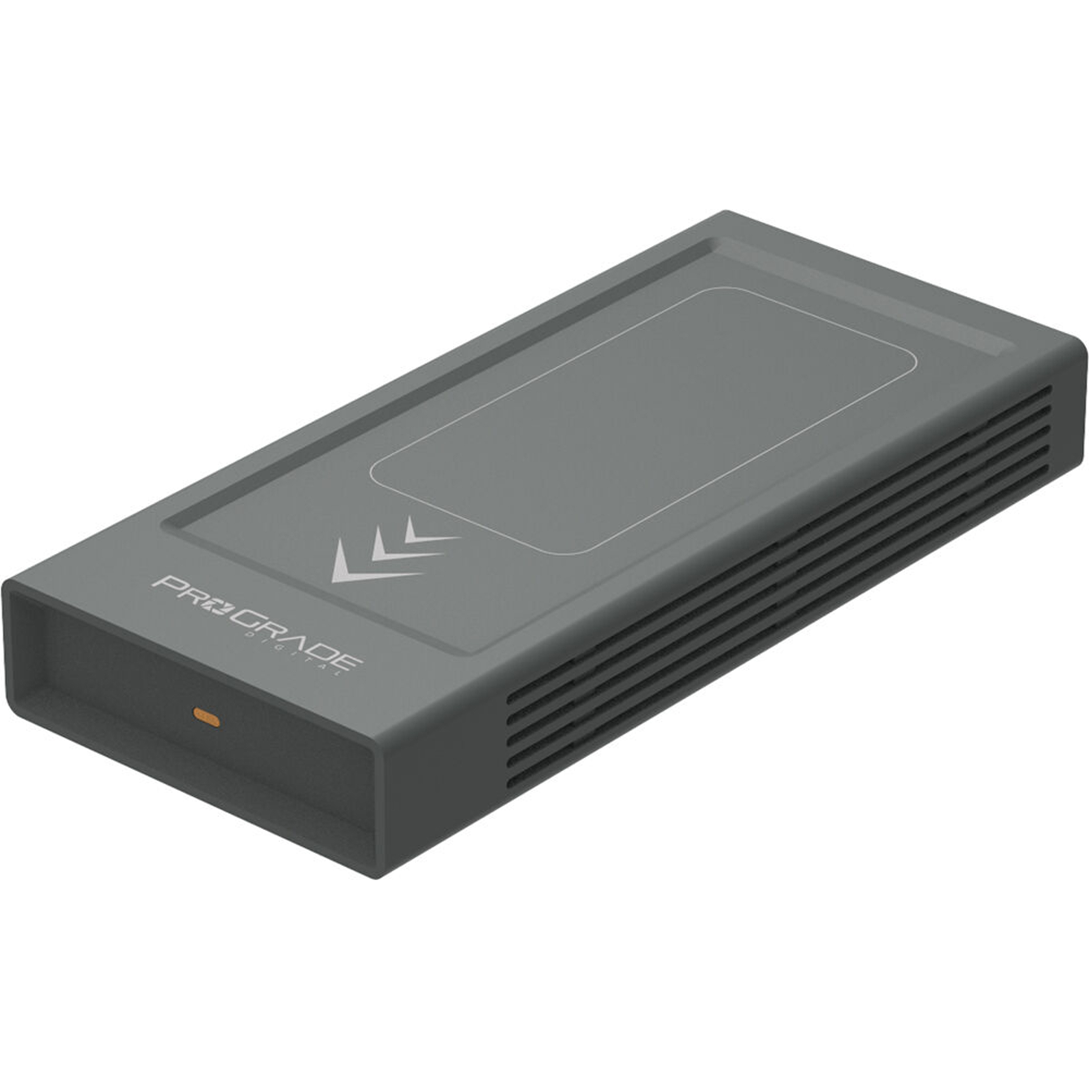 ProGrade Digital PG10 v2 Solid State Workflow Drive – 8TB: ample space for multi-day events and fast retries if a transfer fails.
How can I prevent lost files or corrupted cards under pressure?
Adopt a 3-2-1 mindset and automate it where possible:
- In-camera redundancy: write to two cards simultaneously.
- Immediate dual copies: ingest to your laptop and a dedicated SSD; verify with checksums where available.
- Rotate cards: label sets, retire any that show errors, and avoid formatting until at least two verified copies exist.
Fast, reliable card readers (e.g., Lexar Professional Workflow Dual-Slot SD UHS-II and Lexar CFexpress Type A 4.0 readers) and a purpose-built SSD keep your safeguard steps quick so you don’t skip them.
How should I organize folders and file names so editors find images quickly?
Use a consistent structure and embed the essentials:
- Folder: YYYYMMDD_AssignmentSlug_City
- File name: YYYYMMDD_Slug_Sequence.ext (e.g., 20260507_PrimaryElection_001.jpg)
- Metadata: IPTC headline, caption (who/what/when/where), byline, copyright, and keywords
Save metadata templates for assignments you cover frequently (sports, politics, breaking news) to speed up accurate captioning.
What’s the fastest way to keep color and tone consistent across a fast edit?
Build camera-specific presets for common environments (arena lights, courthouse interiors, night streets). Apply them on import or during quick batch edits, then fine-tune your selects. Reserve heavy pixel edits for just the few images that must lead the story. If your finishes sprawl across multiple apps, standardize on a single export preset per outlet so output size, sharpening, and color space are never in doubt.
How do I handle mixed photo-and-video assignments efficiently?
Decide your deliverable priorities before you start. If stills are the headline, capture short, intentional video clips between key photo moments and log them with markers or color labels. Keep audio simple (on-camera scratch plus a compact mic) and build a quick-turn video preset for 30–60 second clips.
To get comfortable adding motion without slowing your stills workflow, check out:
- PCS: Video for Photographers with Shiv Verma (Lumix) — practical capture-to-delivery strategies for hybrid shooters.
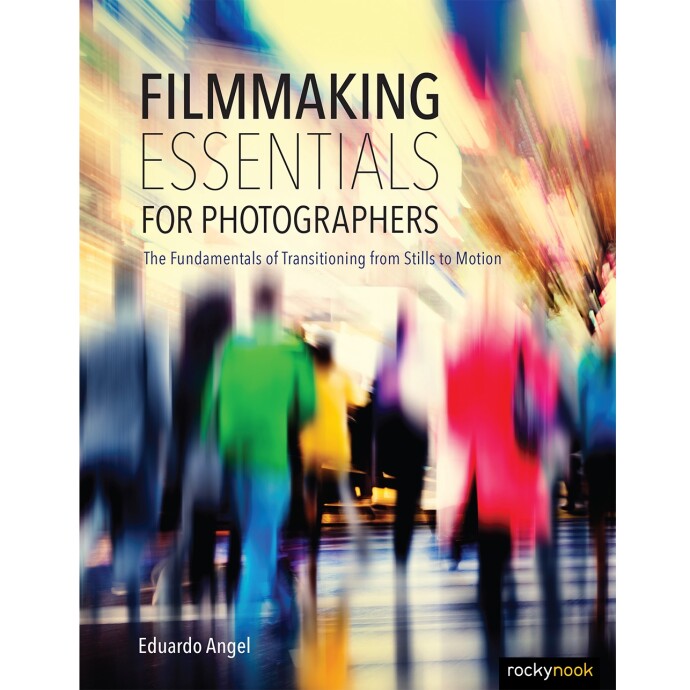
- Filmmaking Essentials for Photographers by Eduardo Angel — a concise reference for visual storytelling and production fundamentals.
What skills should I invest in to keep improving my turnaround time?
Speed comes from repetition and refinement. Master metadata templates, build a small set of trusted presets, and learn targeted retouching you can execute in minutes. Unique Photo’s training can help you level up quickly—whether you need faster Photoshop finishing or a soup-to-nuts ingest/export workflow tuned for deadlines.
Ready to tighten your workflow? Visit Unique Photo online or in our New Jersey superstore for expert guidance, fast drives and readers, and hands-on classes designed for working photojournalists.