Shooting News in Low Light: Can a Lighting Class Sharpen Your Field Results?
Breaking news rarely waits for golden hour. Whether you're a photojournalist racing to a late-night press conference or a one-person video crew covering a dim interior scene, you need reliable strategies to shape light and dial in exposure quickly. CS: Key Lighting Methods with Mark Raker (Nanlite) is an educational offering available at Unique Photo that zeroes in on practical lighting fundamentals. This review looks at how its core concepts translate to real-world, low-light news assignments—and we include a quick guide to settings that keep your footage and stills clean when the ambient is anything but.
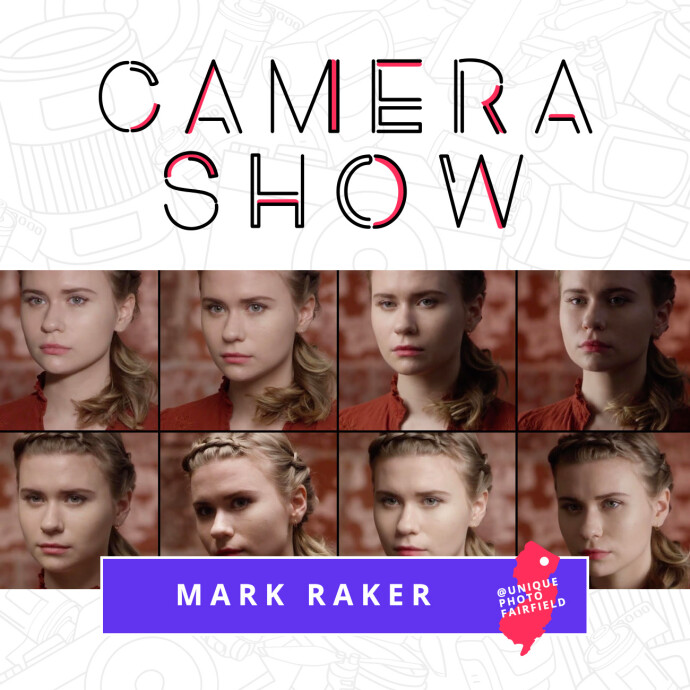
Product Overview: CS — Key Lighting Methods with Mark Raker (Nanlite)
Designed for creators who need robust, reproducible results under pressure, this class focuses on key lighting principles you can deploy with compact LED sources and simple modifiers. While it’s not a camera-specific settings course, the lighting language it teaches—placement, ratios, falloff, and control—fits perfectly into the demands of low-light news coverage, where every stop of light must be intentional and portable.
Key Features
Actionable key/fill control for dim environments
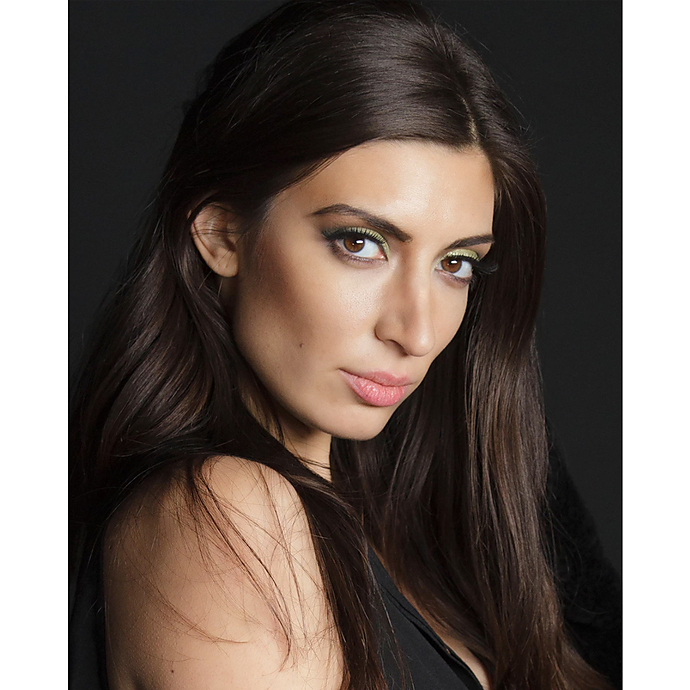
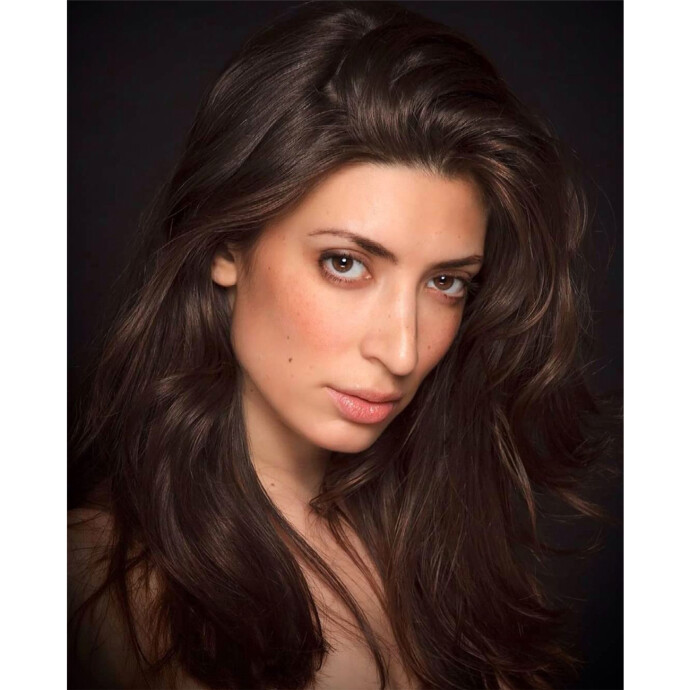
The class emphasizes establishing a decisive key and managing fill and background separation in minimal ambient. For news shooters, that means quick, confident placement that preserves context while keeping faces readable, even when you’re fighting sodium-vapor streetlights or mixed office lighting.
Light shaping that travels
Expect practical approaches to using compact LEDs, softboxes, grids, and flags—solutions that set up fast, maintain a low footprint, and won’t spook a press pool. The techniques help you get clean, directional key without blasting the scene or creating harsh shadows.
Repeatable setups under time pressure
From frontal-soft keys for statements to edge keys for interviews in cramped halls, the instruction leans on repeatable patterns you can deploy on autopilot. That’s ideal when you’re juggling credentials, audio, and deadlines on a dark sidewalk.
Exposure and color confidence with mixed sources
You’ll gain a practical roadmap for balancing your key against ugly ambient hues. This translates into safer white balance choices, quick gelling strategies, and thoughtful bicolor use so skin tones remain believable.
Workflow-minded guidance
The methods encourage a consistent approach you can adapt to photo or video, supporting efficient, predictable output when you have minutes—not hours—to light.
Pros and Cons
- Pros:
- • Clear, field-relevant lighting principles that translate directly to low-light news assignments
- • Emphasis on portable, fast setups that respect tight spaces and tight timelines
- • Practical guidance for managing mixed color temperatures and tricky ambient
- • Repeatable patterns and ratios for consistent results across locations
- Cons:
- • Focused on lighting more than camera-specific menus or advanced post workflows
- • Not a replacement for hands-on practice in chaotic news situations
- • Audio and logistics (credentials, crowd control) are outside scope
Low-Light Techniques and Settings: Quick Guide for News Shooters
Exposure strategy
- Video shutter: Use the 180° rule as a baseline (e.g., 1/50 for 24p, 1/60 for 30p). Dip to 1/40–1/50 only when motion blur is acceptable; avoid rolling shutter artifacts by keeping shutter stable.
- Stills shutter: Aim 1/125–1/250 for speech and candid action; with stabilized lenses/cameras, you can drop to 1/60 or 1/80 for static subjects. Prioritize sharpness for publishability.
- Aperture: Favor fast primes (f/1.4–f/2) or f/2.8 zooms; stop down to f/2.8–f/4 if you need safer focus on moving subjects or groups.
- ISO: Use Auto ISO with a minimum shutter for speed, or manual ISO when light is consistent. Stay within your camera’s “clean” range, and enable high-ISO noise reduction judiciously for video; for stills, shoot RAW and manage noise in post.
Color and white balance
- Set custom WB when possible; otherwise, use Kelvin with quick checks on skin tones. Mixed sources? Bias WB to skin and let background color cast remain for context.
- Carry a compact gel kit or use bicolor LEDs to nudge your key toward ambient (e.g., 3200–4300K indoors, 4500–5600K night exteriors).
Lighting placement and control
- Key light height: Slightly above eye line and angled to define features; use a soft source with a grid to control spill.
- Fill: Keep minimal—use environmental bounce or a dim practical to maintain news authenticity.
- Background separation: A tiny rim or practical highlight separates subject from dark surroundings without looking staged.
Monitoring and confidence checks
- Video: Use waveform/histogram for exposure and zebras for skin. For stills, quick playback checks with highlight warnings help avoid blown press podiums.
- Focus: Employ eye/face AF when possible; at very low light, pre-focus and lock if subject position is predictable.
Field Performance: Why This Class Helps in Real News Scenarios
The biggest benefit is speed with intention. Key lighting principles reduce guesswork: you’ll know where to place the light, how to set ratios, and how to protect skin tone fidelity when ambient is messy. Combined with the settings above, you’ll get publishable frames and broadcast-friendly footage with minimal takes—exactly what breaking news coverage demands.
Verdict and Recommendation
If you’re regularly shooting news in low light, CS: Key Lighting Methods with Mark Raker (Nanlite) is a smart skill investment. It won’t replace field experience, but it gives you a compact, repeatable lighting toolkit that pairs perfectly with fast lenses and high-ISO-capable cameras. Attend the class, practice the patterns, and your low-light assignments will look cleaner, more intentional, and more consistent under pressure.
Buy or enroll at Unique Photo to sharpen your lighting fundamentals and elevate your results on the next late-night news call.