
Reviewing Popular Editing Software: Lightroom vs Capture One – Which Should You Choose?
If you’re building a serious photo workflow, two names rise to the top: Adobe Lightroom and Capture One. This buying guide is for enthusiasts and working pros who want clean cataloging, fast culling, beautiful color, and reliable on-set or travel workflows. We’ll break down the real-world differences, help you match the software to your shooting style, and share a few Unique Photo classes and tools to accelerate your learning.
Lightroom vs Capture One at a glance
| Category | Lightroom | Capture One |
|---|---|---|
| Best for | All-around editing, cataloging, and mobile/cloud workflows | Studio pros, tethered sessions, color-critical work |
| Catalog/DAM | Excellent cataloging, keywords, smart collections, cloud sync | Strong catalogs and session-based work; no full cloud library sync |
| Tethering | Good for basics; improving live view and camera support | Industry-leading tethering, overlays, live view, and naming tools |
| Color control | Powerful Color Mixer and Point Color; robust profiles | Renowned Color Editor, Skin Tone tool, film curves |
| Local adjustments | AI-powered masks (Subject/Sky/Background) and linear/radial | Layer-based masks with Luma/Color range and refined control |
| Performance | Fast with GPU; AI masking can tax older systems | Snappy culling/rendering; excels with large sessions |
| Ecosystem | Desktop, mobile, and web apps; huge preset/plugin market | Desktop and iPad; strong style packs and pro studio tools |
| Pricing | Subscription (Photography Plan includes Photoshop) | Subscription options; check vendor for latest licensing details |
How they differ in real-world use
If your work spans travel, events, and personal projects, Lightroom’s integrated catalog and cloud options make it easy to pick up edits on a laptop, tablet, or phone. Its AI masking speeds up portraits, landscapes, and product shots without jumping into a pixel editor.
If you shoot tethered for clients, Capture One’s stability, real-time color, session workflow, and layered adjustments shine. Features like live view, overlays for layout alignment, and granular color control make on-set collaboration fluid.
Color is excellent in both, but Capture One’s Skin Tone tool and color editor provide surgical control for fashion/beauty. Lightroom counters with Point Color, adaptive presets, and a massive ecosystem of profiles and presets.
Which should you choose?
- Choose Lightroom if you need robust cataloging, an end-to-end ecosystem (desktop/mobile/web), and great value with Photoshop included.
- Choose Capture One if you prioritize bulletproof tethering, nuanced color control, and session-based studio workflows.
- Hybrid shooters can use Lightroom for global cataloging and Capture One for on-set sessions, exporting selects back to Lightroom for archiving.
Recommended classes and gear to level up
NJCS: Lightroom Photo Editing for Nature and Wildlife with Bobby Stormer

Dial in a fast Lightroom workflow for outdoor work—culling, color, AI masks, and output. Ideal if you’re leaning toward Lightroom and want repeatable results for high-contrast scenes and tricky color in nature and wildlife.
Capture One: Transitioning from Lightroom (Hoboken)

Thinking of switching or using both? This class maps Lightroom tools to Capture One’s layers, color editor, and session flow so you can hit the ground running on your next tethered shoot.
Product Photography and Post Production Editing with Blake Taylor

Perfect for e-commerce and studio creators. Learn how capture decisions, lighting, and post-production (in Lightroom or Capture One) work together for consistent catalogs and client-ready exports.
Editing and Enhancing Landscape and Nature Photography with Photoshop
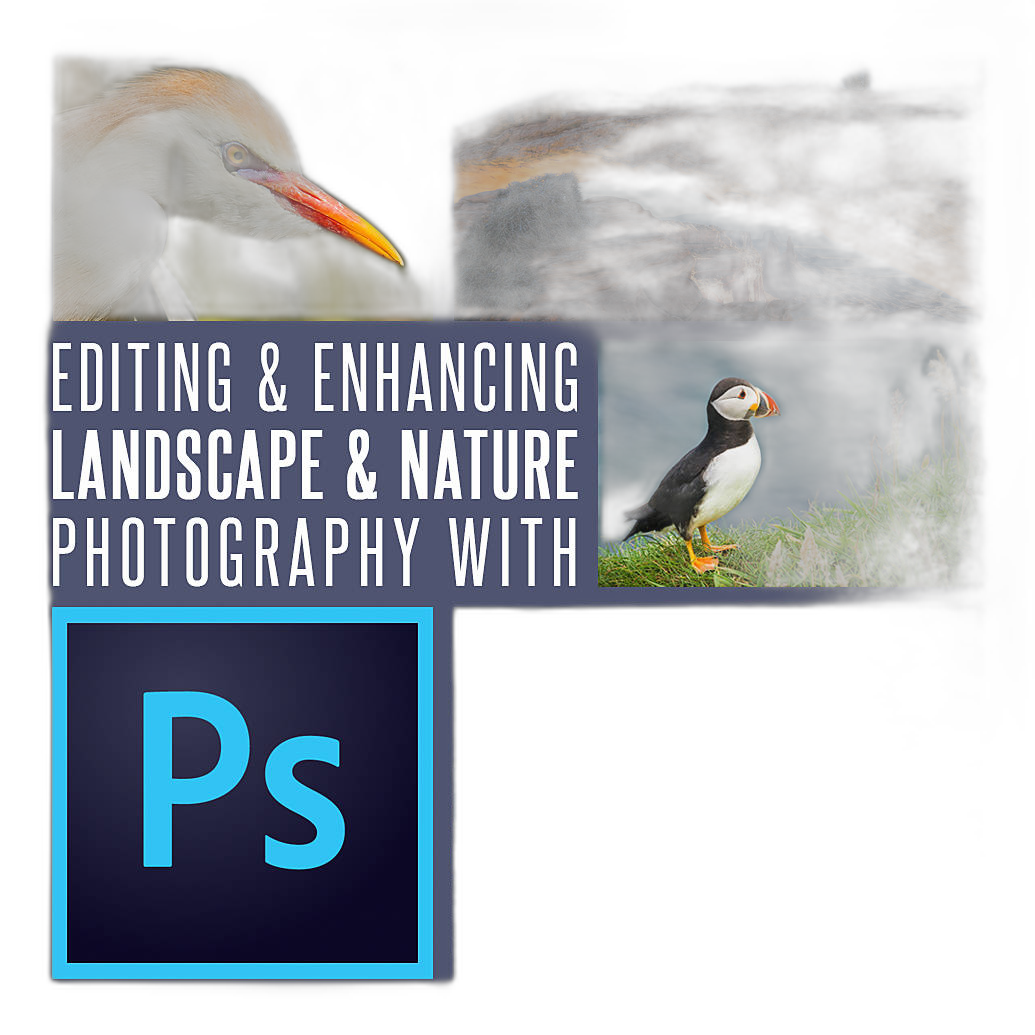
Lightroom and Capture One handle most global and local edits. For advanced composites and pixel-level retouching, pair your raw editor with Photoshop techniques tailored to landscapes and nature.
Kondor Blue HDMI to USB-C Capture Card for Live Streaming Video and Audio
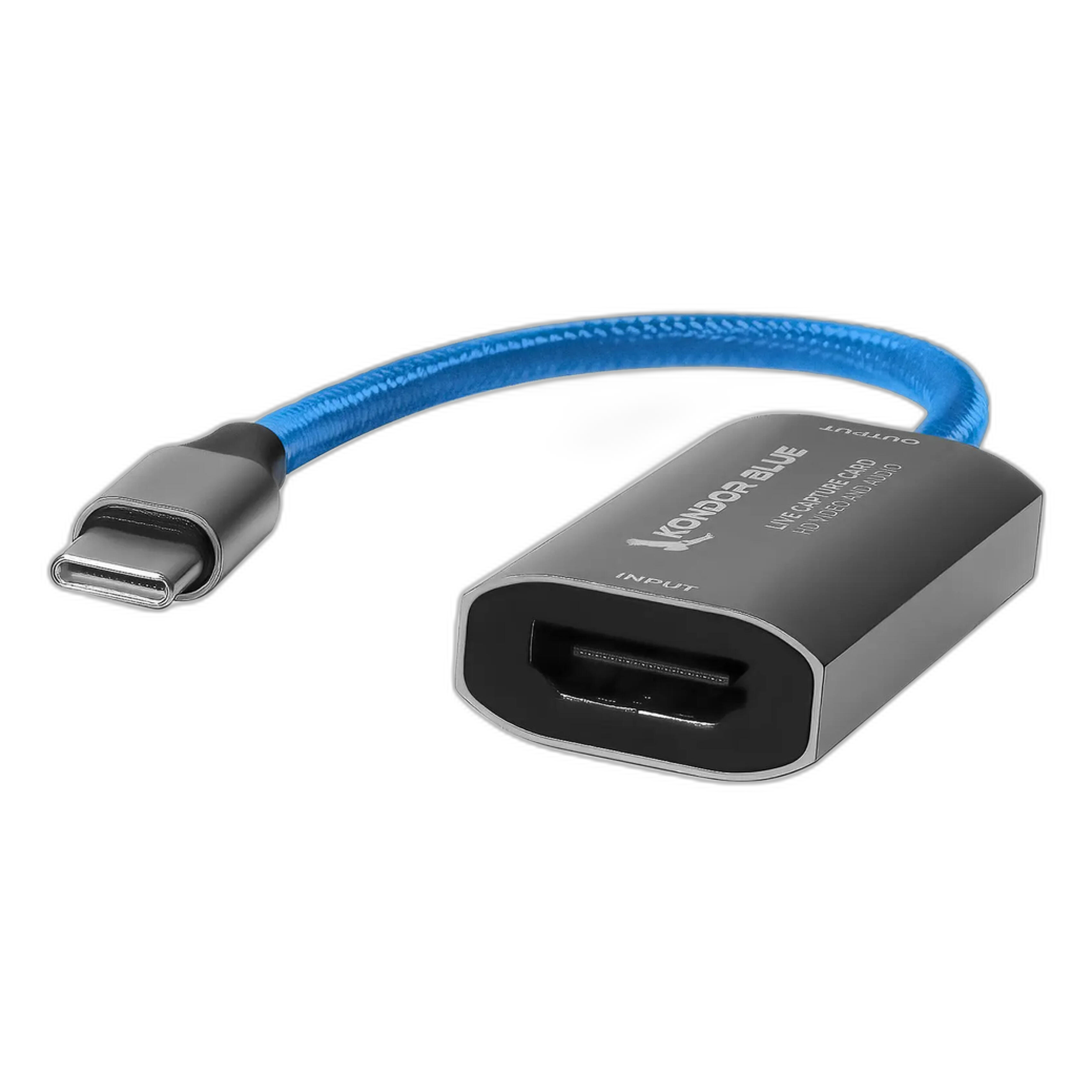
Great for remote client viewing, demos, or live education. Route your camera’s HDMI to a laptop for high-quality streaming. Note: this is for video/stream monitoring and is not a replacement for raw stills tethering.
Our Pick
Choose Capture One if you regularly shoot tethered in studio or need its elite color tools and session workflow. It’s a top-tier choice for fashion, product, and commercial work.
Bottom line
Lightroom delivers the best all-in-one value for most shooters, especially if you want seamless cataloging across devices and tight integration with Photoshop. Capture One is the studio workhorse for tethering and color-critical control. Whichever you choose, Unique Photo has expert-led classes and the gear to round out your workflow—visit Unique Photo to learn, try, and build a system that fits the way you shoot.