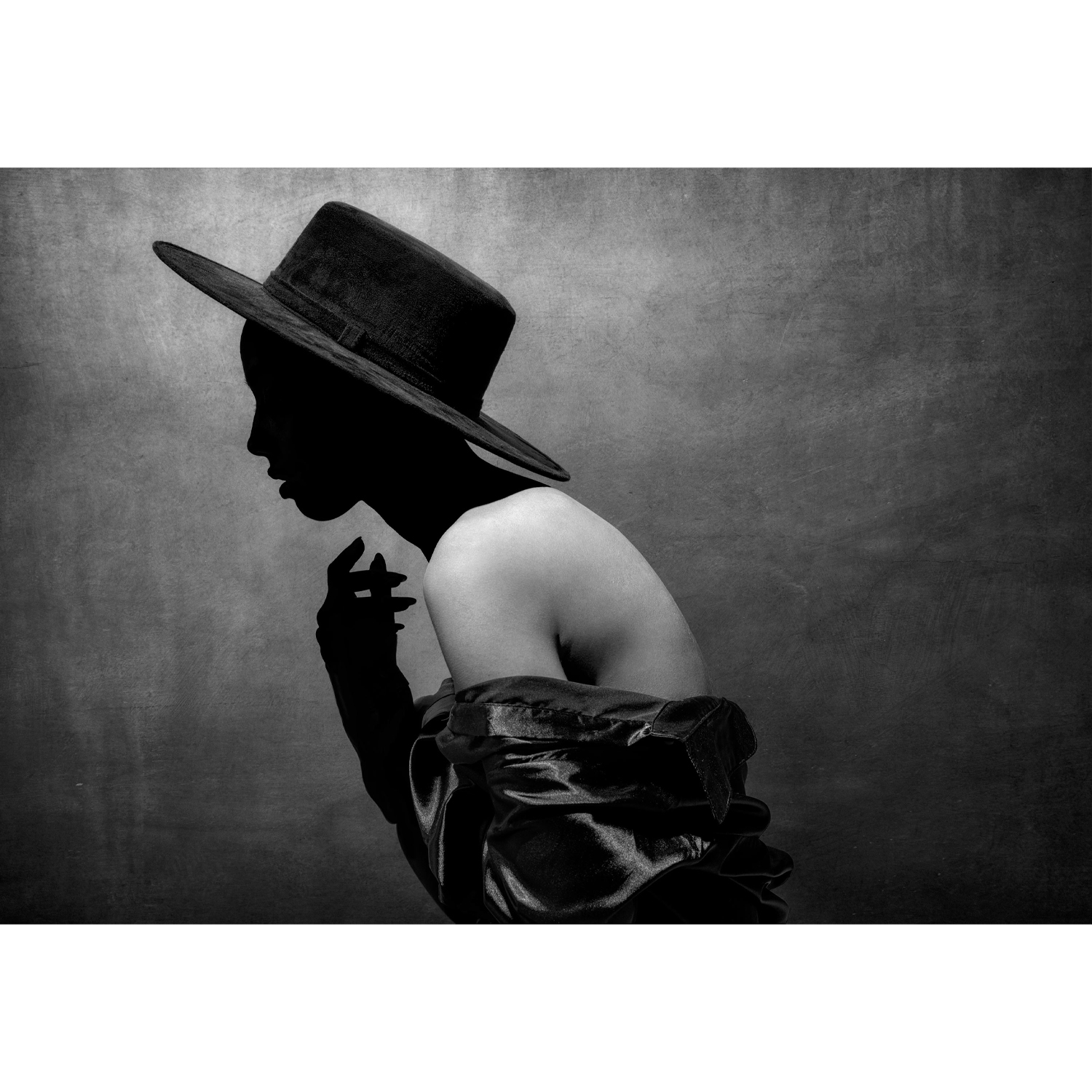
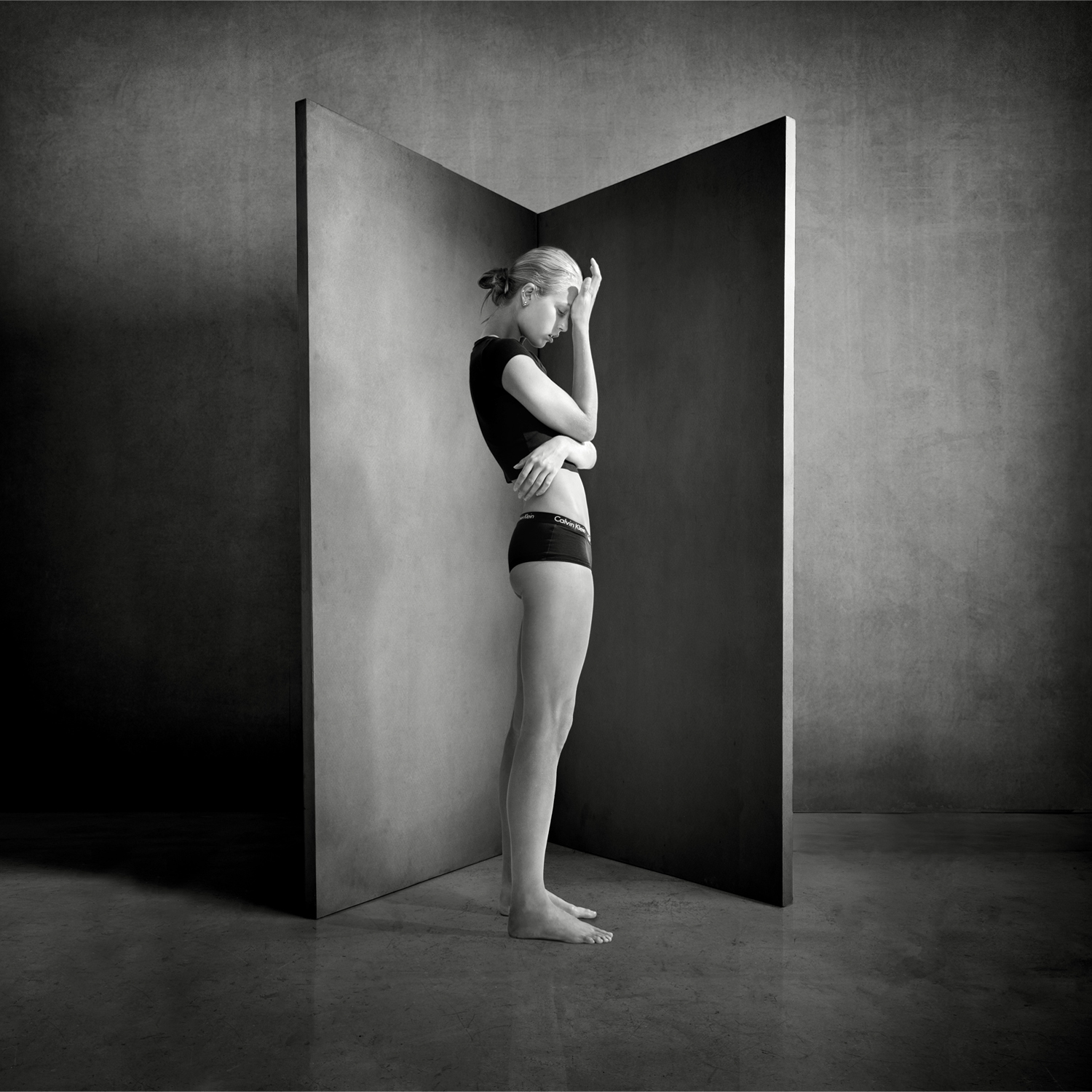
Adobe Lightroom and Capture One remain two of the most discussed editing platforms for portrait photographers, and for good reason. Both are capable, mature tools with professional-grade RAW processing, color controls, tethering options, and retouch-friendly workflows. But when the conversation shifts specifically to portrait editing, the differences become much more meaningful. Skin tone rendering, masking speed, color precision, session management, and export convenience all directly affect how fast and how well a portrait photographer can deliver polished work.
In this review, we’re comparing the latest Lightroom and Capture One from the perspective of portrait shooters: studio professionals, on-location photographers, and advanced enthusiasts who care about realistic skin, efficient culling, and dependable output. While neither is a bad choice, each platform has a distinct personality. Lightroom is the more universal ecosystem, especially for photographers already using Photoshop and Adobe cloud tools. Capture One, meanwhile, continues to appeal to portrait specialists who want refined color control and a more deliberate studio-oriented workflow.
Portrait editing is never just about software in isolation. Great results begin with lighting, posing, and capture technique. That’s why many photographers also sharpen their craft with portrait education and lighting resources from Unique Photo. 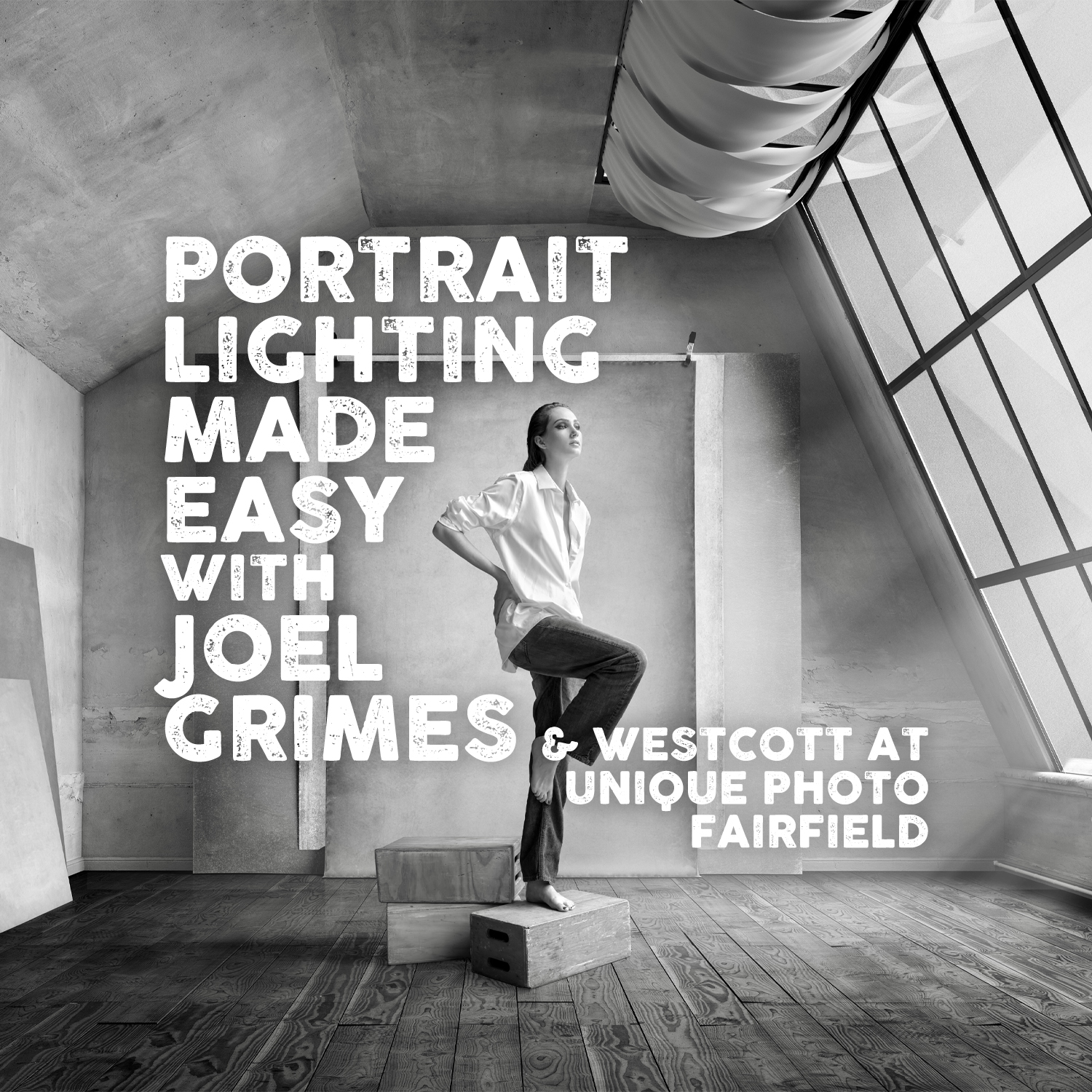 Workshops and tutorials such as portrait lighting training can make the difference between spending hours fixing files and creating stronger images straight out of camera.
Product Positioning: Who Each Editor Is Really For
Lightroom is the broad-market favorite. It is built for photographers who want one connected environment for importing, organizing, editing, syncing, and exporting large image libraries. For portrait photographers juggling client sessions, family portraits, headshots, and social delivery, Lightroom’s catalog system and AI-powered masking tools make it easy to move quickly. It also integrates naturally with Photoshop, which remains a major advantage for high-end skin retouching.
Capture One is more specialized in feel. It has long had a strong reputation in studio photography thanks to robust tethering, session-based organization, and excellent color editing. Portrait shooters who are highly particular about skin tones often prefer Capture One because its color tools feel both precise and intuitive. It can be especially compelling for commercial portrait work, fashion, beauty, and controlled lighting environments where every tonal nuance matters.
Image Quality for Portraits
Skin Tone Rendering
This is where the debate usually starts. Lightroom has improved significantly over the years, and the latest processing engine produces strong color and tonal results across many camera systems. Skin tones can look natural, clean, and flattering, especially when profiles and white balance are dialed in carefully. Adobe’s adaptive presets and masking refinements have also helped portrait photographers get to a strong base edit faster than before.
Capture One still has an edge for many portrait specialists when it comes to skin tone consistency and color separation. Its color editor allows very selective refinement without making skin look overprocessed. If you regularly work with mixed lighting, subtle complexion variation, or clients with different undertones that need careful balancing, Capture One often feels more surgical and more elegant.
In practical use, Lightroom gets excellent results quickly. Capture One often gets more exacting results with more intentional control. If your portrait style leans natural and volume-based, Lightroom may be the better fit. If your work leans premium, color-critical, and highly polished, Capture One is hard to ignore.
RAW Detail and Tonal Depth
Both applications offer excellent RAW conversion, but they interpret files differently. Lightroom’s sharpening, noise reduction, and highlight recovery are strong and predictable. It works especially well for photographers who want consistency across many camera bodies and large session volumes.
Capture One often delivers a crisp, nuanced rendering that many photographers describe as more dimensional right out of the gate. Fine detail, fabric texture, and transition areas in skin can appear especially refined. For portraits, this can be a plus or a minus depending on taste: that crispness can look premium, but some photographers may prefer Lightroom’s softer starting point before retouching.
Workflow and Speed
Culling, Organization, and Batch Editing
Lightroom remains the easier all-in-one library tool for many users. Keywording, collections, filtering, smart searches, and broad catalog management are major strengths. If you shoot weddings, school portraits, seasonal minis, and personal work all in the same ecosystem, Lightroom’s organizational structure is often simpler to live with long term.
Capture One offers catalogs too, but many photographers prefer its Sessions workflow for individual portrait jobs. Sessions are clean, project-based, and easy to archive. For commercial portrait assignments or studio shoots where each job stands alone, this can feel more efficient than a giant master catalog.
For batch editing, both are capable. Lightroom often wins on familiarity and preset-driven speed. Capture One wins when every set needs careful color attention rather than broad, one-size-fits-all syncing.
Masking and Local Adjustments
Lightroom has become dramatically more powerful thanks to AI masking. Selecting subjects, faces, background areas, clothing, and even separate facial features can be remarkably fast. For portrait editing, this is a huge advantage. Brightening skin, softening under-eye shadows, taming shiny areas, and darkening backgrounds can all happen quickly without manual brushing from scratch.
Capture One’s local adjustment tools are strong, but Lightroom currently feels more advanced and faster for AI-assisted selections. If your portrait workflow relies heavily on selective dodging, burning, face balancing, and background shaping, Lightroom’s masking system is one of the strongest arguments in its favor.
Tethering and Studio Portrait Sessions
Capture One’s Historic Strength
Capture One remains a favorite in tethered studio environments. It is stable, professional, and designed with controlled shooting in mind. For portrait photographers working with clients, makeup artists, stylists, or art directors on set, the tethered experience can feel more polished. Reviewing files as they come in, applying styles on import, and keeping the session organized are all areas where Capture One shines.
That studio-first philosophy pairs naturally with intentional portrait education and lighting practice.  Learning how to shape better files in-camera can reduce editing time significantly, especially in applications like Capture One that reward careful capture and color discipline.
Lightroom’s Practical Flexibility
Lightroom supports tethering, but it is generally not the first recommendation for photographers whose business depends on a flawless studio tethered workflow every day. However, for portrait photographers who are more hybrid in their shooting style, combining location work, personal projects, and occasional tethered sessions, Lightroom may still be the more convenient overall ecosystem.
Color Tools and Retouching Preparation
Capture One for Color Precision
Capture One’s color editor is outstanding for portraits. Isolating skin tones and refining hue, saturation, and lightness with subtlety is one of its signature strengths. Matching a portrait series, smoothing redness, correcting uneven complexion shifts, and maintaining realism are tasks it handles exceptionally well. For beauty, editorial portraiture, and premium headshot work, this precision can be worth the learning curve.
Lightroom for Retouching Pipeline Efficiency
Lightroom excels when your portrait workflow extends into Photoshop. A common modern pipeline is simple: cull and base edit in Lightroom, perform detailed skin retouching and cleanup in Photoshop, then return to Lightroom for export and delivery. That round-trip remains very convenient. For many working portrait photographers, this alone keeps Lightroom at the center of the workflow.
If you are creating portraits in a more stylized environment, backgrounds and set design also shape the final edit. Studio tools and backdrops available from Unique Photo can be just as important as software.  Neutral backdrops support clean skin tone work, while more creative surfaces can push edits in a dramatic direction.
Learning Curve and User Experience
Lightroom Is Easier for Most People to Adopt
Lightroom’s interface is familiar to a huge portion of the photography world. Tutorials are everywhere, presets are abundant, and Adobe’s ecosystem is deeply established. New portrait photographers generally get productive faster in Lightroom, especially if they are already using Photoshop or Adobe Creative Cloud applications.
Capture One Rewards Commitment
Capture One can feel less instantly approachable, but many professionals end up loving its customizability and deeper color workflow. Once configured well, it can become a highly efficient portrait-editing environment. It simply asks more of the user early on.
Performance and Value
Subscription Convenience vs Specialized Investment
Lightroom often makes more financial and practical sense for photographers already paying for the Adobe Photography plan. You get Lightroom, Photoshop, and a connected ecosystem that supports everything from portrait editing to composites and client exports.
Capture One can be a worthwhile investment if its particular strengths directly improve your paid portrait workflow. If better tethering, better skin-tone control, and session-based organization help you deliver more confidently to clients, the value becomes easy to justify. If not, Lightroom may simply be the more economical and versatile choice.
Pros and Cons
Lightroom Pros
- Excellent all-in-one library and editing workflow
- Industry-standard integration with Photoshop
- Very strong AI masking for portrait-specific adjustments
- Fast for batch editing and high-volume portrait sessions
- Widely supported with tutorials, presets, and community resources
Lightroom Cons
- Skin-tone color refinement is not as nuanced as Capture One for some users
- Tethering is less compelling for demanding studio professionals
- Catalog-centric approach may feel heavy for strictly job-based workflows
Capture One Pros
- Exceptional color editing and skin-tone control
- Strong tethering performance for studio portrait work
- Session workflow is excellent for individual client jobs
- High-quality RAW rendering with crisp, refined detail
- Customizable interface for tailored professional workflows
Capture One Cons
- Steeper learning curve for new users
- Less universally adopted than Lightroom
- Masking workflow is strong but currently less compelling than Lightroom’s AI tools
- May feel excessive for casual or high-volume shooters who prioritize speed over precision
Final Verdict
If you are asking which software is better for portrait editing overall, the answer depends on the kind of portrait photographer you are.
Choose Lightroom if you want the most flexible and efficient all-around system for importing, organizing, editing, masking, and sending files into Photoshop. It is the best fit for photographers balancing volume, versatility, and modern AI-assisted speed.
Choose Capture One if your portrait work is more color-critical, studio-centered, and detail-driven. For skin tones, tethering, and intentional session-based workflow, it still offers one of the most refined experiences available.
For many photographers, Lightroom is the more practical recommendation. For the portrait specialist chasing the last bit of color precision and studio control, Capture One may be the more satisfying tool. Either way, stronger portraits begin before the edit, with lighting knowledge, backgrounds, and education that improve the file at capture. Unique Photo is an excellent place to buy portrait lighting resources, studio backgrounds, and educational materials that support whichever editing platform you choose.