If you've been comparing Adobe Lightroom Denoise and Topaz DeNoise AI, you're probably trying to answer a practical question: which tool gives you cleaner files without making your images look fake? For photographers shooting low light, events, street, portraits, or older manual-focus glass, noise reduction is no longer just a finishing touch—it can be the difference between keeping a shot and tossing it. This guide is for anyone weighing software denoise options while also thinking about the camera gear side of the equation, because the right lens can reduce how hard your software has to work in the first place.
The short version: Lightroom Denoise is excellent for photographers already invested in the Adobe workflow and works especially well on RAW files with a natural-looking result. Topaz DeNoise AI still appeals to users who want more aggressive cleanup and more control over difficult files. But before you rely entirely on software, it helps to pair your workflow with lenses that gather more light, encourage lower ISO settings, or match the type of shooting where noise becomes a problem.
Lightroom Denoise vs. Topaz DeNoise AI at a Glance
| Feature | Lightroom Denoise | Topaz DeNoise AI |
|---|---|---|
| Best for | Adobe users who want simple, high-quality RAW noise reduction | Photographers who want stronger noise removal and more tuning options |
| Workflow | Built directly into Lightroom/Camera Raw | Standalone or plugin workflow |
| Ease of use | Very easy | Moderate |
| Natural detail retention | Excellent on many RAW files | Can be excellent, but depends more on settings |
| Aggressive cleanup | Good | Often stronger on difficult files |
| File handling | Creates DNG, integrates well with Adobe cataloging | Adds extra step for some users |
| Who should choose it | Photographers who want speed and consistency | Photographers rescuing high-ISO or especially noisy images |
Our Pick
For most photographers, Lightroom Denoise is the better starting point because it is fast, convenient, and produces clean, believable results without breaking your editing flow. Topaz DeNoise AI remains a strong option if you regularly shoot difficult high-ISO files, older sensors, or images that need heavier rescue work.
That said, software is only half the story. Faster primes and thoughtfully chosen focal lengths can help you shoot at lower ISO to begin with, and that is where smart lens buying still matters.
Why Lens Choice Still Matters in a Denoise Conversation
If you're using Lightroom Denoise or Topaz DeNoise AI, you already know modern software can do impressive work. But every stop of extra light from a fast lens can mean less noise, better color, and more detail before you ever touch a slider. A bright 50mm f/1.4, for example, may let you shoot at a lower ISO than a slower wide-angle lens in the same scene. Wide lenses can also help by enabling slower shutter speeds in some situations, while portrait lenses often shine in dim ambient light where subject isolation matters.
For photographers exploring vintage Nikon manual-focus lenses, used options can be especially attractive: classic rendering, solid build, and budget-friendly access to fast apertures. Below are a few strong picks depending on how and where you shoot.
Recommended Lenses for Lower-Noise Shooting
Used Nikon 50mm 1.4 AI - Excellent
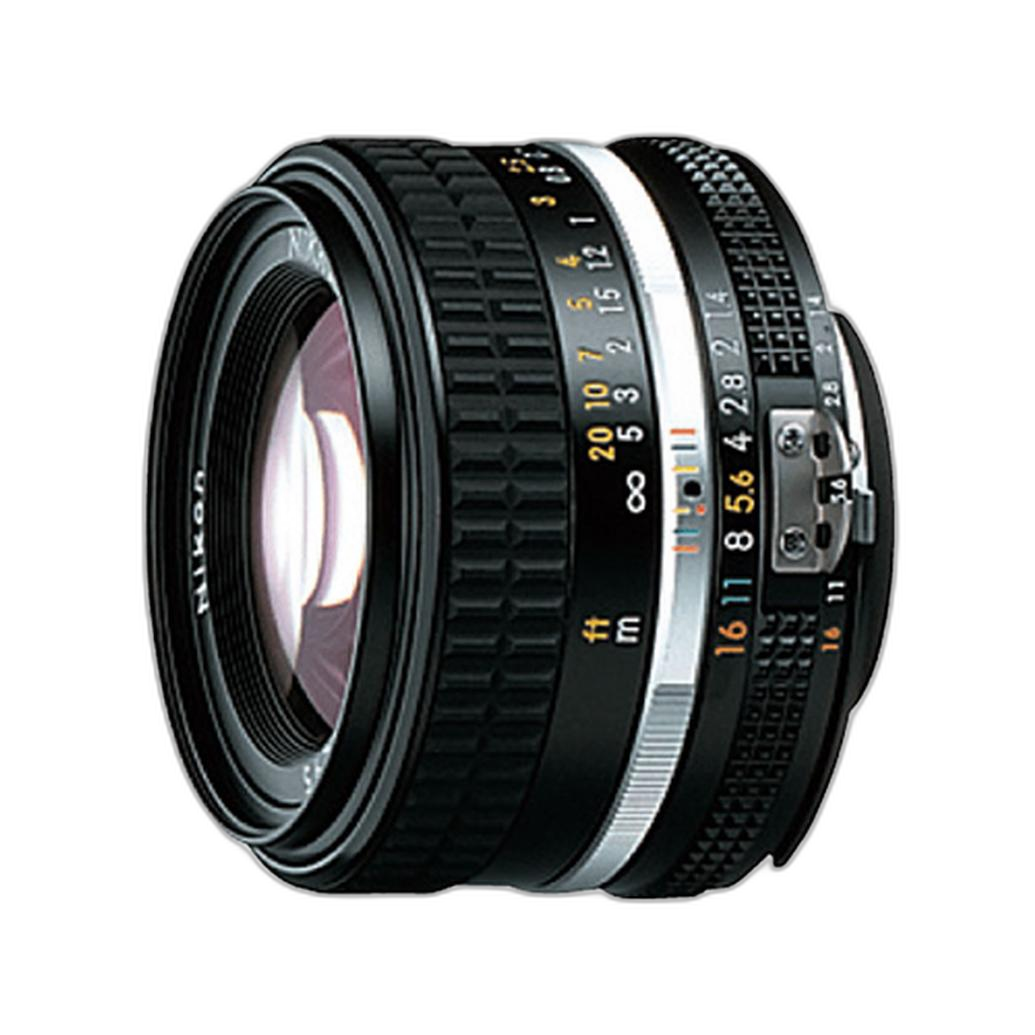
If your denoise debate starts with low-light shooting, this is one of the most logical lens choices. A 50mm f/1.4 gives you a meaningful light-gathering advantage over slower lenses, helping keep ISO lower for indoor portraits, available-light street photography, and everyday shooting. That means less work for Lightroom Denoise or Topaz in the first place. In excellent condition, this used Nikon option is especially appealing for photographers who want classic manual-focus handling and a fast normal prime without jumping into much more expensive modern glass.
Best for: low-light general photography, portraits, and anyone who wants to minimize noise at capture.
Used Nikon 50mm f/1.4 AI - Good
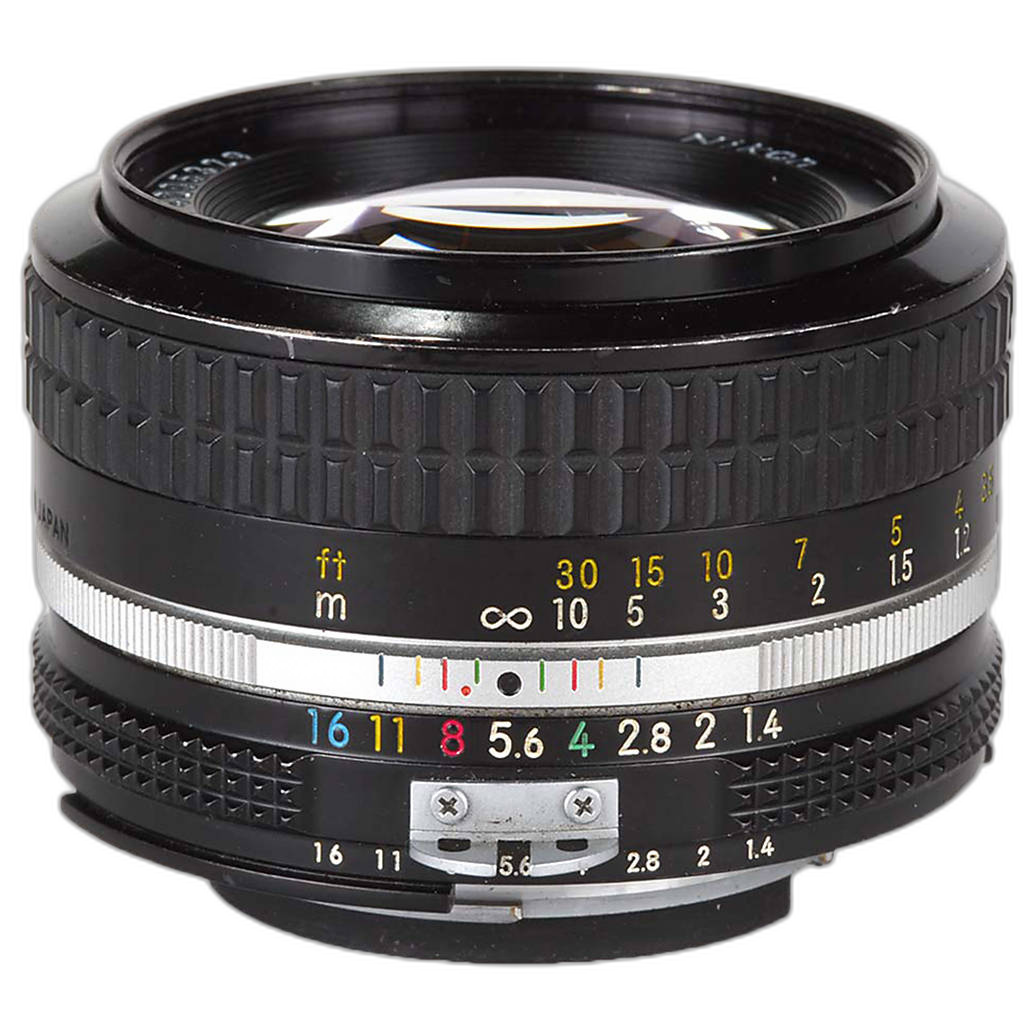
This is the value-minded version of the same idea: a fast standard prime that can help you avoid pushing ISO too far. If you're comparing software options partly because you shoot older cameras, adapt vintage lenses, or simply like manual focus, a 50mm f/1.4 remains one of the most useful focal lengths to own. It's a practical match for photographers who want good low-light performance and classic Nikon rendering while keeping budget in check.
Best for: photographers seeking the sweet spot between speed, versatility, and price.
Used Nikon 85mm f/1.8 Non Ai - Good
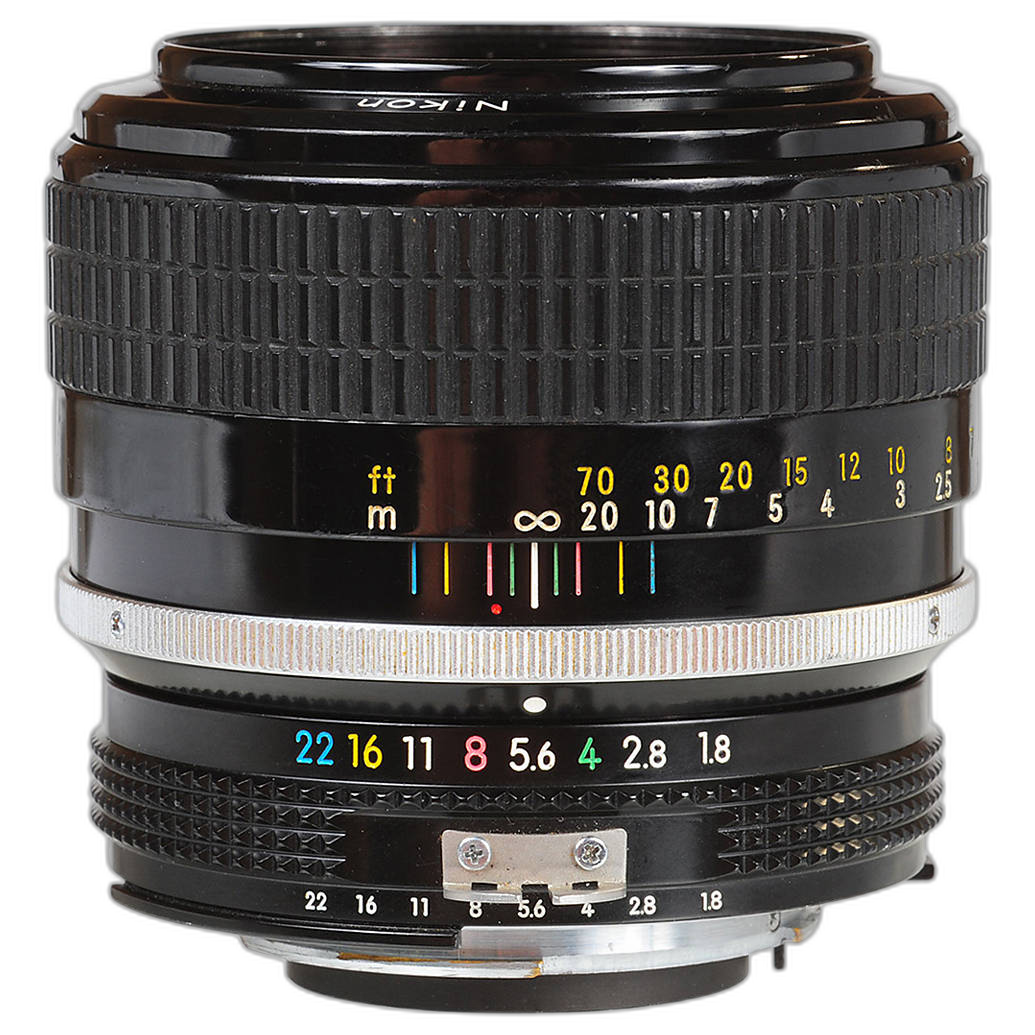
For portrait shooters, the 85mm f/1.8 is a standout. This focal length is ideal when you want flattering compression and subject separation in lower light. Because it's a fast short telephoto, you can often shoot portraits with lower ISO than you would with a slower lens, reducing the need for aggressive denoise treatment later. If your main Lightroom vs. Topaz question comes from indoor portraits, backstage work, or moody ambient-light sessions, this is the kind of lens that improves the file before editing begins.
Best for: portrait photographers, available-light headshots, and shallow-depth-of-field work.
Used Nikon 35mm f/2.8 Ai Lens - Excellent
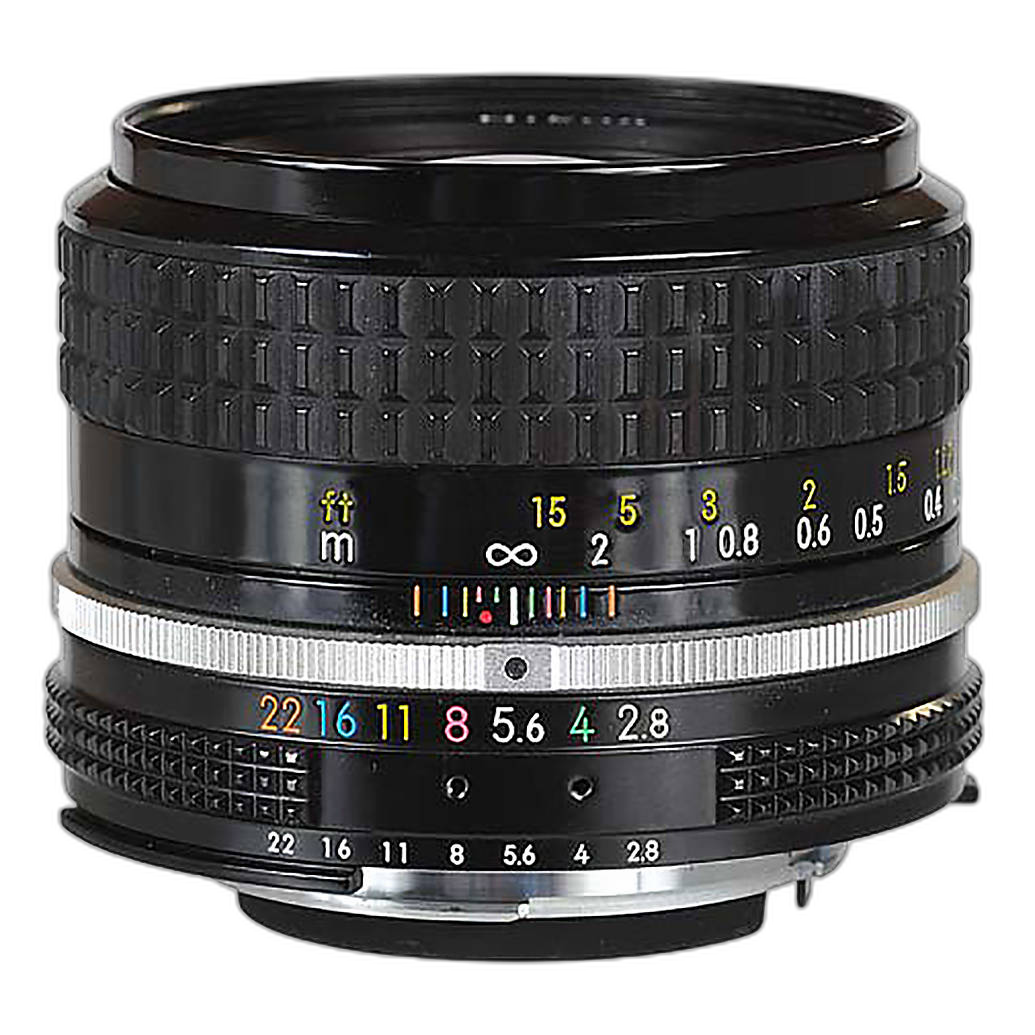
Not every noise problem is solved with the fastest possible aperture. A 35mm lens is often easier to handhold at slower shutter speeds than a longer focal length, which can help keep ISO under control in real-world shooting. This 35mm f/2.8 is a strong choice for documentary work, walkaround photography, travel, and environmental portraiture. It won't replace a 50mm f/1.4 for pure low-light speed, but it can be a smarter creative choice when you need context and flexibility.
Best for: street, travel, documentary, and everyday shooting.
Used Nikon 24mm f/2.8 Ai - Good
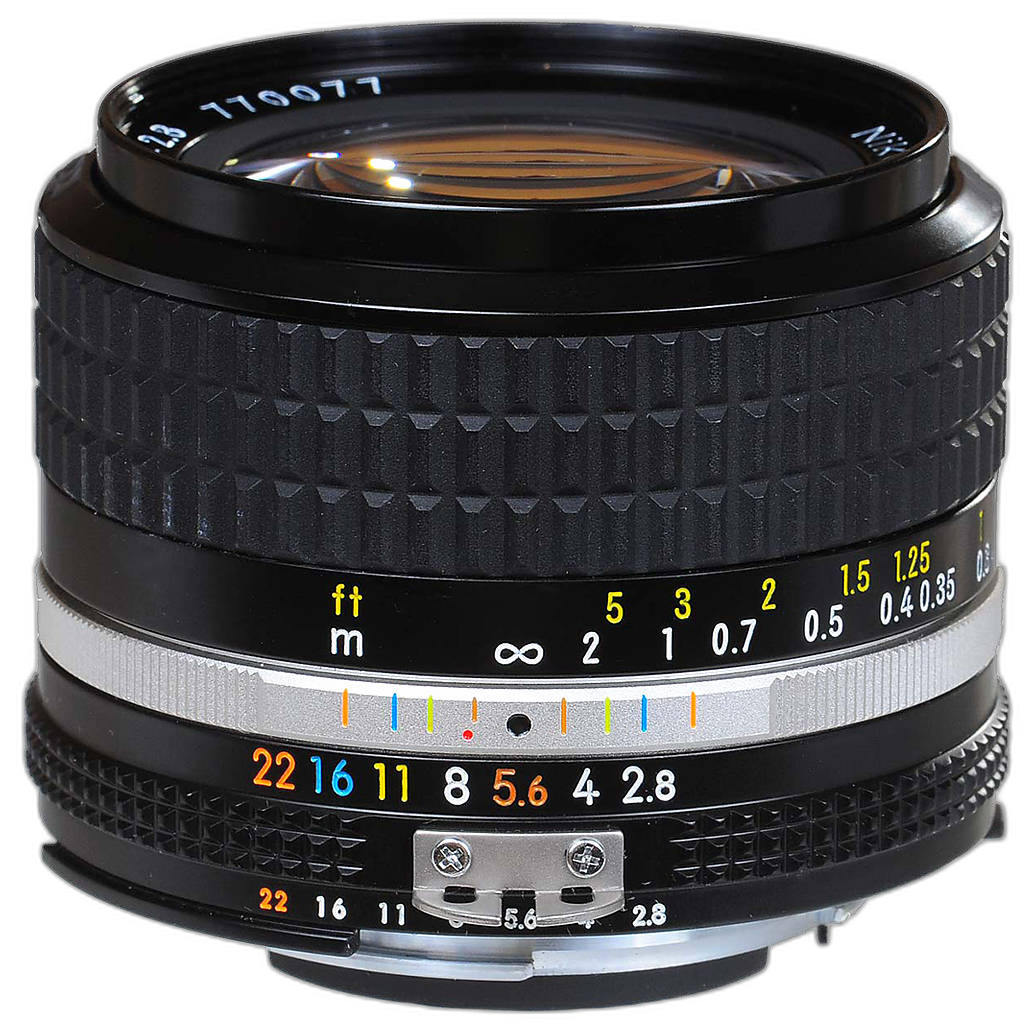
If your images get noisy because you're shooting interiors, landscapes at dusk, or handheld wide scenes, a 24mm can be a very useful tool. Wider focal lengths often let photographers get away with slower shutter speeds, which may help reduce ISO needs even when the aperture is not extremely fast. This lens makes sense for photographers who want a compact manual-focus wide prime and who value scene-setting composition as much as low-noise capture.
Best for: interiors, travel, architecture, and wide environmental shots.
Used Nikon 20mm f/4 Ai - Good
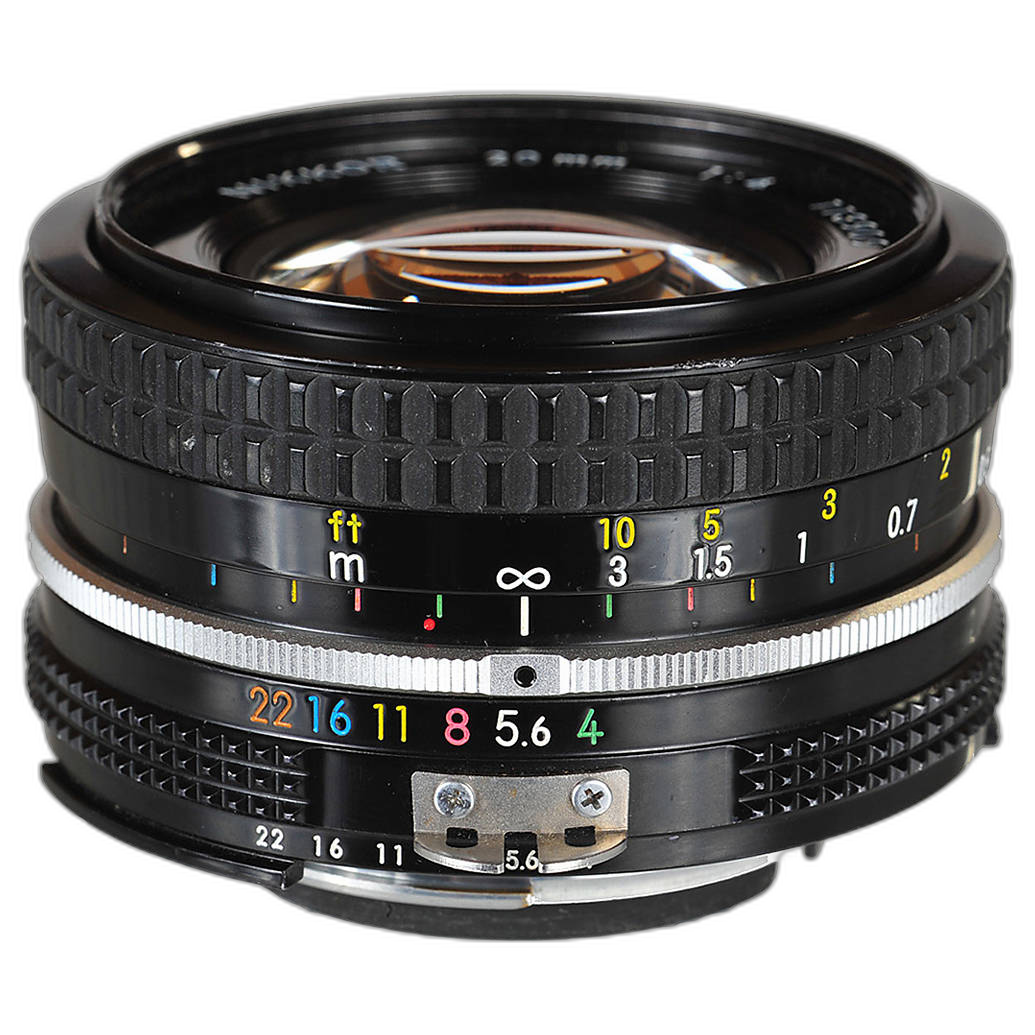
This is the most specialized option here. At f/4, it is not a low-light monster, so it won't reduce noise the way a 50mm f/1.4 or 85mm f/1.8 can. But for ultra-wide composition, landscapes, and certain handheld wide-angle work, it can still support lower-noise shooting by allowing slower shutter speeds and broader framing choices. If your denoise issues stem from night cityscapes or dramatic wide scenes, this may be a creative complement to a faster normal prime rather than your primary noise-fighting lens.
Best for: ultra-wide shooters, landscapes, and dramatic perspective work.
Lens Comparison for Photographers Worried About Noise
| Lens | Strength | Why It Helps with Noise | Ideal User |
|---|---|---|---|
| Used Nikon 50mm 1.4 AI - Excellent | Fast standard prime | Wide f/1.4 aperture helps keep ISO down | All-around low-light shooter |
| Used Nikon 50mm f/1.4 AI - Good | Value fast prime | Same low-light advantage at a more accessible used price | Budget-conscious available-light photographer |
| Used Nikon 85mm f/1.8 Non Ai - Good | Portrait specialist | Fast aperture and flattering compression for dim portrait work | Portrait and headshot shooter |
| Used Nikon 35mm f/2.8 Ai Lens - Excellent | Versatile wide-normal | Can be handheld at slower shutter speeds; flexible framing | Street, travel, documentary photographer |
| Used Nikon 24mm f/2.8 Ai - Good | Compact wide prime | Wide field of view can support slower shutter speeds | Interior and travel shooter |
| Used Nikon 20mm f/4 Ai - Good | Ultra-wide perspective | Useful for wide scenes where slower shutter speeds are possible | Landscape and creative wide-angle photographer |
So, Which Denoise Tool Should You Choose?
Choose Lightroom Denoise if you want the cleanest, easiest workflow and you already edit in Lightroom or Adobe Camera Raw. For many photographers, it offers the best balance of simplicity, realistic detail, and dependable results.
Choose Topaz DeNoise AI if you routinely push your files hard—high ISO event work, older sensor files, wildlife crops, or difficult exposures that need stronger intervention. It can be the better rescue tool when Lightroom's cleaner, more conservative approach doesn't go far enough.
But whichever software you prefer, remember that better files start at capture. A fast used prime like a Nikon 50mm f/1.4 or 85mm f/1.8 can do just as much for image quality as a powerful denoise algorithm—sometimes more.
Final Recommendation
If you're deciding between Lightroom Denoise and Topaz DeNoise AI, start with Lightroom Denoise for the easiest all-around experience, then look to Topaz DeNoise AI if your work regularly involves tougher files. On the gear side, our top recommendation is a used Nikon 50mm f/1.4 AI for photographers who want a practical, affordable way to reduce dependence on heavy noise reduction in the first place.
For photographers shopping smart, used Nikon manual-focus lenses can be a great way to improve low-light results without overspending. Explore these options at Unique Photo to build a kit that helps you get cleaner images before software ever enters the picture.