Overview
When minutes mean the difference between a scoop and a missed opportunity, the first bottleneck most photojournalists face is getting images off the cards and into the edit. The Lexar Professional Workflow Dual-Slot SD UHS-II Reader (SKU: LRD1116) is designed to eliminate that choke point. With two SD card slots and UHS-II compatibility, it accelerates ingest so you can start culling, captioning, and delivering faster. In this review, we look at what makes this reader a newsroom workhorse and share real-world editing and workflow tips to help you hit every deadline.
What It Is and Who It’s For
The Lexar Professional Workflow Dual-Slot SD UHS-II Reader is built for speed-minded photographers who shoot SD media—especially wire-service, newspaper, and sports shooters who churn through multiple cards per assignment. Dual slots mean two cards can be ingested in parallel, and UHS-II support ensures your fastest cards aren’t limited by the reader. If your work hinges on rapid turnaround—sideline to server, courthouse to CMS—this reader is the foundation of a modern, mobile newsroom workflow.
Key Features
Dual-slot design for parallel ingest
Simultaneous transfers from two SD cards reduce waiting and help you get to culling sooner. It’s a small feature with a huge impact on deadline work.
UHS-II compatibility (with backward support)
Optimized for UHS-II SD cards to leverage higher bus speeds, while working with UHS-I/SDHC/SDXC media you already own. Your fastest cards actually feel fast.
Workflow-first efficiency
Engineered to minimize ingest overhead and keep transfers stable—ideal for pairing with ingest automation in Photo Mechanic, Lightroom, or Capture One.
Compact, travel-ready build
Minimal footprint and robust construction make it easy to throw in a reporter’s bag, deploy quickly, and trust on the road.
Performance and Real-World Gains
In day-to-day news coverage, the reader’s dual-slot, UHS-II savvy turns downtime into productivity. Two cards returning from the field can be offloaded in parallel while metadata templates apply automatically. That overlap—download while editing—adds crucial minutes back to your deadline. Stability matters too: reliable transfers reduce the risk of corrupted files, incomplete downloads, or stalled uploads to your newsroom’s servers. The bottom line: you spend more time editing and captioning, less time waiting.
Rapid Editing & Delivery Tips (Built Around Fast Ingest)
Pair the Lexar reader’s speed with a tight process to ship images in record time:
- Ingest automation: Configure Photo Mechanic Ingest to launch on card insertion, apply IPTC templates (slug, location, subject, byline), and build date-based folders with job codes.
- Smart file naming: Use a scheme like YYYYMMDD_Slug_Camera_Sequence to keep sets grouped and searchable. Consistency eases handoffs to editors and desk systems.
- Immediate culling: While the second card is still downloading, cull the first using contact-sheet previews and fast zoom. Tag selects with star ratings or color labels.
- Baseline edits only: Prioritize clean exposure, white balance, crop/framing, and straightening. Minimize heavy retouch; newsroom ethics and speed both favor light-touch corrections.
- Preset exports: Build JPEG presets with sRGB, a newsroom-approved resolution (e.g., long-edge pixels per your outlet), and compression tuned for fast upload with crisp detail.
- Caption discipline: Confirm names, spellings, and locations in IPTC fields. Correct, complete captions beat speed alone.
- Two-path backup: Set Ingest to write a second copy to an external SSD while the primary goes to your working drive. Verifying on import catches issues early.
- Automated delivery: Scripted FTP/SFTP or cloud-sync export means the desk receives images while you finish writing captions for the next batch.
Pros and Cons
- Pros
- Dual-slot parallel ingest saves critical minutes on deadline
- UHS-II support unlocks full speed from modern SD cards
- Compact and reliable for field deployment
- Plays nicely with ingest automation and newsroom workflows
- Cons
- No included image here; verify connectivity specifics and hub compatibility for your setup
- Best benefits require UHS-II cards—older media won’t see the same gains
Related Gear for a Bulletproof Workflow
While the Lexar reader is the ingest engine, a complete newsroom setup benefits from robust output and training. Consider these related tools:
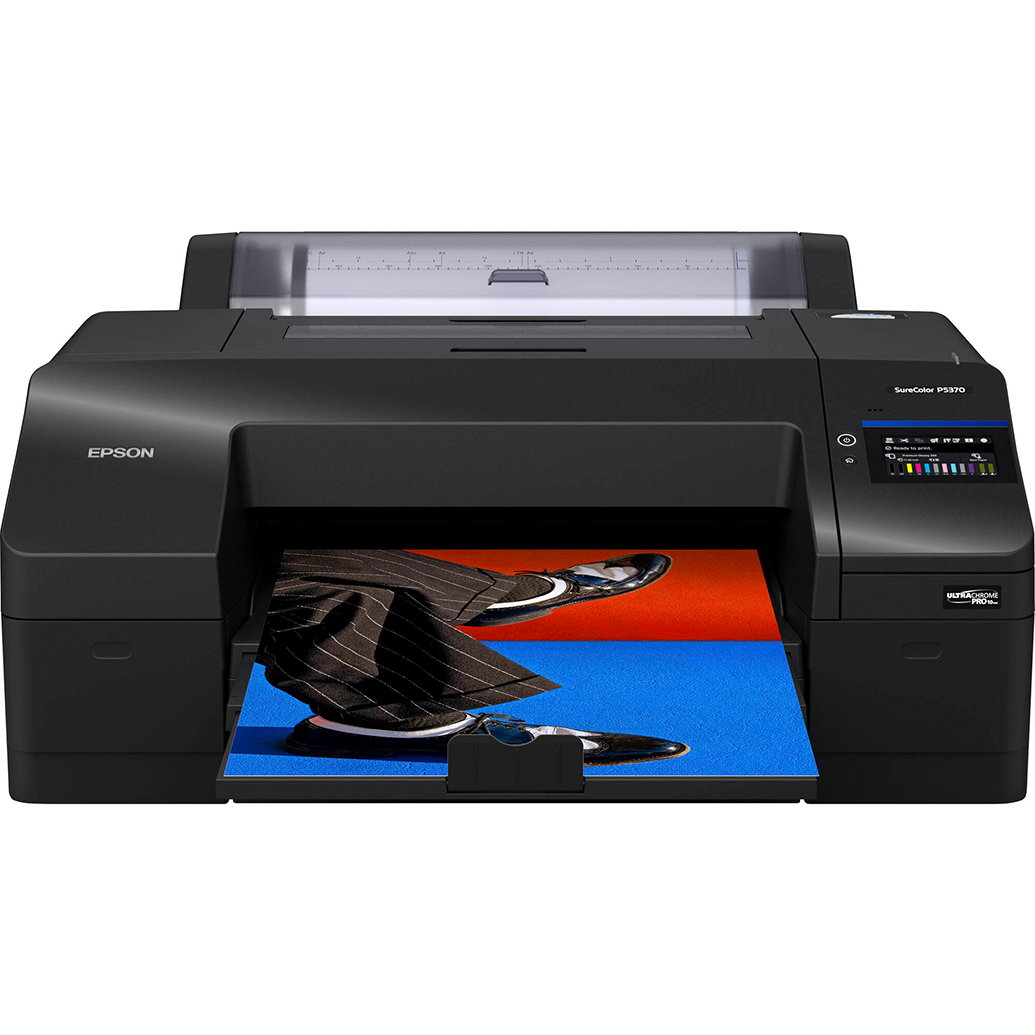
- On-site prints and proofs: An Epson SureColor P5370 can produce reference prints or VIP handouts when needed, without compromising speed.
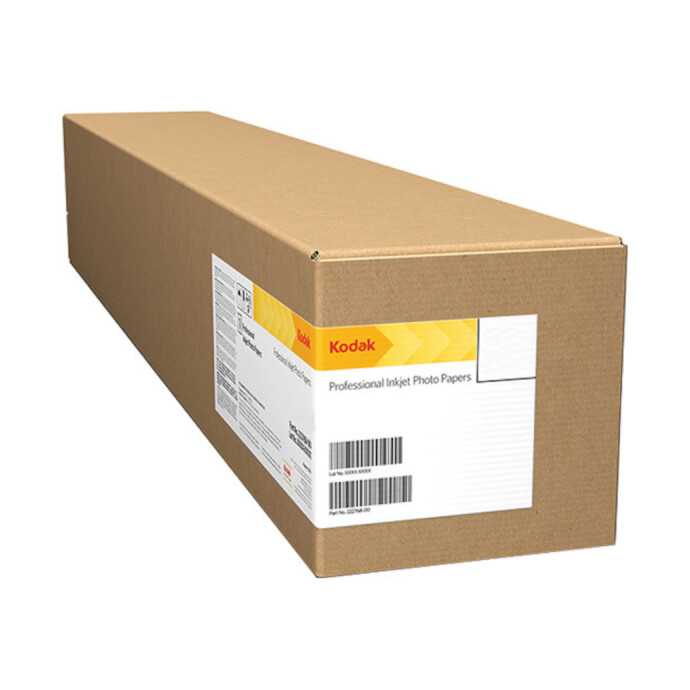
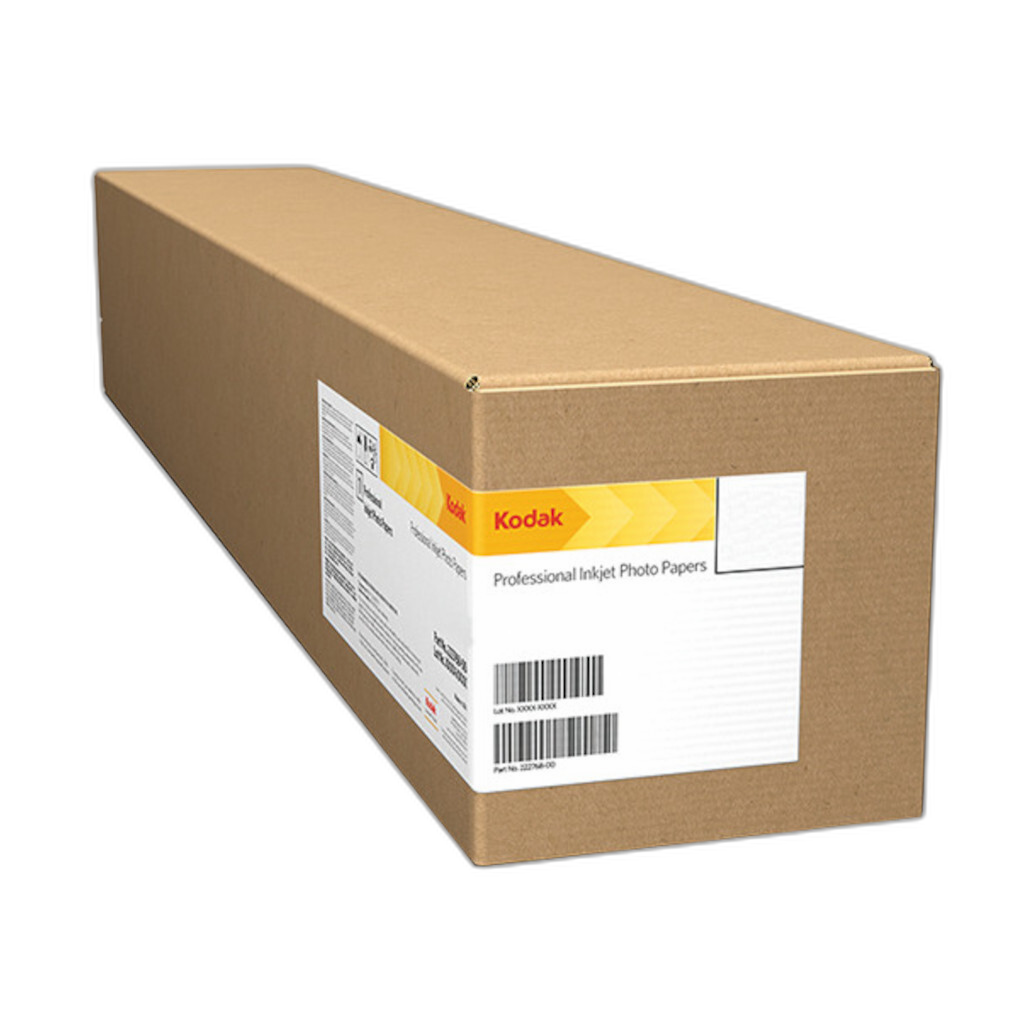
- Specialty output: Kodak Professional Metallic Photo Inkjet Paper offers punchy highlights for feature spreads or special sections.
- Physical archiving: Pioneer memo albums help track printed tear sheets and event highlights for editors or clients.
Verdict
The Lexar Professional Workflow Dual-Slot SD UHS-II Reader is a must-have for photojournalists and editors who live on deadlines. Its dual-slot architecture and UHS-II support turn ingest into a near-background task, freeing you to focus on culling and captioning—the parts of the job that win front pages. Tie it to a disciplined metadata, export, and delivery routine and you’ll consistently beat the clock.
Ready to streamline your newsroom pipeline? Buy the Lexar Professional Workflow Dual-Slot SD UHS-II Reader at Unique Photo—online or in-store—and build your fastest version of the truth.