Entering a photo contest is not just about creating a strong image—it is also about understanding how far you can go in post-processing before your file no longer fits the rules. This guide is for photographers who want to submit confidently, whether you shoot wildlife, sports, travel, documentary, or fine art. Contest guidelines can vary dramatically: some allow global corrections like exposure and color balance, while others prohibit compositing, object removal, heavy retouching, or even aggressive cropping. The right tools and references can help you stay creative while remaining compliant.
If you regularly submit work, it pays to build a workflow around transparency, restraint, and documentation. Below, we highlight useful books and gear that can support a contest-friendly process—from learning acceptable Photoshop techniques to choosing lenses that help you get closer in-camera so you rely less on manipulation later.
Why Image Manipulation Rules Matter
Most contests separate editing into a few broad categories: basic tonal adjustments, local corrections, retouching, content-altering edits, and composite work. A nature or photojournalism contest may allow dust spot removal and modest color correction, but disqualify entries for cloning out distractions, replacing skies, or combining frames. Creative contests may be more flexible, but still require full disclosure.
That means your submission strategy should start long before export. The less you need to "fix" later, the safer your entry usually is. Strong composition, longer lenses for cleaner framing, and a disciplined editing workflow can all reduce the risk of crossing a line unintentionally.
What to Look For Before You Submit
| Rule Area | What It Usually Means | Submission Impact |
|---|---|---|
| Global Adjustments | Exposure, white balance, contrast, sharpening | Commonly allowed in many contests |
| Local Adjustments | Dodging, burning, selective color or tonal edits | Often allowed in moderation, but check specifics |
| Retouching | Removing blemishes, wires, background distractions | Frequently restricted in documentary and nature categories |
| Compositing | Combining multiple frames or replacing elements | Often prohibited unless the category is explicitly creative |
| Cropping | Reframing after capture | Usually allowed, but excessive cropping can raise quality or authenticity concerns |
| AI/Generative Tools | Adding, replacing, or inventing visual content | Increasingly banned or heavily regulated |
Always read the full rules, not just the summary. Many contests also require RAW files or original JPEGs for verification, especially for finalists.
Recommended Products for a Contest-Ready Workflow
Rocky Nook - How Do I Do That In Photoshop by Scott Kelby
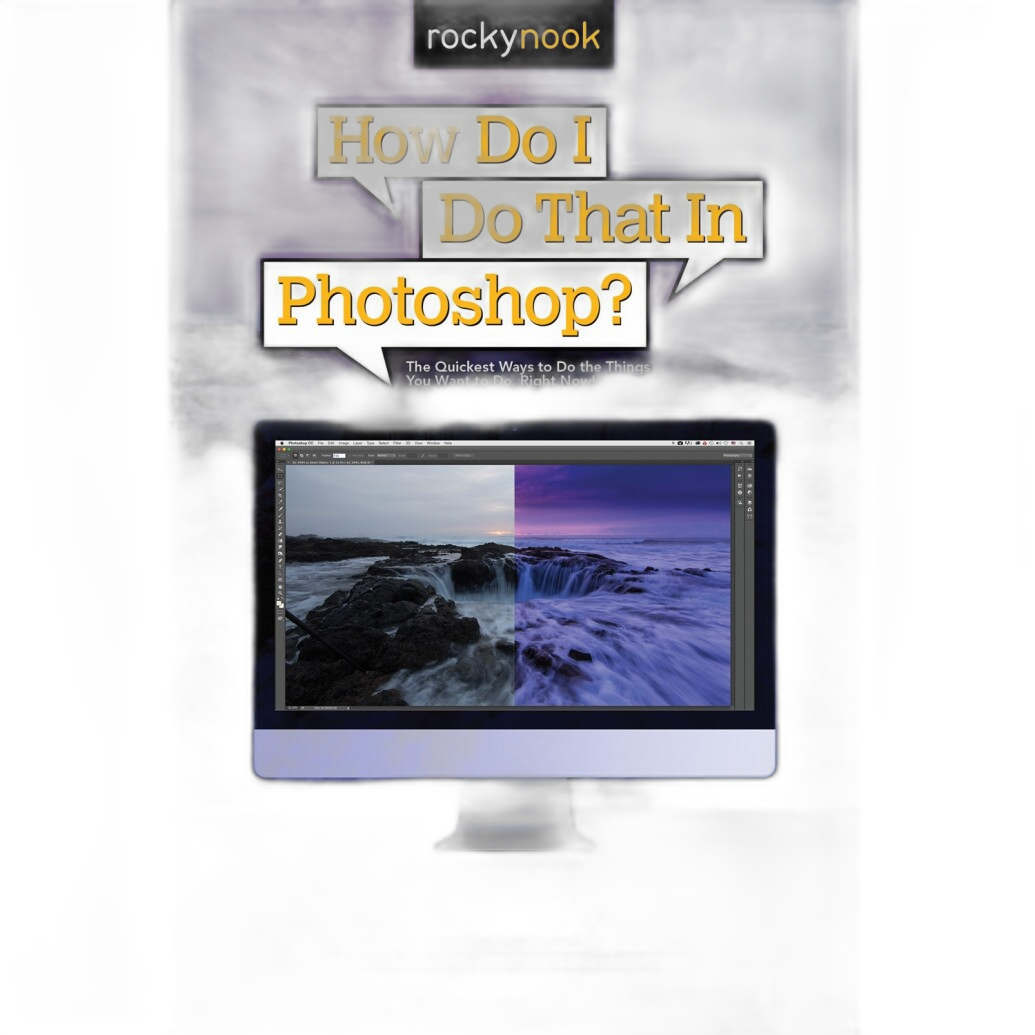
When contest rules allow editing but expect restraint, a practical Photoshop guide is one of the smartest resources you can buy. This book is especially useful for photographers who want to improve their workflow without drifting into excessive manipulation. Learning how to handle tonal corrections, sharpening, cleanup, and output carefully can help you produce polished files that still respect contest boundaries.
Best for: Photographers who want cleaner, more intentional edits and a better understanding of what can be done in post without overprocessing.
Why it matters for contests: Better technique often means more subtle edits, which is exactly what many competition categories reward.
Our Pick: If you are unsure how manipulation rules affect your workflow, this is the most directly useful recommendation in the guide because it helps you edit with purpose and control.
Used Canon EF 70-300mm f/4.5-5.6 DO IS USM - Good
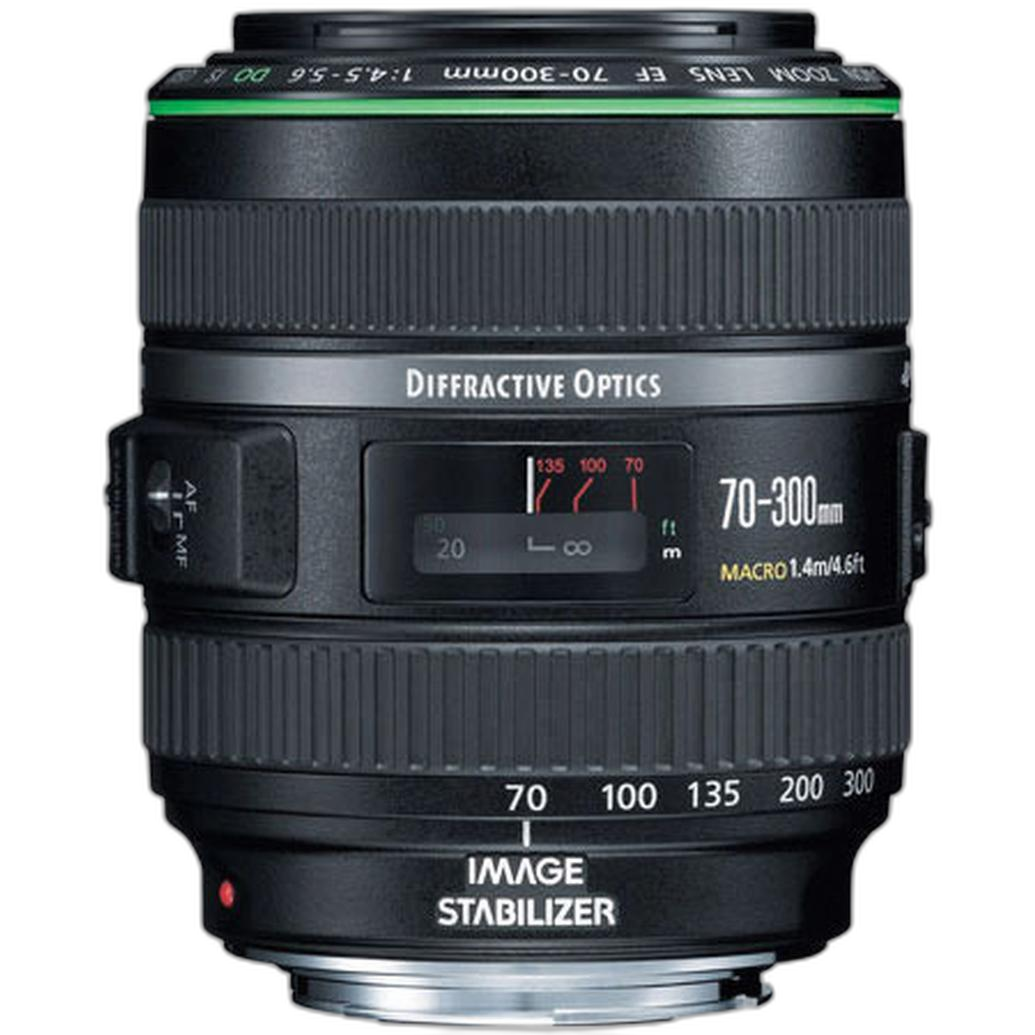
A versatile telephoto zoom can reduce the need for heavy cropping by letting you frame more precisely in-camera. That matters in contests where excessive cropping can degrade image quality or where authenticity is scrutinized closely. The 70-300mm range is useful for travel, outdoor events, wildlife at moderate distances, and candid portraiture.
Best for: Photographers who want flexibility and reach without depending on major crop-based reframing later.
Why it matters for contests: Better in-camera composition often leads to cleaner submissions and fewer questions about editing intensity.
Used Canon EF 400mm F/4 DO IS USM Lens - Good
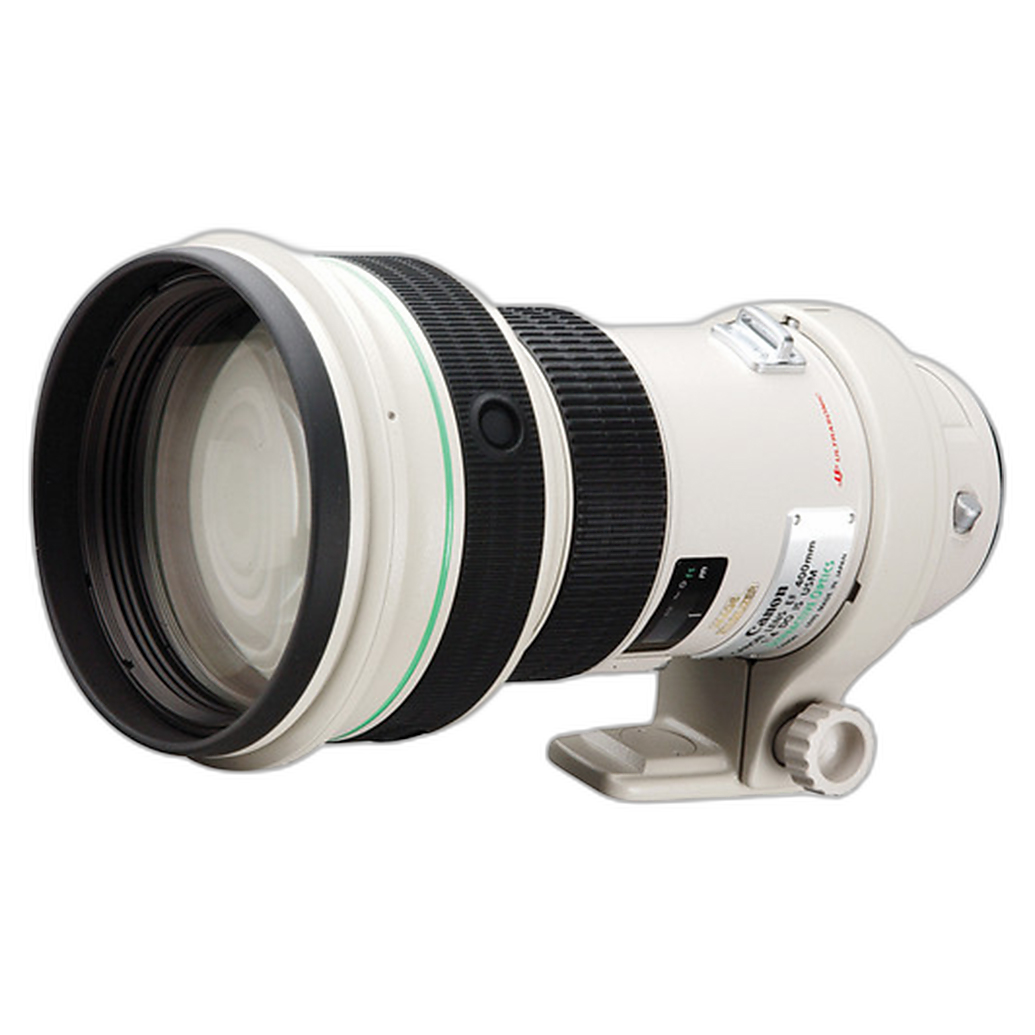
For wildlife, birding, and field sports photographers entering contests with strict documentary or nature rules, a long lens can be a major advantage. Instead of cropping deeply or trying to isolate a subject later with aggressive editing, you can capture tighter, more compelling compositions at the moment of exposure.
Best for: Serious wildlife and action photographers who want reach and subject isolation in-camera.
Why it matters for contests: The more complete the frame is at capture, the less temptation there is to alter content afterward.
Used Canon 400mm f/4 DO IS II USM - Excellent

If your contest entries often involve distant subjects and you want premium capture quality before editing even begins, this upgraded 400mm option is a strong fit. Clean files, strong reach, and better framing potential support a minimally manipulative workflow. That is especially important when competitions request original files for review.
Best for: Advanced enthusiasts and professionals prioritizing image integrity at capture.
Why it matters for contests: High-quality source files hold up better under the modest, rule-compliant adjustments many contests permit.
Rocky Nook - How Do I Do That in Indesign? by Dave Clayton
While InDesign is not an image editing tool, it can be helpful for photographers preparing portfolios, presentation PDFs, or supporting materials for competitions, grant applications, and juried reviews. If your submission process includes statement pages, layouts, or multi-image presentations, this guide can help you present your work professionally.
Best for: Photographers entering portfolio-based contests or assembling polished submission packets.
Why it matters for contests: A professional presentation can support strong work, especially when categories involve series, books, or portfolio review.
Quick Comparison
| Product | Best Use | Contest Benefit |
|---|---|---|
| Rocky Nook - How Do I Do That In Photoshop | Editing education | Helps maintain subtle, compliant post-processing |
| Used Canon EF 70-300mm f/4.5-5.6 DO IS USM | Flexible telephoto shooting | Reduces reliance on heavy cropping |
| Used Canon EF 400mm F/4 DO IS USM Lens | Wildlife and sports reach | Improves in-camera framing for stricter categories |
| Used Canon 400mm f/4 DO IS II USM | High-end distant subject capture | Produces stronger source files for light edits |
| Rocky Nook - How Do I Do That in Indesign? | Portfolio and presentation prep | Supports polished contest submissions |
How to Stay Within the Rules
Before submitting, create a checklist:
- Read the category rules line by line.
- Keep your RAW files and original exports.
- Avoid removing or adding content unless explicitly allowed.
- Use cropping and local adjustments conservatively.
- Document your workflow if the contest requests editing details.
- When in doubt, contact the contest organizer before entering.
A good rule of thumb: if the edit changes the factual content of the scene, it may be a problem in editorial, documentary, or nature competitions. If the edit simply improves tonal balance or clarity without altering what was there, it is more likely to be acceptable.
Conclusion
Contest rules around image manipulation can absolutely impact whether a submission is accepted, shortlisted, or disqualified. For most photographers, the safest approach is to improve technique at capture and keep post-processing disciplined. That is why our top recommendation is Rocky Nook - How Do I Do That In Photoshop by Scott Kelby—it directly supports smarter, cleaner editing decisions. If your contest work often depends on distant subjects, one of the Canon telephoto options can also help you compose more effectively in-camera and reduce your dependence on borderline edits later.
If you are building a contest-ready workflow, Unique Photo is a great place to find photography books, used lenses, and practical tools to support both your creative process and your submission standards.