Getting the Best Results from Smartphone Cameras: User Tips and Tricks
Today’s iPhone and Android cameras are powerful, portable, and always with you. With a few pro habits and the right accessories, you can make photographs and videos that look polished enough to share, print, and even monetize. Here’s a practical, search-friendly guide from the team at Unique Photo to help you capture sharper, cleaner, more cinematic results—no matter what phone you carry.
How to get sharper photos on iPhone and Android
- Clean the lens: A fingerprint softens contrast and sharpness. Wipe it before every shoot.
- Use the grid: Enable grid lines to straighten horizons and compose with the rule of thirds.
- Tap to focus and lock: Tap once to focus, then long-press for AE/AF lock to keep focus and exposure steady.
- Avoid digital zoom: Step closer or switch to the native tele lens. Digital zoom reduces detail.
- Stabilize your phone: Brace against a wall, use a mini tripod/clamp, or the self-timer to reduce shake.
- Shoot bursts for action: Hold the shutter for a fast series, then pick the sharpest frame.
Best smartphone camera settings for low light
Low light is where phone cameras struggle most. Use these tactics for cleaner results with less noise:
- Night Mode: Let the phone stack exposures—but keep the phone steady for best results.
- Lower exposure slightly: Dial exposure down 0.3–1 stop to protect highlights and reduce noise.
- Manual/Pro mode: On supported phones, keep ISO lower and allow a longer shutter when the phone is stabilized.
- Shoot RAW/DNG (where available): Provides more latitude for recovering shadows and adjusting white balance later.
- Add light instead of pushing ISO: A small LED or diffused window light beats cranking sensitivity.

Pro lighting tips for smartphone photography
- Use big, soft sources: Window light with a sheer curtain or a scrim creates flattering skin tones and smooth shadows.
- Mind the direction: Turn your subject toward the light for catchlights; use backlight plus HDR for a dreamy look.
- Control contrast: A white card or reflector adds fill; a diffuser (like the Westcott Scrim Jim Cine) tames midday sun.
- Golden hour: Shoot during sunrise/sunset for warm color and long, soft shadows that flatter everything.
- Kill mixed lighting: Turn off odd-color lamps to avoid color casts that are hard to correct later.
How to record better audio on your phone
Viewers forgive average video, but they won’t forgive bad audio. For interviews, Reels, or TikTok, add a lavalier mic.
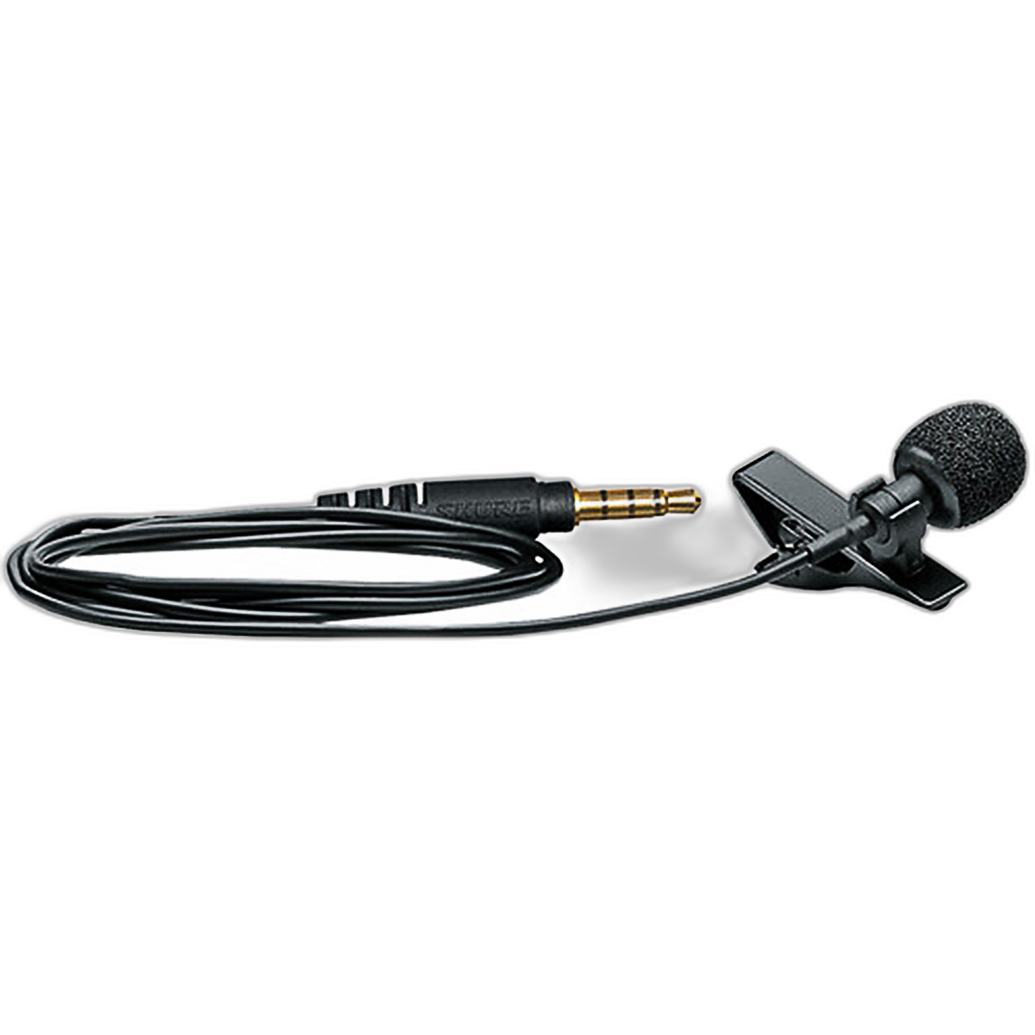
- Placement: Clip 6–8 inches from the mouth, centered or just off to the side. Keep it off clothing seams to reduce rustle.
- Wind control: Hide the mic under a collar or use a mini windscreen outdoors.
- Airplane mode: Prevent notifications from interrupting recordings.
- Monitor when possible: Use a recording app with level meters; aim for peaks around −12 dB.
Composition tricks that work on any phone
- Rule of thirds and leading lines: Place key elements near intersections; guide the viewer’s eye with lines and patterns.
- Fill the frame and simplify: Move closer, remove distractions, and watch your background edges.
- Balance and symmetry: Centered, symmetrical shots can be bold—especially for architecture and portraits.
- Use foreground: Add depth with objects near the lens; try an ultra-wide for dramatic perspective.
Video tips: frame rates, stabilization, and B‑roll
- Choose the right frame rate: 24/30 fps for a cinematic look, 60 fps for smoother motion or slow downs.
- Lock focus/exposure: Long-press to prevent shifts mid-clip.
- Stabilize: Use a tripod, clamp, or walk with bent knees and elbows tucked; a gimbal helps for travel and events.
- Capture B-roll: Cutaways of hands, wide shots, and detail shots elevate your edits.
Editing workflow: mobile apps and RAW/DNG
- Shoot RAW/DNG when needed: Use Apple ProRAW or Android Pro modes for scenes with challenging light. Expect larger files.
- Mobile editors: Lightroom Mobile, Snapseed, and VSCO offer precise control over exposure, color, and local adjustments.
- Color first, then contrast: Set white balance before exposure/contrast; finish with selective sharpening and noise reduction.
- Export smart: For social, HEVC/H.265 keeps quality high at smaller sizes; keep a full‑res archive in your cloud backup.
Accessories that level up your phone
Thoughtful accessories extend what your phone can do. Unique Photo stocks solutions for mobile and hybrid creators:
- Audio: The Shure MOTIV MVL Lavalier (SKU SHU2065) is a compact, reliable mic for interviews and vlogs.
- Lighting control: The Westcott 8ft x 8ft Scrim Jim Cine 1 1/4‑Stop Diffuser (SKU WCG1780) softens harsh light for portraits and product shots.
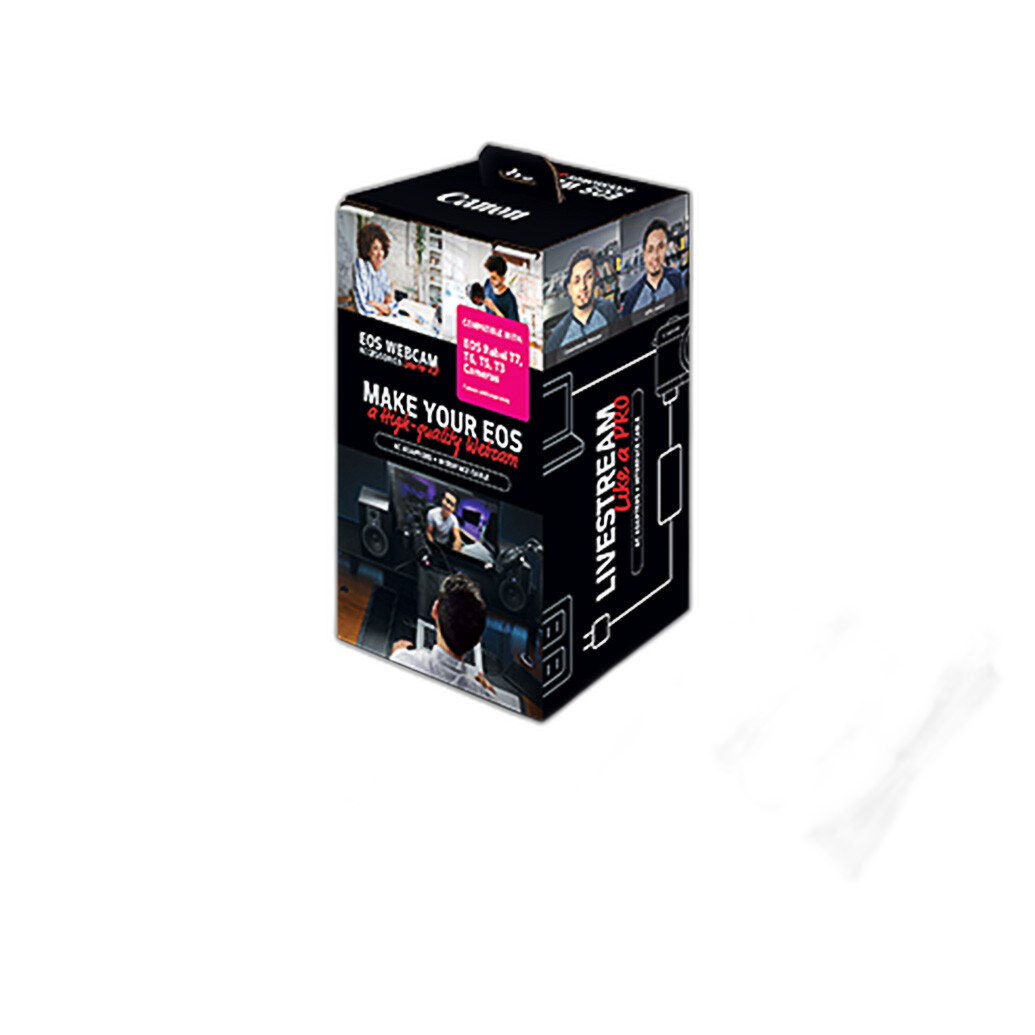
- Streaming/Hybrid: The Canon EOS Webcam Accessories Starter Kit (SKU CND4751) helps integrate a Canon EOS Rebel into your live setup when you combine phone and camera content.
- Power for camera-based shoots: Hybrid creators who also use flashes can look at the Nissin PS 8 Power Pack for Select Canon Cameras (SKU NISPS8C) to keep lights firing during marathon sessions.
Troubleshooting common smartphone camera problems
- Blurry photos: Clean the lens, stabilize, tap to focus, shoot a burst, and avoid digital zoom.
- Grainy images: Add light, lower ISO if possible, underexpose slightly, and reduce noise in post.
- Weird color casts: Turn off mixed lighting, set white balance in editing, or shoot RAW for flexibility.
- Flicker under LEDs: Try different shutter speeds or frame rates (e.g., 1/50 at 25/50 fps in 50 Hz regions).
FAQ: quick answers for faster results
Should I use HDR? Yes for high-contrast scenes (backlit subjects, bright skies). Turn it off for fast action to avoid ghosting.
Is 48 MP/108 MP always better? Not necessarily. High‑res modes can add noise in low light and slow shooting. Use them in bright conditions for extra detail.
When should I use RAW? Use RAW for tricky light or heavy edits; stick to JPEG/HEIF for quick shares and when storage is tight.
Wrapping up: put these tips to work
Small habits—clean lenses, stable shooting, exposure control, and thoughtful light—deliver big improvements. Add a quality mic and simple light modifiers, and your phone becomes a serious content tool. Unique Photo carries the accessories and education to support your next project, whether you’re posting to social, making family prints, or building a creator business.
Internal linking suggestions for Unique Photo:
- Shop Shure smartphone microphones – Shure MOTIV MVL Omnidirectional Lavalier Microphone (SKU SHU2065)
- Explore lighting modifiers – Westcott Scrim Jim Cine Diffusers and Frames (SKU WCG1780)
- Build a hybrid live‑stream kit – Canon EOS Webcam Accessories Starter Kit for EOS Rebel (SKU CND4751)
- Power solutions for flash – Nissin PS 8 Power Pack for Select Canon Cameras (SKU NISPS8C)
- Learn with Unique Photo – Classes & Events, including the Film Lovers series (SKU UUUPF005)
- Considering a dedicated camera next? Browse Mirrorless Lenses like the Zeiss Batis 18mm f/2.8 for Sony E (SKU ZSL1005)
Have questions about mobile audio, lighting, or editing? Visit Unique Photo in store or online—our team is happy to help you build the right smartphone shooting kit.