Film for Portraits FAQ: Choosing Stocks and Getting Better Scans
Portrait photographers often compare film stocks by how they render skin, handle contrast, and translate into scans. At Unique Photo, we help film shooters think beyond simple color preference by looking at the full workflow: exposure, lighting, development consistency, and digitizing your negatives or slides for editing and sharing.
If you are building a portrait-focused film kit, the right scanner or camera-scanning setup can be just as important as the film you load. A great scan preserves subtle skin tones, keeps highlight detail intact, and makes side-by-side film comparisons far more meaningful.
What makes one film stock better for portraits than another?
For portraiture, the most important differences usually come down to color response, contrast, grain structure, and highlight roll-off. Some films produce softer contrast and gentler color separation, which can flatter skin and keep transitions smooth across cheeks, foreheads, and backgrounds. Others offer punchier saturation or deeper contrast, which may look striking for stylized portrait sessions but can be less forgiving on uneven skin tones or harsh light.
It is also helpful to think about the subject, wardrobe, and location. A film that looks beautiful outdoors in open shade may feel too muted under tungsten light, while another stock may give you richer reds and warmer skin in evening light. Consistency matters too: when you test portrait films, compare them under similar lighting and exposure conditions so you are evaluating the stock rather than the scene.
How should I compare film stocks fairly for portrait photography?
The best comparison method is to control as many variables as possible. Photograph the same subject in the same light, meter carefully, and if possible use the same lens and aperture. Keep development consistent and avoid changing labs between tests. This gives you a more reliable sense of whether differences in color, contrast, and grain are coming from the film itself.
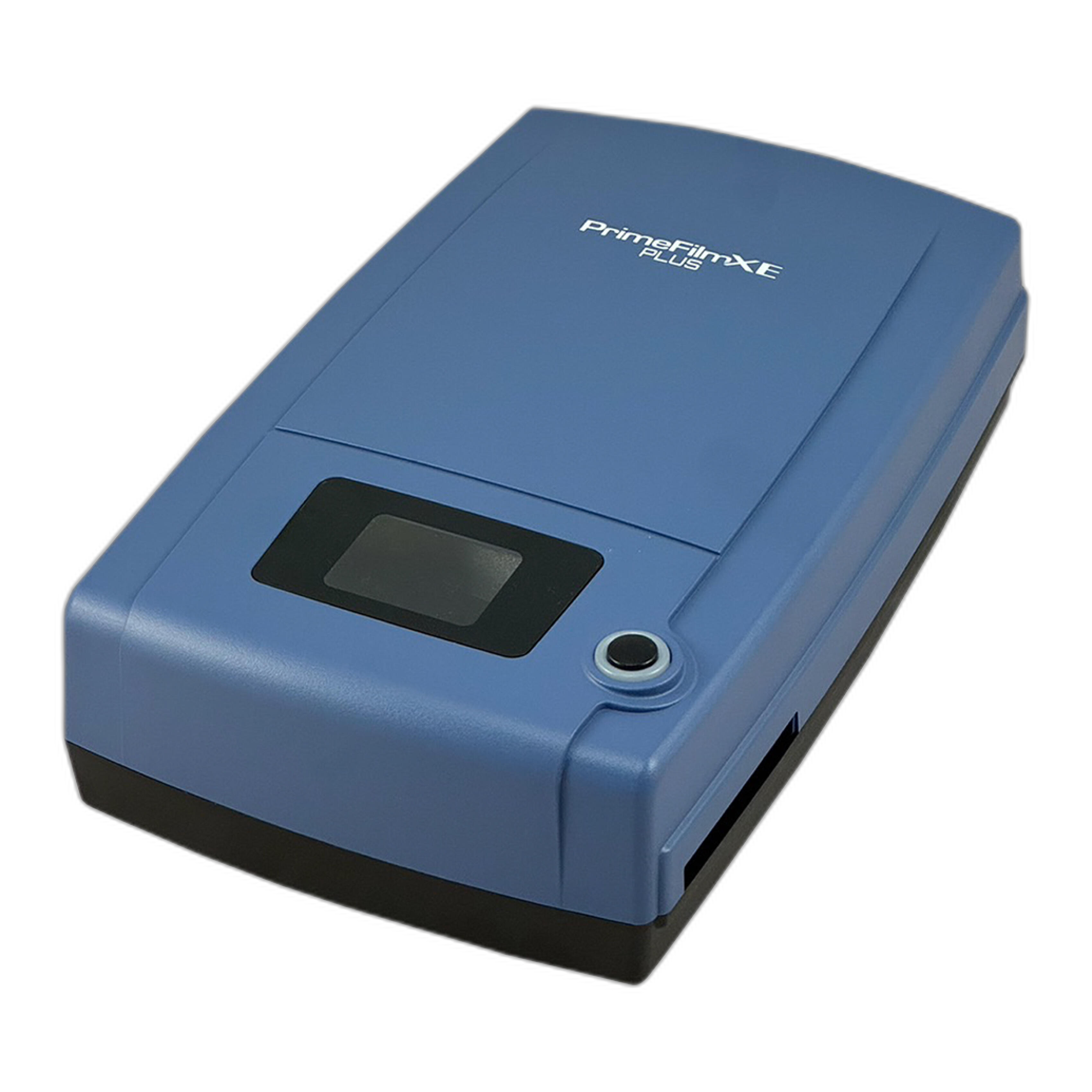
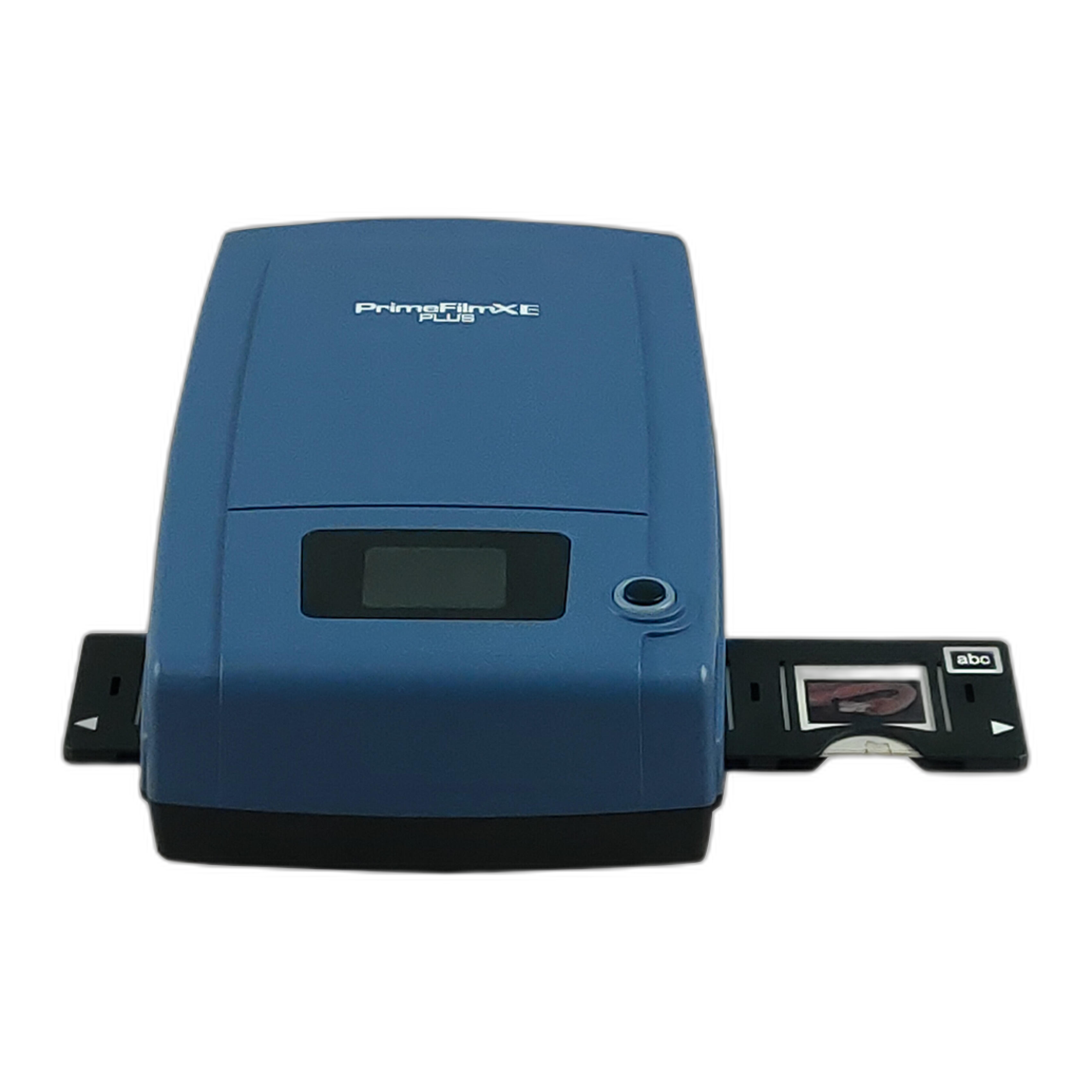
Scanning is another major variable. If one roll is scanned with stronger contrast or a different white balance, it can completely change your impression of the film. For home testing, using a consistent scanner makes comparisons easier. The Pacific Image PrimeFilm XE Plus is a strong option when you want dedicated film scanning with repeatable results for negatives and slides.
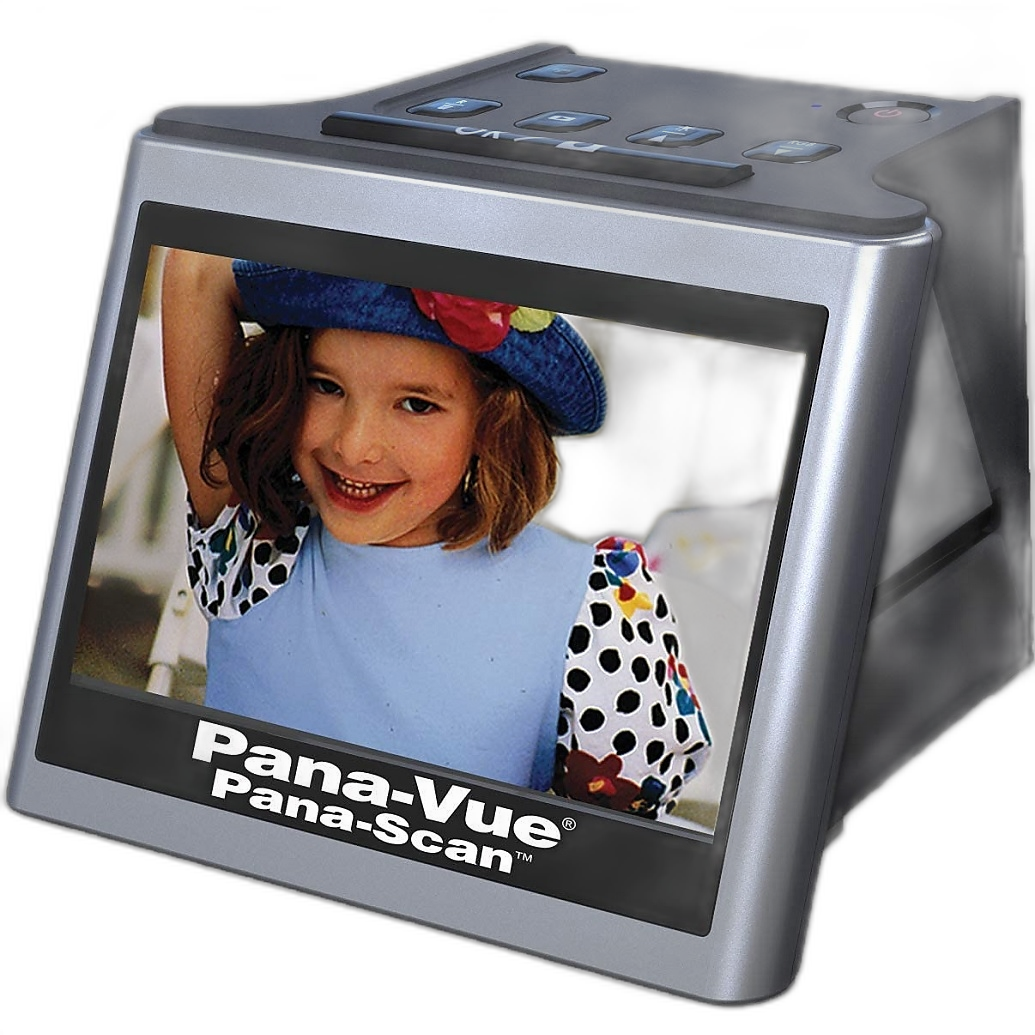
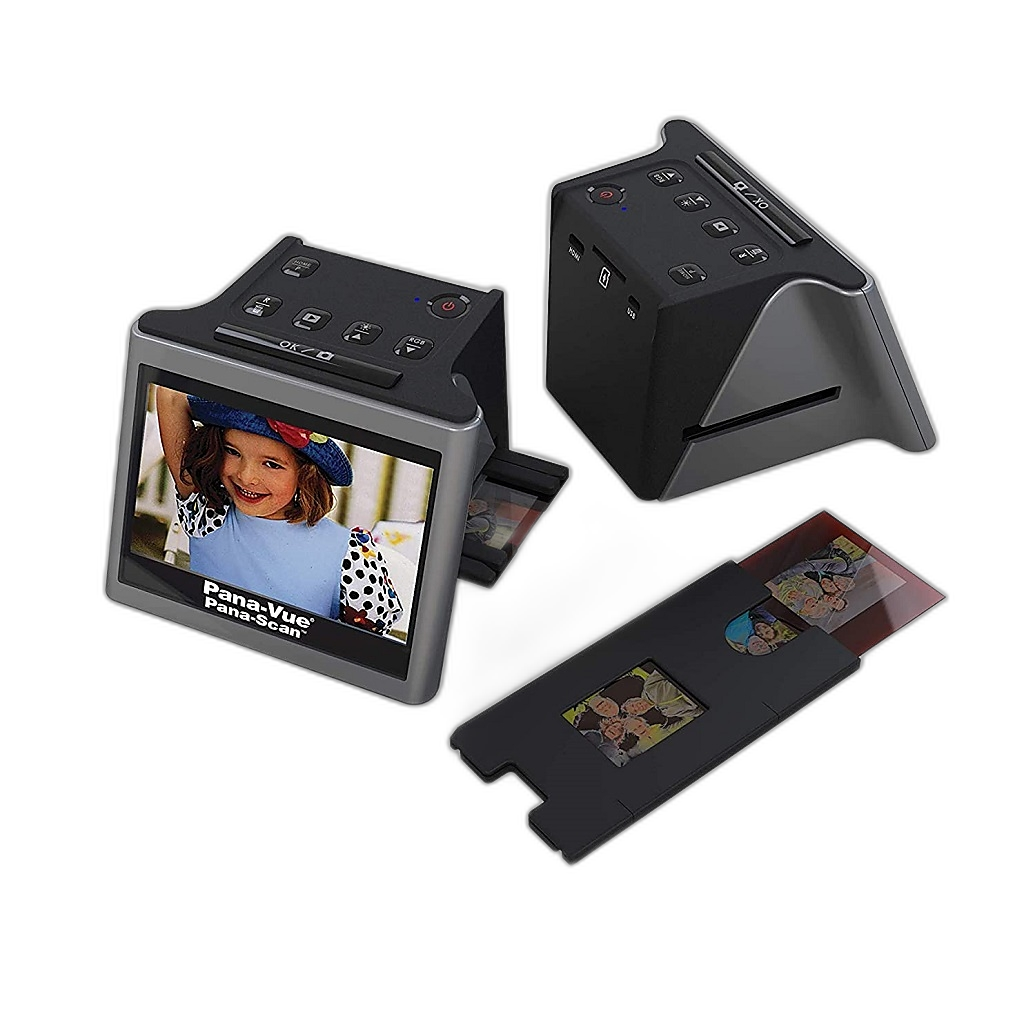
For photographers who want a fast, approachable way to digitize portrait test rolls, the Pana-Vue Pana-Scan 22MP Slide and Film Scanner can be useful for review, reference, and sharing initial comparisons.
Why do my scans make one portrait film look better than it does on the light table?
Scans can strongly influence your opinion of a film stock because scanner software interprets density, color, and contrast. Automatic correction may brighten shadows, shift warmth, or add contrast in ways that flatter one stock and flatten another. This is especially common when comparing color negative films, where inversion profiles can differ significantly from one setup to the next.
If you are serious about evaluating portrait films, scan with a neutral baseline and make only minimal adjustments at first. Dedicated scanning solutions like the Pacific Image PrimeFilm XE Plus can help you produce more controlled results, while a camera-scanning workflow offers flexibility when you want to fine-tune inversion and color decisions yourself.
The KAISER DigiCopy Vario Camera Scannning/Copy System for Slides/Negatives is worth considering if you prefer camera scanning for maximum control over your digitizing workflow. It can be an excellent approach for photographers comparing subtle differences in skin tone and grain from one film to another.
Is camera scanning a good choice for portrait film shooters?
Yes, especially if you already own a high-resolution digital camera and want speed, flexibility, and consistent capture. Camera scanning can be ideal for portrait photographers who test multiple films and want to compare files quickly. It also gives you more control over white balance, exposure, and inversion in postproduction.
The KAISER DigiCopy Vario Camera Scannning/Copy System for Slides/Negatives is designed specifically for copying slides and negatives, making it a practical option for film photographers who want a more controlled reproduction setup at home. With a stable camera-scanning system, you can build a repeatable workflow for side-by-side portrait film evaluation.
Are dedicated film scanners still worth it for portrait work?
Absolutely. Dedicated film scanners remain a strong choice when your priority is detail, consistent framing, and a compact workflow. For portrait shooters working with 35mm film, a scanner like the Pacific Image PrimeFilm XE Plus can be particularly appealing because it is purpose-built for film and can deliver clean, detailed scans for editing or printing.
If your goal is convenience and quick digitization of mixed film archives, the Pana-Vue Pana-Scan 22MP Slide and Film Scanner offers a simple way to bring older portrait negatives and slides into your digital workflow.
How do slide films and negative films differ for portrait photography?
Negative films are generally more forgiving, especially with exposure latitude and highlight retention. That makes them a popular choice for portraits, where skin highlights can clip quickly in bright conditions. Slide films can look incredibly vivid and precise, but they demand more careful metering and often have less tolerance for exposure error.
When it comes to scanning, slide film can appear easier to evaluate because you can view the original positive directly. If you archive mounted slides or work with larger collections, specialized accessories can be valuable in a high-volume workflow. For example, the Hasselblad Mounted Slide Feeder for X5/949 Only is designed for compatible Hasselblad scanning systems and can be useful in professional archival or studio environments.
What should I look for in scans when judging portrait film?
Start with skin tone separation. Look closely at how the film handles reds, yellows, and subtle transitions in midtones. Good portrait film scans should preserve natural color without making skin look overly magenta, yellow, or gray. Next, check highlight roll-off on foreheads, noses, and cheeks, as well as shadow detail in hair and darker clothing.
Grain matters too, but it should be judged at a realistic viewing size. A grainier film may still look beautiful in portraits if the tonal rendering is flattering. Likewise, a very clean scan may not actually represent the character of the film if excessive noise reduction or sharpening has been applied. A consistent scanner setup helps here, whether you choose the Pacific Image PrimeFilm XE Plus for dedicated film scanning or a camera-copy approach with the KAISER DigiCopy Vario.
What is the best way to archive portrait film tests and side-by-side comparisons?
Create a simple system: label each roll with film type, ISO, lens, lighting condition, lab, and scan method. Save full-resolution scans and smaller reference JPEGs in organized folders so you can revisit comparisons later. Over time, this gives you a practical record of how certain films behave with different skin tones, lighting styles, and exposure techniques.
For photographers digitizing older film binders or recent portrait tests, the Pana-Vue Pana-Scan 22MP Slide and Film Scanner offers an approachable entry point for quick archiving, while the Pacific Image PrimeFilm XE Plus is better suited when scan quality and consistency are central to your evaluation process.
Should I choose a scanner based on sharing online or printing large portraits?
Yes. Your output should guide your digitizing choice. If you mainly want to post comparisons online, review test rolls, or send previews to clients, a straightforward scanner can be perfectly adequate. If you intend to make larger prints, crop tightly, or study fine differences in grain and sharpness, a more robust scanning solution is usually the better investment.
That is where the Pacific Image PrimeFilm XE Plus stands out for many film photographers. It is a strong fit for those who want more critical scans from 35mm portrait work. For a faster, less technical route into digitizing, the Pana-Vue Pana-Scan 22MP Slide and Film Scanner remains a practical option.
Choosing a portrait film is only part of the process; evaluating it properly is what helps you find the stock that truly matches your style. At Unique Photo, we carry film scanning tools and accessories to help you compare, archive, and refine your portrait workflow with confidence. Explore our selection and find the right scanner or camera-scanning solution for your next film portrait project.