Fast News Photo Transmission: Field‑Proven Workflow FAQs
When seconds matter, a streamlined workflow can be the difference between leading the wire and missing the moment. As New Jersey’s go-to pro camera retailer, Unique Photo helps photojournalists build reliable, fast pipelines from camera to editor—without sacrificing image integrity.
What’s the fastest way to move images from camera to your editor in the field?
Preconfiguration wins. Before the assignment, set up in‑camera FTP/FTPS/SFTP profiles to push JPEGs directly to your desk or an agency server. Pair the camera to your phone’s secure hotspot and test credentials. If the venue’s Wi‑Fi is stable, wired Ethernet (many arenas offer drops) is even more dependable. When you need to ingest cards, a dual‑slot UHS‑II reader such as the Lexar Professional Workflow Dual‑Slot SD UHS‑II Reader (SKU: LRD1116) accelerates transfers dramatically versus built‑in laptop slots.
- Use dual card recording: RAW to one, JPEG to the other for instant transmit.
- Pre‑name files and lock sRGB color space to avoid desk-side surprises.
- Keep a second, pre‑configured hotspot for failover.
Mobile app or laptop—which gets images out quicker?
Both can be fast; choose based on the assignment. Mobile‑first is best for short bursts of breaking news: camera Wi‑Fi to phone, quick crop/exposure on mobile, then direct SFTP to the desk. Laptops excel for volume (sports, rallies) where Photo Mechanic‑style ingest, code replacements, and batch captions save minutes per image. Our field kit recommendation: carry both. Use the phone for immediate frames; when there’s a pause, switch to laptop with the Lexar reader for a full cull and batch metadata.
How do I caption and embed metadata when every minute counts?
Build IPTC templates in advance. Store assignment‑specific data (slug, event name, location, credit, copyright) as presets on your camera or laptop and assign hotkeys for code replacements (e.g., team names, titles). Keep a short list of boilerplate captions ready, then customize the lead sentence. If your camera supports voice memos, record notes per frame to sync with the desk later. Consistent, complete IPTC makes your images searchable and publishable the moment they land.
How can I edit on the go without sacrificing quality?
Limit adjustments to what matters for fast publish: exposure, white balance, crop, and a light contrast boost. Shoot a neutral in‑camera profile and reserve heavy edits for the RAWs later. Transmit high‑quality JPEGs sized for your outlet (often 3000–4000px on the long side). For consistency across mixed lighting, carry a compact, quick‑open modifier when you’re asked to shoot a fast portrait at a press conference. A portable softbox speeds clean results and reduces post work.

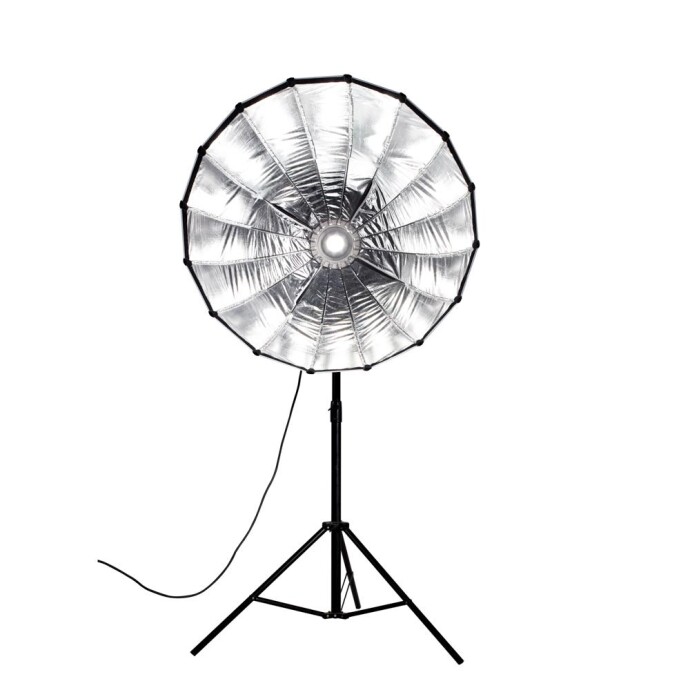
The Nanlite Para 90 Quick‑Open Softbox (SKU: NAH1097) sets up in seconds, creates punchy-yet-soft contrast, and keeps skin tones looking clean—ideal when you need a single, dependable light quality that minimizes time in post.
How should I configure networks for reliability at crowded events?
Redundancy is your friend. Pre‑test venue Wi‑Fi but prefer your own 5G hotspot. Use strong, unique passphrases, and avoid auto‑join on congested networks. If the venue offers Ethernet, run a short, shielded cable to a travel router you control, then route in‑camera FTP through that. Keep your phone and hotspot on external power to prevent throttling at low battery. For high‑stakes assignments, set the camera to queue transmissions so shooting never blocks the pipe.
Which file formats and camera settings speed delivery without hurting reproduction?
Most desks want JPEG, sRGB, and sensible file sizes. Shoot RAW+JPEG but transmit JPEGs immediately; retain RAWs for later syndication or features. Use continuous file numbering, clear author/copyright IPTC, and turn on in‑camera image ratings to flag your selects quickly during ingest. If your outlet supports HEIF, confirm compatibility first—JPEG remains the safest choice for universal newsroom workflows.
What minimal lighting should I pack for fast, clean press‑room results?
In dim ballrooms and mixed lighting, a single, consistent modifier saves time. A quick‑open 90cm softbox paired with a Bowens‑mount LED or flash creates controllable, flattering light and keeps color predictable across frames. That consistency reduces culling and editing time, helping you transmit sooner.
If a client requests same‑day prints, how can I deliver without slowing my digital workflow?
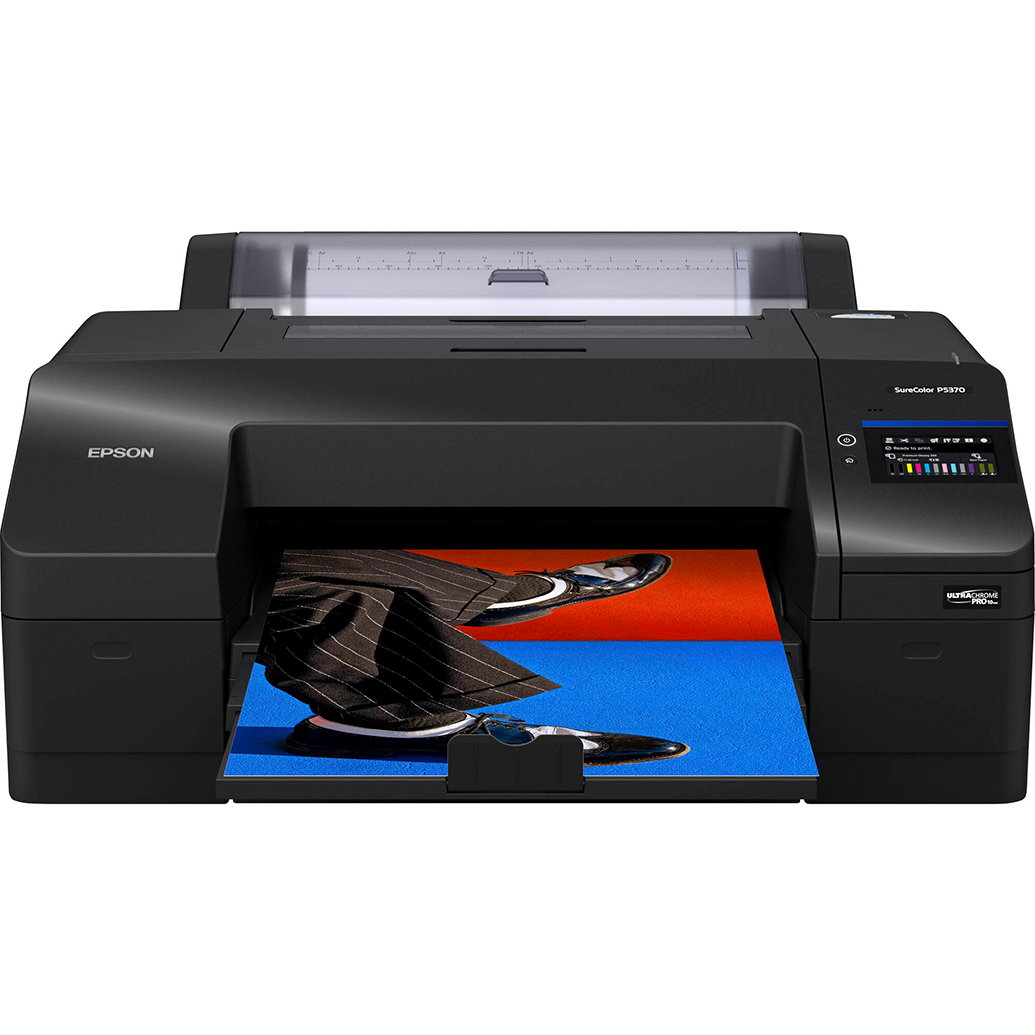
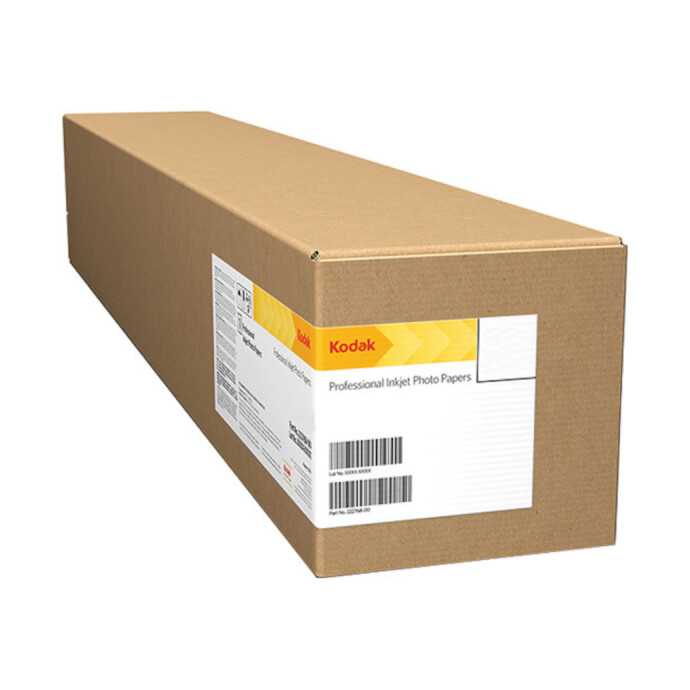
Route digital first; print second. Once the desk has your selects, a compact 17‑inch printer like the Epson SureColor P5370 (SKU: EPD1610) can produce crisp, color-stable proof prints on site or back at the newsroom. Pair it with a punchy media, such as Kodak Professional Metallic Photo Inkjet Paper, for attention‑grabbing deliverables at press briefings or sponsor activations.
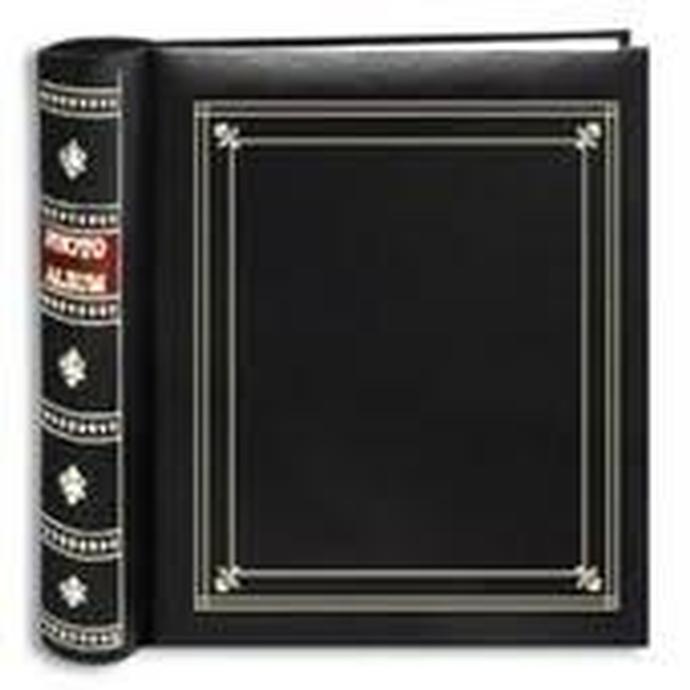
For simple physical handoffs later (team recaps, VIP thank‑yous), a clean 4×6 memo album keeps prints organized and caption-ready.
How can I sharpen my field workflow before the next assignment?
Practice under time pressure. Build and rehearse your presets, test your FTP paths, and simulate two or three transmission scenarios (mobile‑only, laptop ingest, wired). Unique University runs hands‑on classes and excursions that hone camera control, composition, and speed—skills that pay off when the news breaks.

Whether you’re refining exposure decisions or compressing your cull-to-caption cycle, we’ll help you create a workflow that’s both fast and dependable.
Ready to outfit your rapid-transmission kit? Visit Unique Photo for expert guidance, proven gear, and training designed for working photojournalists. Call, chat, or stop by our Fairfield, NJ superstore to get set up before your next assignment.