Great video does not start with resolution alone. Beginners often focus on the camera first, but the biggest improvements usually come from better audio, better lighting, and steadier shots. Whether you are filming interviews, livestreams, school events, worship services, sports coverage, or simple social content, the right accessories can make even an entry-level setup look far more polished.
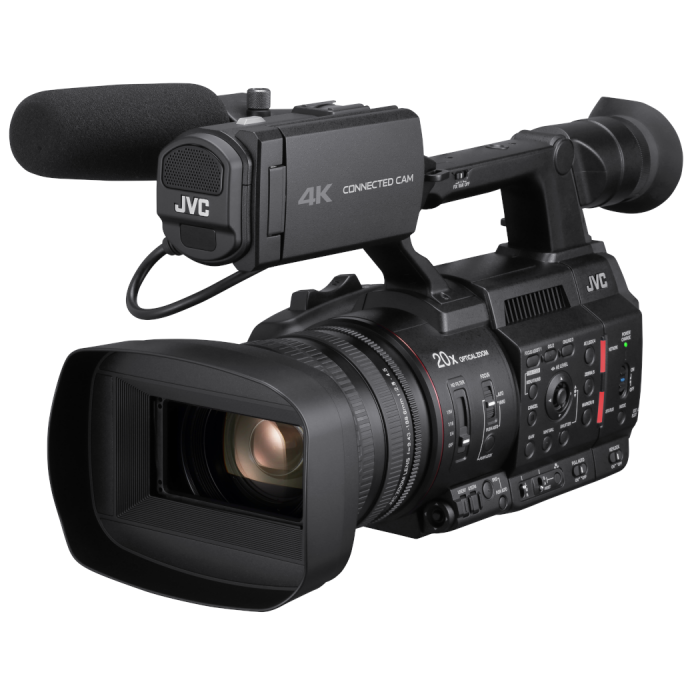
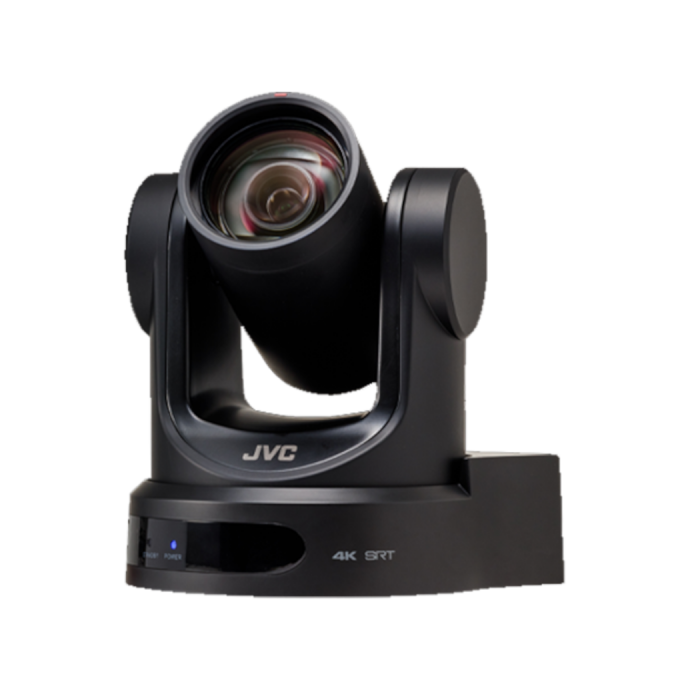
As you build your kit, it also helps to think about the type of camera system you are using. A handheld camcorder like the JVC GY-HC500U Handheld Connected Cam 1in 4K Professional Camcorder gives beginners a flexible run-and-gun foundation, while a remote solution like the JVC KY-PZ400N 4K NDI HX PTZ Remote Camera with 12x Optical Zoom can simplify multi-angle productions in fixed locations.
Start with Audio First
1. A microphone upgrade usually matters more than a camera upgrade
If your video looks sharp but your sound is thin, echoey, or noisy, viewers will notice immediately. That is why audio should be the first accessory category most beginners improve. Built-in camera microphones are convenient, but they are rarely ideal for dialogue or professional-sounding content.
If you are using a handheld video camera such as the JVC GY-HC500SPCU Handheld 4K Connected Camcorder with Sport Overlays or the JVC GY-HM250SP Compact Handheld Camcorder, pairing it with an external shotgun or wireless microphone system can dramatically improve voice clarity. This is especially helpful when filming interviews, sideline commentary, presentations, or documentary-style clips.
2. Match the microphone type to the shoot
- Shotgun microphones are useful for directional pickup when the mic can stay close to your subject.
- Lavalier microphones are great for talking-head videos, interviews, and presenters who move around.
- Wireless systems are helpful when cables would get in the way during events or live productions.
Beginners often buy one mic and try to use it for everything. A better approach is choosing the style that fits your most common shooting situation. For example, if your JVC GY-HC500MC Handheld 4K 20x Zoom Connected Camcorder is being used for event coverage, a wireless lav setup may be more practical than relying on distance audio.
Light Your Subject Before You Light the Room
3. One simple light in the right place can transform your footage
Lighting does not need to be complicated. Many beginners assume they need a full studio setup, but one well-placed LED panel or soft light can make a huge difference. Start by lighting faces clearly and evenly, especially for interviews, livestreams, and educational content.
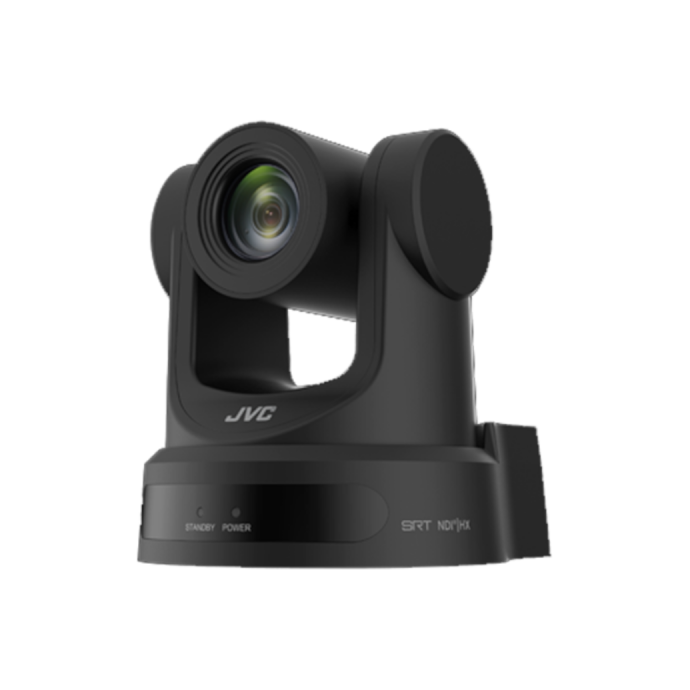
This matters whether you are shooting with a connected handheld camcorder or using a fixed-position PTZ model like the JVC KY-PZ200N HD NDI HX PTZ Remote Camera with 20x Optical Zoom. Even excellent cameras benefit from controlled lighting because it helps maintain cleaner skin tones, more pleasing contrast, and more consistent exposure.
4. Use soft light for beginners
Hard light creates stronger shadows and can be tricky to manage if you are still learning. Soft light is more forgiving and tends to flatter faces. If possible, position a soft source slightly above eye level and about 45 degrees off to one side of your subject. That setup is simple, reliable, and easy to repeat.
For creators working in classrooms, conference rooms, houses of worship, or home studios, this is also useful when operating fixed cameras such as the JVC KY-PZ200 HD PTZ Remote Camera with 20x Optical Zoom in either black or white finishes, where your framing may stay consistent from shoot to shoot.
5. Watch your background, not just your subject
Lighting is not only about brightness. A cluttered or dark background can make a scene feel unbalanced. Even a small accent light in the background can add depth and separate your subject from the space. If you are filming presentations or livestreams with a PTZ workflow using a camera like the JVC KY-PZ200N HD NDI HX PTZ Remote Camera with 20x Optical Zoom (White), a little background lighting can make the whole production feel more intentional.
Stabilization Makes Video Look More Professional
6. Tripods are the easiest stabilization upgrade
Shaky footage is one of the fastest ways to make a beginner video feel unpolished. A sturdy tripod is often the smartest first stabilization purchase because it immediately improves interviews, performances, lectures, product videos, and locked-off B-roll.
Handheld camcorders such as the JVC GY-HC500U and JVC GY-HM250SP become much more effective when paired with solid support. You will get cleaner pans, steadier static shots, and less fatigue during long productions.
7. Use monopods or supports for event coverage
If you need mobility, a monopod can be a great middle ground between completely handheld shooting and a full tripod setup. It reduces shake while letting you move quickly during sports, school functions, ceremonies, or news-style coverage. For a camera like the JVC GY-HC500SPCU, this can be especially useful when following action while maintaining a professional look.
8. PTZ cameras can reduce the need for physical stabilization tools
One of the simplest ways to avoid shaky footage altogether is to use a camera that is designed for remote operation in a fixed position. PTZ cameras like the JVC KY-PZ200N and JVC KY-PZ400N can be mounted securely and controlled remotely, which is ideal for houses of worship, meeting rooms, studios, and streaming spaces. For beginners producing multi-camera content, this can be a practical way to get smooth camera moves without learning handheld stabilization techniques right away.
Build Your Kit Based on Your Content
9. Interviews, events, and livestreams all need different accessory priorities
A beginner mistake is buying accessories without thinking about the actual type of video being produced. Instead, build around your most common use case:
- Interviews: prioritize a quality microphone, tripod, and soft key light.
- Events: prioritize wireless audio, mobile support, and dependable on-location lighting.
- Livestreams: prioritize consistent lighting, clear speech capture, and stable camera placement.
- Permanent installs: consider PTZ cameras such as the JVC KY-PZ200 or JVC KY-PZ400N to simplify operation.
If you are covering sports or fast-moving action, a model such as the JVC GY-HC500SPCU or JVC GY-HM250SP may pair especially well with stabilization accessories and speech-focused audio tools.
Keep Your Setup Simple at First
10. Start with three essentials: one mic, one light, and one support system
It is easy to overbuy when you are starting out. Instead of building a giant kit right away, focus on one dependable microphone, one easy-to-use light, and one stabilization solution. That combination will improve your work faster than buying lots of gear you do not fully understand yet.
A solid beginner-friendly path could be a handheld camcorder like the JVC GY-HC500MC or JVC GY-HC500U, paired with an external microphone, a compact LED light, and a tripod. If your production environment is fixed and repeatable, a PTZ option like the JVC KY-PZ200N may make even more sense.
Conclusion
For beginners, the biggest leap in video quality often comes from the accessories around the camera. Better microphones create clearer, more watchable sound. Better lights make your image cleaner and more flattering. Better stabilization makes every shot feel more polished and intentional.
As you grow, think about your workflow and choose tools that fit the way you actually shoot, whether that means a handheld system like the JVC GY-HC500 series or a remote setup built around JVC PTZ cameras. If you are ready to improve your video kit, Unique Photo is a great place to explore cameras and production tools that can help you get started with confidence.