Nothing beats the satisfaction of seeing every blade of grass and distant ridge pin-sharp in your landscape photos. Whether you’re getting started or refining your technique, the following guide compiles the key camera settings, focusing methods, stability practices, and post-processing steps that consistently produce sharp, high-impact landscapes. Along the way, we’ll point you to helpful classes and gear available at Unique Photo.
How to get sharp landscape photos: quick-start settings
Dial in these reliable baseline settings to minimize blur from the start:
- ISO: Use base ISO (often 100) for maximum detail and minimal noise.
- Aperture: Start at your lens’s sweet spot (typically f/7.1–f/11). Avoid stopping down beyond f/16 to limit diffraction softening.
- Shutter speed: Let the histogram dictate exposure. If you’re on a tripod, slower speeds are fine—stability is key.
- File format: Shoot RAW for optimal sharpening and noise control later.
- Focus mode: Single-point AF (AF-S/One Shot) or manual focus with magnified live view for precision.
- Stabilization: Turn off lens IS/VR and IBIS when locked on a tripod to avoid micro-vibrations (exceptions exist—test your setup).
- Vibration control: Use a 2–10 second self-timer, a remote release, or your camera’s app. Enable electronic front-curtain shutter (EFCS) or mirror lock-up on DSLRs.
Best focusing techniques for landscapes
Focusing accurately is half the battle for razor-sharp results:
- Single-point AF on a mid-distance subject is more reliable than wide-area modes for static scenes.
- Manual focus with magnification: Zoom in on high-contrast details in live view and tweak focus until crisp.
- Refocus after zooming: Zoom lenses can shift focus as you change focal length.
- Use back-button focus to prevent accidental refocusing when you press the shutter.
- For ultra-deep depth-of-field, consider focus stacking (multiple frames focused at foreground, mid-ground, and background, blended later).
Hyperfocal distance made simple
Hyperfocal distance is the focus distance that maximizes depth-of-field from roughly half that distance to infinity at a given focal length and aperture. Practical steps:
- Rule of thumb: Focus about one-third into the scene for general landscapes.
- Use an app or your camera’s distance scale to pre-visualize hyperfocal distances for your common focal lengths (e.g., 16–35mm at f/8–f/11).
- Confirm at 100% in playback: Check foreground and far horizon for equal crispness. If either is soft, adjust and reshoot.
Tripod and stability tips that eliminate blur
Even perfect settings can’t overcome camera shake. Make stability non-negotiable:
- Tripod technique: Extend thicker leg sections first; keep the center column low. On soft ground, set spikes or seat legs firmly.
- Wind management: Hang a weight from the tripod hook; stand on the windward side; use your body as a windbreak.
- Contactless shuttering: Remote release or timer prevents shake. Use EFCS or mirror lock-up on DSLRs.
- No tripod? Use the reciprocal rule (1/focal length) and add a faster safety margin (e.g., 1/(2×focal length)), brace your elbows, and shoot in short bursts.
Aperture choice, lens sharpness, and diffraction
Maximize edge-to-edge detail by understanding your optics:
- Sweet spot: Most modern lenses are sharpest 2–3 stops down from wide open. Test your lens to find its best apertures.
- Diffraction: Very small apertures (f/16–f/22 on many sensors) reduce resolution. Prefer focus stacking over extreme stopping down.
- Front filters: Low-quality filters add flare and softness. Choose high-quality coated filters or remove unnecessary protectors when shooting into light.
Filters that make landscapes look cleaner (and therefore sharper)
Filters don’t increase optical sharpness, but they improve clarity and contrast so detail appears crisper:
- Circular polarizer (CPL): Cuts glare on foliage and water, deepens skies, and restores micro-contrast.
- Neutral density (ND): Enables motion control (silky water, streaky clouds) without overexposing.
- Graduated ND: Balances bright skies with darker foregrounds, preserving highlight detail that you can sharpen effectively later.
If your lens uses 46mm threads, a compact option like the Tiffen 46mm Photo Essentials Kit/TPK1 is a practical starter bundle for travel kits. Explore filter solutions at Unique Photo to match your lenses and shooting style.
In-field checklist to prevent soft photos
- Clean front/rear elements; shade the lens from stray light.
- Disable stabilization on a tripod; re-enable when handholding.
- Use single-point focus and confirm at 100% magnification.
- Re-check focus after reframing or zooming.
- Bracket focus for insurance on critical scenes.
- Watch for heat shimmer at long distances—shoot earlier/later in the day.
Post-processing for razor-sharp landscapes
Smart sharpening respects detail while controlling noise and halos:
- Lens corrections first: Enable lens profile, remove chromatic aberration.
- Capture sharpening: In Lightroom/ACR, use a moderate Amount with a higher Masking value to avoid sharpening sky and smooth areas.
- Creative sharpening: Add micro-contrast selectively to rocks, trees, and textures using range masks.
- Output sharpening: Apply a final pass tuned to print size or web export. Don’t reuse web-sharpened files for print.
- Deconvolution tools can recover fine detail; balance with noise reduction.
Want hands-on guidance? Unique Photo’s class, Editing and Enhancing Landscape and Nature Photography with Photoshop, walks through pro-grade workflows to make detail pop without artifacts.

Print, present, and archive your sharp landscapes
Sharp photos deserve to be seen off-screen. Print your best frames and protect them in quality albums available at Unique Photo:
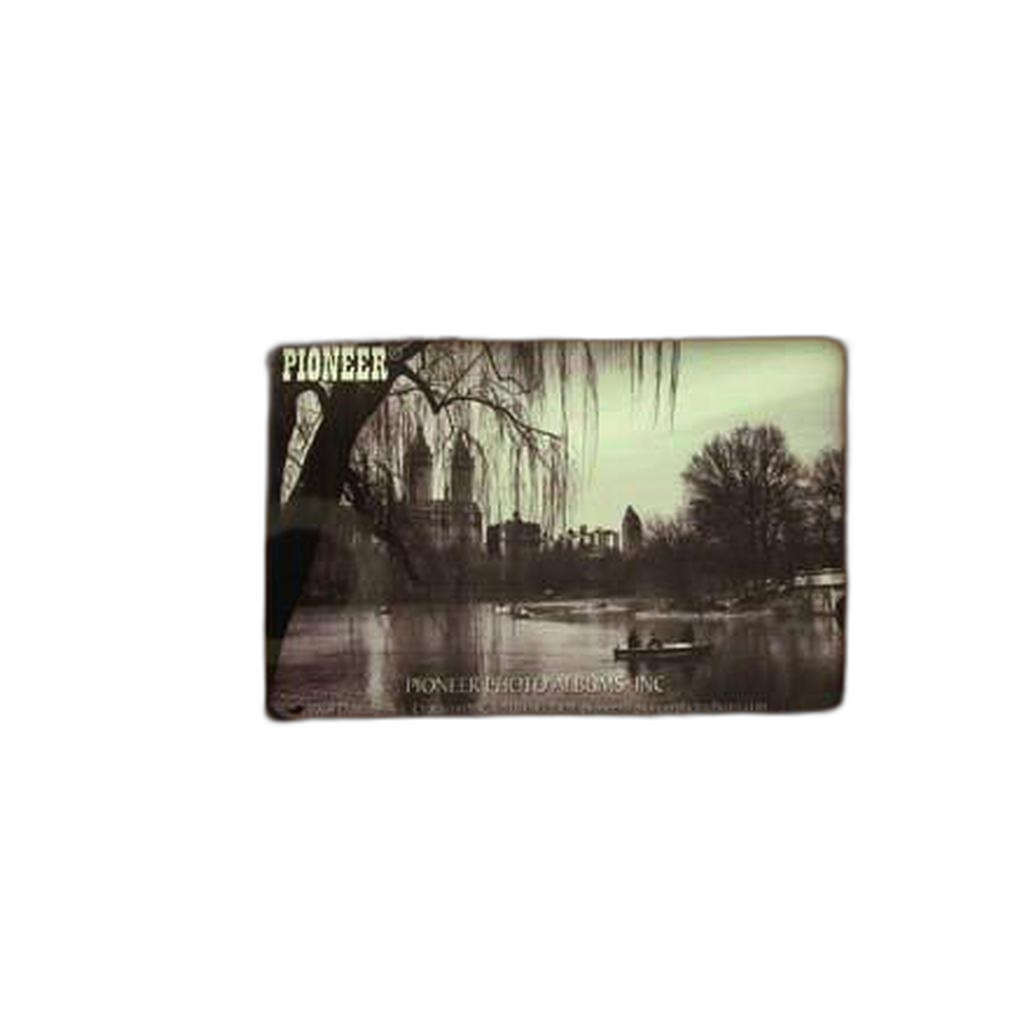
- Pioneer 4 x 6 In. Bi-Directional Memo Photo Album (200 Photos) - Black: Great for organizing trips and adding notes next to each print.
- Pioneer 4 x 6 In. Embossed Leather Frame Photo Album (200 Photos) - Brown: A classic, display-worthy option for your finest landscapes.
- Pioneer Album Refill Pages for BP-200 Album (30 Photos): Expand capacity as your portfolio grows.


Learn with Unique Photo
Level up your field craft with hands-on instruction. Unique University at Unique Photo offers on-location and classroom experiences that reinforce the techniques in this guide. For example:
- Macro and Landscape Photography at Duke Farms with Michael Downey: Practice composition, focusing, and tripod technique in the field with expert feedback.
Bonus: Capture location audio and notes
Documenting ambient sound and voice notes can improve your landscape workflow—record conditions, tactics, and future ideas while you shoot. A compact field recorder makes it easy to tag insights you can revisit later.
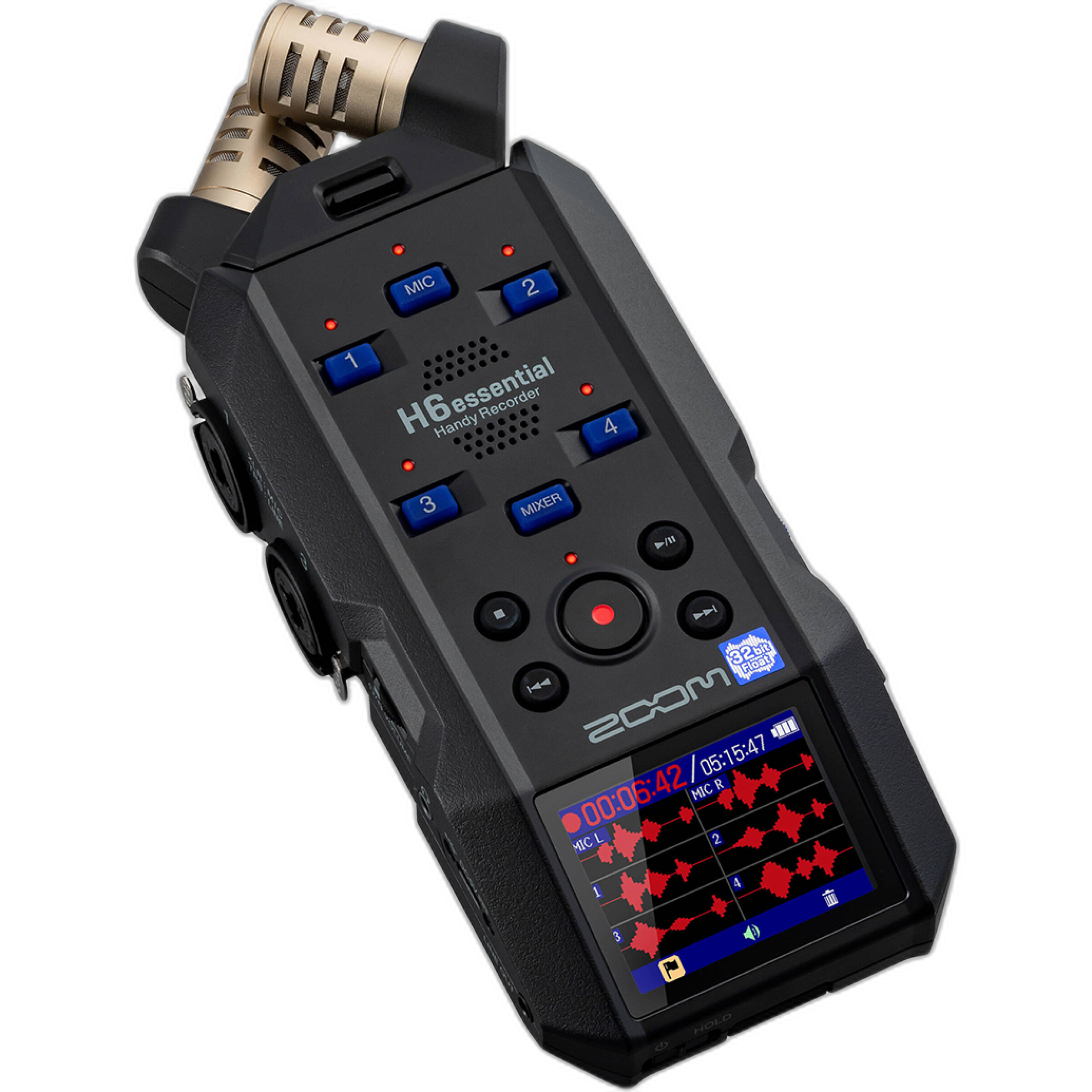
The Zoom H6Essential Series 6-Track 32-Bit Float Handheld Recorder provides ample headroom and clean audio for behind-the-scenes notes or multimedia projects alongside your stills.
Conclusion: Your path to tack-sharp landscapes
To consistently create sharp landscape photos, combine stable technique (tripod and shutter discipline), accurate focusing (hyperfocal or stacking), optimal aperture (f/7.1–f/11), and thoughtful post-processing. Unique Photo is here with the education, accessories, and presentation tools to help you elevate every frame.
Suggested internal links to add on Unique Photo:
- Tripods & Supports: For stable, blur-free long exposures.
- Filters: Explore circular polarizers, NDs, and kits like the Tiffen 46mm Photo Essentials Kit/TPK1.
- Unique University: Classes and workshops (including Duke Farms and Photoshop editing).
- Photo Albums & Refill Pages: Pioneer albums to showcase your sharp prints.
- Audio Recorders: For field notes and ambient sound to complement your photo projects.