Entering a photography competition can be exciting, but even a strong image can lose impact if it is submitted incorrectly. From file sizing and color management to naming conventions and judging considerations, preparing photos for online contest submission is just as important as making the image itself. At Unique Photo, we regularly help photographers refine their workflow so their work looks polished and professional from capture to upload.
Whether you are submitting landscapes, portraits, wildlife images, street photography, or fine art work, the tips below will help you avoid technical mistakes and present your photos at their best.
Understand the contest rules before you export anything
One of the most important online photo contest submission tips is to read the rules carefully before editing your final file. Every contest can have slightly different technical and creative requirements, including:
- Accepted file formats such as JPEG, TIFF, or PNG
- Maximum file size in MB
- Minimum or maximum pixel dimensions
- Color space requirements, often sRGB for web-based judging
- Naming conventions for files
- Limits on retouching, compositing, or AI-assisted edits
- Metadata requirements or restrictions
- Deadlines and upload portal instructions
If you skip this step, you may end up re-exporting files at the last minute or risking disqualification. Before you begin your final prep, create a checklist from the contest guidelines so you can verify every detail before submitting.
Choose the strongest image, not just your favorite
Many photographers struggle with selecting the right photo for competition. Your favorite image may have sentimental value, but judges will evaluate composition, storytelling, technical execution, originality, and emotional impact. When deciding how to choose a photo for a contest, ask yourself:
- Does the subject read clearly at thumbnail size?
- Is the image visually clean and free of distracting elements?
- Does it communicate a strong mood, concept, or moment?
- Is the editing subtle and intentional rather than overdone?
- Does it fit the contest category exactly?
It can help to step away from your images for a day and review them again with fresh eyes. Better yet, ask for feedback from knowledgeable peers or a trusted camera store team like Unique Photo, where photographers often compare gear, prints, and presentation strategies before entering competitions.
Edit carefully and avoid overprocessing
One of the most common mistakes in preparing images for photography contests is pushing the edit too far. Oversaturated colors, crushed blacks, oversharpening, aggressive noise reduction, and heavy skin smoothing can all become more obvious on judging screens.
When preparing your file, focus on:
- Balanced exposure with preserved highlight and shadow detail
- Accurate white balance unless a stylized look is intentional
- Natural contrast and color
- Selective sharpening that enhances detail without halos
- Retouching that supports the image without distracting from the subject
If the contest permits only minimal editing, keep your adjustments conservative. If creative editing is allowed, make sure the style enhances the concept rather than calling attention to the technique alone.
Crop and straighten for maximum visual impact
Proper cropping can make a substantial difference in how an image performs in competition. A slight crop can improve balance, remove distractions, and direct attention to the subject. Straightening horizons and correcting perspective also show polish and professionalism.
Before exporting, zoom in and inspect the edges of your frame. Look for:
- Bright distractions near corners
- Unintended cutoffs of limbs or important elements
- Tilted horizons
- Background clutter pulling attention away from the subject
Be careful not to crop so tightly that the image feels cramped or loses context. Strong contest submissions usually feel deliberate and well-resolved from edge to edge.
Use the correct color space for online judging
If you are wondering what color profile to use for online photo contest entries, sRGB is usually the safest option unless the contest specifically requests something else. Most online judging platforms and web browsers are optimized for sRGB, and submitting in Adobe RGB or ProPhoto RGB can lead to dull or inaccurate colors if the platform does not manage color correctly.
Before uploading your final image:
- Convert the file to sRGB
- Embed the color profile
- Preview the image on more than one screen if possible
- Check brightness and contrast on a calibrated monitor
If you print your work for review before submission, color consistency matters there as well. Unique Photo supports photographers building dependable print workflows, and products tied to professional printing environments can be useful for maintaining long-term output confidence.

Resize your image without sacrificing quality
Photo contest image size requirements vary widely. Some competitions want full-resolution files, while others require images under a certain pixel width or file size. To prepare photos for online contest submission properly, resize only after your editing is complete.
Best practices include:
- Export a copy, not your master file
- Set the exact pixel dimensions required by the contest
- Use high-quality JPEG settings unless another format is requested
- Apply output sharpening appropriate for screen display
- Double-check the final file size before uploading
If the file size is too large, reduce JPEG quality gradually rather than repeatedly re-saving the same file. Repeated compression can visibly degrade detail and create artifacts.
Sharpen for screen viewing, not just for print
Online contests are usually judged on monitors, so your sharpening strategy should match digital display. An image that looks perfect in print may appear soft on screen if output sharpening is not applied after resizing. On the other hand, too much sharpening can create halos around edges and make textures look harsh.
A good workflow is to:
- Perform capture sharpening early in editing
- Resize the final image for the contest specs
- Apply mild output sharpening for screen
- Review at 100% and fit-to-screen views
This helps ensure your image looks crisp and professional during online judging.
Check for dust spots, artifacts, and overlooked distractions
Before submitting, inspect the image carefully at full size. Tiny flaws can become surprisingly noticeable to judges, especially against smooth skies, studio backdrops, or minimalist compositions.
Look for:
- Sensor dust spots
- Chromatic aberration or fringing
- Noise in shadow areas
- Banding in gradients
- Cloning mistakes or repeated patterns
- Distracting background elements
This final quality-control pass is one of the easiest ways to make your entry look more polished.
Name your file professionally and preserve metadata when needed
File naming is often overlooked, but it matters. Some contests require anonymous judging, while others require specific naming formats. Follow the instructions exactly. If no naming format is provided, keep it clean and professional, such as:
lastname_title_category.jpg
Also review metadata requirements. Some contests want EXIF data intact to verify capture details, while others may ask you to remove identifying information for blind judging. Export accordingly.
Make sure your monitor is calibrated
If your monitor is too bright, too warm, or too saturated, your final entry may look very different on the judge’s screen. A calibrated monitor improves consistency and helps you make smarter editing decisions about exposure, color, and contrast.
This is especially important for subtle portrait tones, black-and-white work, and fine art photography. If you are serious about contest submissions, color-managed editing is worth treating as part of your essential workflow, not an optional extra.
Start with the best possible capture
Strong contest submissions begin in-camera. Clean detail, accurate focus, wide dynamic range, and intentional composition all make post-processing easier. For photographers creating hybrid or cinematic still imagery, high-end imaging systems can support exceptional file quality and flexible post-production workflows.
For example, advanced professional tools like the Red Digital Cinema V-RAPTOR XE Cine Essentials Pack are designed for creators who demand top-tier image quality and precision in demanding production environments.
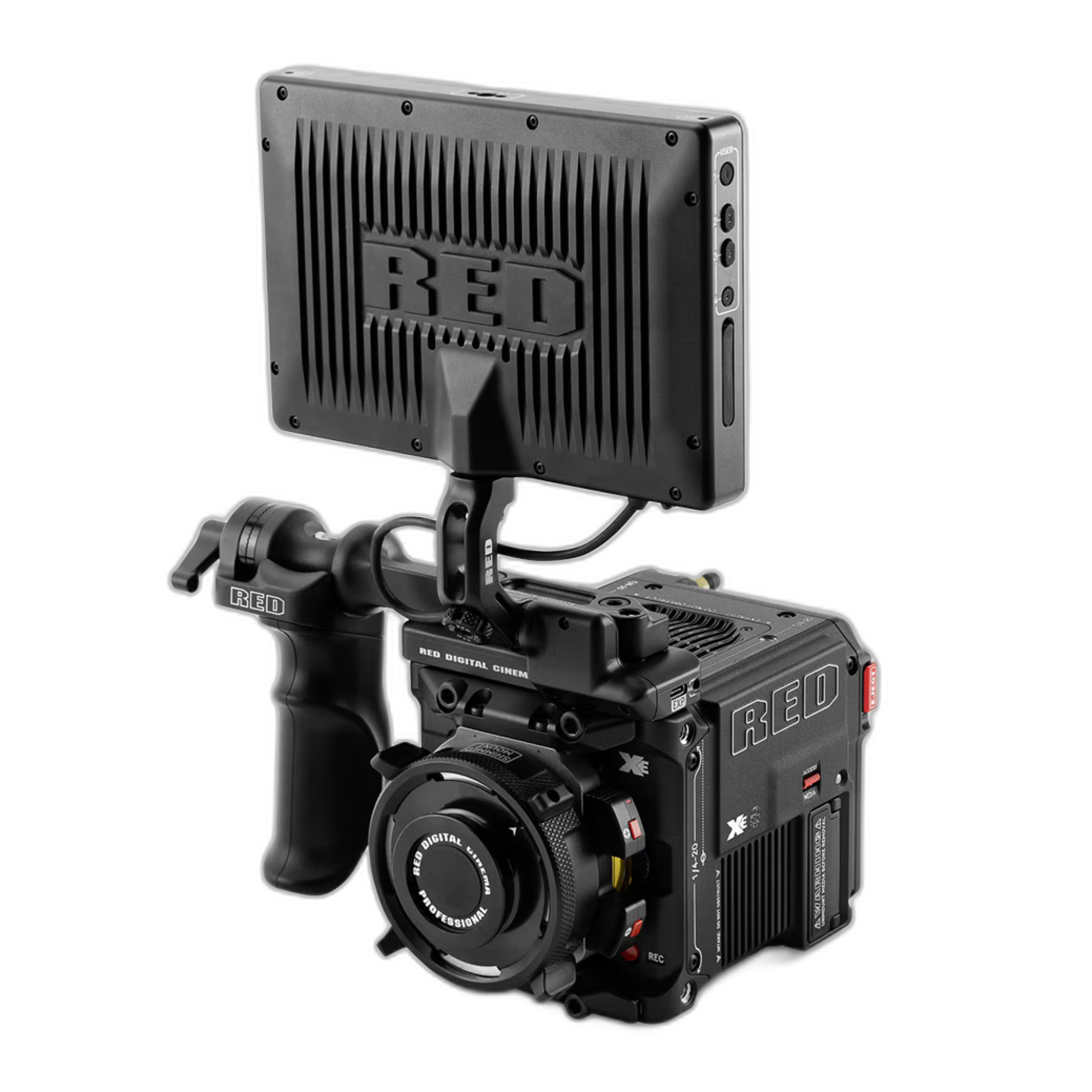
Unique Photo carries premium gear for photographers and content creators who want to elevate both image capture and final presentation, whether for contests, client work, or gallery-ready output.
Match your gear choices to your contest subject
Your lens and accessories can also affect the quality of the files you submit. Wildlife, sports, and landscape photographers often need more reach without compromising image quality. In those cases, a quality teleconverter can expand creative options while preserving strong detail when used appropriately.
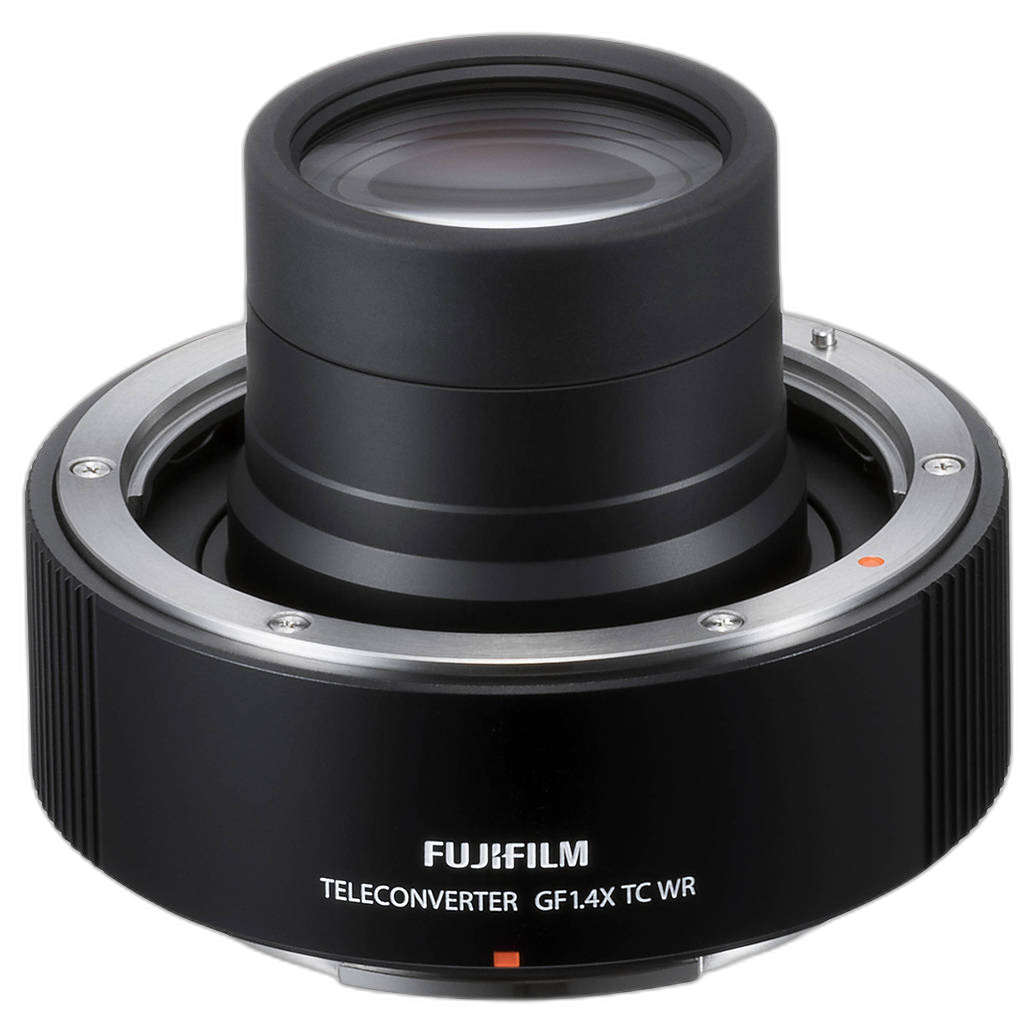
A product like the Fujifilm GF 1.4X TC WR Teleconverter can be useful for photographers working with distant subjects and looking to create competition-ready files with stronger framing in-camera. As always, the best results come from understanding how your tools affect sharpness, exposure, and autofocus performance.
Review your submission on multiple devices before uploading
Even if you edit on a calibrated monitor, it is smart to preview your final file on another screen, such as a laptop, tablet, or phone. This helps you catch issues like:
- Excessive darkness
- Overly strong saturation
- Unexpected cropping problems
- Artifacts introduced during export
You should also test the image at smaller sizes, since many contest portals display thumbnails or previews before judges open the full file. A strong image should remain compelling even when viewed small.
Upload early and confirm everything
Do not wait until the final hour to submit your entry. Uploading early gives you time to fix technical issues, portal errors, or formatting problems. After submission, review the confirmation screen and any email receipt to make sure your file uploaded correctly and the contest category is accurate.
Keep a backup folder with:
- Your final submitted file
- A screenshot or PDF of the contest rules
- Submission confirmation
- Alternate exports if additional rounds require different sizes
Final thoughts on preparing photos for online contest submission
Preparing photos for online contest submission is a blend of technical precision and thoughtful presentation. The best entries are not only creatively strong, but also properly sized, color-managed, sharpened for screen viewing, and fully compliant with contest rules. A clean workflow helps your work speak for itself.
At Unique Photo, photographers can find the gear, accessories, and workflow support needed to improve image quality from capture through final output. If you are refining your competition process, consider exploring cameras and cinema tools, teleconverters for tighter framing, and printing workflow resources that help you evaluate your work with greater confidence.
For helpful internal linking opportunities, connect this article to related Unique Photo content such as camera buying guides, monitor calibration resources, lens accessory recommendations, photo printing advice, and educational articles on editing workflows for competition-ready images.