Start Here: Who This Guide Is For
New to film and wondering what you actually need? This guide is for beginners who want a simple, reliable path from loading their first roll to seeing the final image—whether that means a lab print, a scan for social, or a full color darkroom experience. We’ll outline essential gear categories, lay out three beginner-friendly workflows, and highlight a few in-stock items at Unique Photo that support a hybrid film-to-digital process as you grow.
The Core Film Kit (What You’ll Use Every Roll)
- Film camera and fresh batteries (if applicable)
- Film stock (start with ISO 200–400 color negative or black-and-white)
- Light meter (built-in or external) and a notebook for exposure notes
- Stable support: a simple tripod helps in low light and for digitizing negatives
- Safe storage: film pouch and a changing bag for emergencies
From there, choose how you want to turn negatives into images: send to a lab, scan at home (hybrid), or print in a color darkroom. Many beginners start lab-first, then add hybrid scanning for more control.
Choose Your Path: Lab, Hybrid, or Darkroom
| Workflow Path | Develop | Digitize / Print | Time & Learning Curve | Upfront Gear | Best For |
|---|---|---|---|---|---|
| Lab-Only | Send film to a lab | Lab scans & prints | Lowest time; no setup | None beyond core kit | Getting started fast; consistent results |
| Hybrid (Recommended) | Lab develop | Camera scan or flatbed; edit, then print | Moderate; big creative control | Copy stand/tripod, light source, SD reader, editing software | Students, creators who want quality + flexibility |
| Color Darkroom | Home/community darkroom | Print on RA-4 color paper | Highest learning curve; very rewarding | Enlarger, RA-4 paper & chemistry, safelight | Hands-on printers; school/community darkroom users |
Product Recommendations to Kick-Start Your Process
Fujifilm DIGITAL PRO 12x354 Glossy Color Paper (RA-4)
If you’re joining a school or community darkroom—or setting up a teaching space—this Fujifilm RA-4 glossy paper roll delivers consistent, high-quality color prints from negatives. At 12 in x 354 ft, it’s sized for mini-lab and busy darkroom workflows. Beginners printing color should plan to work alongside an experienced tech or class while you master filtration and exposure.
- Finish: Glossy; RA-4 process
- Ideal for: Color darkroom or mini-lab environments
- Tip: Start with small test strips to dial in filtration
Fujifilm Digital RA PRO Developer/Replenisher Part B (200L)
Color darkroom printing uses RA-4 chemistry. This high-capacity Part B replenisher is intended for mini-lab or institutional darkrooms, ensuring process consistency at volume. For home beginners, check capacity carefully—this is far more than you’ll need solo and is best suited to shared spaces.
- Use case: Mini-lab or school darkrooms running RA-4 color
- Beginner note: Always follow chemical safety and proper disposal guidelines
Fujifilm Sky Blue Ink for DX400W
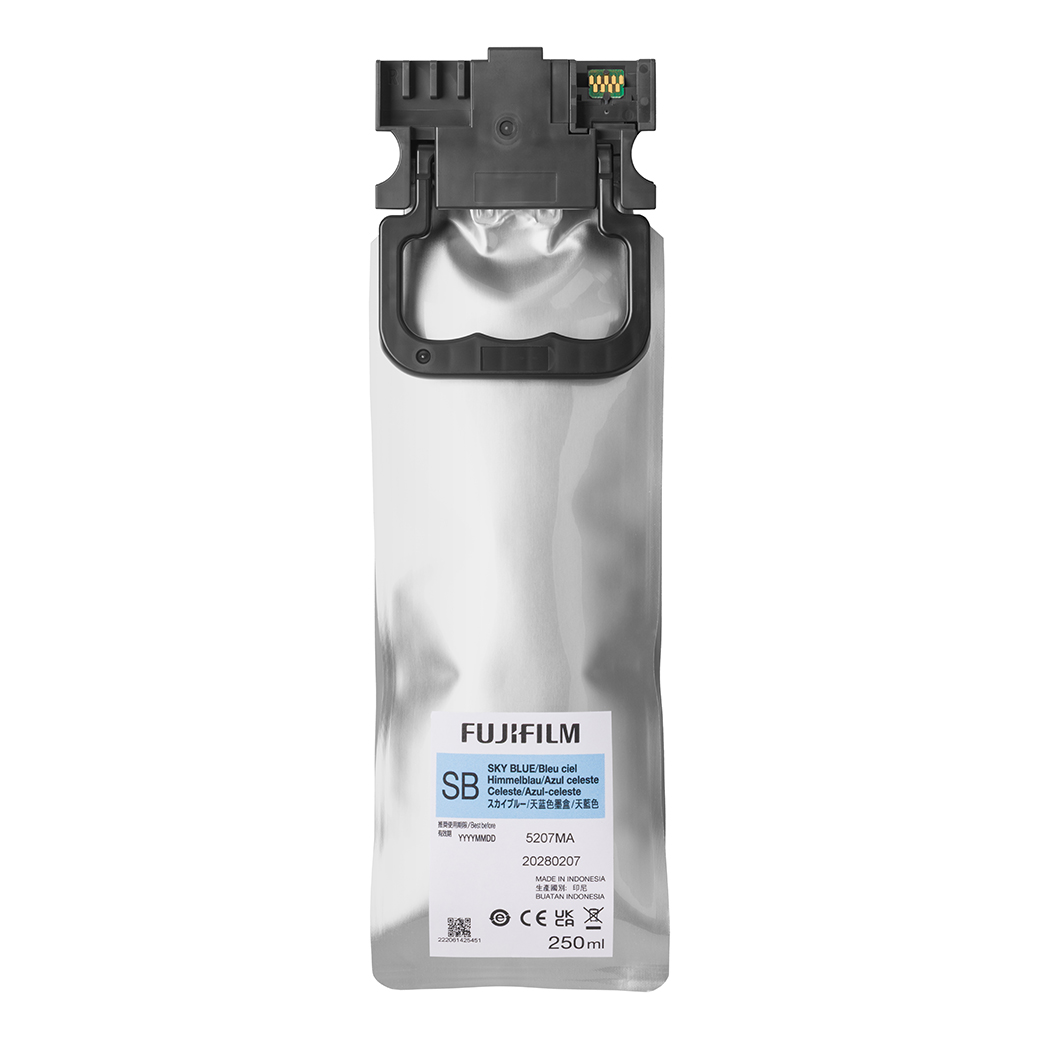
If you rely on a lab or event printer like the DX400W for final prints, maintaining the printer with fresh inks ensures color accuracy and uptime. Not a home essential—but useful if you’re plugging into a lab-equipped program that produces take-home prints from your film scans.
- Role in workflow: Keeps lab-grade print systems consistent
- Best for: School/community labs, event printing
Fujifilm BC-T125 Battery Charger (for GFX Series)
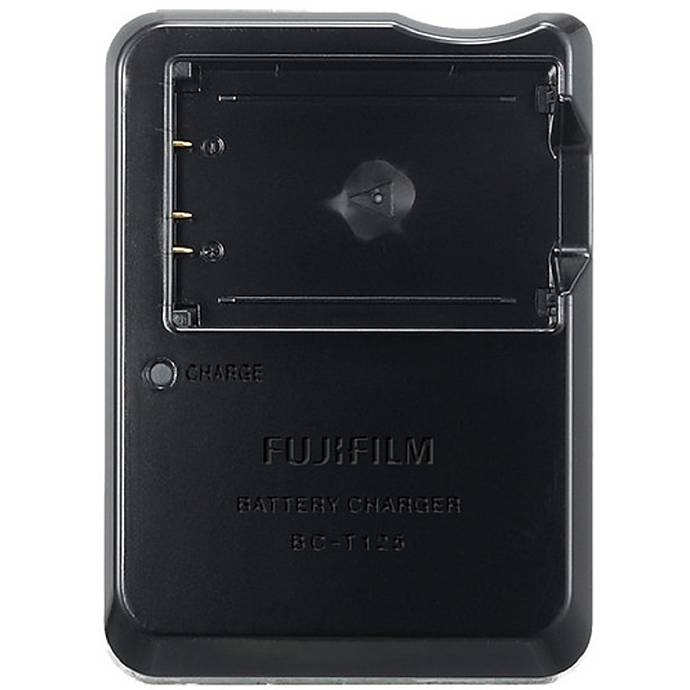
Many film shooters adopt a hybrid “camera scanning” setup using a high-resolution digital camera to digitize negatives. If you’re a Fujifilm GFX user, this dedicated charger keeps your camera ready for long scanning sessions and field days. Consistent power equals consistent results.
- Use case: Camera-scanning and studio digitizing with GFX
- Pair with: Stable tripod/copy stand and backlight
Lexar Professional Workflow Dual-Slot SD UHS-II Reader
Fast card readers are essential when you’re camera-scanning negatives or importing lab scans. This dual-slot UHS-II reader speeds up transfers, keeps your post process efficient, and reduces bottlenecks between shooting and sharing.
- Benefit: Faster ingest, less time waiting at your desk
- Works with: Camera-scanning, digital edits, and print prep
Unique University: Macro and Landscape at Duke Farms with Michael Downey
Field craft makes great film. Learn metering, composition, and light in a hands-on setting. Even if you’re shooting film, the exposure skills and careful observation from this class translate directly to more keepers on each roll.
- Great for: New shooters refining technique in real-world conditions
- Takeaway: Better exposures, stronger compositions
Unique University: Editing and Enhancing Landscape and Nature Photography with Photoshop

If you’re scanning your negatives, basic color correction, dust cleanup, and tonal balancing in Photoshop are essential. This class helps you turn raw scans into polished images while preserving the film look you love.
- Best for: Hybrid film-to-digital workflows
- Skills: White balance, curves/levels, local adjustments
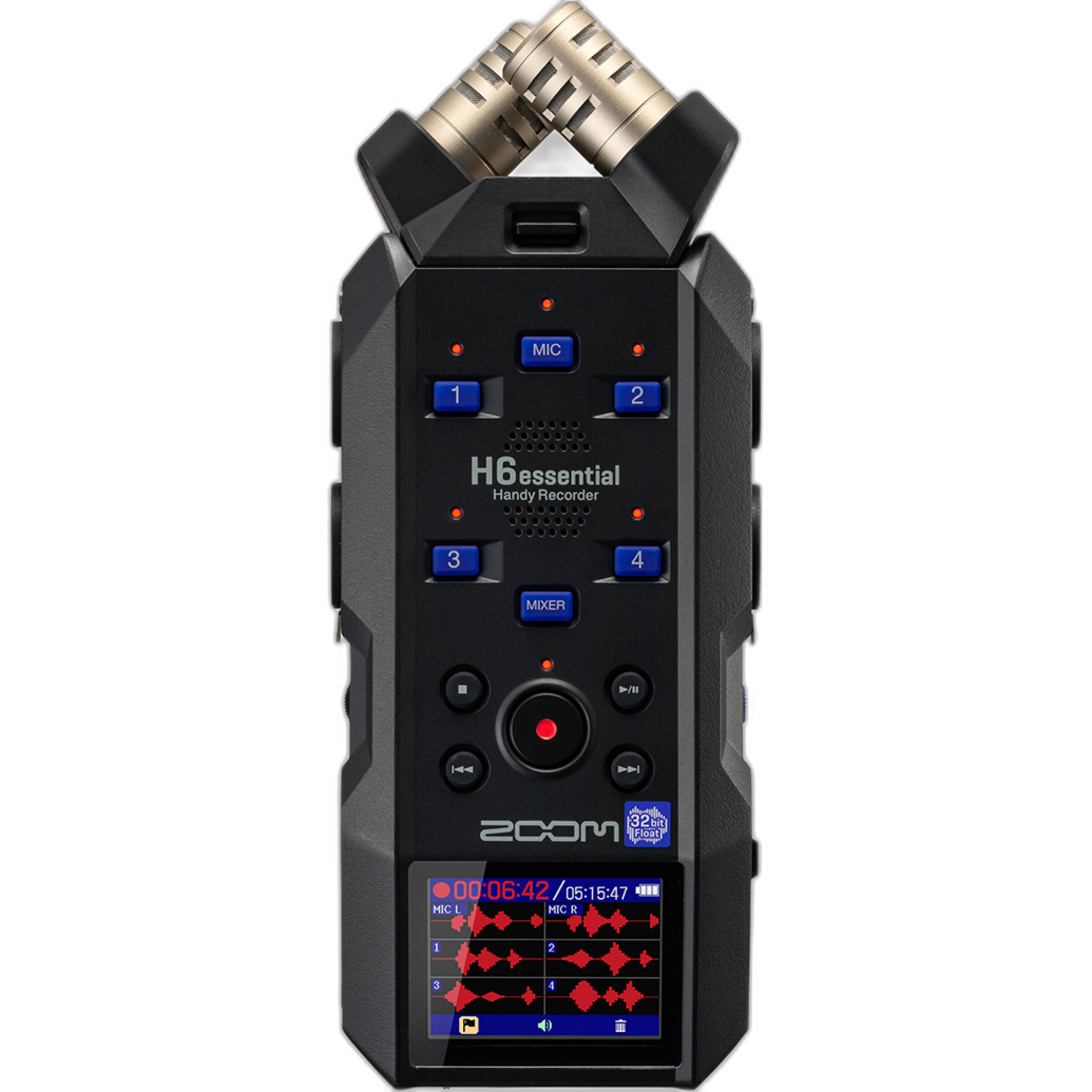
Zoom H6Essential 6-Track 32‑bit Float Handheld Recorder (Optional)
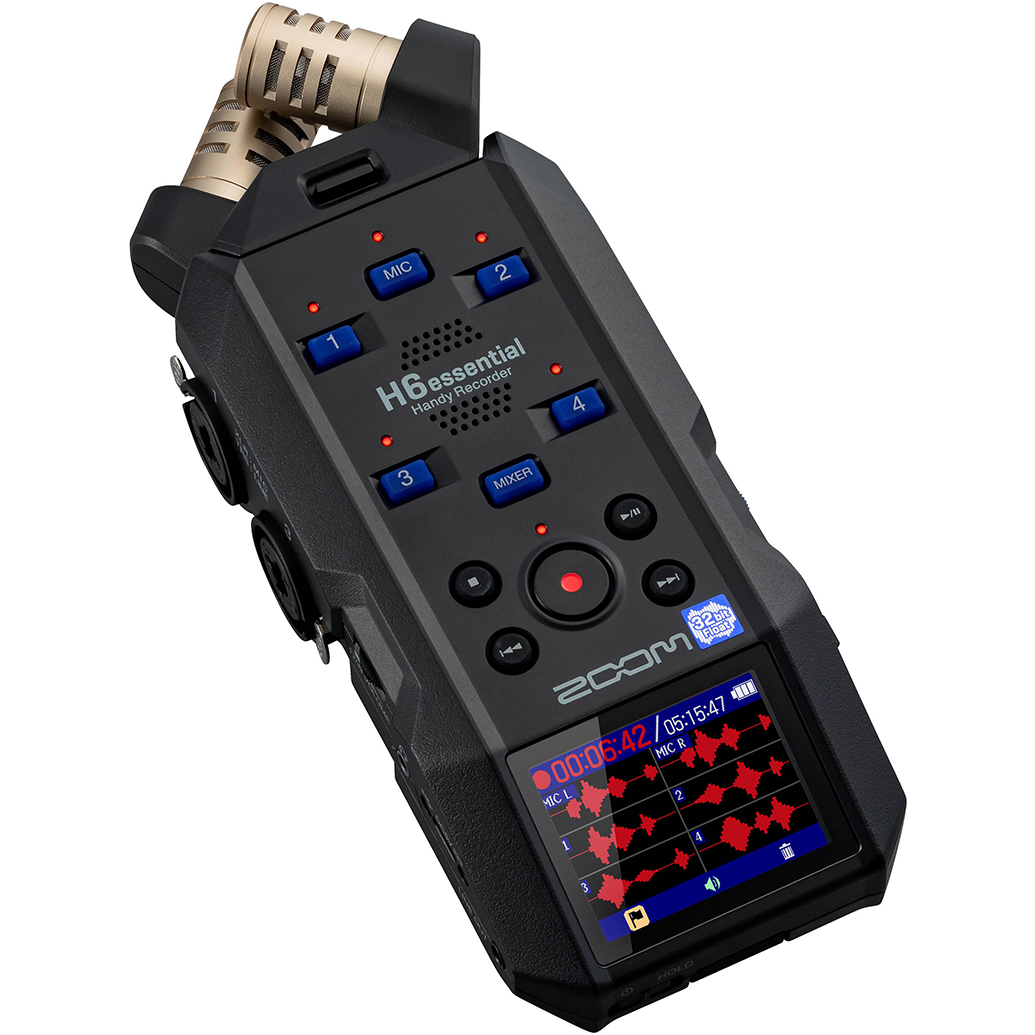
Not required for film, but storytelling matters. Document your projects, record interviews for a zine, or capture soundscapes to accompany photo essays. The H6Essential’s 32‑bit float recording gives you clean, forgiving audio for behind-the-scenes content.
- Use case: Multimedia projects, BTS content, teaching portfolios
Suggested components: fast SD reader (Lexar Professional), a reliable charger if you’re scanning with a Fujifilm GFX (BC‑T125), and a Unique University editing class to level-up your scans.
A Simple Beginner Workflow You Can Trust
- Shoot a forgiving film (ISO 200–400 color negative). Bracket exposures as you learn.
- Send rolls to a trusted lab for development.
- Digitize: either order lab scans or camera-scan at home with a stable setup.
- Edit lightly: correct white balance and contrast, remove dust, export for web or print.
- Print: order lab prints for sharing; explore RA‑4 darkroom printing when you’re ready.
Frequently Asked First Upgrades
- Tripod/copy stand and light source for camera scanning
- Rocket blower, antistatic cloth, and gloves for handling negatives
- Archival sleeves and a binder for long-term storage
Conclusion: Grow with Unique Photo
Start simple, pick a clear workflow, and build skills with each roll. For film-friendly supplies—from RA-4 paper and chemistry for darkrooms to hybrid essentials like fast card readers and education—Unique Photo has you covered. Visit or call our experts to fine‑tune your setup and find the best path from your negatives to beautiful prints.