Introduction: Choosing the Right Editing Starting Point
For beginners stepping into photo editing, the Lightroom vs. Capture One debate can feel bigger than it needs to be. Both platforms are powerful, professional-grade tools, but they serve slightly different types of users. Lightroom is often the more approachable entry point thanks to its broad popularity, intuitive library tools, and huge learning ecosystem. Capture One, on the other hand, appeals to users who want refined color control, strong tethering performance, and a more customizable workflow from the start.
Rather than treating this as a winner-takes-all comparison, the smarter approach is to look at which platform better fits your goals, your learning style, and your editing habits. For beginners, educational resources matter just as much as the software itself, which is why books and workflow tools can make a major difference in how quickly you improve.

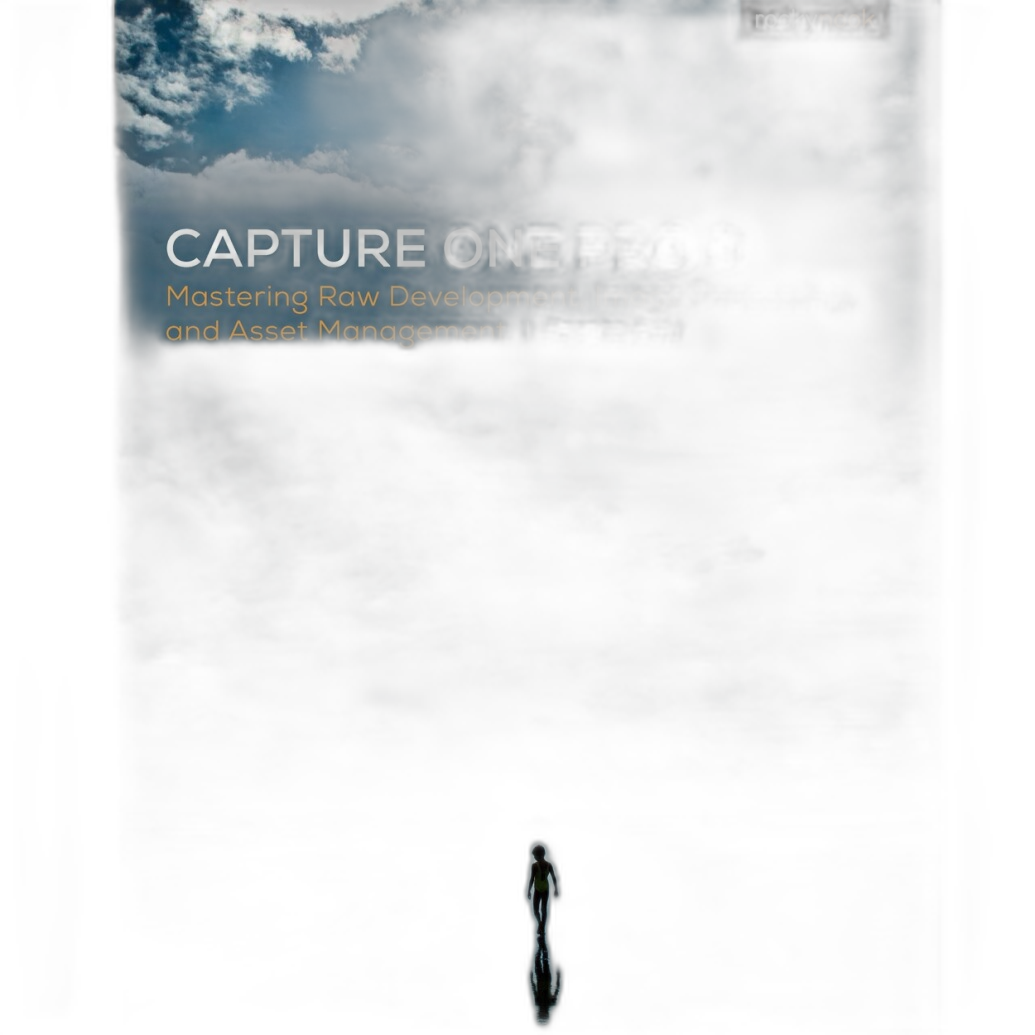
For anyone building a practical editing foundation, titles like How Do I Do That In Lightroom Classic 2nd Ed by Scott Kelby and The Enthusiasts Guide to Lightroom by Rafael Concepcion give Lightroom users a friendly, task-oriented path into the software. On the Capture One side, Capture One Pro 10 by Sascha Erni and Capture One Pro 9 by Sascha Erni help decode a platform that can feel more technical at first glance.
Lightroom for Beginners: The Easiest All-Around Starting Point
Accessible Workflow and Strong Learning Curve
Lightroom remains the easiest recommendation for most new editors. Its cataloging tools, presets, sliders, and straightforward layout make it simple to import, organize, edit, and export images without needing to customize much up front. If you are the kind of photographer who wants to start editing immediately and learn by doing, Lightroom is often the smoother path.

Books like The Enthusiasts Guide to Lightroom are especially useful because they focus on practical understanding instead of assuming prior knowledge. That makes Lightroom feel less intimidating for hobbyists, students, and newer shooters who want visible results quickly.
Best Beginner Tips for Lightroom
Start with global adjustments first: exposure, contrast, white balance, highlights, and shadows. Avoid jumping into heavy local masking right away. Learning how these core sliders affect the entire image builds a stronger editing foundation. Beginners should also use Lightroom's organizational features early, including flags, star ratings, and collections, because workflow discipline saves time later.
Another key tip: do not over-edit. Lightroom's clean interface can make it tempting to push clarity, saturation, and sharpening too far. A good beginner rule is to step away from an image, then return and reduce your strongest edits slightly.
Capture One for Beginners: More Control, More Precision
Advanced Feel with Excellent Color Tools
Capture One has a steeper learning curve, but that does not mean beginners should avoid it. In fact, some users click with its layer-based workflow, detailed color editor, and highly customizable interface much faster than expected. If you care deeply about color nuance, portrait skin tones, or studio-oriented workflow, Capture One can be an excellent first serious editor.
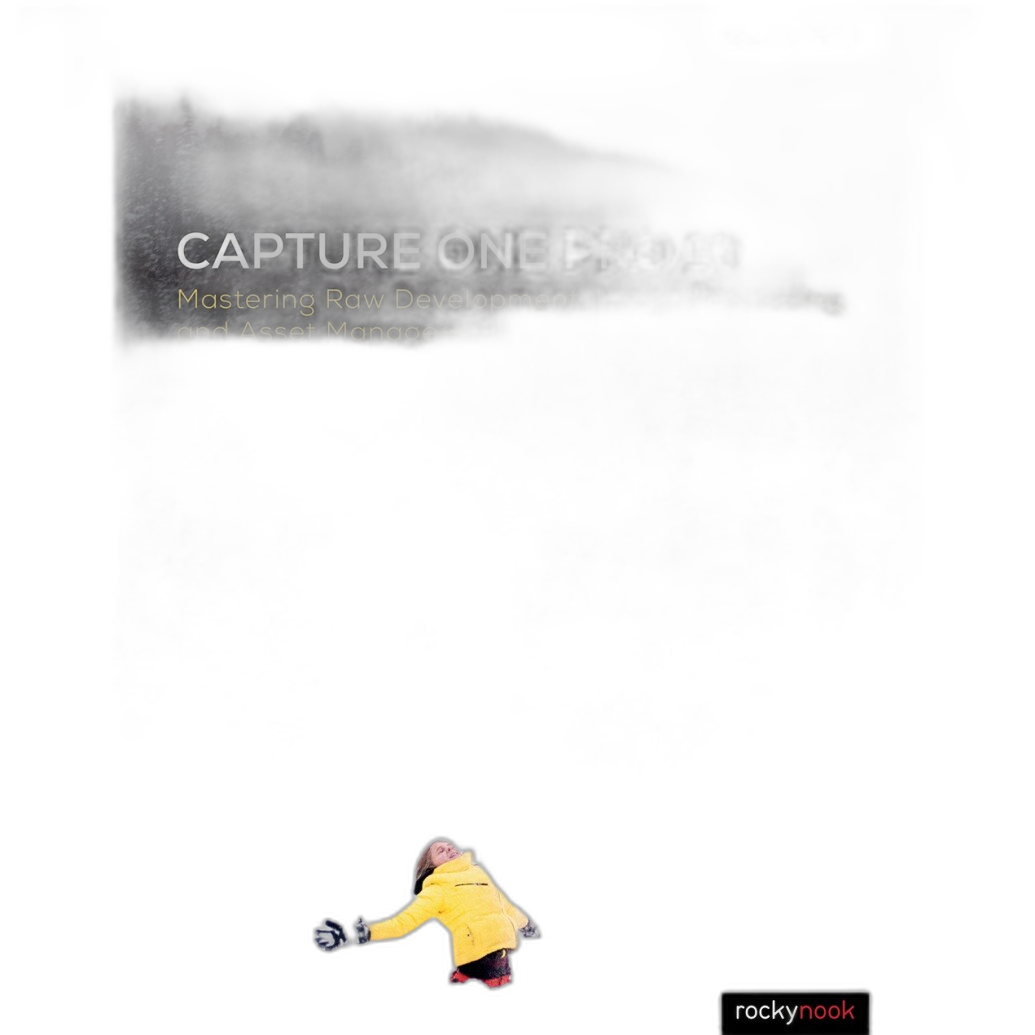
Resources like Capture One Pro 10 by Sascha Erni help make the software more approachable by breaking down what can otherwise seem like a dense interface. For beginners who want to understand not just what a tool does but why to use it, a guided book can flatten the learning curve considerably.
Best Beginner Tips for Capture One
Keep your workspace simple at first. One of Capture One's biggest strengths is customization, but beginners should resist the urge to rearrange everything immediately. Learn exposure, white balance, high dynamic range, cropping, and basic color editing before diving into advanced layers and targeted color controls.
A second essential tip is to compare edits often. Capture One gives precise control, which is great, but it also makes it easy to make subtle changes that accumulate into an unnatural look. Use before-and-after views frequently to stay grounded.
Side-by-Side Beginner Experience
Ease of Use
Lightroom wins for most first-time editors. Its interface is more familiar, and the amount of available tutorials, presets, classes, and books makes it easier to find answers quickly.
Color Control
Capture One wins if color quality and nuanced tonal work are your highest priorities. It offers a more advanced feel, especially for users who want precise control from early on.
Organization and Asset Management
Lightroom wins for general library management. It is easier for beginners who are building a photo archive and want one integrated environment.
Tethering and Studio Use
Capture One wins in studio-minded workflows. While not every beginner needs tethering, those working in controlled setups may appreciate Capture One's strength here.
Helpful Learning Tools and Accessories
Books That Make the Software Easier to Learn
Beginners often improve faster with structured instruction than with random video searching. For Lightroom users, How Do I Do That In Lightroom Classic 2nd Ed by Scott Kelby is a strong practical guide because it answers real workflow questions directly. The Enthusiasts Guide to Lightroom is another approachable title for users who want a broader understanding of the software.
For Capture One users, the Sascha Erni guides are helpful because they turn a professional-grade editing application into something more understandable for first-time users.
Speeding Up Editing with a Dedicated Control Surface
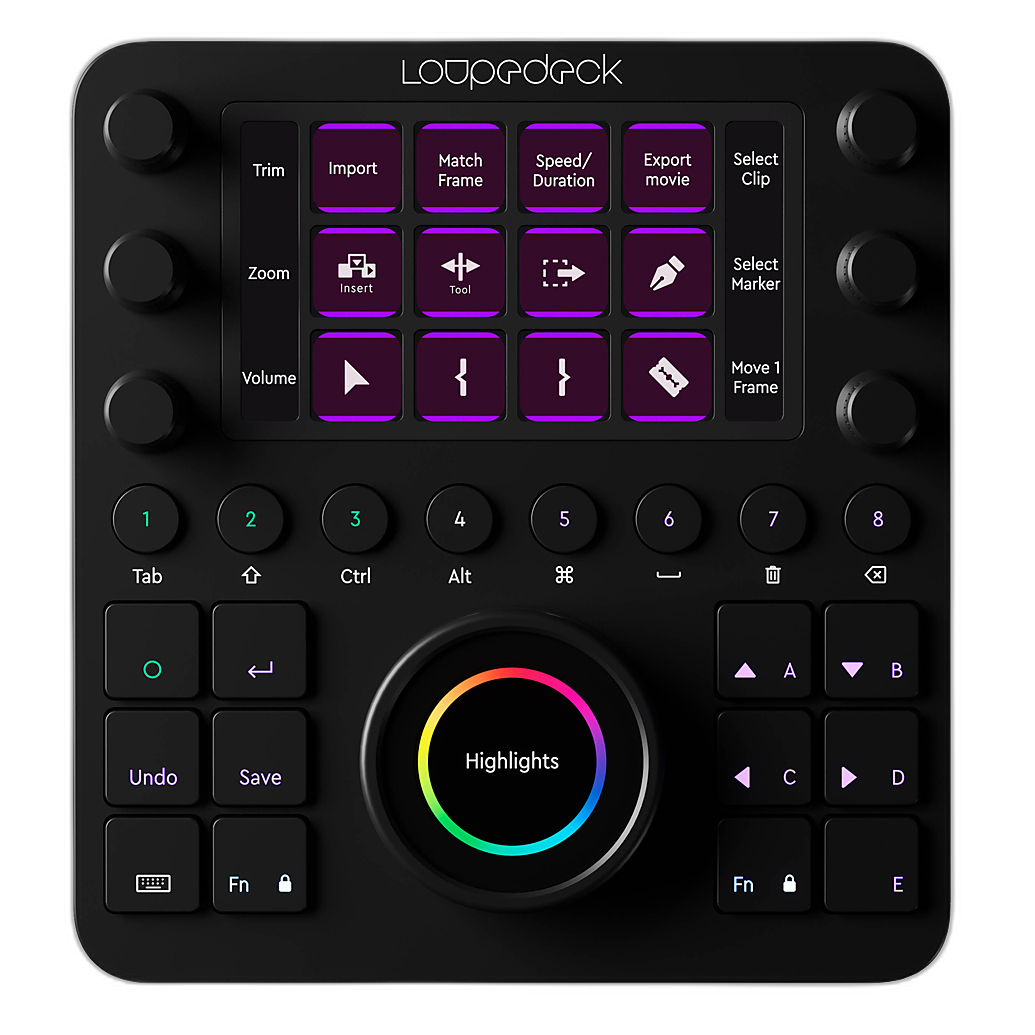
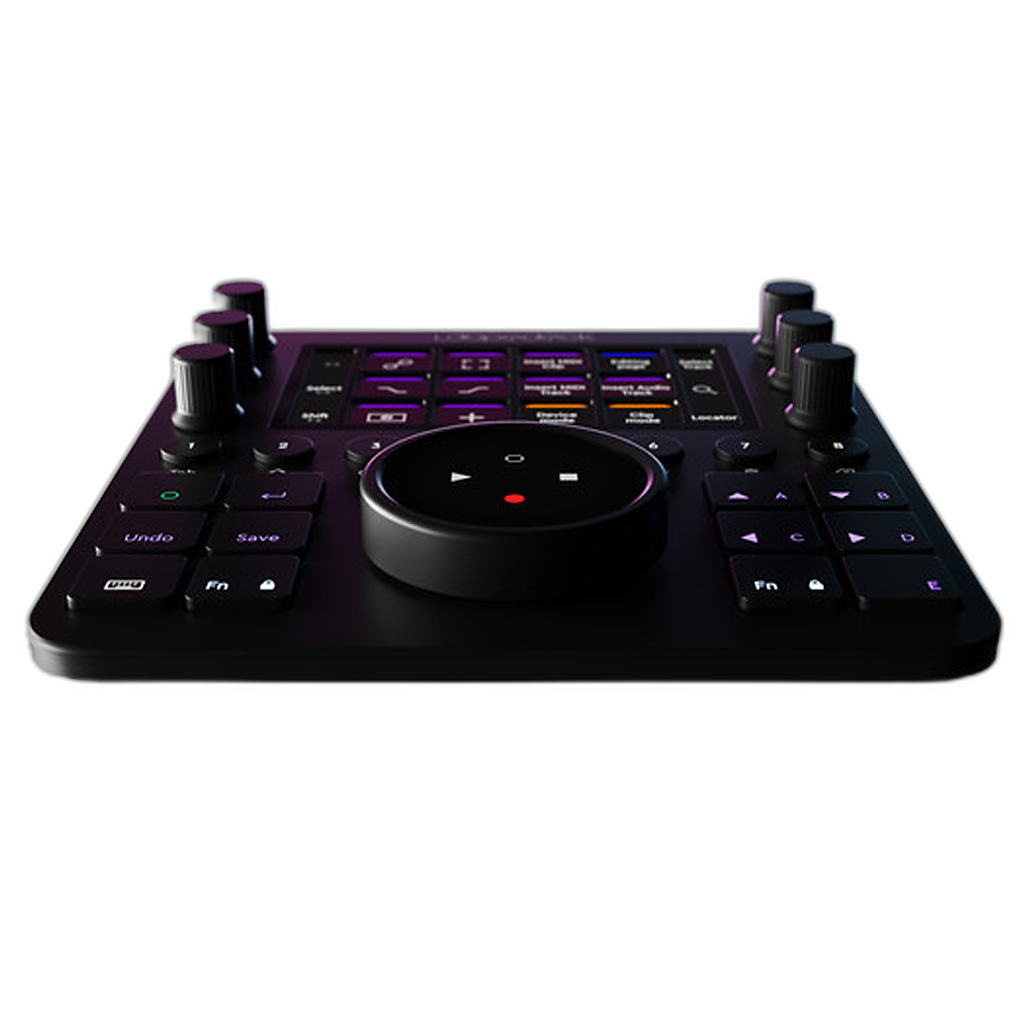
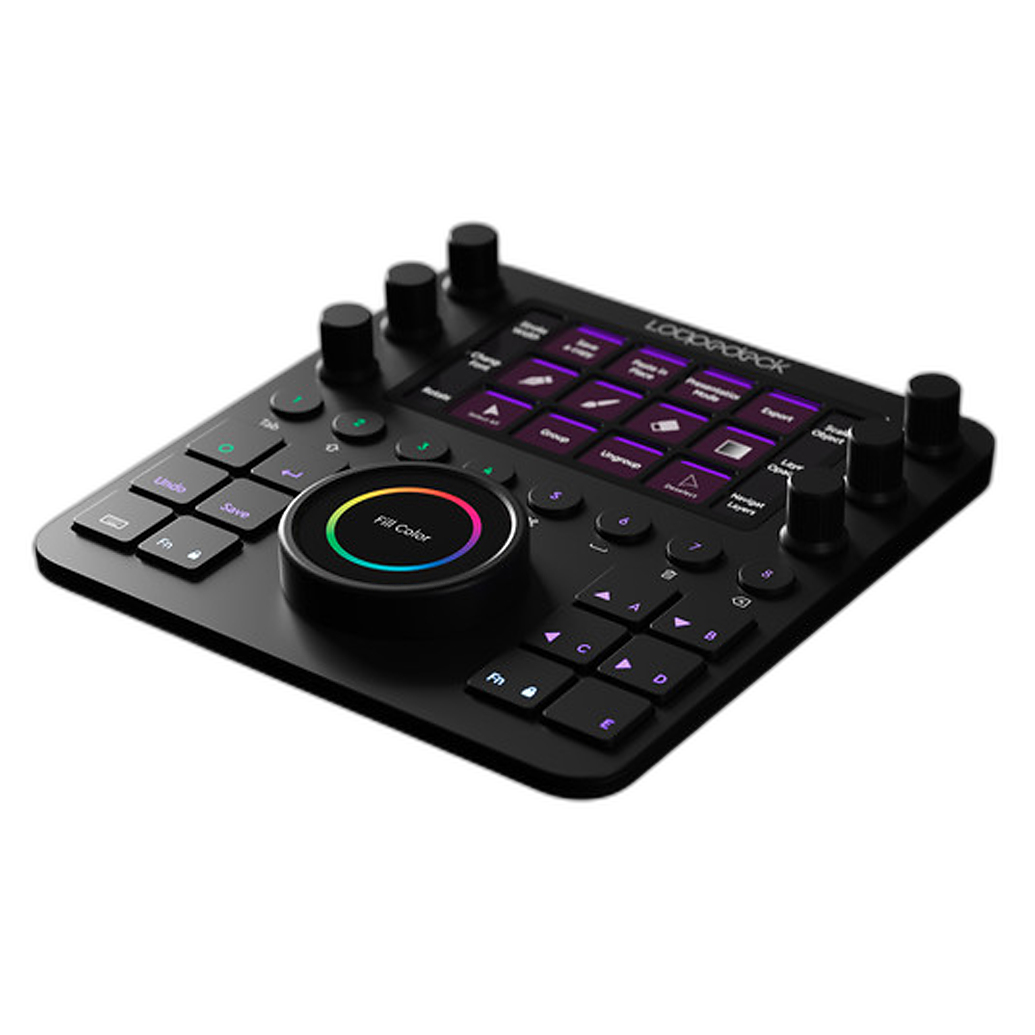
The Loupedeck Creative Tool is a smart accessory for beginners who want a more tactile editing experience. While it is not essential on day one, it can make repetitive adjustments feel more intuitive and can help reinforce editing muscle memory. Physical controls often make exposure, contrast, and color adjustments feel less abstract than mouse-and-keyboard editing alone.
Pros and Cons
Lightroom Pros
- More beginner-friendly overall
- Excellent photo organization tools
- Huge ecosystem of tutorials and learning resources
- Straightforward editing workflow
- Great choice for hobbyists and general photographers
Lightroom Cons
- Can feel more generic for advanced color work
- Some users may outgrow the default workflow and want more customization
Capture One Pros
- Excellent color editing and tonal precision
- Strong professional workflow tools
- Customizable interface
- Especially appealing for studio and portrait photographers
Capture One Cons
- Steeper learning curve for most beginners
- Interface can feel dense at first
- May require more guided learning early on
Verdict and Recommendation
If you are a true beginner and want the easiest, most widely supported path into editing, Lightroom is the better starting point. It is simpler to learn, easier to organize with, and backed by excellent educational material such as How Do I Do That In Lightroom Classic 2nd Ed and The Enthusiasts Guide to Lightroom.
If you are a beginner who already knows you care about precise color, a more advanced interface, or studio-oriented workflow, Capture One is absolutely worth learning, especially with a guide like Capture One Pro 10 by Sascha Erni to help shorten the ramp-up time.
In short: Lightroom is the best general recommendation for beginners, while Capture One is the better fit for newcomers who want deeper control from the start. Whichever route you choose, pairing software with a strong educational book and a workflow tool like the Loupedeck Creative Tool can make the learning process faster and more enjoyable.
You can find these editing guides and accessories at Unique Photo, making it a great place to build your beginner editing setup with trusted resources.