Editing Workflows: RAW vs JPEG for Everyday Shoots
Whether you’re photographing family life, travel, or casual street scenes, deciding between RAW and JPEG affects how fast you can share, how flexible your edits will be, and how much storage you’ll use. Here’s a practical, SEO-friendly guide—crafted by the Unique Photo team—to help you choose (and mix) formats and build an efficient everyday editing workflow.
RAW vs JPEG: What’s the Real Difference?
Understanding the trade-offs helps you pick the right tool for the job.
- Dynamic range & recovery: RAW files retain more highlight and shadow detail, letting you recover blown skies and lift deep shadows with less banding.
- Bit depth & color: RAW (often 12–14 bit) stores more tonal information than 8-bit JPEG, enabling smoother gradients and more aggressive color grading.
- Compression & artifacts: JPEG uses lossy compression for smaller files and instant sharing, but can introduce artifacts if pushed hard in post.
- Speed & storage: JPEG writes faster and uses less space—great for long bursts and travel. RAW is larger and may slow your camera buffer but gives maximum flexibility.
- White balance: RAW lets you change WB without quality loss; JPEG bakes WB into the file.
When to Shoot RAW for Everyday Photography
Choose RAW when the scene is tricky or you want creative headroom:
- High-contrast daylight (backlit subjects, bright skies, deep shadows)
- Mixed lighting (indoor tungsten + window light where WB is messy)
- Night and low light (noise reduction and color control in post)
- Landscape moments on a walk or hike (maximizing detail and color)
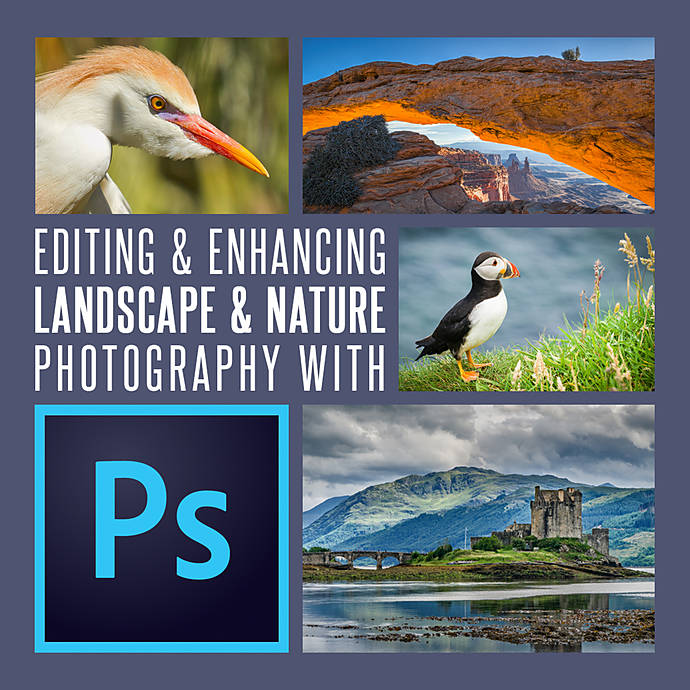
Want to sharpen your RAW editing chops? Unique University at Unique Photo offers hands-on instruction designed for real-world shooting.
When JPEG Is the Better Choice for Everyday Shoots
JPEG shines when speed and simplicity matter:
- Fast action & kids where the buffer has to keep up and you need quick turnaround
- Travel & casual outings when you want to share straight from camera to phone
- Battery & storage savings for all-day shoots without swapping cards constantly
- Consistent lighting like overcast daylight, where in-camera JPEGs look great
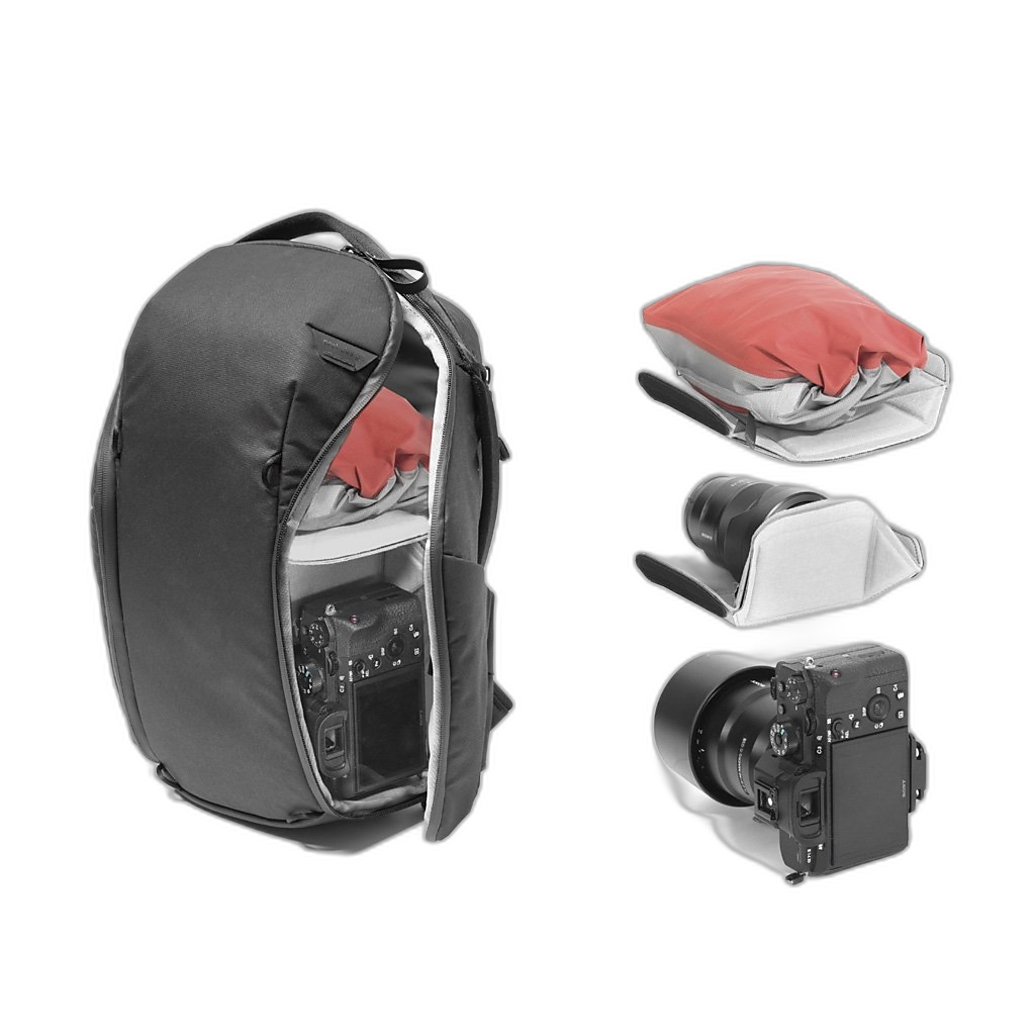
Pack light and stay mobile so you’re more likely to capture everyday moments. A thoughtful carry solution helps you bring just what you need without slowing you down.
A Practical Hybrid Workflow: Shoot RAW+JPEG
For many everyday shooters, the best answer is both.
- Set camera to RAW+JPEG. The JPEG gives you instant, share-ready images; the RAW is your safety net for hero edits.
- Choose a pleasing JPEG profile. On Fujifilm, experiment with Provia, Classic Chrome, or Astia; on Canon/Nikon/Sony, choose Picture Styles/Creative Looks that fit your taste.
- Cull via JPEGs on your phone or laptop. Share favorites right away; mark RAWs you’ll fully edit later.
- Archive only the keepers’ RAWs to save space while retaining flexibility.
Want to practice fast, real-world decision-making with simulations and profiles? Keep an eye on Unique Photo’s photo walks and brand events.
Editing Workflows for Everyday Photos (RAW vs JPEG)
RAW Workflow (Maximum Flexibility)
- Ingest & backup: Import RAWs into Lightroom Classic or your editor of choice; create a second copy to another drive.
- Global tone: Adjust exposure, whites/highlights, blacks/shadows to balance contrast. Use camera profiles as a starting point.
- Color & WB: Set white balance; fine-tune HSL for skin tones, sky, and foliage.
- Detail: Apply lens corrections, moderate sharpening, and targeted noise reduction.
- Local edits: Use masks/brushes to brighten faces, deepen skies, or add subtle vignettes.
- Finish in Photoshop (optional): For precise retouching and blending.

JPEG Workflow (Fast and Clean)
- Light touch: Keep exposure and color moves subtle to avoid banding or artifacts.
- Selective corrections: Use local tools for small fixes—don’t overhaul the file.
- Resize & export: Sharpen for output and export to sRGB for web and sharing.
Want structured guidance? Unique University’s classes at Unique Photo cover both Adobe Lightroom and Photoshop, from fundamentals to advanced techniques.

Best In‑Camera Settings for Great JPEGs
- White balance: Use Auto WB with vigilance; lock WB (Daylight/Cloudy) for consistent series.
- Picture style/film simulation: Start with neutral/standard; tweak saturation and contrast to taste.
- Highlight/shadow control: Enable Highlight Priority, Active D-Lighting, or Dynamic Range settings to protect bright tones.
- Sharpening & noise reduction: Dial down slightly for a more natural look; finish lightly in post.
- Lens corrections: Keep enabled for distortion and vignetting fixes.
- Consider creative filters: A diffusion + polarizer combo (like Polar Pro’s Black Mist + Polarizer) can produce pleasing, shareable JPEGs straight out of camera.
- HEIF/HEIC (10-bit): If your camera supports it, HEIF offers better quality at similar sizes; ensure your devices/software support the format before committing.
Storage, Culling, and Backup Tips
- Card strategy: For everyday outings, RAW+JPEG on a mid-size card (64–128GB) balances space and safety.
- Cull fast: Star the best JPEGs on-camera or in a mobile app, then sync to your library to guide RAW edits later.
- Two copies minimum: Maintain an external drive backup and a cloud or off-site copy for your select RAWs.
Common Mistakes—and Easy Fixes
- Clipped highlights in JPEGs: Lower contrast in-camera, enable highlight protection, or bracket tough scenes.
- Harsh, crunchy edges: Reduce in-camera sharpening; add a touch in post for output instead.
- Color casts indoors: Set a manual WB preset or use a custom WB target for consistent color.
- Over-editing JPEGs: If you’re pushing exposure or color hard, switch to RAW for those frames.
RAW vs JPEG FAQs
Will HEIF replace JPEG? It’s growing, but JPEG remains the most universal. If you share broadly, JPEG still wins for compatibility.
Should I shoot RAW on a smartphone? If your phone and app support it, RAW can help in backlit or night scenes; otherwise, modern phone JPEG/HEIF pipelines are excellent.
Do I need a color-managed workflow? For consistent color, yes—edit in a calibrated environment and export to sRGB for web/social.
Final Thoughts and Next Steps with Unique Photo
For everyday photography, think of formats as tools: JPEG for speed and shareability, RAW for flexibility and finesse, and RAW+JPEG when you want both. Build a simple, repeatable workflow and let the moment guide your choice.
Ready to learn more or gear up? Explore these resources at Unique Photo:
- Unique University classes for Lightroom and Photoshop
- Bags & cases for streamlined everyday carry
- Filters for creative in-camera looks
- Memory cards & storage to support RAW+JPEG workflows
Visit Unique Photo online or in-store for expert advice, classes, and gear that make everyday shooting—and editing—faster, easier, and more fun.