Choosing between Lightroom and Capture One as a beginner can feel like picking a favorite lens before you have fully tested your camera bag. The good news is that both platforms are powerful, capable, and beginner-friendly once you build a simple workflow. Instead of worrying about which one is "best," it is often more helpful to focus on how each fits your editing habits, file organization style, and long-term goals. These practical tips will help you decide where to start and how to make your editing process smoother from day one.
Start With Your Editing Goal, Not the Software Name
1. Decide what you edit most often
If you mainly want an easy all-around photo organizer with dependable editing tools, Lightroom is often the first stop for beginners. Its catalog-based approach is great for photographers who want one library for travel, portraits, family photos, and everyday work. If you are more focused on color precision, tethered shooting, or a session-based workflow, Capture One may feel more tailored from the start.
For beginners who like learning with step-by-step guidance, a book such as How Do I Do That In Lightroom Classic 2nd Ed by Scott Kelby can make Lightroom much less intimidating. 
On the Capture One side, resources like Rocky Nook - Capture One Pro 10 by Sascha Erni help explain the software in a more structured way, which is especially useful if its interface feels new at first glance. 
Keep Your Workflow Simple in the Beginning
2. Build a repeatable import-to-export routine
Beginners often slow themselves down by trying every tool before learning a basic routine. In either Lightroom or Capture One, aim for a simple sequence: import, cull, rate, adjust exposure and color, crop, sharpen, export. When your process stays consistent, it becomes much easier to compare software honestly.
Lightroom users may enjoy the straightforward library structure and presets, while Capture One users may appreciate layers and more granular control. If you want a practical overview of Lightroom workflow habits, The Enthusiasts Guide to Lightroom by Rafael Concepcion is a helpful companion for understanding how to move efficiently from image selection to final output. 
Learn File Organization Early
3. Understand catalogs versus sessions
One of the biggest beginner differences between these programs is how they handle your images. Lightroom is centered around catalogs, which makes it ideal if you want one searchable archive over time. Capture One supports catalogs too, but many photographers love its session workflow for individual shoots, especially in studio or client-based environments.
If you are curious about Capture One's structure, Rocky Nook - Capture One Pro 9 by Sascha Erni remains a useful reference for learning the fundamentals behind the platform's organization and toolset. 
A simple rule for beginners: if you want one big photo home, Lightroom is very approachable. If you prefer keeping shoots neatly separated, Capture One sessions may click faster.
Speed Matters More Than You Think
4. Use shortcuts and hardware controls to edit faster
Once you begin editing regularly, speed becomes part of creativity. Both Lightroom and Capture One reward users who learn shortcuts, custom workspaces, and efficient adjustment habits. If you find yourself spending too much time dragging sliders with a mouse, a dedicated control surface can make editing feel more natural.
The Loupedeck Creative Tool is a smart option for beginners who want tactile control over common adjustments and shortcuts in an editing workflow. It can help reduce repetitive clicks and make photo editing more fluid as you grow into either platform. 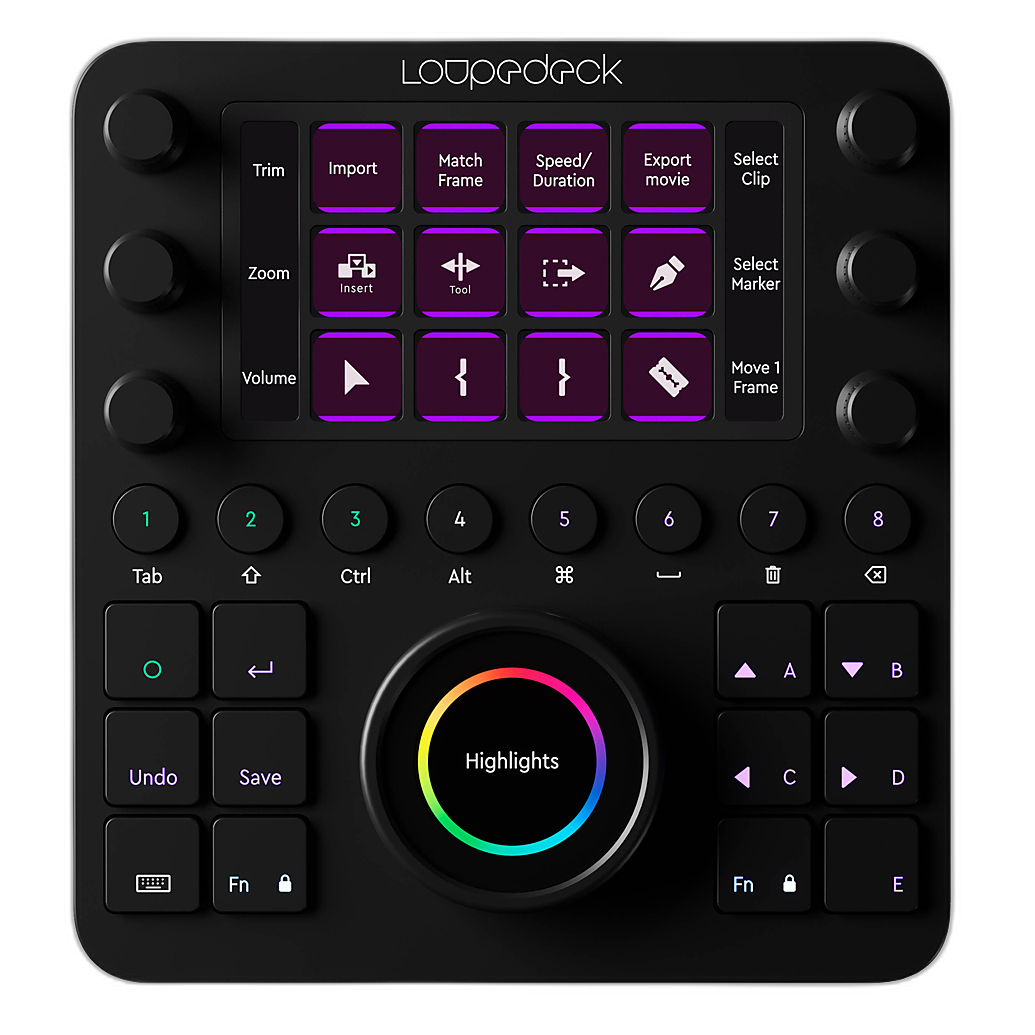
For many new editors, having physical controls encourages experimentation because adjustments feel faster and more intuitive. 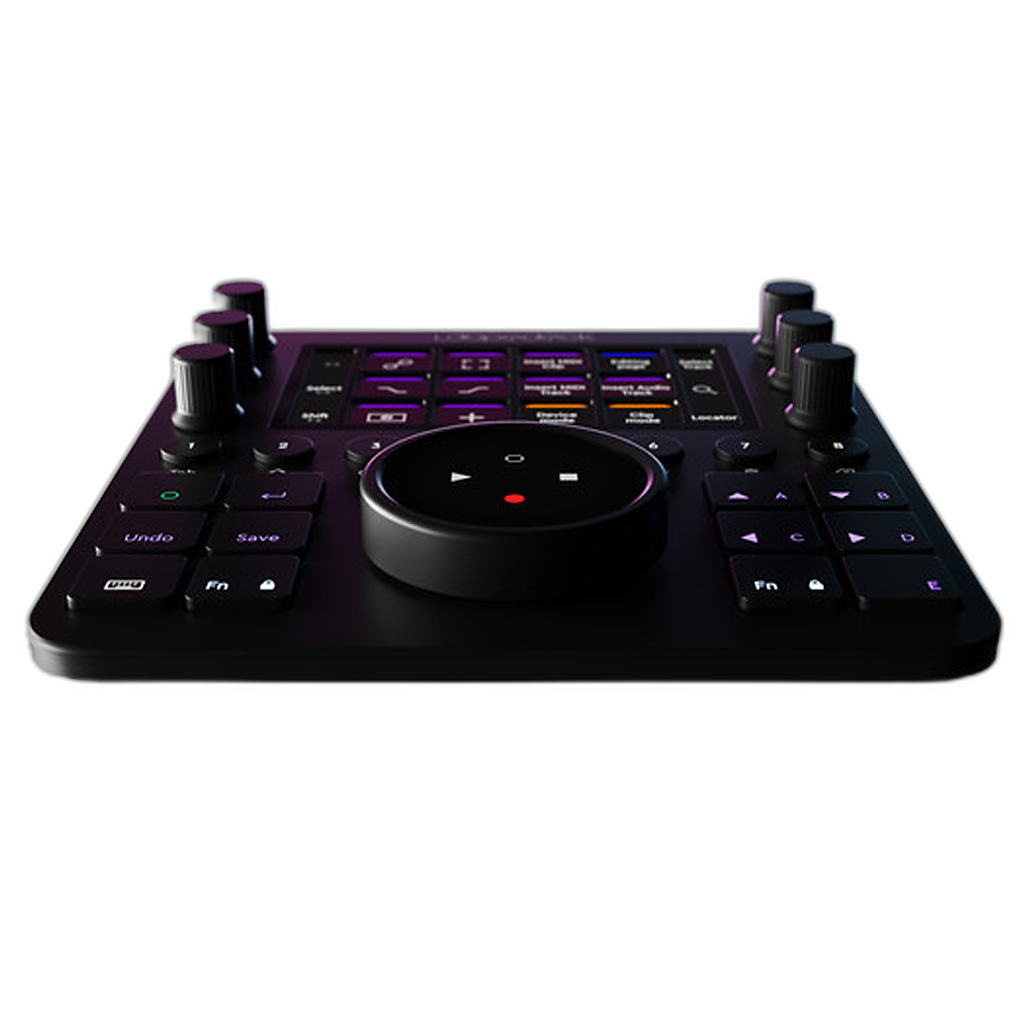
Don’t Judge Software by Default Colors Alone
5. Compare using your own files
A common beginner mistake is opening one sample image in both programs and immediately deciding one is better because the colors look nicer by default. Lightroom and Capture One interpret RAW files differently, and defaults are only a starting point. Compare your own portraits, landscapes, indoor shots, and high-ISO images before committing.
Capture One is often praised for color handling and tethered workflows, while Lightroom wins many beginners over with accessibility, cloud options, and a broad ecosystem of presets and tutorials. The best choice is the one that helps you finish edits confidently and consistently.
Create a Better Editing Environment
6. Good source images make editing easier
Workflow does not start at the computer. Better light and cleaner captures reduce the amount of editing you need later. If you photograph artwork, products, or reproduction work, controlling light carefully can make color correction and cleanup much easier in either Lightroom or Capture One.
Accessories such as the Hensel Barn Doors For Copy One Reproduction Head can help shape and control light more precisely at the capture stage, which means less time fixing uneven lighting in post. 
That is an important beginner lesson: a cleaner file in means a faster workflow out. 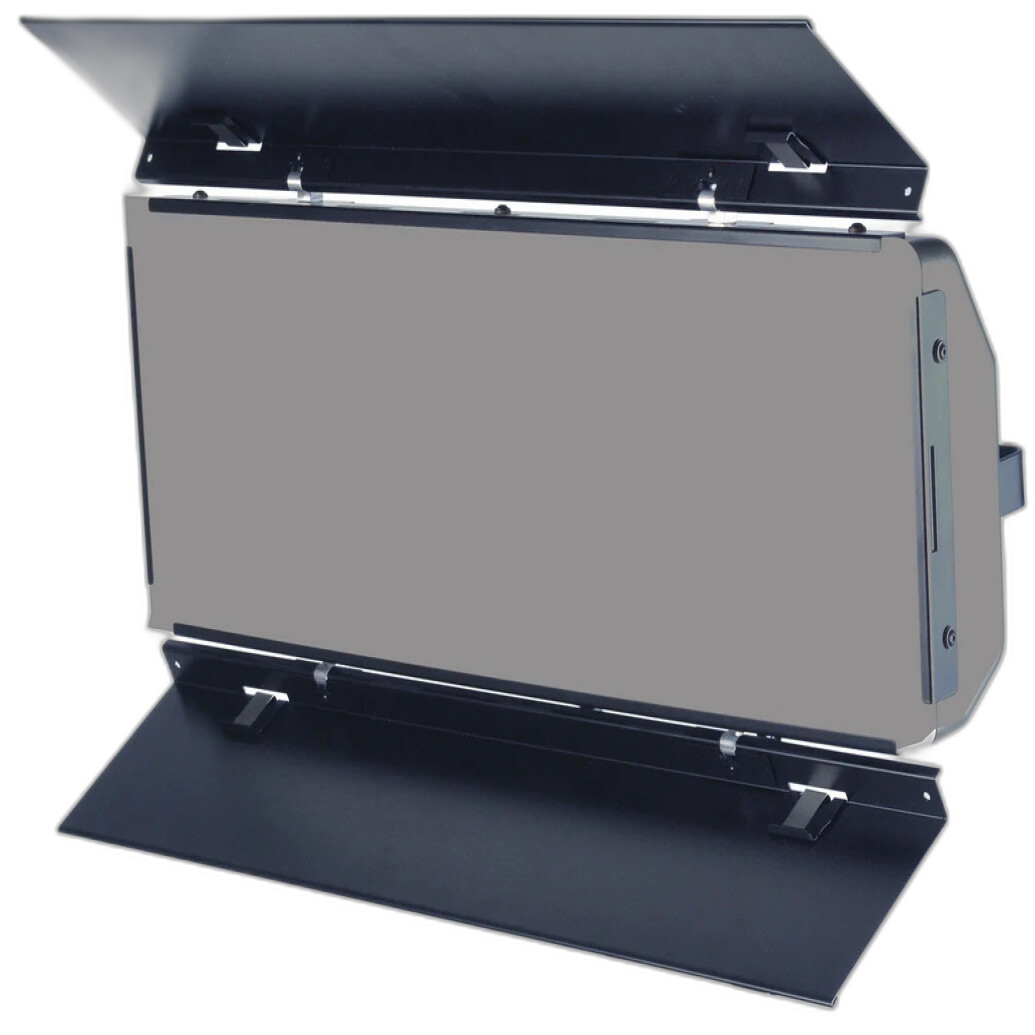
Avoid the Trap of Over-Editing
7. Save presets and styles for later, not first
Both Lightroom and Capture One offer powerful presets, styles, and customization tools. They are useful, but beginners should first learn what exposure, contrast, white balance, highlights, shadows, and color adjustments actually do. Once you understand the basics, presets become time-savers instead of shortcuts that hide poor edits.
Books and guided references can be especially valuable here because they help you understand why an adjustment works, not just where the button is.
Choose the Program You’ll Actually Keep Using
8. The best beginner software is the one that feels sustainable
If you love searchable libraries, mobile integration, and a huge educational ecosystem, Lightroom is often the easier long-term starting point. If you want refined color tools, layers, and a workflow that can grow into studio or commercial shooting, Capture One may be worth the learning curve.
There is no wrong starting point. What matters most is building confidence, staying organized, and editing often enough that your process becomes second nature.
Conclusion
For beginners, Lightroom is usually the easier all-around launch point, while Capture One can be a fantastic choice for photographers who already know they want more control over color and session-based workflows. Whichever route you choose, a few solid learning resources and the right workflow tools can make the experience far less overwhelming. Explore books, editing accessories, and workflow essentials at Unique Photo, and keep practicing until your editing process feels as natural as shooting.