Breaking stories don’t wait. Whether you’re filing from the sidelines, a press room, or the back of a rideshare, a fast, reliable editing workflow is your edge. Here’s a streamlined, field-tested approach—plus a few smart gear picks—to help you move from capture to published in minutes, not hours.
Ingest and Organization
1. Offload in parallel with a fast card reader
The clock starts at import. A dual-slot reader that handles UHS-II speeds is a must for news. The Lexar Professional Workflow Dual-Slot SD UHS-II Reader (LRD1116) lets you offload two cards simultaneously so you can begin culling while the second slot continues to copy. Set your software (Lightroom Classic, Photo Mechanic, etc.) to verify copies and write directly into a dated folder structure.
2. Cull fast with a lean workspace
Minimize on-screen distractions and use single-key ratings to speed first pass selects. If you work in Lightroom, build a dedicated News workspace with Loupe, Histogram, and Filmstrip only, plus Smart Previews for laptop speed. Want to refine your Lightroom triage? The NJCS: Lightroom Photo Editing for Nature and Wildlife with Bobby Stormer class focuses on powerful fundamentals you can apply to any genre, including rapid news turnover.
3. Automate metadata and file naming
Create IPTC templates with your byline, outlet, location, and usage rights. Apply them on import so images are ready for desk editors. Use a time-based file naming convention (e.g., YYYYMMDD_Outlet_Desk_Slug_####) to avoid duplicate names when multiple shooters file from the same event.
Editing for Speed and Consistency
4. Start with camera-matched profiles and smart defaults
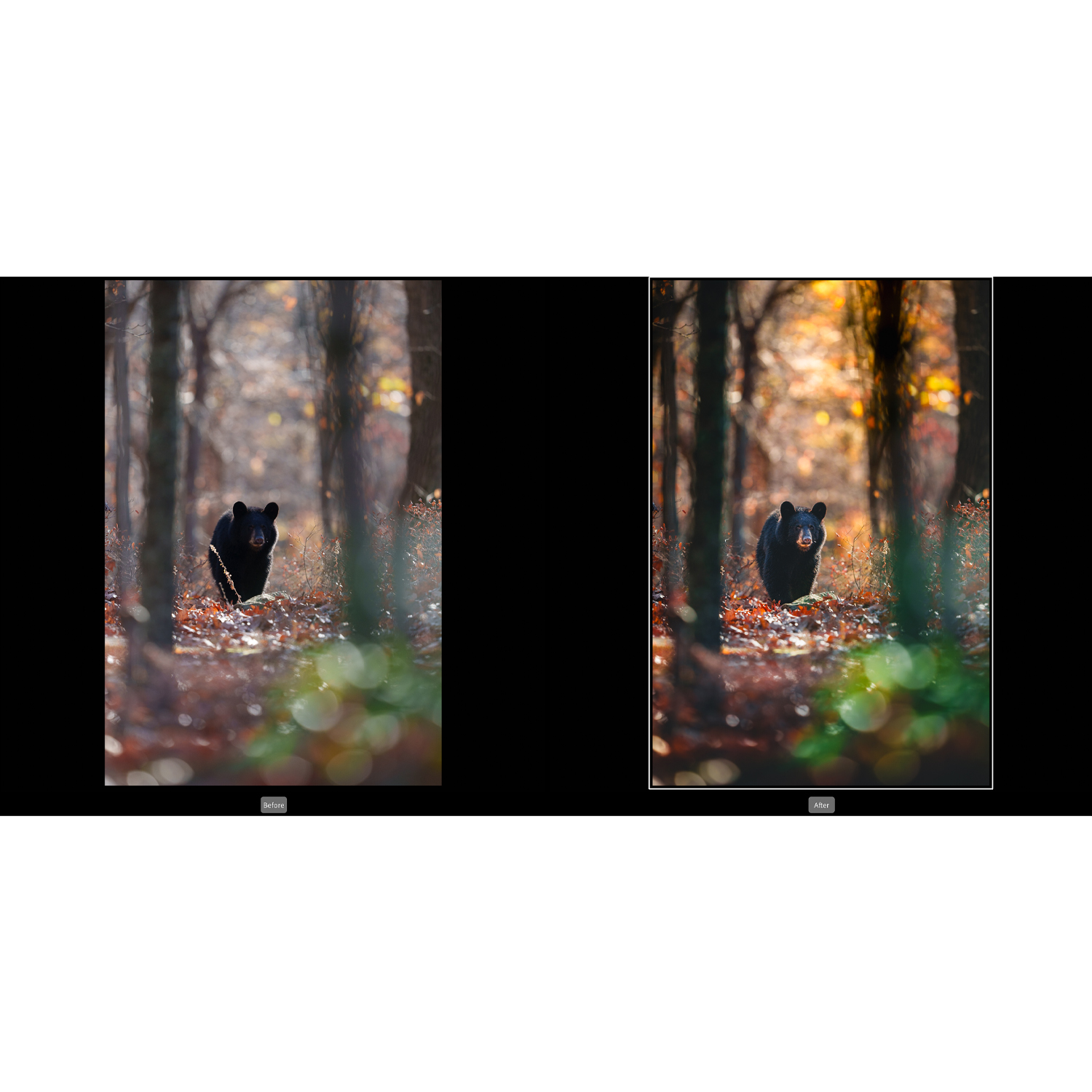
Apply camera profiles that match your in-camera picture style to get close to a publishable look fast. Build a News Auto preset: enable Auto Tone, set subtle contrast/clarity, conservative noise reduction, and lens corrections. For precise color and fast local fixes, mastery of Photoshop layers and masks pays off—the Editing and Enhancing Landscape and Nature Photography with Photoshop class covers adjustment strategies that translate perfectly to deadline work.
5. Shoot for the edit: control light to reduce corrections
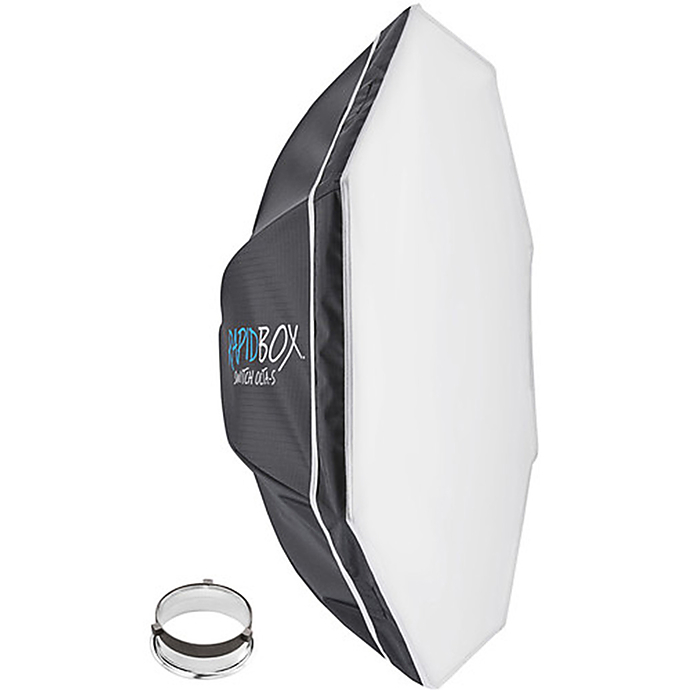
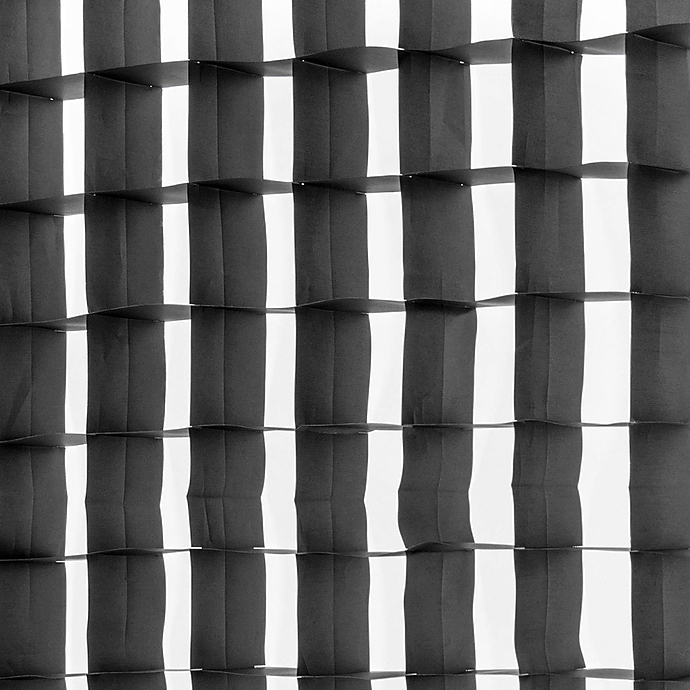
Clean, consistent files are faster to process than underexposed, mixed-light surprises. When you need quick press portraits or scrums, a compact softbox like the Westcott Rapid Box Switch Octa-S with Bowens Insert creates flattering, repeatable light in tight spaces. Add the Westcott 40-Degree Eggcrate Grid for the Rapid Box Octa XXL and Switch Octa-L to keep spill off backgrounds and bring contrast under control—saving you time in color and contrast cleanup. Prefer speedlites? The Westcott Rapid Box Switch Octa-L with Round Head Speedlite Insert gives similar control with on-camera flashes.
6. Sync and batch by scene
Group frames by lighting and location, then apply global adjustments (white balance, basic tone, profile corrections) to one representative image and sync across the set. Limit local edits to only the hero frames that must lead a gallery or social embed.
7. Build micro-presets for common fixes
Create one-click presets for frequent needs: gym sodium-vapor neutralization, podium skin-tone fix, backlit fill, and night noise control. Keep them subtle; the goal is a clean, accurate file that desks can run without reworking.
Export and Delivery
8. Prebuild export presets for every destination
Save export presets for Wire, Web, and Social, with locked-in dimensions, sharpening, and color space (sRGB). Include metadata settings (rights, captions) and consistent naming so files drop into CMS pipelines without edits.
9. Automate delivery and backup
Use watched folders or publish services to push finals to your editor’s FTP or cloud share while you keep editing. Mirror your card structure to a rugged SSD so you always have an onsite backup before you reformat cards.
10. Keep refining your craft
Even under deadline, better technique equals faster edits. Unique University offerings like Product Photography and Post Production Editing with Blake Taylor emphasize efficient post-production habits—color discipline, masking speed, and batch logic—that transfer directly to news workflows. Combine class takeaways with your field experience to shave minutes on every file.

Final Take
Speed comes from intention: fast ingest, minimal friction in culling, disciplined global edits, and exports that meet desk specs every time. Equip smartly, practice your presets, and keep learning. When you’re ready to fine-tune your kit or your skills, stop by Unique Photo—online or in store—for the gear and classes that keep you ahead of the news cycle.