Introduction: A Review of Contest‑Ready Editing and Where to Draw the Line
Photo contests promise recognition, exposure, and sometimes real prizes—but they also carry strict rules about what you can and cannot do in post. In this review, we evaluate the current landscape of contest‑ready editing: which adjustments are typically safe, which raise red flags, and where most judges draw the line. If you’re refining your workflow for nature, landscape, or general categories, think of this as a practical guide to balancing polish with integrity.
We also point you to skills‑building resources that deliver contest‑compliant techniques. Unique Photo’s Unique University offers focused classes—from Lightroom and Photoshop foundations to portfolio consultations—that help you elevate work without overstepping rules.

Key Principles for Contest‑Ready Editing
1) Exposure, Tone, and Color: Correct, Don’t Rewrite
Most competitions allow global exposure corrections, white balance tweaks, contrast adjustments, and tasteful color grading. Local edits—dodging, burning, and gradient work—are often permitted if they enhance visibility and mood without altering content. Aim for a natural tonal range, avoid crushed blacks or clipped highlights, and use color with restraint; oversaturation is one of the fastest tells that an image has been pushed too far.

2) Sharpening and Noise Reduction: Subtle and Purposeful
Judges expect crisp, clean files—especially in print. Use capture‑stage sharpening (or a gentle pass in Lightroom/Camera Raw) and apply noise reduction with a light touch to protect fine detail. Be cautious with aggressive detail recovery or AI upscaling if a contest bans artificial enlargement. Examine edges at 100% for halos—a telltale sign of over‑sharpening.
3) Content Integrity: No Additions, No Deletions (Beyond Dust)
Nearly all nature and photojournalism‑adjacent contests forbid adding or removing elements that change the scene’s truth. Sensor dust and hot pixels are commonly exempt; power lines, people, or distracting branches are not. Cloning, warping, sky replacement, and object removal risk disqualification in most nature and documentary categories. In creative or open categories, more latitude may be allowed—always read the rules.

4) AI and Generative Tools: Proceed with Extreme Caution
Many contests now explicitly prohibit generative fills, sky swaps, AI additions, and content‑aware reconstructions. Some also disallow AI‑based denoise or upscaling. If a rule is ambiguous, assume the strictest interpretation and keep a transparent workflow. Save your RAW files and step‑by‑step edits; some competitions request them during verification.
5) Local Adjustments, Masks, and Composites
Targeted adjustments (gradients, radial masks, subject masks) are normally fine if they clarify the scene. Compositing multiple frames captured at the same place and time for exposure blending or focus stacking may be allowed in certain landscape categories but prohibited in pure nature or wildlife divisions. Again, the category defines the boundary—know it before you start editing.
6) Printing and Metadata: Deliver Clean Files with Proof
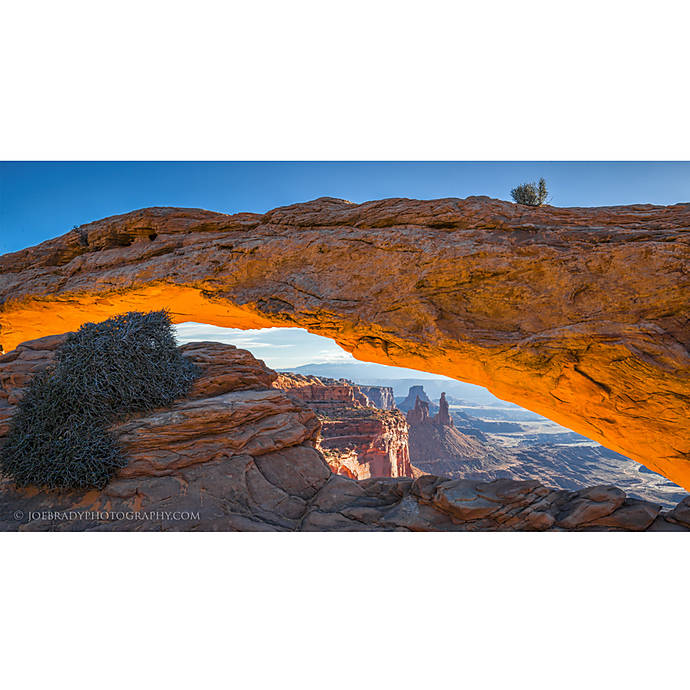
Export at the contest’s required resolution and color space (sRGB is common unless specified otherwise). Preserve EXIF and capture data unless rules specify anonymization. Keep your originals and sidecar files; if your image advances, the panel may request them to verify legitimacy.
7) Study What Wins
One of the fastest ways to calibrate your taste is to study past winners and finalist galleries from reputable competitions. Note how polished the images look while still feeling credible and grounded.

Pros and Cons of Pushing Your Edits
- Pros
- Helps your photo stand out with professional polish.
- Directs attention to your subject and story.
- Improves print readiness with clean detail and controlled noise.
- Cons
- Risk of disqualification if content is altered or AI tools are used contrary to rules.
- Artifacts (halos, banding, plastic skin, oversaturation) signal heavy‑handed processing.
- Time sink—excess tweaks can flatten spontaneity and authenticity.
Training That Keeps You on the Right Side of the Line
Skill building is the best safeguard against over‑processing. These Unique University offerings from Unique Photo align with contest‑safe editing:
Landscape & Nature in Photoshop: Elevate realism and mood without crossing into content alteration.
Lightroom for Nature & Wildlife: A start‑to‑finish workflow with global and local controls that keep edits transparent.
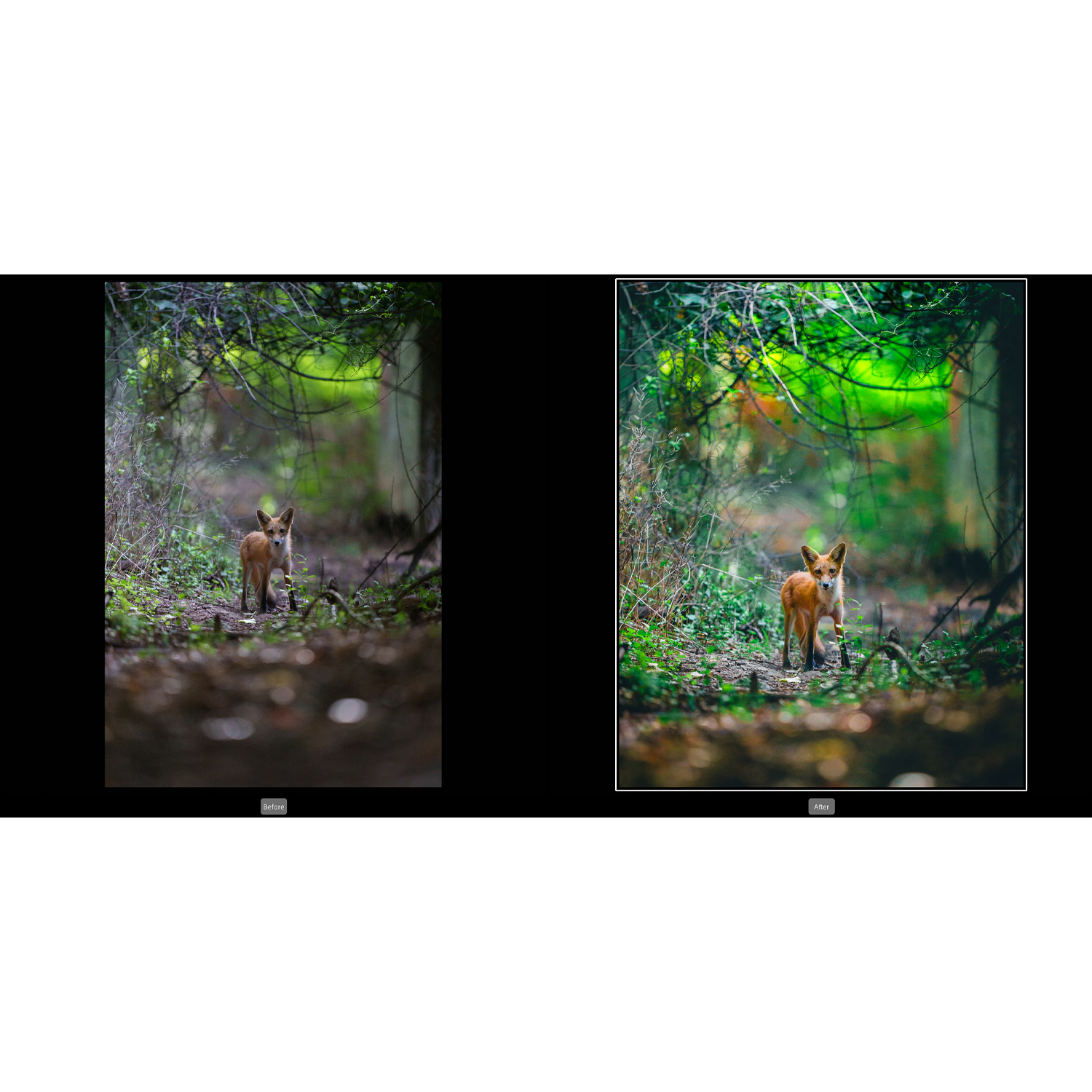
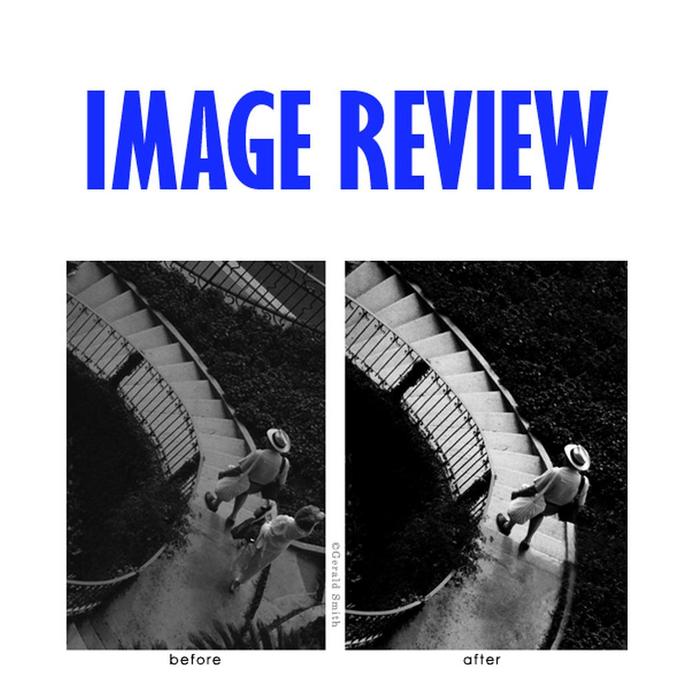
Portfolio Consultation: A seasoned eye can catch over‑processing before a judge does and help you tune files for different categories.
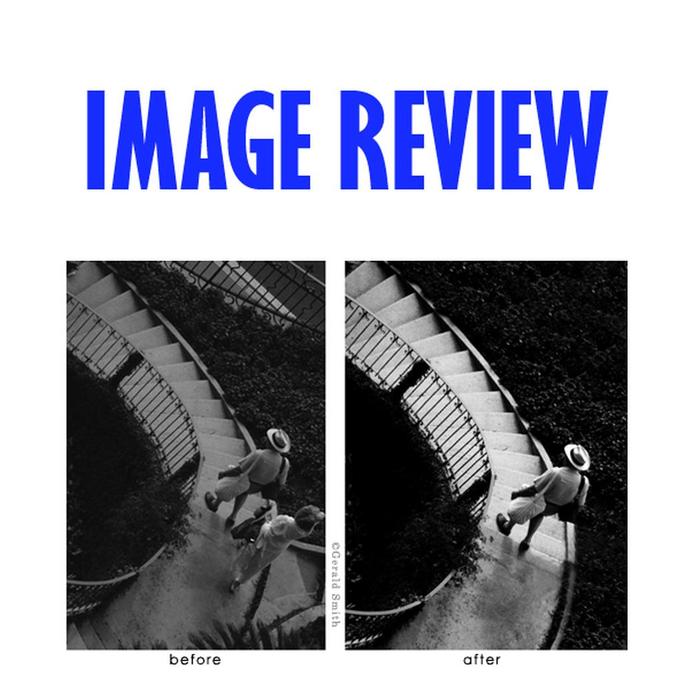
Field‑to‑File Discipline: Workshops that emphasize getting it right in‑camera reduce temptation to push pixels later.
Verdict and Recommendation
Judges reward photographs that look impeccably finished yet believable. Keep your edits in service of clarity, color fidelity, and composition; avoid content changes, heavy AI, and novelty effects unless your category explicitly allows them. Save your RAWs, log your steps, and pressure‑test your images with peer or mentor feedback before submitting.
To refine a contest‑safe workflow, we recommend enrolling in Unique Photo’s Unique University classes and booking a portfolio review to audit your files. You can register and purchase these sessions at Unique Photo—your one‑stop destination for education, gear, and expert guidance.