Overview

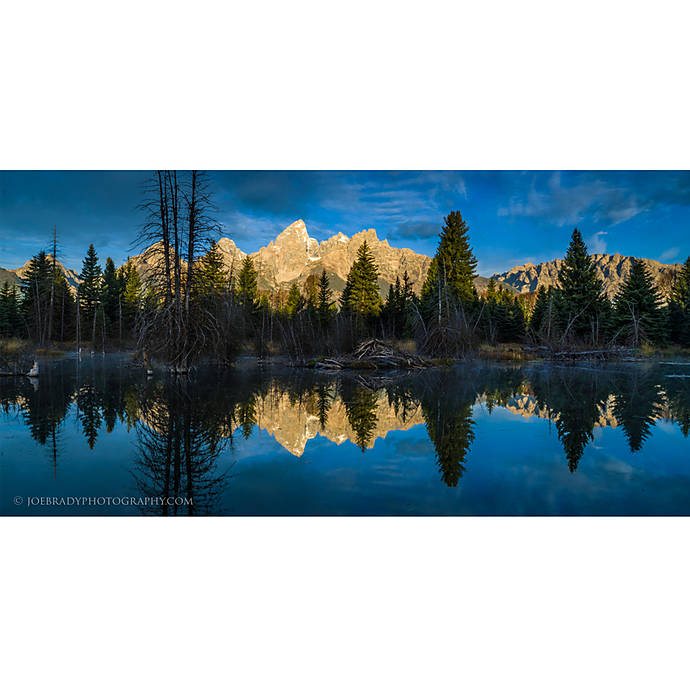
Entering photography contests isn’t just about having a great capture—it’s about submitting a polished, rule-compliant image that judges can evaluate without distraction. Unique Photo’s “Editing and Enhancing Landscape and Nature Photography with Photoshop” (Unique University, SKU: UUU237) focuses squarely on the post-production skills that can make or break your entry. In this review, we look at how this class aligns with common competition pitfalls and how it can help you avoid disqualifying mistakes while preserving the authenticity that jurors expect.
Who It’s For
If you shoot landscapes or nature and want to present your work confidently for contests, this workshop fits squarely in your toolkit. It’s ideal for photographers who are comfortable with basic editing but want to refine color, contrast, sharpening, and file prep according to typical contest standards.
Key Features That Matter for Contest Entries
1) Ethical, competition‑compliant editing
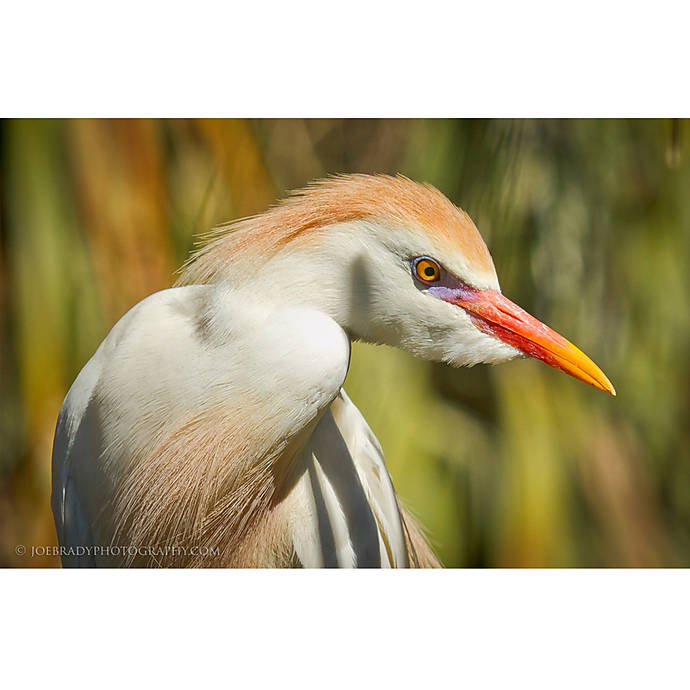
Many contests allow tonal and color corrections but restrict content manipulation. This class emphasizes subtle, non-destructive techniques—think exposure balancing, local contrast, and color grading—that elevate your image without crossing lines (e.g., adding/removing elements). It’s the kind of discipline judges reward.
2) Color accuracy and spec‑perfect exports
From consistent white balance to correct color spaces, the curriculum spotlights sRGB delivery and sharpened output tailored for screen or print—precisely what many competitions request. You’ll learn to export at the right resolution, dimensions, and file size without banding or artifacts.
3) Sharpening and noise control for print and screen
Judges scrutinize edges and noise at 100%. The class demonstrates targeted sharpening, halo control, and nuanced noise reduction that preserves texture—crucial for fine detail in foliage, rock, and sky.
4) Non‑destructive workflow and versioning
Layer-based editing, smart objects, and virtual copies help you iterate for different contest specs while retaining a clean source. That’s invaluable when one contest requests a 3000px sRGB JPEG and another wants a 16-bit TIFF for finalists.
5) Metadata and captions that don’t trip alarms
Clear, honest captions and basic metadata hygiene are covered, helping you present a professional, credible entry—and avoid revealing information that could break anonymity rules in blind judging.
Common Mistakes to Avoid When Entering Photography Contests
1) Not reading the rules—twice
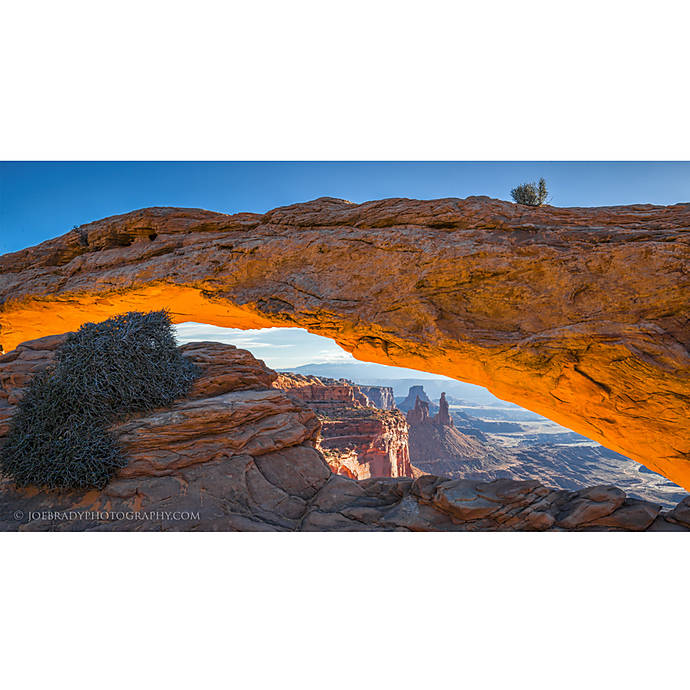
Every contest has different limits on manipulation, file sizes, color spaces, and anonymity. Skim at your own risk. Confirm category definitions, subject restrictions, and timelines.
2) Over‑editing into disqualification
Heavy HDR halos, plastic skin, oversaturated foliage, or sky replacements (when prohibited) are common reasons for rejection. Subtle, believable edits win.
3) Wrong color space or export specs
Submitting Adobe RGB or ProPhoto when sRGB is required can shift colors for judges. Likewise, incorrect pixel dimensions or compression can tank detail.
4) Watermarks, borders, or signatures
Most contests forbid identifiable marks. Even a faint logo can disqualify your image. Keep files clean and anonymous.
5) Weak titles, captions, or missing metadata
Misleading or sparse captions can undermine an otherwise strong photo. Provide concise context when allowed, and remove extraneous metadata that reveals your identity in blind judging.
6) Mislabeling categories
Submitting a composite to a “single-exposure nature” category, or entering wildlife shots in “landscape,” hurts your chances. Match your work to the brief.
7) Ignoring release requirements
People, private property, and certain locations may require model/property releases. Contests often ask finalists for documentation—be prepared.
8) Submitting AI‑generated or ineligible composites
Many competitions explicitly ban AI imagery or content‑altering composites. If stacking or blending is permitted, disclose when required.
9) Last‑minute submissions
Rushing invites typos, wrong files, and missed deadlines. Build a checklist and export final versions a day early.
10) Poor monitor calibration
If your screen isn’t calibrated, colors and luminosity may look off to judges. Calibrate regularly for consistent output.
11) Oversharpening and noise artifacts
Judges notice halos and smeared detail. Use targeted sharpening and measured noise reduction to preserve natural textures.
12) Ignoring originality and date restrictions
Some contests specify time windows or unpublished work. Verify eligibility before you submit.
Pros and Cons
- Pros:
- Practical, non-destructive Photoshop workflow tailored to contest standards
- Clear guidance on ethical boundaries and believable enhancements
- Strong focus on export specs, color management, and detail rendition
- Applicable across landscapes, nature, and many general categories
- Cons:
- Content skews toward landscape/nature; portrait or street entrants may want additional genre-specific guidance
- Assumes basic Photoshop familiarity—absolute beginners might need a fundamentals primer
Verdict and Recommendation
For photographers preparing entries in landscape and nature categories, this Unique University class delivers exactly what contests demand: refined, rule‑conscious edits that let your vision shine without risking disqualification. If you’ve ever wondered whether your processing is too heavy, your export settings are off, or your file prep could be tighter, this workshop provides a clear roadmap to contest-ready results.
Recommendation: Highly recommended for intermediate editors aiming to elevate submissions. Register for “Editing and Enhancing Landscape and Nature Photography with Photoshop” at Unique Photo to sharpen your competitive edge.