When a deadline is looming, a smooth contest submission workflow can make the difference between a confident entry and a last-minute scramble. From importing files quickly to organizing selects, backing up edits, and double-checking export settings, a reliable process helps you stay focused on the creative side. Below are practical tips to streamline your contest submissions while naturally building a workflow you can repeat for every opportunity.
Start With Fast, Reliable File Ingest
1. Import your files as soon as the shoot is complete
The sooner you ingest your images, the sooner you can begin rating, editing, and preparing your contest picks. If you regularly shoot on SD media, a dedicated reader like the Lexar Professional Workflow Dual-Slot SD UHS-II Reader can help speed up transfer time and keep your post-shoot routine efficient. For creators working with compatible CFexpress media, the Lexar Professional Workflow CFexpress Type A 4.0 Card Reader is a smart addition to a high-speed submission setup.
Fast ingest matters because contest deadlines often involve multiple rounds of review on your side. The less time you spend waiting on file transfers, the more time you have to refine your final images.
Build a Folder Structure You Can Repeat Every Time
2. Use a consistent naming and storage system
Create a folder structure for every contest entry, such as:
- Contest Name
- RAW
- Selects
- Edits
- Final Exports
- Submission Docs
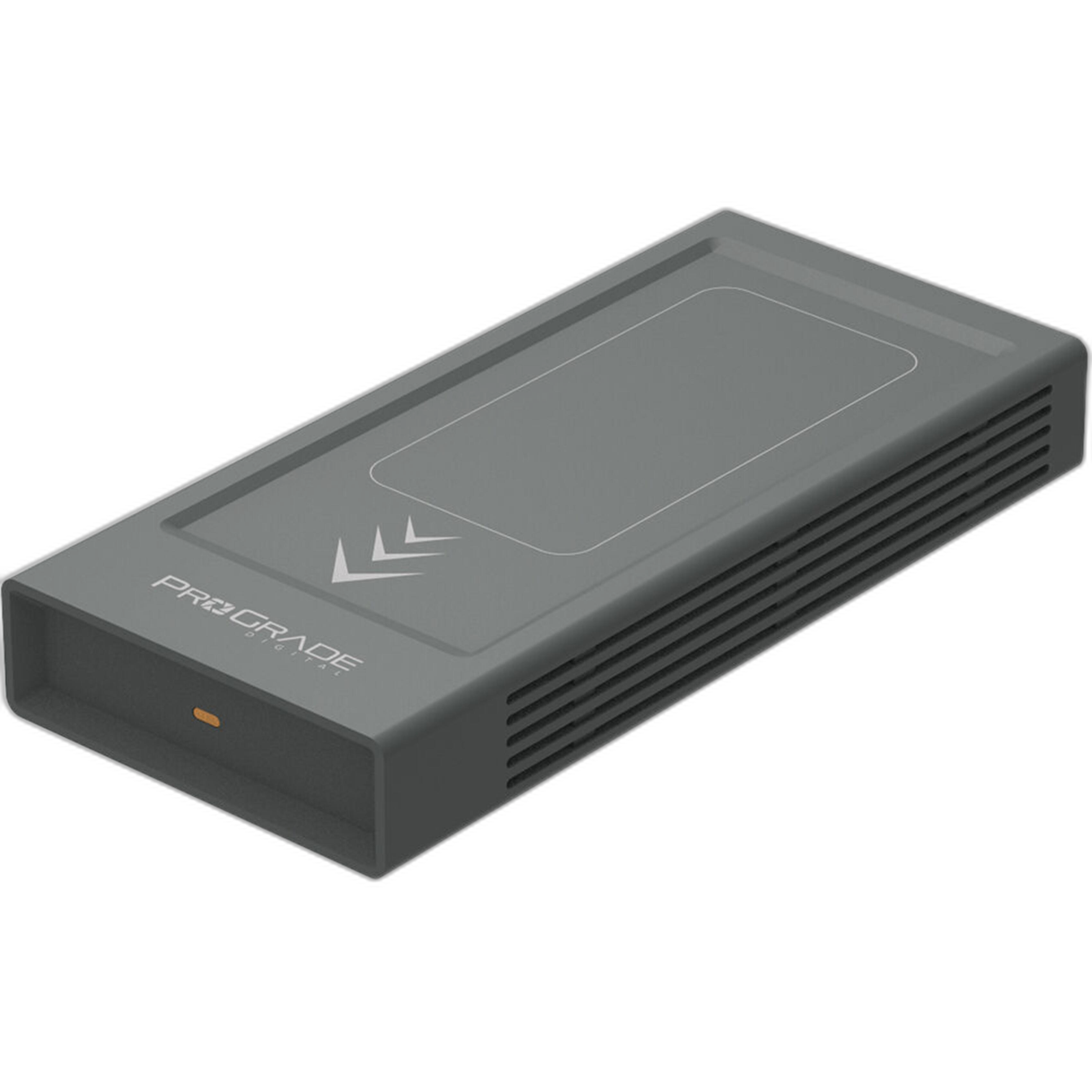
This approach makes it much easier to find the correct version of an image when a contest asks for web-ready JPEGs, high-resolution TIFFs, or additional captions later. Storing these files on a dedicated external drive like the ProGrade Digital PG10 v2 Solid State Workflow Drive - 8TB gives you plenty of room for multiple contests, client work, and archived edits in one place.
Back Up Before You Begin Editing
3. Keep at least one duplicate copy of your submission files
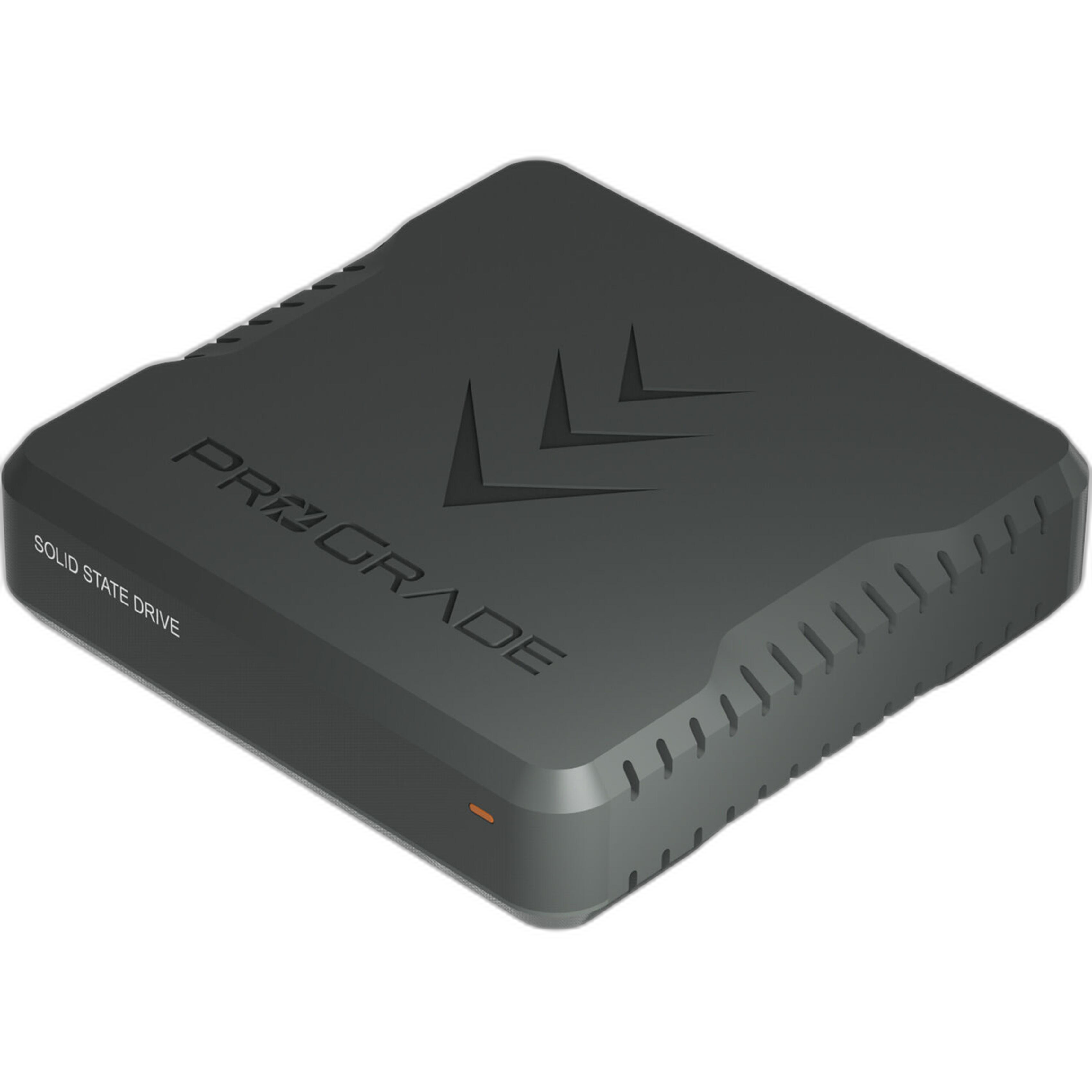
Before making selects or edits, create a backup copy of the original captures. Contest-winning images are often the result of revisiting a shoot with fresh eyes, so preserving the untouched originals is essential. A storage option like the ProGrade Digital PG10.5 Solid State Workflow Drive - 4TB works well for photographers who want a compact, dedicated drive for active projects and contest preparation.
At minimum, keep your working files on one drive and a duplicate on another location. That way, if something goes wrong during editing or export, your source material is still safe.
Edit With the Contest Rules Open
4. Match your workflow to the actual submission requirements
One of the easiest ways to waste time is editing first and reading the rules later. Before finalizing your image, confirm the contest's requirements for dimensions, color space, file size, borders, metadata, and whether compositing or heavy retouching is allowed.
If you want to tighten your digital post-production process, educational sessions like EXPO: Digital Editing Workflow Using Photoshop and Lightroom with Don Polzo can be a useful resource for photographers who want a more polished, repeatable editing system.

Make Your Selects Ruthlessly Clear
5. Narrow your entries down with a simple rating system
Instead of repeatedly reviewing hundreds of files, assign quick ratings during your first pass. For example:
- 1 star: technically usable
- 3 stars: strong contenders
- 5 stars: final submission candidates
This kind of triage keeps your contest workflow focused and prevents indecision. Once you identify your best frames, compare them side by side for sharpness, emotional impact, and how well they fit the contest theme.
Prepare Final Exports in Multiple Versions
6. Export one file for upload and one master file for safekeeping
Even if a contest only asks for a compressed JPEG, it is wise to save a full-resolution master version as well. You may need it later if your image advances to a finalist round, gets selected for print, or requires publication-ready delivery.
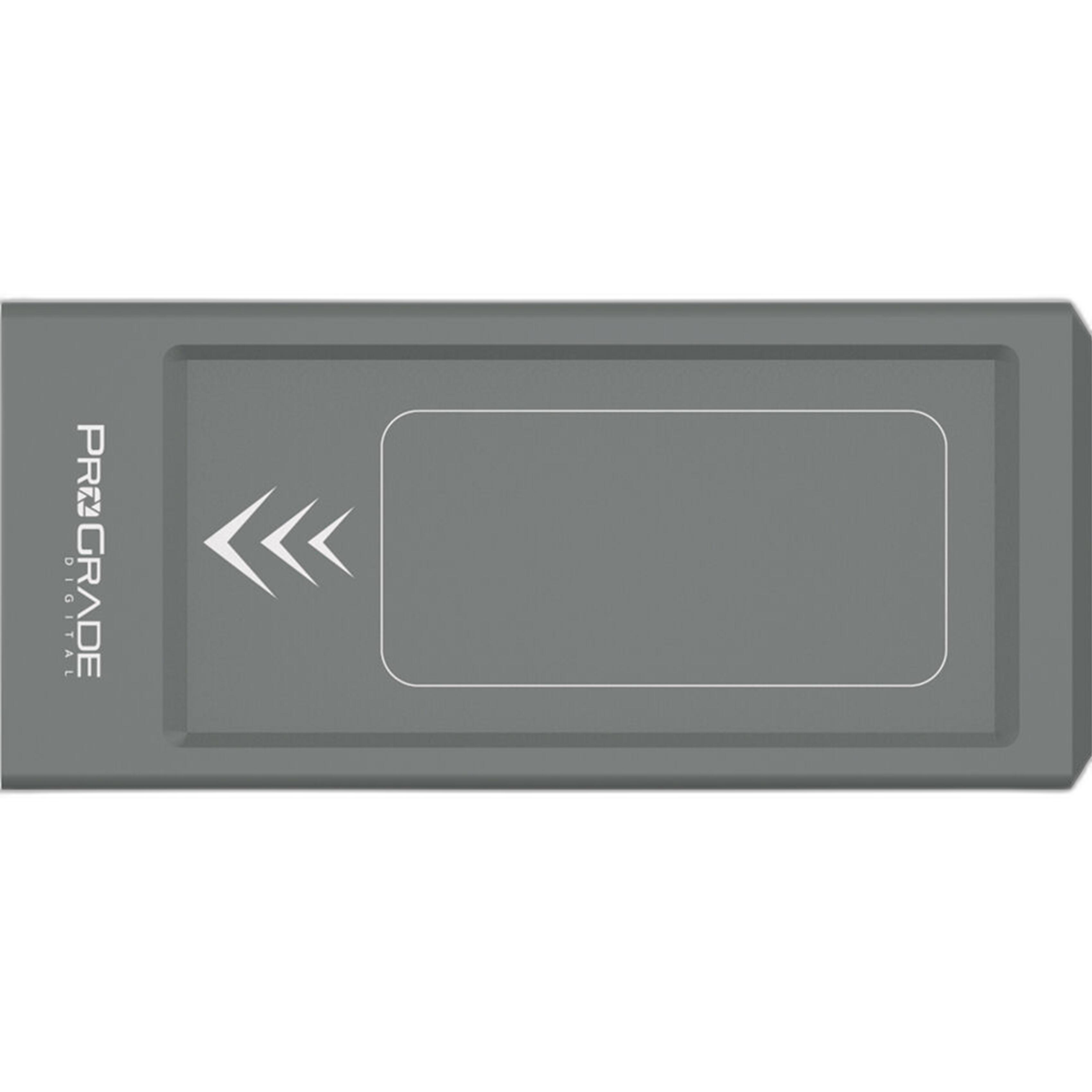
For larger image libraries and layered edit files, the ProGrade Digital PG10 v2 Solid State Workflow Drive - 8TB can be especially helpful when maintaining both working files and final submission exports across multiple competitions.
Keep Your Physical Workflow Efficient Too
7. Reduce friction in your shooting-to-editing routine
Contest workflow is not just about software. It also helps to keep your hardware setup simple and repeatable, especially if you move between studio, event, or location work. Accessories like Kondor Blue Mini Lock Quick Release Plates for Professional Camera Workflows can help streamline transitions in a broader professional setup, making it easier to stay organized from capture through submission prep.
The goal is to eliminate small delays and distractions so you can spend more time evaluating images and less time reorganizing gear or rebuilding your process from scratch.
Study Winning Work and Learn From Past Contests
8. Review successful submissions to understand presentation trends
Looking at previous winners can help you understand what kinds of images stand out, how they are framed, and what makes them memorable. Resources like UUOnline (Free): NJ Monthly 2020 Cover Search Contest Winners Reveal can offer useful perspective on how strong submissions are chosen and presented.

While every contest is different, reviewing winning work can sharpen your instincts and help you submit with more intention.
Do a Final Checklist Before You Hit Submit
9. Confirm everything one last time
Before uploading, run through a quick checklist:
- Correct file format
- Proper image dimensions
- Accurate file naming
- Required captions or descriptions included
- No accidental watermarks if prohibited
- Metadata checked
- Backup saved
This final review only takes a few minutes, but it can prevent disqualification over avoidable technical mistakes.
Conclusion
A great contest submission workflow is really about consistency: import quickly, organize clearly, back up everything, edit to the rules, and export with confidence. With the right tools, storage, and learning resources, you can spend less time troubleshooting and more time presenting your best work. Explore workflow solutions, storage options, and educational opportunities at Unique Photo to keep your next contest entry polished and deadline-ready.