Entering a photo contest can be exciting right up until the submission form starts asking for file type, color space, pixel dimensions, and whether your edit qualifies as “acceptable.” Many strong entries get rejected not because the photograph is weak, but because the file doesn’t meet the rules. The best approach is to treat contest prep like part of your creative workflow: organize your files, edit with restraint, and export exactly to spec.
Below are practical tips photographers share for handling image formatting, post-processing limits, and technical requirements before clicking submit.

Start With the Contest Rules, Not Your Final Export
1. Read every requirement line by line
Contest organizers often specify exact submission details, including JPEG versus TIFF, minimum and maximum pixel dimensions, file size caps, naming conventions, metadata rules, and whether borders or watermarks are prohibited. Before exporting anything, make a checklist from the rules page. That simple step can save you from avoidable disqualification.
- Confirm accepted file formats
- Check long-edge pixel requirements
- Look for file size limits in MB
- Verify color space, usually sRGB for online submission
- Review naming rules and caption requirements
If you want to sharpen your decision-making around editing and output, a class like Unique Photo’s Product Photography and Post Production Editing with Blake Taylor can be a helpful way to build a cleaner finishing workflow for submission-ready files.
2. Keep a master file and create contest-specific exports
Never resize your only edited file for one contest and overwrite it. Keep a high-resolution master, then make duplicates tailored to each competition. One contest may ask for a 3000-pixel JPEG under 5MB, while another may want a full-resolution TIFF for final judging. Separate exports help you stay flexible and avoid quality loss from repeated resaving.
Format Your Files for Clean, Reliable Delivery
3. Use the correct color space
For online contests, sRGB is usually the safest choice unless the organizer specifically requests Adobe RGB or another profile. Submitting in the wrong color space can lead to dull, shifted, or oversaturated color when jurors review your work on standard displays.
As a practical rule, convert intentionally during export rather than assuming your editing software will handle it automatically.
4. Resize carefully and avoid over-compression
Photographers often make the mistake of shrinking files too aggressively just to meet upload limits. Instead, resize to the required dimensions first, then adjust JPEG quality until you fall within the file-size cap. This preserves more detail than blindly dragging quality sliders downward.
Fine-detail subjects, especially macro work, can show compression artifacts quickly. If you photograph intricate textures, techniques taught in sessions like PCS: Macro and Closeup Image Stacking with Shiv Verma (Lumix) can also reinforce why careful export settings matter when detail is a judging factor.

5. Name files exactly as requested
Some contests want your title in the filename, others want an anonymous numeric code, and some prohibit any identifying information. Follow the instructions literally. A beautifully formatted file can still create issues if the filename breaks blind judging rules.
Know Where Post-Processing Usually Crosses the Line
6. Distinguish enhancement from alteration
Most contests permit global adjustments like exposure correction, white balance, contrast, moderate dodging and burning, and routine dust-spot removal. The gray area begins when edits change the factual content of the scene. Replacing skies, removing major objects, compositing multiple frames, or adding elements may be prohibited, especially in photojournalism, wildlife, and documentary categories.
Always ask yourself: does this edit improve presentation, or does it materially change what was photographed?
7. Be extra cautious with AI tools and content-aware edits
Many recent contest rules now address generative AI, object removal, and synthetic image assembly directly. Even if your software makes these tools easy to use, that does not mean they are contest-legal. If the rules are vague, assume stricter standards and keep your retouching conservative.
8. Save layered files in case judges request proof
Some competitions may ask finalists for RAW files or layered edits to verify authenticity. Keep your original capture, edited working file, and final export organized in one folder. If your process includes stacking or advanced blending, make sure the contest explicitly allows it in your category.
This is especially important for close-up specialists who may use legitimate multi-frame techniques. Learning methods in a class like PCS: Macro and Closeup Image Stacking with Shiv Verma (Lumix) is valuable, but for contests, the key is whether those methods are permitted.

Meet Technical Requirements Beyond the Image Itself
9. Check metadata, captions, and capture information
Some contests require complete EXIF metadata, while others ask entrants to strip personal details. Read carefully. Wildlife and journalism competitions may also require location context, capture dates, or disclosure of hides, baiting, or manipulation. Missing metadata can raise questions, even if the image itself is strong.
10. Scan older prints and film properly for heritage or archival categories
If you are submitting older work from prints or negatives, use a reliable scanner and keep the digitization process clean. A flatbed option like the Canon CanoScan LiDE 400 Color Image Scanner or Canon CanoScan LiDE 300 Color Image Scanner can help produce organized, accurate scans for submission, especially when a contest accepts archival photographs or requires digital upload of analog originals.
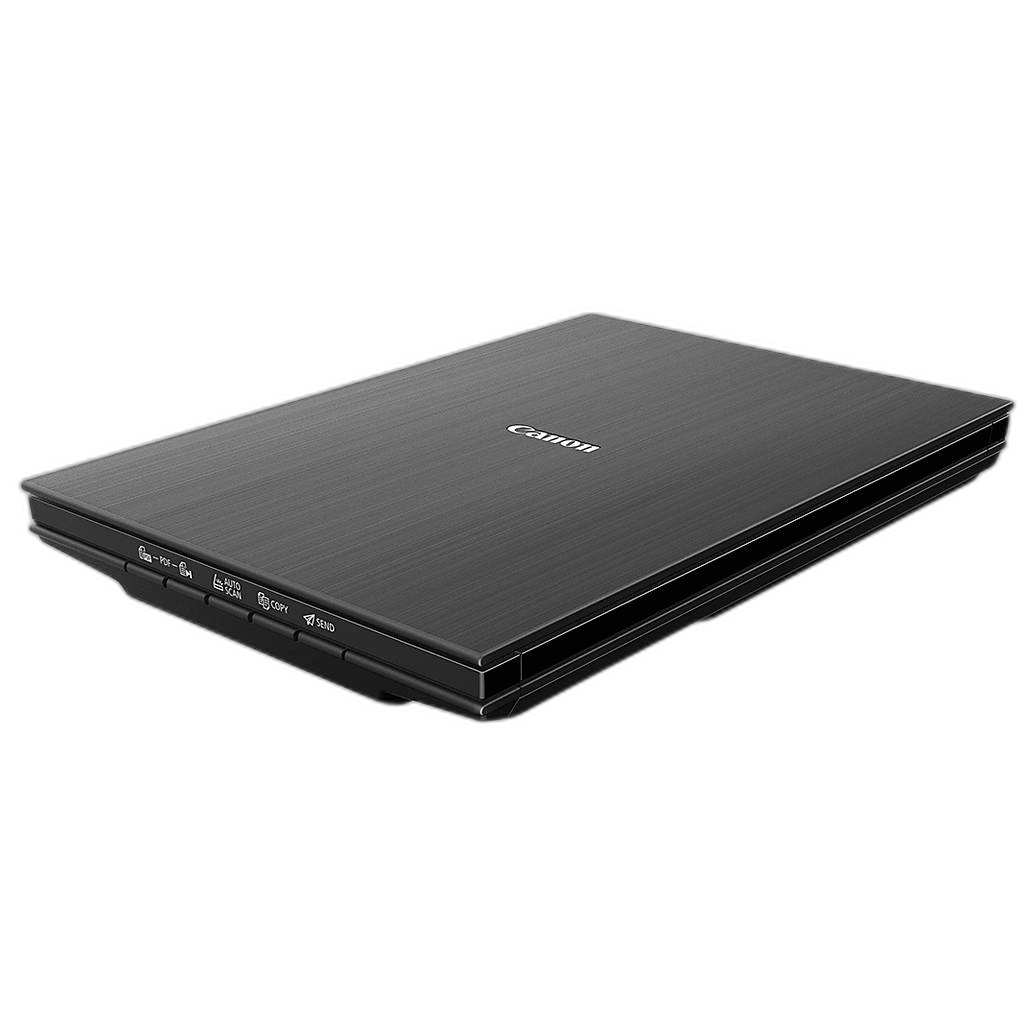
When scanning, avoid introducing excessive sharpening, contrast, or cleanup that changes the original character of the image beyond accepted restoration standards.
11. Prepare prints as carefully as digital files when required
Some competitions include print rounds, portfolio reviews, or exhibition-ready submissions. In those cases, color consistency and paper handling matter just as much as the edit. A printer like the Used Fair Canon imagePROGRAF PRO-1000 17-Inch Professional Inkjet Printer can be useful for photographers testing print presentation before submission.
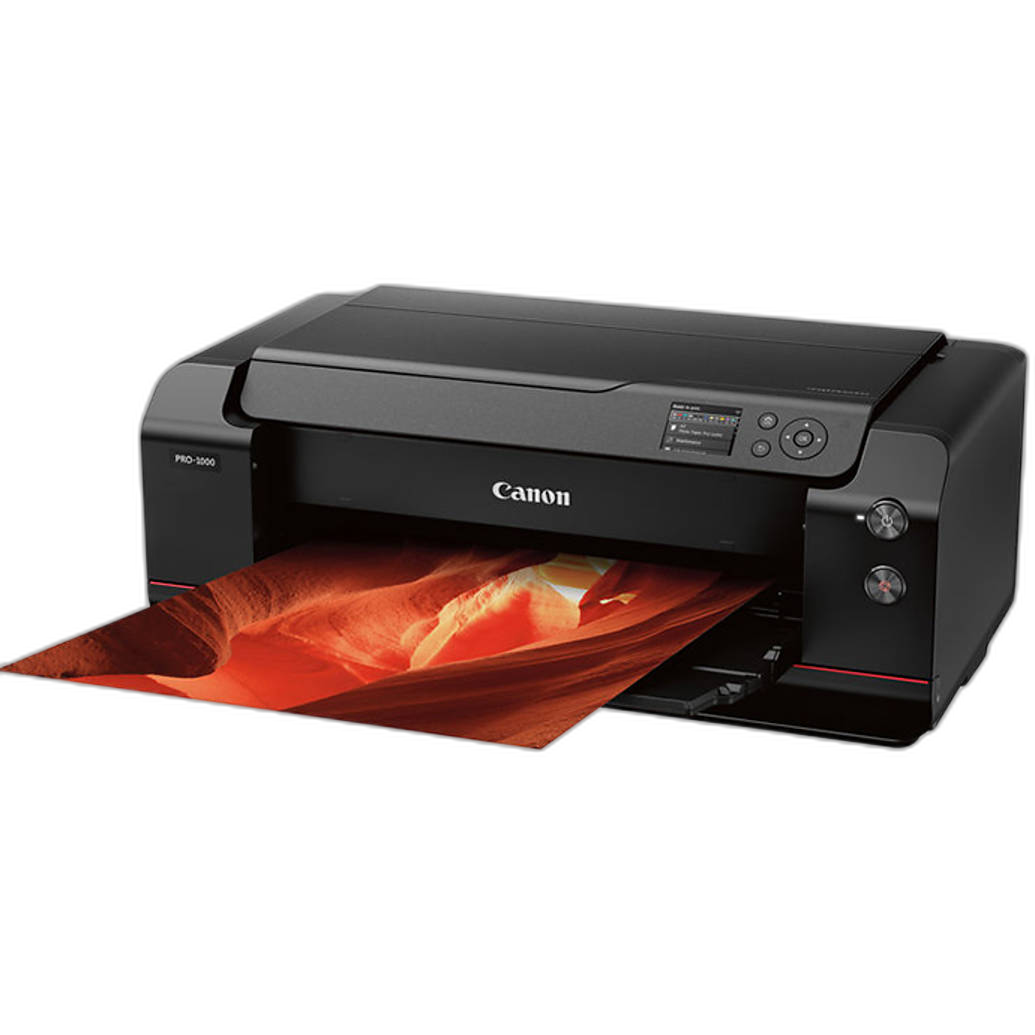
If you are mailing supporting prints, store them carefully and keep reference copies organized. Even a simple archival storage option like the Pioneer Photo Albums Slim Line Post-Style Pocket Album can help keep small print sets, past entries, or reference proofs in order while you compare versions.
Build a Submission Workflow That Reduces Mistakes
12. Review your image on more than one screen
A file that looks perfect on one display may appear too dark, too saturated, or oversharpened elsewhere. Before submitting, view your export on at least one additional monitor or device. If your contest may include projected judging, moderate contrast and sharpening often translate better than extreme edits.
13. Double-check the category fit
An excellent image can still underperform if entered in the wrong category. A heavily stylized landscape may not belong in a natural-world division, and a stitched panorama may violate single-capture rules. Match both the look of the image and the editing method to the contest’s definitions.
14. Submit early enough to fix upload issues
Web forms fail, file sizes get rejected, and captions disappear. Upload at least a day ahead if possible so you have time to correct errors. Last-minute submissions are where formatting mistakes usually happen.
15. Learn to defend your process clearly
If a contest asks for an explanation of your workflow, be concise and honest. Photographers who can explain capture technique, retouching limits, and export choices tend to feel more confident during portfolio reviews and juried evaluations. Broadening your technical vocabulary through education, including workshops such as Product Photography and Post Production Editing with Blake Taylor, can make that part easier.
Conclusion
Great contest submissions are not just about making compelling photographs; they are also about following instructions with precision. Keep a clean master file, edit within the rules, export carefully, and confirm every technical requirement before you submit. With a disciplined workflow and a little extra review time, your images can reach judges exactly as intended. For classes, tools, and workflow essentials to help you prepare stronger entries, explore more from Unique Photo.