Comparing Editing Software: Review Roundup and Workflow Recommendations
Choosing the right editing software is about more than features alone. Photographers often need to balance image quality, speed, learning curve, file management, and the type of work they do most often—whether that is landscape photography, wildlife, product work, or a broader post-production workflow. In this roundup, we compare software-focused learning options centered on Adobe Photoshop, Adobe Lightroom, and DxO Photo Software, while also looking at workflow tools that support a smoother editing experience from ingest to archive.
Rather than comparing boxed software itself, this article compares educational resources and workflow-oriented gear available from Unique Photo that help photographers decide which editing ecosystem best fits their needs.

Side-by-Side Comparison
| Product | Primary Focus | Best For | Software/Workflow Angle | Format |
|---|---|---|---|---|
| Editing and Enhancing Landscape and Nature Photography with Photoshop | Advanced image enhancement | Landscape and nature photographers | Deep Photoshop-based editing and finishing | Class / educational resource |
| NJCS: Lightroom Photo Editing for Nature and Wildlife with Bobby Stormer | Cataloging and efficient photo editing | Nature and wildlife photographers | Lightroom workflow, organization, and global adjustments | Class / educational resource |
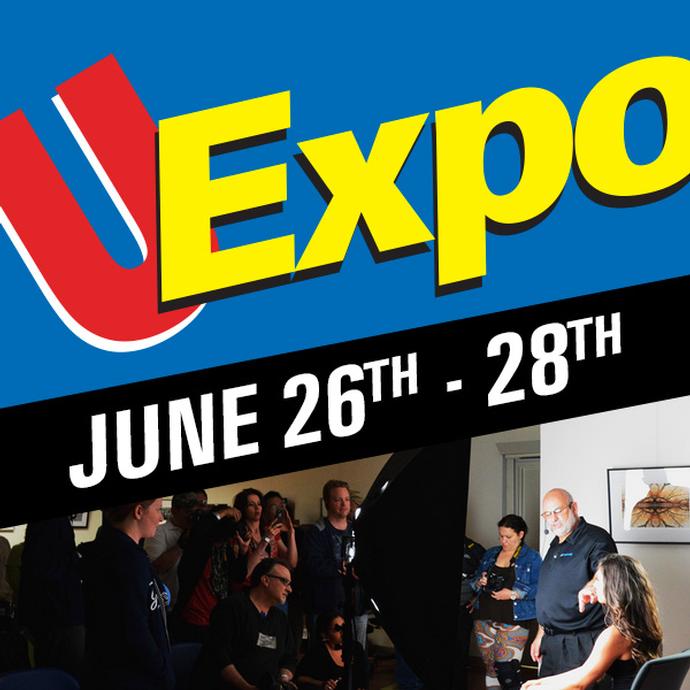
| EXPO: DxO Innovative Photo Software with Hector Martinez | Image quality optimization | Photographers interested in alternative raw processing tools | DxO workflow, correction tools, and image refinement | Class / educational resource |
| Product Photography and Post Production Editing with Blake Taylor | Studio-to-post workflow | Commercial and product photographers | Post-production editing for product imagery | Class / educational resource |
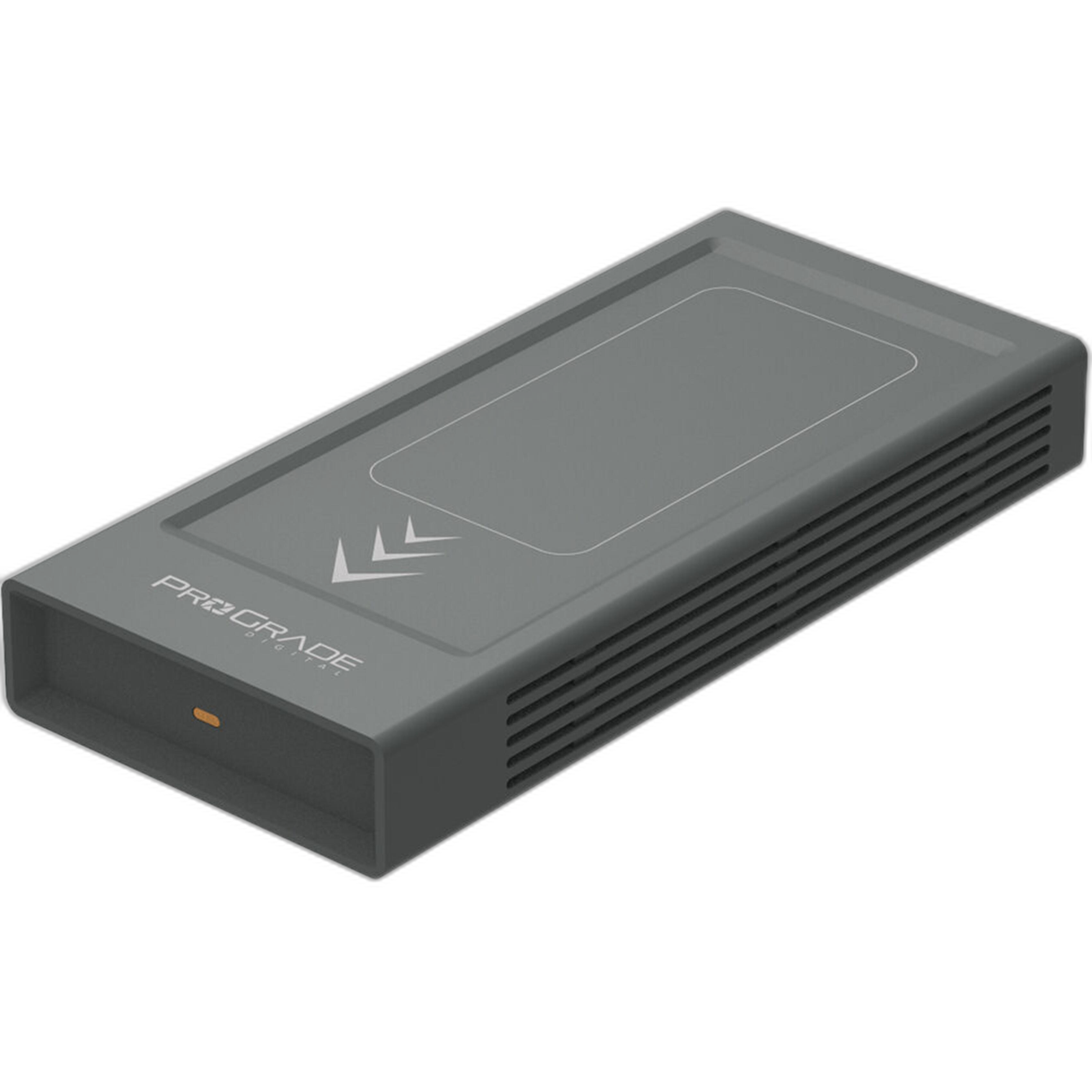
| ProGrade Digital PG10 v2 Solid State Workflow Drive - 8TB | Storage and editing throughput | High-volume editors and professionals | Supports fast edit, backup, and project workflows | Hardware workflow solution |
What Each Editing Approach Does Best
Photoshop for Precision and Layer-Based Control
Editing and Enhancing Landscape and Nature Photography with Photoshop is the strongest fit for photographers who want maximum control over their final image. Photoshop remains the go-to choice for selective edits, compositing, retouching, masking, advanced contrast control, and finishing work that goes beyond global slider adjustments.
This makes it especially appealing for landscape and nature photographers who want to fine-tune local areas of an image, blend exposures, remove distractions, or shape a highly polished final file.

Best workflow fit: Photographers who do not mind a steeper learning curve in exchange for the highest degree of creative control.
Lightroom for Speed, Organization, and High-Volume Editing
NJCS: Lightroom Photo Editing for Nature and Wildlife with Bobby Stormer is ideal for photographers who need to move efficiently through large image sets. Lightroom excels at culling, organizing, keywording, basic retouching, batch adjustments, and maintaining a streamlined raw workflow.
For wildlife and nature shooters coming back from the field with hundreds or thousands of images, Lightroom is often the most practical starting point. It offers a cleaner workflow for import, review, adjustment syncing, and export than a Photoshop-only approach.

Best workflow fit: Photographers who value speed, consistency, and file organization as much as final image quality.
DxO for Optical Corrections and Raw Image Quality
EXPO: DxO Innovative Photo Software with Hector Martinez highlights an appealing alternative for photographers focused on raw conversion quality, lens corrections, noise reduction, and automated image optimization. DxO has built a strong reputation among users who want excellent technical image cleanup without necessarily building their entire workflow around Adobe tools.
For users working with challenging files—high ISO wildlife shots, lens distortion, or demanding dynamic range scenes—DxO can be a compelling addition or alternative in the editing pipeline.
Best workflow fit: Photographers prioritizing raw file quality and correction tools, especially when technical image cleanup is a high priority.
Product Photography Editing Requires a Different Workflow
Product Photography and Post Production Editing with Blake Taylor approaches editing from a commercial perspective. Product photography often demands accurate color, clean backgrounds, consistent lighting, dust cleanup, and controlled retouching that supports brand presentation.
Compared with landscape or wildlife work, product editing is usually more repeatable and detail-oriented. That means software choice often comes down to precision, consistency, and efficiency in studio-based post-production.

Best workflow fit: Photographers and content creators producing catalog, e-commerce, or commercial product images.
Workflow Matters as Much as Software
No editing software works in isolation. A fast, reliable workflow can make Lightroom feel even faster, Photoshop less frustrating, and large DxO exports more manageable. For photographers handling bigger jobs or high-resolution files, storage speed becomes part of the editing experience.
The ProGrade Digital PG10 v2 Solid State Workflow Drive - 8TB is well suited for active project storage, scratch-disk style usage, and keeping current edits accessible without bottlenecks. If your work involves thousands of raw files, layered PSDs, or large export batches, a dedicated workflow drive can make a meaningful difference.
Which Type of User Should Choose Which Platform?
Choose Photoshop If...
You want maximum control over local adjustments, retouching, compositing, and fine art finishing. The Photoshop-centered class is the best match for photographers who are comfortable spending more time per image to achieve a polished result.
Choose Lightroom If...
You need a practical, scalable workflow for importing, organizing, batch editing, and exporting large numbers of images. Lightroom is especially strong for photographers covering events, wildlife, travel, and outdoor sessions with high image counts.
Choose DxO If...
You care most about raw processing quality, optical correction, and noise reduction, or you want to explore an alternative to a fully Adobe-based workflow. DxO can also complement an existing editing setup.
Choose a Product-Focused Post Workflow If...
Your goal is consistent commercial output, especially for online stores, branding, or studio content creation. Product work often benefits from a more specialized editing mindset than general photography workflows.
Our Pick
Our Pick: NJCS: Lightroom Photo Editing for Nature and Wildlife with Bobby Stormer
For the broadest range of photographers, Lightroom offers the most approachable balance of speed, organization, and image quality. It is easier to build a repeatable workflow around, especially for users managing lots of raw files. While Photoshop remains the stronger finishing tool for detailed retouching and advanced edits, Lightroom is the platform most photographers will benefit from mastering first.
That said, the best advanced combination for many creators is Lightroom for workflow + Photoshop for finishing. Photographers seeking maximum image quality from difficult files may also find DxO to be a valuable addition.
Final Thoughts
When comparing editing software, the real question is not simply which program is best—it is which workflow best matches your photography. Photoshop shines for control, Lightroom leads for speed and organization, DxO stands out for technical image optimization, and specialized post-production training can make a major difference in commercial work.
If you are looking to build a stronger editing workflow, sharpen your post-production skills, or add storage solutions that keep your projects moving, Unique Photo offers excellent educational resources and workflow tools to support every stage of the process.